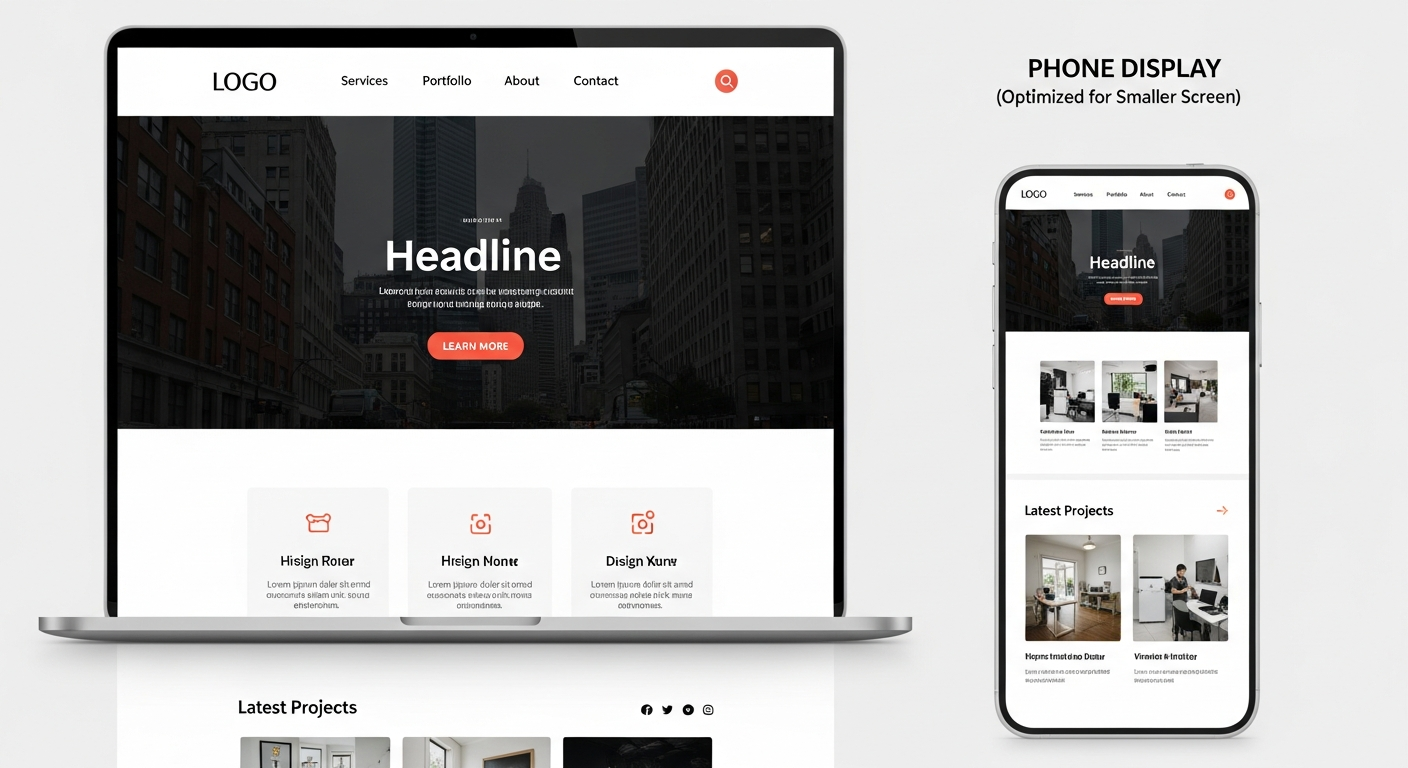
websites with good web design
What excellent web design looks like in 2025 — and step-by-step actions small businesses can take to improve performance, conversions and SEO.
Good web design is more than how a site looks. It controls speed, accessibility, content structure, and how search engines understand your pages. This guide breaks down the key elements and gives clear steps you can implement this week.
Why good web design directly improves SEO and performance
Search engines rank pages that satisfy users. Good design reduces friction (faster loads, clear navigation, readable content) which increases engagement signals like time-on-page, lower bounce rates and higher click-throughs — all signals Google uses. Additionally, technical design decisions (structured data, semantic HTML, image optimization) make pages easier to crawl and index.
Design influences four core SEO signals
- Speed: Faster pages rank better and convert more visitors.
- Usability: Clear navigation and CTAs mean visitors act — more conversions and better engagement metrics.
- Content structure: Proper headings, metadata and schema help search engines understand intent and display rich results.
- Mobile experience: Mobile-first indexing means the phone experience drives ranking.
Key elements of good web design
Responsive & mobile-first layout
Design for the smallest screen first. Use touch-friendly targets, readable fonts and single-column flows for content.
Performance & fast loading
Optimize images, lazy-load offscreen content, minimise scripts and use a fast host or CDN.
Clear visual hierarchy
Use headings, contrasting CTAs and whitespace so visitors immediately know what to do next.
Semantic HTML & accessible content
Use H1–H6 logically, descriptive alt text for images, ARIA when needed, and readable contrast ratios.
Strong calls-to-action (CTAs)
Make contact, quote or booking CTAs prominent and repeat them where appropriate.
Technical SEO & structured data
Implement meta tags, canonical tags, sitemap.xml, robots and schema (LocalBusiness, Service, FAQ).
A practical step-by-step plan for small businesses
Follow this prioritized roadmap — do steps in order and you’ll see measurable improvements quickly.
-
1
Run a 30-minute quick audit
Tools: Google PageSpeed Insights, Mobile-Friendly Test, and Lighthouse (built into Chrome).
Actions: note mobile load time, largest contentful paint (LCP), and accessibility score. List the top 3 issues to fix (e.g., large images, render-blocking scripts).
-
2
Fix images and media
Compress images, use modern formats (WebP/AVIF), set width/height attributes and implement lazy-loading for offscreen images.
Expected result: big reduction in page weight and faster LCP.
-
3
Improve hosting & caching
Move to a fast provider or CDN, enable server-side caching, and use gzip/Brotli compression.
Expected result: faster Time to First Byte (TTFB) and consistent speeds across regions.
-
4
Clarify content structure
Use one H1 per page (use our page title exactly where appropriate), clear H2/H3 sections, and short paragraphs with bullets for scanners.
Expected result: easier crawling and improved relevance for targeted keywords.
-
5
Optimize on-page SEO
Write unique title tags and meta descriptions, include target keywords in headings and first 100 words, use descriptive image alt text, and add internal links to priority pages.
Expected result: higher click-through-rates from search results and clearer signals for ranking.
-
6
Add structured data
Implement LocalBusiness, Service, FAQ and Breadcrumb schema where relevant to improve rich result eligibility.
Expected result: rich snippets, improved local visibility and higher CTR.
-
7
Test accessibility & UX
Run simple keyboard navigation checks, verify color contrast, and test forms on mobile. Fix any obstacles to completing a contact action.
Expected result: better user experience and compliance — indirectly helps SEO and conversions.
-
8
Measure and iterate
Install analytics (GA4), set up goal tracking for calls, forms and clicks. Review monthly and prioritise the top 3 improvements.
Expected result: continuous performance gains and predictable ROI.
Design decisions that directly improve SEO
Title tags & headings
Use unique, descriptive title tags under 60 characters and a single clear H1. Headings (H2/H3) should follow content structure and include related keywords naturally.
Images and alt text
Every image should have descriptive alt text that helps visually-impaired users and gives context to search engines. Use file names that include keywords (but avoid stuffing).
Internal linking & siloing
Link relevant pages to each other and organise content into clear topic silos. This distributes authority and helps search engines understand topical relevance.
Local SEO signals
Add NAP (name, address, phone) in schema, embed Google Business Profile, and ensure consistent citations on directories. Local signals drive "near me" traffic for trades and services.
Quick action checklist (do this this week)
- Run PageSpeed Insights and note top 3 speed fixes
- Compress top 5 hero images and convert to WebP
- Confirm H1 is unique and each page has a title tag & meta description
- Ensure contact phone and form are visible above the fold on mobile
- Add LocalBusiness schema to your homepage
- Install analytics and set up a simple goal for form submissions
Get design & SEO help without the hassle
If you want professionally-designed, mobile-first pages with built-in SEO and unlimited updates, Congero builds complete websites in minutes and manages performance month-to-month for a flat fee. That means you get the design, hosting, local SEO and analytics without learning code or spending weeks.
Want to see how a well-designed site helps your business? Click below to view a demo or begin a free preview via WhatsApp — no credit card required.
Frequently asked questions
How fast should my website load on mobile?
Will better design really increase leads?
What are Core Web Vitals and why do they matter?
Can I fix design issues without a developer?
Make your website work harder
Better design means faster pages, clearer messaging and more customers. If you want hands-off, measurable improvements — Congero builds and manages websites optimized for performance and local SEO.
Live demo available in under 60 seconds. Monthly plans include hosting, domain, SSL and unlimited updates.
