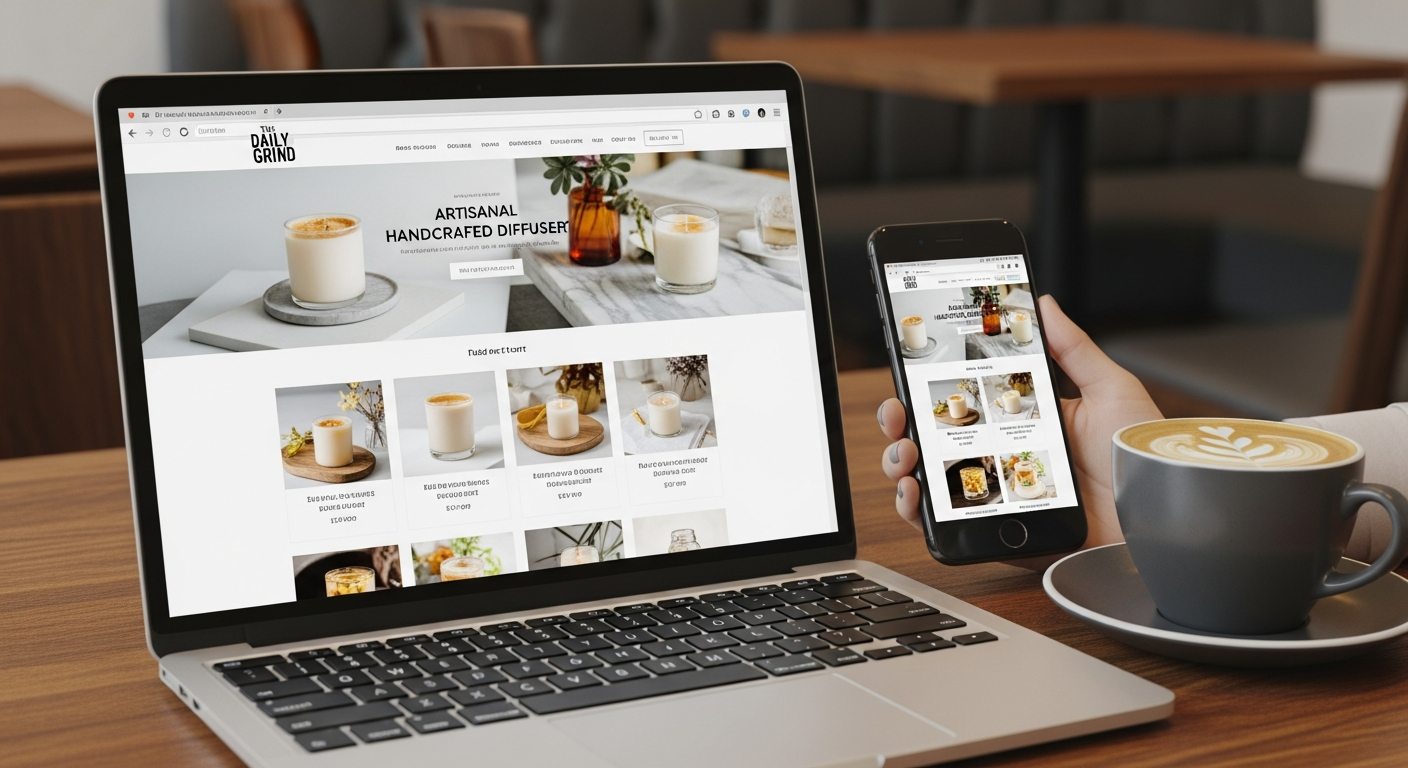
websites free
How small businesses can build an effective website for free and grow it with simple SEO and content steps
This guide walks you through planning, building, and optimising a website without upfront costs. Focus on the steps that matter most for visibility and enquiries: clear messaging, basic SEO, fast performance and a repeatable growth plan.
What you'll learn
Why a free website can be a smart move for small businesses
A "free" website isn't about cutting corners — it's about prioritising the essentials: clear service pages, contact details, and discoverability. Free platforms and tools let you take action immediately, test what works, and invest later when you have evidence a website drives enquiries.
- Fast to launch — start collecting leads this week
- Low risk — test messaging and offers before spending
- Scalable — you can move to paid features or a managed option later
Best free platforms and when to use them
Google Sites
Very quick, easy to edit, free hosting. Good for brochure-style sites and teams already using Google Workspace.
GitHub Pages / Netlify (static)
Ideal if you're comfortable with files or use a simple site generator. Fast and free HTTPS hosting for static sites.
WordPress.com (free plan)
Easy to start, built-in blog, basic SEO features. Free subdomain provided.
Free site builders (Wix / Weebly / Webflow trial)
Visual builders let you drag-and-drop pages quickly. Free plans include the platform's branding and a subdomain.
Tip: start on a free plan to validate demand. If the site generates regular enquiries, move to a paid plan or managed service to remove platform branding and use a custom domain.
Plan: what to create first
Before building, decide the one thing you want your website to achieve (phone calls, bookings, form submissions). Keep pages lean and goal-focused.
-
Choose 3 key pages — Home, Services (or Products), Contact. Each page should answer visitor intent quickly.
Optional: About and FAQ if they help build trust or answer common objections.
- Write a single main conversion — "Call now", "Get a free quote", "Book online". Make it visible on every page.
- Collect content — Short service descriptions (3–5 bullets each), clear prices or pricing ranges, 3–6 photos of real work, and at least one customer testimonial.
Build: fast, free and effective steps
Step 1 — Pick a template and keep it simple
Use a clean template with clear headings and a visible call-to-action. Remove unnecessary sections and sample content.
Step 2 — Use a clear headline
Your homepage headline should state who you help and what you do in one sentence. Example: "Local plumber — fast emergency repairs & hot water specialists".
Step 3 — Contact details everywhere
Phone, email and service area should be on the header, footer and contact page. Make your phone number clickable for mobile.
Step 4 — Images and proof
Use real photos where possible. If you need stock, choose realistic images and caption them. Add 1–3 testimonials to build trust.
If you need a free image here: 
SEO basics: make your free site findable
Search optimisation doesn't require expensive tools. Start with these priority items and check them off as you go.
1. Keyword focus
Pick 1–2 phrases per page that match user intent (e.g., "emergency plumber Sydney", "oven cleaning Melbourne"). Use free Google Keyword Planner or look at "People also ask" in search results for ideas.
2. Page title & meta description
Title tag: include keyword + location + brand (60 characters). Meta description: 120–155 characters summarising benefit and CTA. Every page needs unique title and meta description.
3. Headings and structure
Use H1 for the page title (one per page), H2 for sections. Incorporate your target keyword naturally in H1 or H2. Keep paragraphs short.
4. URLs and slugs
Use simple, readable URLs: example.com/emergency-plumber-sydney. Avoid long IDs and query strings where possible.
5. Images and alt text
Compress images (under 200 KB where possible). Use descriptive file names and alt text that includes keywords where appropriate (e.g., "blocked-drain-repair-sydney").
6. Internal links
Link related pages (e.g., from services to contact). Use clear anchor text like "book emergency repair" rather than "click here".
Technical checks (quick list)
Local SEO: essential for service businesses
If you serve a town or region, local signals drive enquiries. Do these things:
- Create and verify your Google Business Profile (GBP). Add services, opening hours, photos and a short description.
- Ensure NAP consistency (Name, Address, Phone) across your website and local directories.
- Ask happy customers for Google reviews — respond professionally to every review.
- Use local keywords (e.g., "carpet cleaning Brisbane") in page titles and H2s.
Free resources: Google Business Profile, Bing Places, local council business directories and industry-specific directories.
Growth plan: first 30 / 60 / 90 days
Days 0–30
- Launch the core site (Home, Services, Contact)
- Install Google Analytics & Search Console
- Verify Google Business Profile
- Submit sitemap and monitor indexing
Days 31–60
- Publish 2–4 useful blog posts / service guides focused on local keywords
- Start tracking top queries in Search Console
- Collect reviews and add them to the site
Days 61–90
- Reach out for 5–10 local citations (directories)
- Test improvements suggested by PageSpeed Insights
- Turn your best-performing blog posts into social posts and local ads (optional)
Goal: by day 90 you should be seeing improved search impressions and at least a few tracked enquiries from the site. Use data to prioritise next steps.
Free tools that make this easy
- Google Search Console — indexing, queries and improvements
- Google Analytics (GA4) — track visitors and conversions
- Google Keyword Planner & People Also Ask — keyword ideas
- PageSpeed Insights & Lighthouse — speed and Core Web Vitals
- AnswerThePublic / Keywords Everywhere (freemium)
- Canva — quick free images and simple graphics
Using these consistently will give you a low-cost but professional approach to measuring and improving your site.
Common mistakes and how to avoid them
- Too many goals: pick one primary conversion and make it prominent.
- Ignoring mobile: always test and prioritise mobile layout.
- No analytics: if you can’t measure it, you can’t improve it.
- Overloading pages: visitors scan — use short paragraphs, bullets and clear CTAs.
- Expecting instant results: SEO takes weeks. Track, test and iterate.
When to move beyond free: practical signals
Free sites are excellent for testing and getting live fast. Consider a paid or managed option when:
- You consistently get enquiries and need a custom domain, more pages, or features (online booking, payments).
- You want better performance, speed optimisation or advanced SEO tools.
- You prefer someone else to handle updates, backups and analytics.
Example managed approach (non-promotional): managed subscriptions typically bundle hosting, domain, SSL, ongoing updates and local SEO into a monthly fee. If you prefer that path, evaluate providers based on transparency, update speed and whether they include local SEO basics.
Frequently asked questions
Can I use a free subdomain and still rank?
Do I need to pay for SEO tools?
How long until I see traffic?
Free website checklist (start now)
- One clear headline that explains who you help
- 3 main pages: Home, Services, Contact
- Phone number visible and clickable
- Title and meta filled for every page
- Analytics + Search Console installed
- Google Business Profile claimed
If you want to see a managed demo of how an all-in-one service handles domain, hosting, mobile design and local SEO (non-obligatory), you can request a demo below.
