website of graphic designer
Create a stunning portfolio website that showcases your work, attracts local clients, and converts visitors into projects — live in under 60 seconds with AI-powered design.
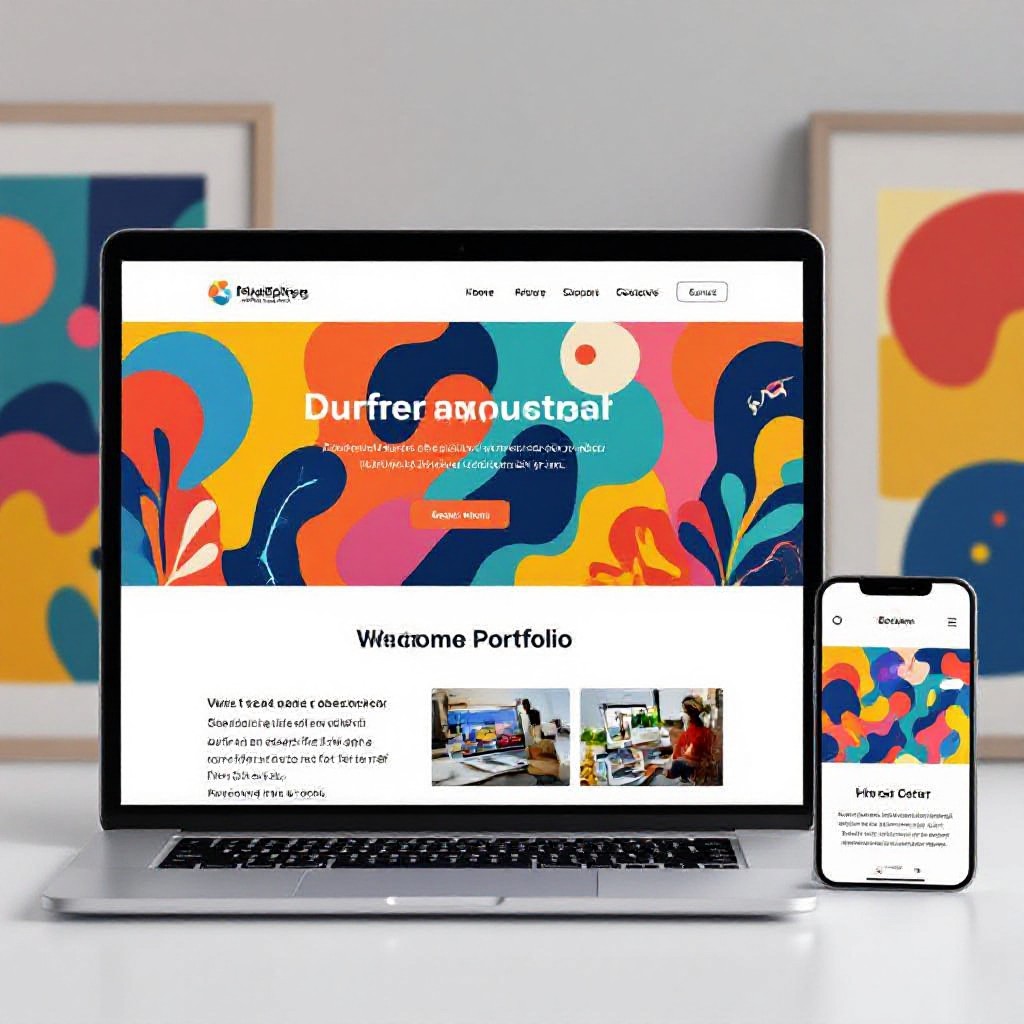
Free demo • No credit card • Includes hosting, domain and unlimited updates for $49/month
What is a "website of a graphic designer"?
A graphic designer website is a purpose-built online portfolio and marketing hub that displays your best work, explains your services (branding, illustration, UI, packaging, etc.), lists pricing or project starts, and makes it easy for potential clients to get in touch. The best designer sites balance visual storytelling with clear calls-to-action so curious visitors become paying clients.
Core Components
- Hero case study or featured project
- Organised portfolio by category or client
- Service pages (branding, packaging, web design)
- Contact / hire CTA and lead capture
- Client logos, testimonials and process overview
Why Congero works for designers
Congero builds mobile-first, visually-focused websites instantly. Provide a few project images and your artist statement via text and the AI assembles a pixel-perfect portfolio with built-in SEO and hosting for $49/month.
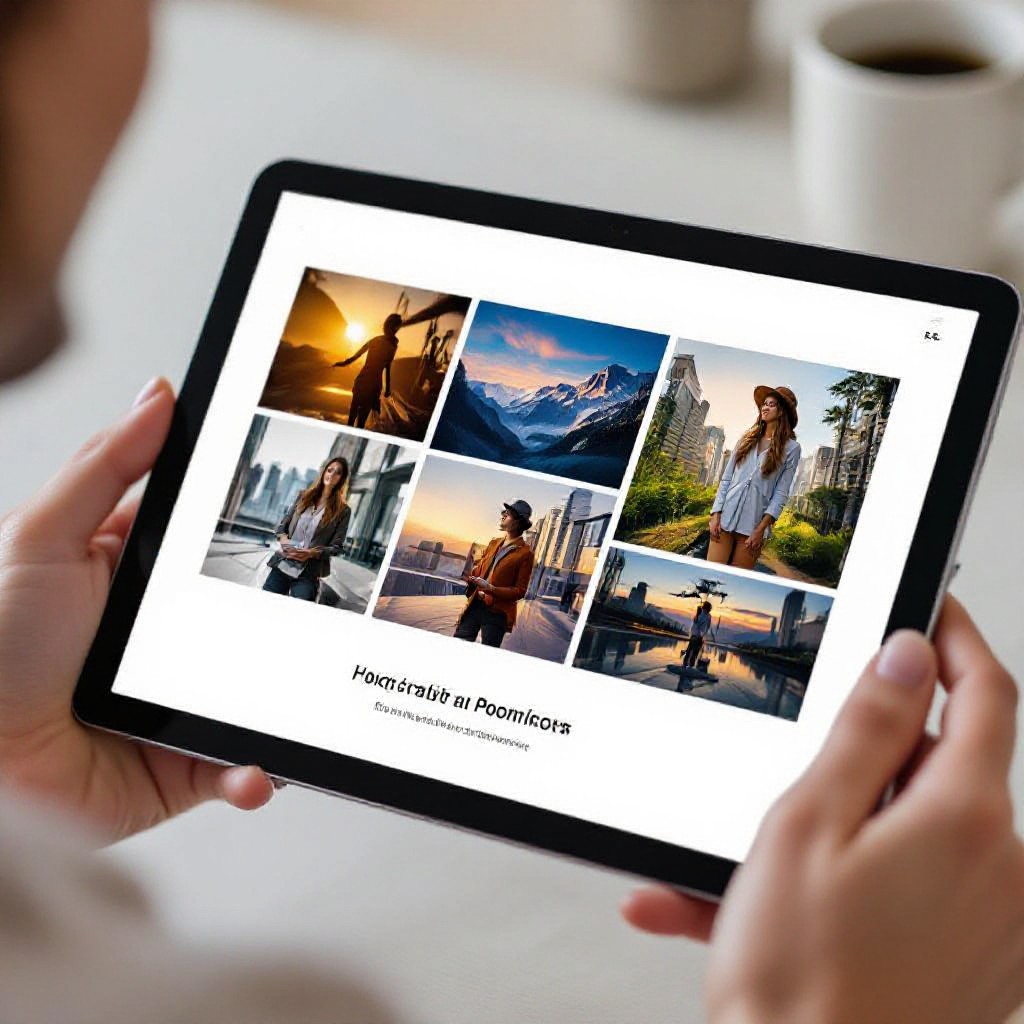
What a great designer website does for your freelance business
From attracting local clients to closing higher-value projects, the right site amplifies your portfolio and saves you time.
Book Better Clients
Showcase case studies that prove your value and attract clients willing to pay premium rates.
Mobile-Ready Portfolio
Every Congero site is responsive so art directors and clients can view work easily on phones and tablets.
Unlimited, Instant Updates
Text new projects or swap images anytime — the AI publishes changes in minutes at no extra cost.
Local & Niche SEO
Rank for searches like "graphic designer near me" or "branding designer in [Suburb]" with schema, meta tags and on-page optimisation included.
Hosting, Domain & SSL
All included for $49/month — remove domain setup friction and launch quickly with secure hosting.
Analytics & Growth Insights
Monthly reports show which portfolio pieces drive enquiries so you can refine your offerings and upsell more effectively.
Portfolio layout & content tips for designers
Follow these practical rules to turn casual visitors into leads and paying clients.
Showcase 6–12 Case Studies, Not Everything
Curate work that demonstrates outcomes: client brief, your approach, visuals, and measurable results (increased sales, engagement, rebrand success). Quality over quantity builds trust faster.
Lead with a Signature Project
Your hero project should immediately communicate style and capability. Place it in the hero section with a short 2–3 sentence summary and a 'View case study' CTA.
Include Process & Pricing Signals
A short process (Discovery → Concept → Deliver) and example starting prices helps filter out low-value leads and speeds up client decisions.
Quick UX Tip
Use large, clean images, generous whitespace, and short captions to let your visuals breathe and keep visitors scrolling.
Optimise Images
- Export web JPEG/WEBP at 72–150dpi and compress under 300 KB where possible
- Add descriptive alt text for accessibility and SEO
- Include a downloadable PDF case study for large-format projects
Microcopy that converts
Use short CTAs: "Hire me", "Request quote", "View full case study". Add client testimonials alongside relevant projects to increase trust.
Get a portfolio website in 60 seconds — step-by-step
No technical setup, no design briefs — just simple text-based inputs and instant results.
1. Request Demo
Text "GO" to our WhatsApp bot or click the demo link to start. No card required.
2. Share Details
Send your logo, a few project images and a short bio via text. Or ask the AI to write your bio for you.
3. AI Builds Site
Our AI lays out projects, writes meta tags, chooses typography and mobile-responsive layouts tailored to designers.
4. Publish & Grow
Connect your domain, get monthly analytics, and request unlimited edits via text.
All-inclusive $49/month • Cancel anytime
SEO tips for a graphic designer website
Simple changes that help art directors and local clients find your portfolio.
Local Keywords
Use phrases like "graphic designer [Suburb]" and "branding designer near me" in page titles, service headers and meta descriptions.
Project Schema & Alt Text
Add structured data for creative works and write descriptive alt text for every image to improve search visibility and accessibility.
Fast Images & Core Web Vitals
Compress imagery, lazy-load large galleries, and prioritise critical content above the fold to keep load times low and user engagement high.
Case Study Titles
Use descriptive case study titles: "Branding for [Client] — +35% sales" helps Google and clients understand value immediately.
Internal Linking
Link related projects and services (e.g., packaging → product shots) to keep visitors exploring and reduce bounce rates.
Reviews & Social Proof
Publish client testimonials and link your Behance/Dribbble profiles — review signals and external links build credibility.
Everything SEO-ready from day one
Congero auto-generates meta tags, schema, local SEO signals and monthly analytics — so your portfolio gets discovered without the technical work.
GET SEO-READY SITEAll-in website for designers — $49/month
Flat monthly fee includes everything you need to launch, maintain and grow your design business online.
$49 / month
Single flat rate — no hidden fees
- AI-built responsive website
- Domain registration or transfer
- Hosting, SSL & updates
Included features
- Unlimited text-in updates
- Built-in local SEO & schema
- Monthly analytics & insights
- Exportable content — no lock-in
Who it's for
Freelance graphic designers, boutique studios, illustrators and creatives who need a professional portfolio without the maintenance overhead.
Cancel anytime. No setup fees. Free demo — try before you commit.
Common questions for designer websites
Answers to questions designers ask most before they build a portfolio site.
Your preview appears in under 60 seconds once you share basics. Connecting a custom domain is optional and usually completes in a few minutes. Ongoing edits are instant via text.
Yes. Congero's AI organises projects into categories and creates filters and landing pages for each service so clients find relevant work quickly.
Yes — provide a short brief for each project and our AI drafts compelling case study copy that you can refine. Or paste your own copy and we’ll use that.
Yes. You own your content and can export static HTML/CSS files anytime — Congero does not lock your content in.
