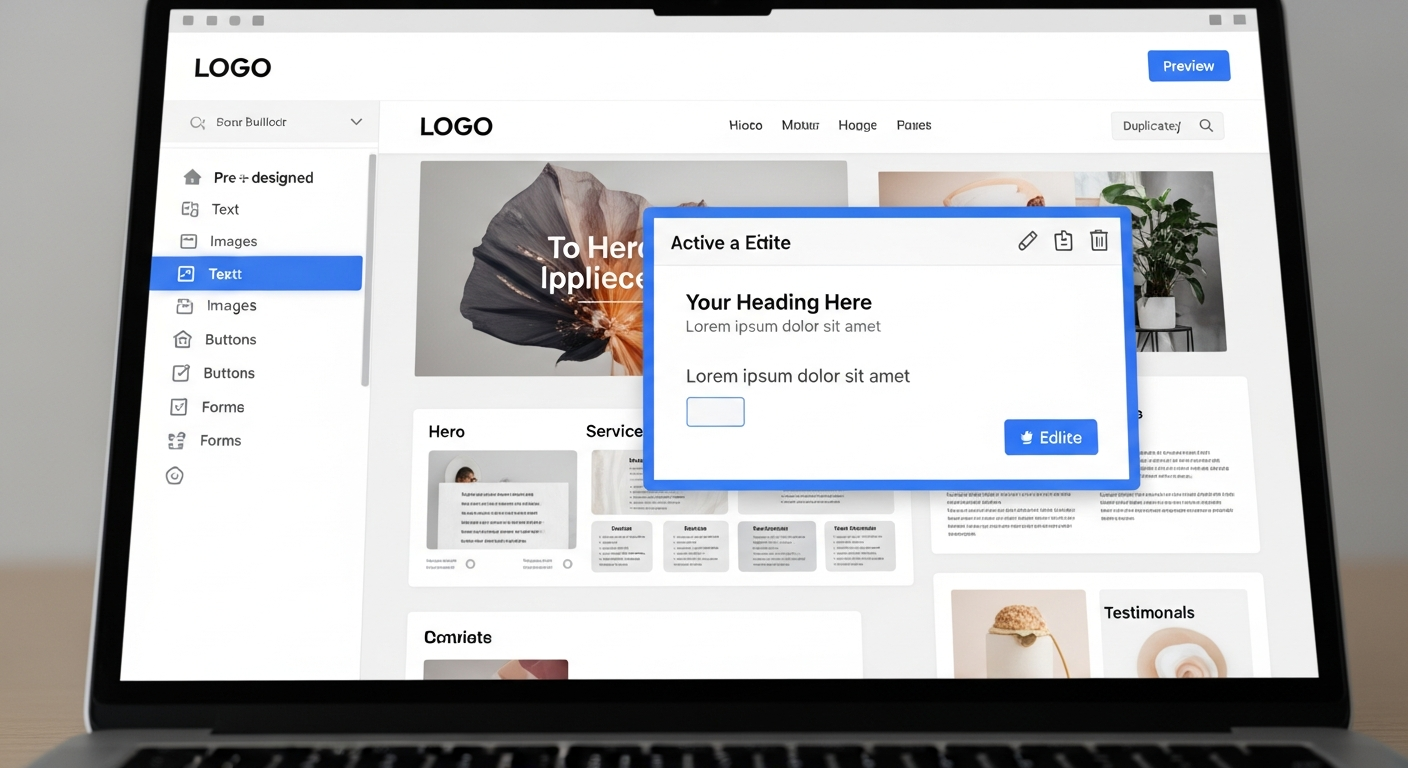
website generator
Choose the right website generator and configure it for SEO, speed, and local visibility — step-by-step.
Website generators can launch professional, mobile-ready sites fast — but only when chosen and configured correctly. This guide gives clear, actionable steps to pick the best tool, avoid common traps, and optimise for search engines and conversion.
What is a website generator?
A website generator (also called a site builder or static site generator depending on the approach) is a tool that creates a complete website from templates, content blocks, or source files. Generators range from code-first tools (Hugo, Jekyll) to no-code SaaS builders (Wix, Squarespace) and AI-driven services that produce a live site from a few prompts or a WhatsApp message.
Why use one?
- Speed: launch in minutes or hours, not weeks.
- Lower cost: subscription or open-source options beat custom builds.
- Predictability: templates and workflows reduce surprises.
Types of website generators — pros & cons
No-code SaaS builders
Examples: Wix, Squarespace, Webflow (SaaS mode)
- Easy visual editing
- Hosting bundled
- Can be slower & limited on advanced SEO controls
Static site generators (SSGs)
Examples: Hugo, Jekyll, Eleventy
- Very fast pages & SEO-friendly
- Great for content-heavy sites
- Require developer skills & hosting setup
AI-driven generators
Examples: AI site builders, Congero-style SMS/WhatsApp builders
- Fastest path to a live, optimised site
- Often include local SEO & ongoing updates
- Less flexible for unique custom features
How to choose the right website generator (7-step checklist)
Use this checklist to match your objectives, budget, and technical capability with the correct generator type.
- Define your primary goal. Lead generation, online bookings, portfolio, ecommerce, or local visibility? Your goal narrows options fast.
- Match skill level to complexity. No-code SaaS if you want visual editing; SSG + developer for performance and complex workflows; AI services if you want speed and ongoing support.
- Check SEO controls: Can you edit title tags, meta descriptions, canonical tags, robots rules, and structured data? If not, move on.
- Performance & hosting: Does the generator host pages on CDN, support next-gen images (WebP/AVIF), gzip/brotli, and fast TTFB?
- Migration & ownership: Can you export your content and keep your domain? Prefer platforms that let you own your content and domain.
- Update workflow: How easy are ongoing edits? If you change prices/services often, prefer unlimited update services or simple edit flows (text-in updates, CMS).
- Costs & contracts: Total cost = monthly + add-ons + migration. Prefer transparent, all-inclusive pricing and avoid long lock-in contracts.
Initial setup & migration: step-by-step
Before you build
- Claim or transfer your domain (keep ownership).
- Collect business details: NAP (name, address, phone), opening hours, services, and logo.
- Prepare 3–5 hero images and short service descriptions (100–150 words each).
- List keywords you want to rank for (local + service terms).
During build
- Set canonical URLs and consistent URL slugs (use hyphens, keep them short).
- Configure 301 redirects if migrating pages.
- Install SSL and ensure all pages load on https://
- Enable sitemap.xml and robots.txt generation.
SEO checklist for website generators
Complete these items to ensure the generator delivers discoverable, high-converting pages.
- Page titles: Unique, 50–60 characters, include primary keyword near the start.
- Meta descriptions: 120–160 characters summarising offer + call to action.
- H1 and headings: One H1 per page containing the main keyword; use H2/H3 for structure.
- URL structure: short, keyword-rich slugs (example: /plumber-melbourne-drain-repair).
- Schema markup: Add LocalBusiness, Service, FAQ and breadcrumb schema where relevant.
- Canonical tags: Prevent duplicate content and prefer the main URL.
- Sitemaps: Auto-generated sitemap.xml and submitted to Google Search Console.
- Robots.txt: Ensure essential assets aren't blocked; temporary staging pages can be noindex.
- Structured data example (Service):
{ "@context": "https://schema.org", "@type": "Service", "serviceType": "Plumbing repairs", "provider": { "@type": "LocalBusiness", "name": "Your Business Name", "telephone": "+61-412-345-678", "address": { "@type": "PostalAddress", "addressLocality": "Melbourne", "addressCountry": "AU" } } }
- Internal linking: Link services to city pages and related blog posts to spread authority.
- Page speed: Target Lighthouse 90+ on mobile where possible.
Content strategy & conversion tips
Write for customers first
Search engines reward helpful content that answers user intent.
- Start pages with the answer (what you do, who you serve, where).
- Use service pages focused on single intent: e.g., "blocked drain repair" not generic "plumbing".
- Include clear calls-to-action (phone, booking, contact) above the fold.
Trust & proof
- Show 3–5 strong testimonials with names and suburb.
- Display licences, associations and insurance badges.
- Use real photos of staff/vehicles — helps conversions and local SEO.
Speed, images and performance tuning
- Use next-gen formats: Serve WebP or AVIF via your generator or CDN.
- Responsive images: Provide srcset or let the generator create sizes automatically.
- Lazy load below-the-fold images: Saves initial load on mobile.
- Compress and cache: Enable gzip/brotli and set long cache headers for static assets.
- Critical CSS & defer: Inline critical above-the-fold CSS if generator supports it.
- Use a CDN: If the generator doesn’t include global CDN, add one for faster TTFB worldwide.
Local SEO: make sure locals find you
Essentials
- Consistent NAP on every page and structured data.
- Claim and optimise your Google Business Profile (GBP).
- Embed a Google Map for location pages.
Local pages & keywords
- Create service + suburb pages for top 5 service areas (unique content).
- Use schema LocalBusiness + areaServed list.
- Solicit reviews and respond — reviews influence local rankings.
Tracking & continuous improvement
Install analytics and measurement from day one so you can iterate based on real data.
- Google Analytics 4: Track users, events, and conversions (phone clicks, form submits).
- Google Search Console: Monitor indexed pages, search queries, and fix crawl issues.
- Heatmaps & recordings: Optional tools (Hotjar, Microsoft Clarity) for UX issues.
- Monthly report: Track top pages, keywords, bounce rate, and conversions. Prioritise pages with high impressions but low CTR.
Common mistakes and how to avoid them
- Choosing solely on price: Hidden costs and time often make the cheapest option the most expensive.
- Not planning for updates: If updates are hard or costly, your site will stagnate.
- Ignoring mobile users: Always test on real devices before launch.
- Skipping analytics: You can’t improve what you don’t measure.
30-minute actionable checklist (do this now)
- Confirm domain points to your new site and SSL is active.
- Set unique title & meta description for home and top 5 service pages.
- Ensure one H1 per page and proper H2 structure.
- Compress hero image to WebP, add alt text with keyword + location.
- Install Google Analytics 4 and verify real-time traffic.
- Submit sitemap.xml to Search Console.
- Check mobile load time with Lighthouse and fix any 3+ second bottlenecks.
Frequently asked questions
Are website generators good for SEO?
Will I own my content and domain?
How often should I update content?
Ready to launch a fast, SEO-optimised site?
Use the checklist above or choose a specialist service that builds, optimises and maintains your site so you can focus on customers.
Congero helps trades & service businesses get a professional site in under 24 hours with built-in local SEO, unlimited updates, hosting and domain for a flat monthly fee.
