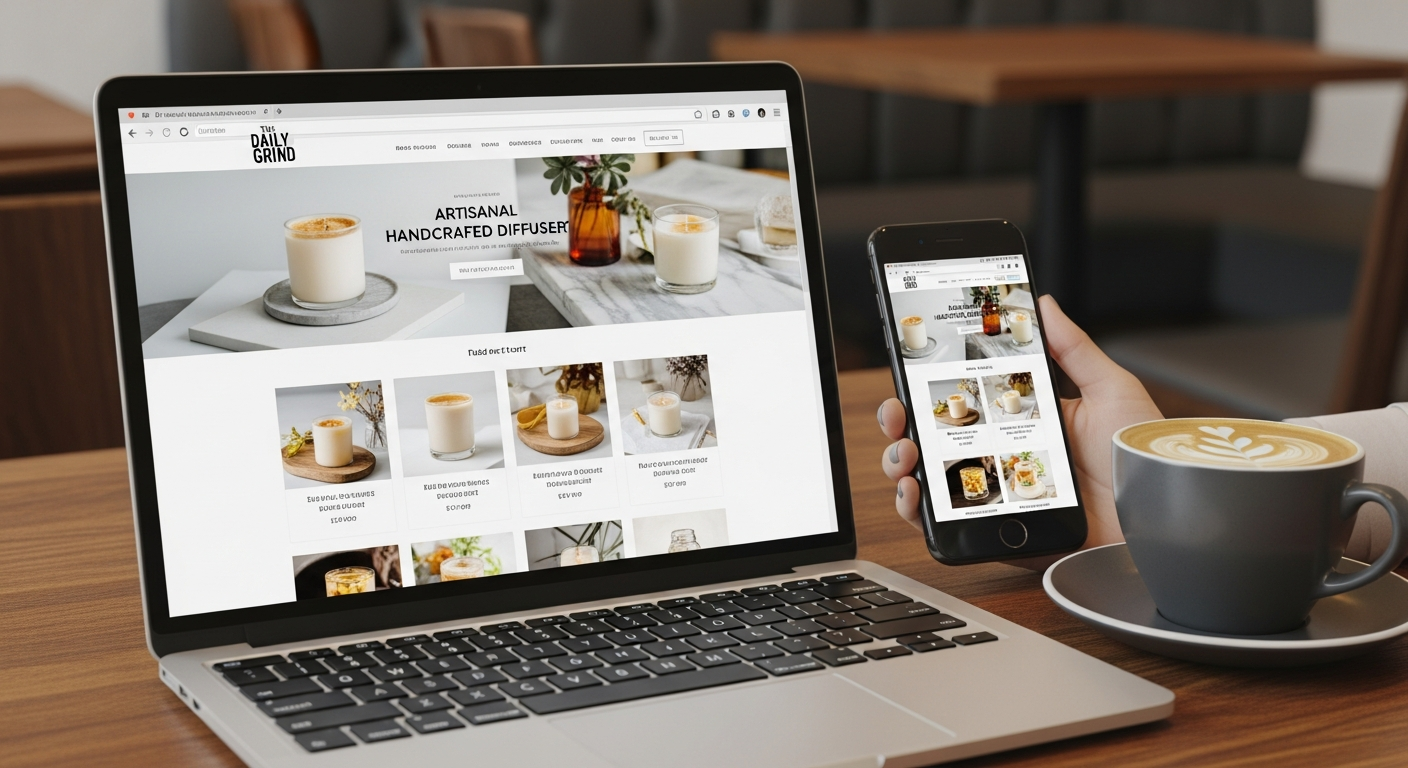
website designing price
Exactly how website design pricing works, what affects cost, and how small businesses get the best ROI
Confused by quotes that range from $0 to $50,000? This guide breaks down real price ranges, the factors that move cost up or down, and practical tips to get marketing and SEO value from every dollar you spend.
Typical market spread
Fast subscription builds
Common monthly subscription
Mobile-first expectation
How website design pricing is calculated
Website designing price is rarely a single number. Providers price based on scope, speed, technical complexity, and ongoing services. Below are the common pricing models you'll encounter:
- Fixed-price (project): A one-off fee for a defined scope. Good when requirements are stable. Examples: landing page, brochure site, ecommerce site.
- Monthly subscription: Recurring fee that bundles hosting, updates, security, and sometimes unlimited changes. Ideal for businesses that want predictable costs and ongoing improvements.
- Hourly rate: Pay-as-you-go for maintenance or custom work. Common for agencies and freelancers for ad-hoc tasks.
- Hybrid: A smaller upfront build fee plus a monthly maintenance/hosting charge.
Each model answers a different business need. Projects suit one-off complex work; subscriptions suit busy small businesses that want continual optimisation and a predictable marketing platform.
Realistic website designing price ranges for small businesses (2025)
Use these ranges to set expectations. Exact price depends on your content, functionality, and who builds the site.
DIY Platforms
Wix, Squarespace, Webflow - subscription + your time
- Low cash cost
- High time cost (40+ hours)
Professional Subscription
All-inclusive: design, hosting, updates, SEO basics
- Fast launches (24–72 hrs)
- Predictable monthly cost
Custom Agency / Freelancer
Custom design, complex integrations, enterprise features
- Highly customised
- Longer timelines, higher maintenance
Quick guide: Which to choose?
DIY platform
Professional subscription
Custom agency
Factors that affect website designing price
Below are the most common cost drivers. Understanding these helps you compare quotes and negotiate better outcomes.
1. Scope and page count
More pages and unique templates mean more design and content time. A 3-page brochure site is far cheaper than a 30-page service portal.
2. Functionality & integrations
Booking systems, ecommerce, customer portals, CRMs, payment gateways and API integrations increase cost substantially.
3. Design customisation
Custom visuals, illustrations, and animations require designer time. Using a template or a subscription design system lowers cost.
4. Content and copywriting
Writing persuasive SEO-friendly copy is a specialised skill. If you supply content, development is cheaper. If you need copywriting, budget for it.
5. SEO, marketing & conversion optimisation
On-page SEO, schema markup, tracking setup, and CRO testing add cost up-front but significantly increase long-term ROI.
6. Speed & performance requirements
Optimising images, caching, and hosting for mobile speed may require additional setup and infrastructure costs.
7. Ongoing support & updates
Budget monthly for updates, security, and analytics. Subscriptions often bundle these; agencies may charge hourly.
8. Timeline
Rush jobs increase price. If you need a site in 24–72 hours, expect a premium compared to a 2–6 week schedule.
Why spend on website design? SEO & marketing benefits that drive growth
A website is your primary marketing asset. Smart investment in design and SEO turns visitors into enquiries and customers.
Search visibility
Technical SEO, fast pages, and good content help you rank for local and service keywords that convert.
Trust & conversion
Professional design, clear calls-to-action, and social proof improve lead conversion and reduce bounce rates.
Measurable results
Analytics and tracking let you see which pages and campaigns generate enquiries — then optimise for better ROI.
How design affects marketing cost
- Faster pages lower ad cost-per-click (improves Quality Score)
- Better landing pages convert more visitors into leads, reducing ad spend waste
- Local SEO on-page signals improve visibility for "near me" searches
Practical tips to get the best value from your website budget
- Define the outcome, not the hours. Ask for a quote based on results: lead volume, page speed targets, or a launch date—rather than only hourly rates.
- Prioritise high-impact pages. Start with a strong homepage, service pages, and one tracked landing page for ads. Add extras later.
- Bundle SEO and tracking into the build. Ensure title tags, meta descriptions, schema, sitemap, and analytics are configured before launch.
- Ask for clear deliverables. Request a scope document that lists number of pages, revisions, assets, and post-launch support hours.
- Compare all-in pricing vs a la carte. An all-in monthly subscription can be cheaper than paying hourly for every small change.
- Keep ownership terms explicit. Ensure you control the domain and content; check what you can export if you switch providers.
- Plan for updates. Budget monthly for content/price changes and quick fixes — this avoids deferred improvements that cost more later.
- Test before you pay more. If possible, launch a minimum viable site and run ads for 2–4 weeks to validate messaging before investing heavily.
Want help estimating your cost? Start with a simple brief and get a transparent quote.
Frequently asked questions
How much should I budget for a small 5-page business site?
Does paying more guarantee better SEO?
Are monthly subscriptions worth it?
How do I compare quotes effectively?
Ready to decide on your website budget?
Start with a clear brief, prioritise pages that drive leads, and choose a pricing model that gives you predictable marketing power. If you want help estimating costs or comparing options, start the conversation.
Tip: ask any provider for a written scope and a first‑month ROI projection — that separates good offers from guesswork.
