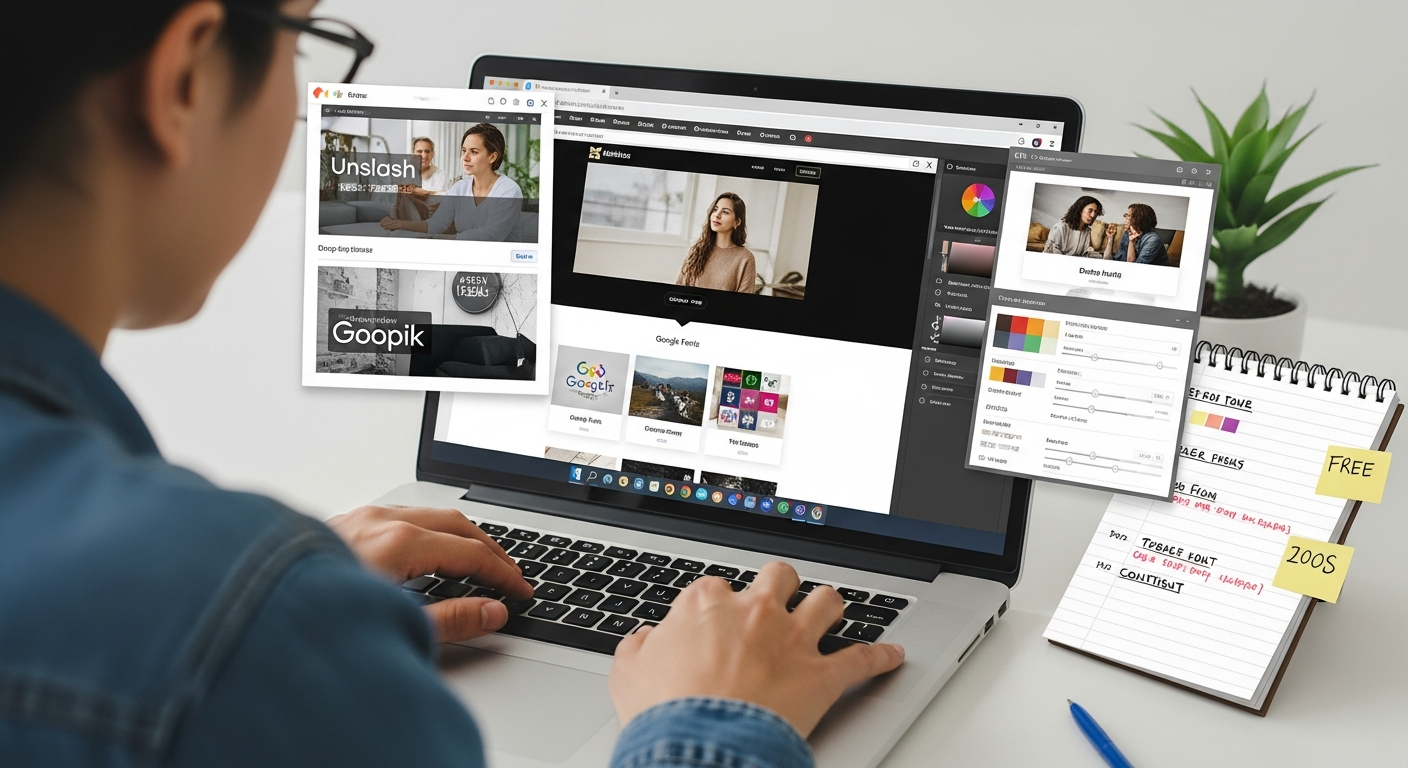
website designing free
Build an effective, SEO-friendly website using only free tools — practical steps, templates, and marketing tips to grow traffic in 2025.
This guide walks you through choosing the best free builder, designing a conversion-focused homepage, essential on-page SEO, performance checks, and low-cost marketing tactics that actually bring customers.
Start-up cost (tools)
To launch a basic site
Mobile-friendly designs
Follow the checklist below
Choosing a free website builder: pick the right starting point
Free isn't one-size-fits-all. Pick a platform based on your goals: brochure site, bookings, portfolio, or simple online store trial. Below are the most practical free options in 2025 and when to use them.
Google Sites
Fast, simple, free. Great for landing pages and basic service descriptions. Minimal SEO controls.
WordPress.com (Free)
Flexible blogging and pages; free plan includes platform branding. Good for content-led growth.
GitHub Pages / Netlify / Vercel
Deploy static sites for free. Requires basic Git/HTML knowledge or static-site generators (Hugo, Eleventy).
Wix / Weebly / Carrd (Free tiers)
Drag-and-drop builders with free plans that include platform ads. Fast to build but limited branding control.
Google My Business Landing + Link
Not a full site, but an optimized Business Profile can act as a free mini-website to capture local customers.
Free CMS trials (Webflow staging)
Design-first tools let you prototype for free and publish to a branded domain during staging.
Quick start: launch a free site in 24–72 hours
Follow this condensed workflow to go from zero to a live page quickly.
- Pick platform (30–60 mins): Choose one from the list above; sign up and claim your free subdomain.
- Write your core pages (2–4 hours): Home, About, Services, Contact. Put your phone number and main service above the fold.
- Choose images (30–60 mins): Use free stock: Unsplash, Pexels. Optimize images for web (compress to <200KB when possible).
- Set basic SEO (30–60 mins): Unique title tags, meta descriptions, H1 on every page (see On-page SEO below).
- Connect Google tools (30 mins): Google Search Console + Google Analytics (GA4) to track indexing and visitors.
- Test & publish (30–60 mins): Check mobile, test contact details, run PageSpeed Insights.
Design that converts: simple rules that work
1. Clear hierarchy
Headlines (H1) should state who you are and what you do. Subheadings explain the main benefit. Buttons must be obvious and repeat the action (Call, Book, Get Quote).
2. Above-the-fold clarity
Within 3 seconds, a visitor should know: what you offer, where you operate, and how to contact you. Include phone number or booking link prominently on mobile.
3. Visual trust signals
Show customer logos, before/after photos, reviews, and a short 1–2 line guarantee. Trust increases conversions quickly.
4. Readable content
Short paragraphs, bullet points, and clear CTAs. Use 16px+ font on body text for accessibility.
5. Mobile-first thinking
Design on your phone first — small screens change how people interact. Buttons should be large enough for thumbs.
6. Fast imagery
Use WebP where available, compress images, and lazy-load below-the-fold assets. Replace heavy hero videos with a static hero image on free plans.
On-page SEO essentials (do these on every page)
- Unique title tag: 50–60 characters including your main keyword and location where relevant. Example: Plumber in Sydney — Emergency & Same-Day Service | YourBusiness
- Meta description: 140–160 characters with a clear benefit and CTA (e.g., Call now for a free quote).
- H1 + supporting headings: One H1 per page describing the page topic. Use H2/H3 for sections — this helps both users and search engines.
- URL structure: Keep URLs short and keyword-focused: /bathroom-renovation-sydney.
- Image alt text: Describe the image with relevant keywords (but keep it natural).
- Schema markup: Add basic schema for LocalBusiness, FAQs, and services where possible. Google Search Console highlights schema errors.
- Internal linking: Link related pages with keyword-rich anchor text to distribute link equity.
- Content length: Match intent. Local service pages can be 300–800 words; in-depth guides 1,200+ words to target competitive keywords.
Performance & speed: practical tests and fixes
Speed affects user experience and rankings. Use the following free tools and fixes.
Free testing tools
- Google PageSpeed Insights — mobile & desktop scores + prioritized fixes
- WebPageTest.org — advanced waterfall testing
- Lighthouse (built into Chrome DevTools)
Fast fixes you can do for free
- Compress and resize images (use Squoosh or ImageOptim)
- Use lazy loading for below-the-fold images
- Avoid heavy third-party scripts (chat widgets, trackers) until needed
- Use a static export (Netlify/GitHub Pages) for very fast delivery
Free marketing tactics that drive traffic and leads
Local listings & Google Business Profile
Claim and fully optimise your Google Business Profile (photos, services, business hours, posts). It's often the fastest source of calls for local businesses.
Content with intent
Create 1–2 helpful pages targeting high-intent queries (e.g., "emergency plumber near me", "how to unblock a drain"). These convert better than generic service pages.
Directory and niche listings
Add your business to industry directories and local chambers — consistent NAP (name, address, phone) helps local SEO.
Social proof & referrals
Ask satisfied customers for short Google Reviews and add them to your site. Reviews are free trust signals.
Content repurposing
Turn one helpful page into a short video, 3 social posts, and a checklist PDF. Post on Facebook/Instagram and link back to your site.
Email & messaging
Capture emails with a simple free Mailchimp or ConvertKit free plan and send one useful newsletter per month. Use WhatsApp or SMS for follow-ups if appropriate.
Tracking & analytics: measure everything
Install these free tools the day you publish your site so you can make data-driven changes.
Google Analytics 4
Track visitors, top pages, traffic source, and conversions. Set up simple events (contact click, phone click, form submit).
Google Search Console
See which keywords bring impressions and clicks, submit sitemaps, and debug indexing issues.
Free website checklist — do these before you launch
- Title tag & meta description on every page
- H1 on page and clear CTA above the fold
- Google Analytics + Search Console connected
- Fast images (compressed, dimensioned, and lazy-loaded)
- Mobile-first layout tested on multiple devices
- Google Business Profile claimed and linked
- Contact details consistent across site and listings
- 3–5 pieces of initial content (service pages, FAQ, short blog or guide)
- One conversion action set up and tracked (phone click, form, booking)
When to switch from free to paid or pro help
Free tools are excellent for starting, but here are clear signals it’s time to upgrade:
- You're getting steady traffic but low conversions — you need professional optimisation.
- You outgrow platform limits (online payments, bookings, or complex forms).
- You need faster load times and better SEO results than free hosting can provide.
- You prefer outsourcing updates and content so you can focus on the business.
Frequently Asked Questions
Can I rank on Google with a free website?
What free platform gives the best SEO control?
Are free images safe to use?
How often should I update my site for SEO?
Ready to move faster than DIY limits?
Use free tools to get started and learn. If you want a professional site that’s built fast, kept updated, and optimised for local leads without the technical hassle, Congero can help — no lock-in contracts and predictable monthly pricing.
Prefer to continue DIY? Great — follow the checklist above and revisit analytics to grow your site steadily.
