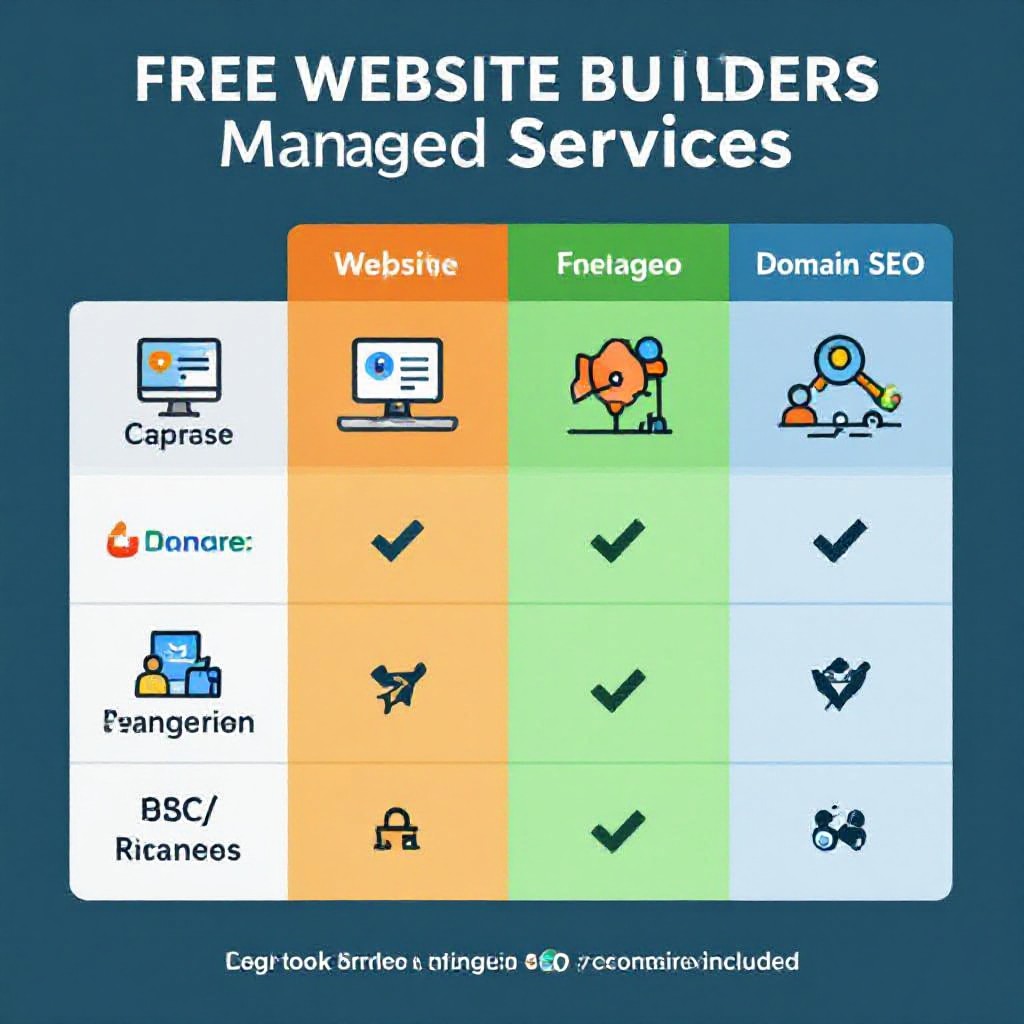
website creators for free
Compare the best free website creators, understand their limits, and follow a clear plan to launch a usable site — plus when to switch to a paid, managed option like Congero.
What are "website creators for free"?
Free website creators (aka free website builders) are platforms that let you build and publish a website without paying for a subscription. They typically provide templates, drag-and-drop editors or simple form-based workflows — often with a permanent free tier that includes hosting on a branded subdomain.
Examples include platforms like Wix (free plan), WordPress.com (free tier), Google Sites, Weebly, Carrd, and GitHub Pages. They are great for hobby sites, quick landing pages, or testing ideas at zero cost.
When free builders make sense
- Personal projects, portfolios, or single-page landing pages
- Proof-of-concept websites to validate an idea
- Learning how editors and templates work without financial commitment
Best Free Website Creators — Overview
A concise look at popular free platforms and what they include on the free plan.
Wix (Free)
Full drag-and-drop editor, lots of templates. Free plan adds Wix branding and a wixsite.com subdomain.
- Ads & branding: Yes
- Custom domain: No
- Storage/bandwidth: Limited
WordPress.com (Free)
Content-first blogging platform. Free plan includes WordPress.com ads and subdomain.
- Ads & branding: Yes
- Plugins: Limited
- Export: Possible
Google Sites / Carrd / Weebly
Simple editors for quick pages. Minimal learning curve, great for one-offs but limited SEO features.
- Custom domain: Sometimes paid
- SEO tools: Very limited
- Ideal for: Landing pages, team docs
Common limitations you must know about
Free plans are tempting, but they often restrict essential business features. Understand these trade-offs before you build your public presence.
Branding & Ads
Most free builders show the platform’s logo or ads on your site — which reduces trust and looks unprofessional for business use.
Subdomain Only
Free plans usually force you onto a subdomain (yourname.platform.com). Custom domains typically require upgrading.
Limited Features & Export
E-commerce, advanced SEO, analytics and plugin access are usually locked behind paid tiers. Some platforms make exporting difficult.
Performance & Storage
Free plans often have lower bandwidth, slower CDN priority, and limited storage — affecting page speed and user experience.
Support & Uptime
Support is basic or community-only on free tiers. If your site goes down, response times can be slow — risky for businesses.
SEO Limitations
Automated SEO tools, schema markup, and granular meta controls are often restricted — making it harder to rank locally.
Bottom line
Free website creators are perfect for experiments and personal projects. For any revenue-generating business that needs leads and visibility, the limitations can cost more than a small monthly managed service.
When to stick with free — and when to upgrade
Use this checklist to decide whether a free site is enough or you should move to a paid/managed solution.
Keep a free site if:
- It's a hobby, personal portfolio, or temporary landing page
- You don't need a custom domain or advanced SEO
- You're iterating on an idea before investing
Upgrade if you need:
- Custom domain and removal of platform ads
- Local SEO to get "near me" search traffic
- Reliable hosting, analytics and guaranteed uptime
- Unlimited updates and fast content changes
If you run a trade or service business (plumber, electrician, cleaner, landscaper), free plans often fall short where leads and visibility matter. That's why many businesses choose a managed solution.
SEE HOW CONGERO COMPARESLaunch a Free Website — 7 Practical Steps
Follow this sequence to publish a useful free website quickly and with better chances of success.
1. Choose the right free builder
Pick a platform that matches your needs — Wix for design flexibility, WordPress.com for content, Google Sites or Carrd for ultra-simple pages.
2. Pick a mobile-first template
Most users arrive on mobile. Choose templates that render well on phones and keep content above the fold concise.
3. Focus on 3 key elements
Headline (who you are), Services (short bullets), Contact (phone + CTA). Make these obvious on the homepage.
4. Do the basic SEO
Set a concise meta title and description, add descriptive ALT tags to images, and register your site with Google Search Console.
5. Test & publish
Check mobile layout, contact links, and page speed. Publish and share the link with friends to verify everything works.
6. Monitor and iterate
Use free analytics (or link Google Analytics) to see visits and top pages. Update content based on what visitors search for.
7. Plan the upgrade path
If you need a custom domain, remove branding, or better SEO, compare paid plans — or consider a managed option that includes hosting, domain and local SEO.
When free isn't enough — why businesses choose Congero
Congero combines AI speed with managed hosting, local SEO, unlimited updates via text, and a predictable $49/month price — a common next step for service businesses.
Live in 60 Seconds
Get a professional, mobile-responsive site via WhatsApp in under a minute — no designer or setup fees.
All-Inclusive $49/month
Domain, hosting, SSL, local SEO, and unlimited text-in updates — no hidden fees, no lock-in.
Local SEO & Analytics
Built-in local SEO, schema and monthly analytics so you can measure what drives leads and growth.
No credit card required • Cancel anytime
Frequently asked questions about free website creators
Short answers to common concerns when choosing a free builder or upgrading to a managed option.