website create for free
Practical, no-nonsense ways to create a website for free — including a 60‑second Congero demo that builds a professional, mobile-first site with no credit card required.
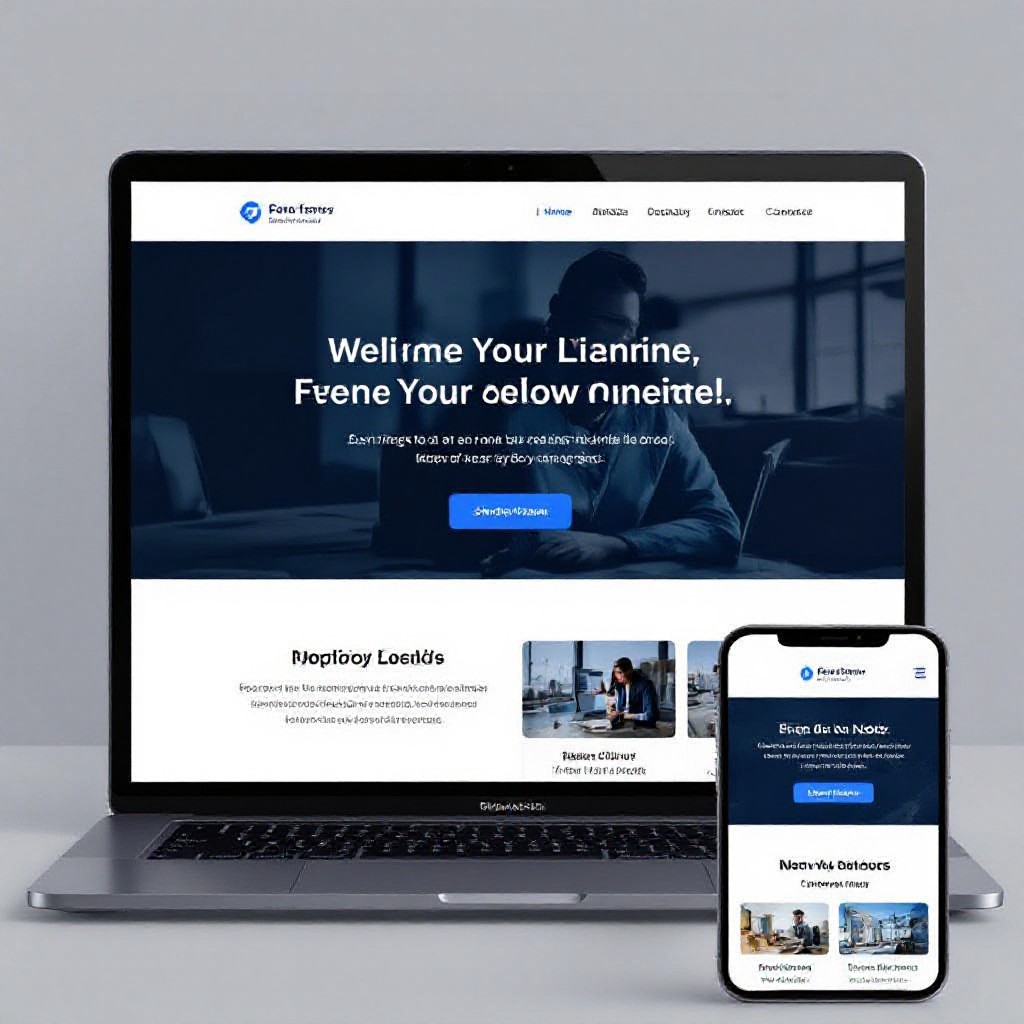
What does "create a website for free" really mean?
"Free" can mean different things: a free builder subdomain (yourname.provider.com), a free trial, or using free hosting tools that require more DIY. This guide shows realistic free options, their trade-offs, and a fast path using Congero's free demo to get a professional, SEO-ready site live instantly.
Free options at a glance
- Builders with free plans (Wix, Weebly, Carrd) — easy but limited features and branded footers.
- Static hosting (GitHub Pages, Netlify) — truly free but needs technical setup.
- Free demo & preview (Congero) — professional design, SEO-ready, preview instantly with no card required.
Key takeaway
If you want a polished, local-SEO-ready website fast and risk-free, use a free demo that builds a real website preview — then decide whether to switch to a paid plan or keep the free subdomain option.

How Congero helps you create a website for free — in 60 seconds
Congero offers a free, no‑card demo that generates a full, mobile-responsive website preview instantly from a few text replies. It's the fastest way to see a professional site for your business without upfront cost.
Instant Preview
Receive a fully designed website preview via WhatsApp in under 60 seconds — no payment required.
SEO-Ready
Meta tags, local schema and on-page signals are included in the demo so you can evaluate real search performance potential.
No-risk Next Steps
Keep the free preview, connect a domain later, or upgrade to the managed $49/month plan for hosting and unlimited updates — your choice.
Free demo — no credit card • Preview your site instantly
Free options vs paid managed websites — what to expect
Free is great to start. Know the limits and the low-cost upgrades that solve them.
Free builders (subdomain)
- Pros: Zero cost, drag-and-drop editors
- Cons: Branded footer, limited SEO, poor local search performance
- Best if you need a quick personal page.
DIY hosting (GitHub/Netlify)
- Pros: Truly free, no branding, good performance
- Cons: Technical setup, manual SEO, no managed updates
- Best for technically confident users.
Congero free demo → paid upgrade
- Pros: Instant professional preview, SEO-ready, mobile-first
- Cons: Ongoing managed plan ($49/month) if you want hosting & unlimited updates (optional)
- Best if you want speed, local SEO and ongoing support.
How to create a website for free — 6 practical steps
Follow these steps to launch a usable website at zero cost, or use Congero's free demo to get a professional preview instantly.
Decide your goal & scope
Is this a lead capture page for a local trade, a portfolio, or a simple online shop? Pick a single clear objective to keep the site free and focused.
Choose your free path
Options: builder subdomain (fast), GitHub/Netlify (free & technical), or Congero free demo (instant professional preview). Pick based on skill and time.
Create content that converts
Write a concise headline, 3‑5 service bullets, a clear call-to-action, and your contact details. Use client photos and one strong hero image.
Optimize for local search
Add your business name, address, phone (NAP), service areas, and a locations page if you serve multiple suburbs. Use keyword phrases like "create website for free" only where natural.
Launch and test
If using a free demo, preview the site on phone and desktop, test contact links, and check page speed. Make adjustments before sharing publicly.
Promote & iterate
List your site on Google Business Profile, share it on social channels, and ask customers to leave reviews. If you used a Congero demo, text updates are simple and unlimited once you upgrade.
SEO tips when creating a free website
Even free websites can rank well with the right fundamentals.
Meta tags & titles
Use descriptive title tags (under 60 characters) and meta descriptions (around 150 characters) that include your main service + location when relevant.
Local signals
Display consistent NAP, embed a Google Map, and link your Google Business Profile to the site.
Fast, mobile-first design
Pick templates that load quickly on mobile. Compress images and keep scripts lightweight. Congero's demo previews a mobile-optimized site automatically.
Structured data
Add schema for LocalBusiness, services and FAQs to improve SERP presence and rich snippets.
Clear conversions
Make it easy to contact you: click-to-call numbers on mobile, a simple contact link or WhatsApp chat, and clear CTAs above the fold.
Content focus
One page per service, short paragraphs, and keyword-focused headings help search engines and customers find you.
Want help with SEO while staying free?
Congero's free demo includes initial SEO setup and local schema so your preview site is ready to be found in search results.
GET FREE DEMOCommon pitfalls when using free website solutions
Branded footers & ads
Many free builders include provider branding or ads that reduce trust. For businesses, a clean professional look matters — preview how the footer looks before sharing your site.
No reliable email or hosting
Free plans often don't include professional email or guaranteed uptime. Consider upgrading when your site starts generating leads.
DIY SEO mistakes
Keyword stuffing and duplicate content hurt more than they help. Focus on helpful, localised content and structured data instead.
Frequently asked questions
Answers to the most common questions about creating a free website and Congero's free demo.
Yes — you can get a basic live site using free builders or hosting. Congero adds a no‑card free demo that generates a professional preview; hosting and full service are optional paid upgrades.
A fully designed site preview, initial meta tags and local schema, and suggested copy/images based on your short text answers — all delivered instantly via WhatsApp or link.
Yes. All Congero previews and templates are mobile-first and responsive by default.
Absolutely. The Congero demo is a preview. If you want managed hosting, domain registration, unlimited updates and analytics, you can upgrade to the $49/month plan any time with no lock-in.
Ready to see your free website preview?
Request a no‑card demo and get a fully built website preview in under 60 seconds via WhatsApp or link.
REQUEST FREE DEMO NOW