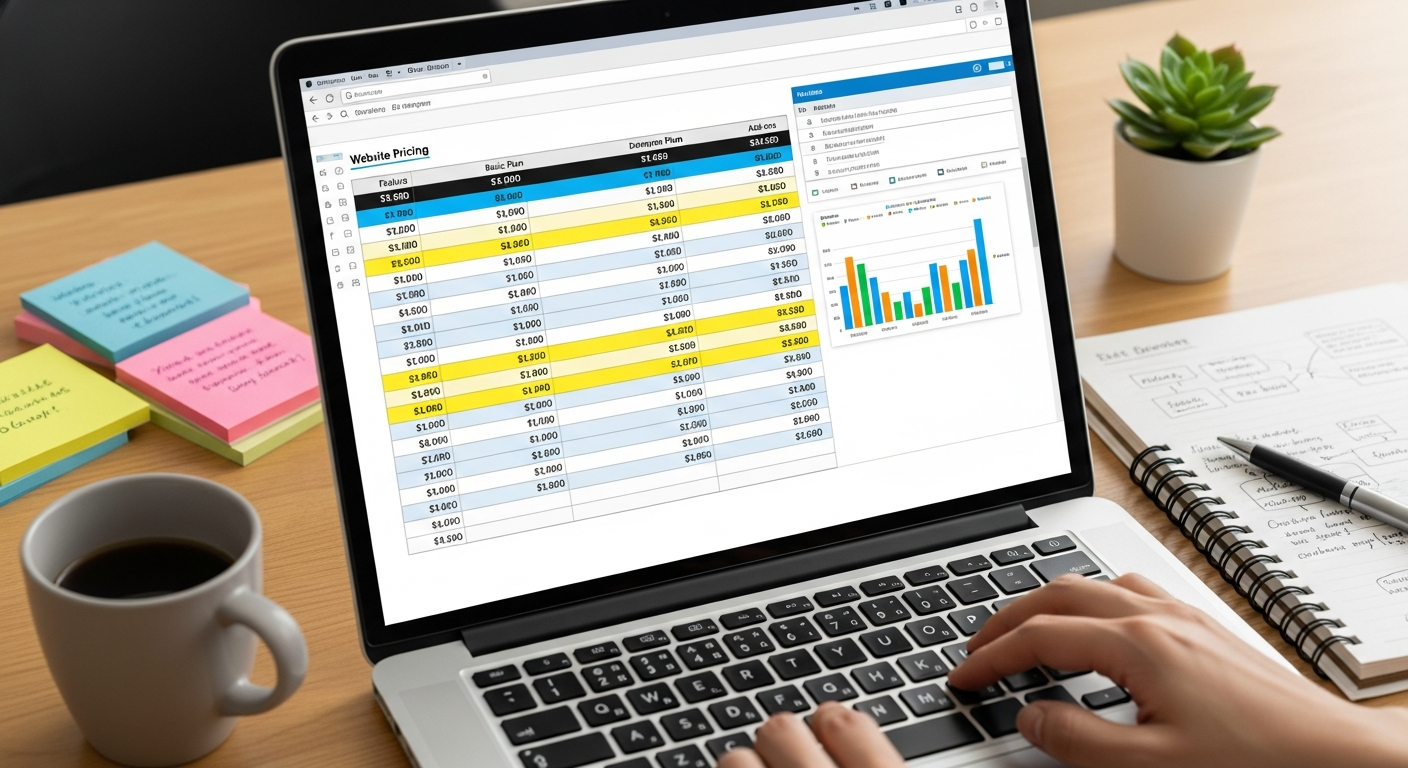
web page price
A clear, practical guide to how web page pricing works, what affects cost, and simple ways to calculate ROI.
Whether you're getting a single landing page, a multi-page brochure site, or an online store, this guide explains the components that determine price, gives realistic ranges for 2025, and shows how a well-built page pays back through SEO and marketing.
What influences a web page price?
A site's price is not just “design cost”. Multiple components add up. Below are the primary factors that agencies and freelancers use to calculate a quote.
- Scope & page count — A single landing page is far cheaper than a 10-page brochure site or a product catalogue. Each additional page adds design, copy and QA time.
- Design complexity — Custom layouts, bespoke illustrations, and high-fidelity animations increase hours and therefore cost. Templates and theme customisations are cheaper.
- Content creation — If you need copywriting, editing, SEO-optimised content, or professional photography, expect extra fees. Good content is often the best ROI investment.
- Functionality & integrations — Forms, bookings, payment gateways, CRM connections, chat, or custom code raise costs because they require development and testing.
- E-commerce — Product pages, inventory, shipping rules, tax settings, and payments typically make a project 2–10x more expensive than a brochure page.
- SEO & conversion optimisation — On-page SEO, schema markup, page speed optimisation, and CRO testing take specialist time but directly influence revenue.
- Hosting, domain & maintenance — Expect ongoing monthly fees: hosting ($5–$50+), domain ($10–$30/year), SSL (often included), and maintenance or updates (subscription or hourly).
- Agency vs freelancer vs platform — Agencies often charge more but provide project management and broader skill sets. Freelancers are cheaper but may not cover all services. Subscription platforms bundle services for a predictable monthly fee.
Quick rule of thumb
Price roughly correlates with time. If a developer/designer estimates 20 hours at $100/hr, expect $2,000. Always ask for an hours estimate with any quote.
Realistic price ranges (2025)
Below are common scenarios with typical price ranges. Use them as a starting point when budgeting.
Template / DIY
- Cost: $0–$200 one-off + $10–$50/mo
- Time: 5–40 hours
- Best for: Hobby sites, micro businesses
Subscription pro service
- Cost: $30–$49/month (all-inclusive)
- Time: 24–72 hours to launch
- Best for: Trades, local services, business owners who want fast results
Custom build (small)
- Cost: $1,500–$6,000 (one-off)
- Time: 1–4 weeks
- Best for: Businesses needing unique branding or features
Custom complex / e-commerce
Large catalogs, integrations, high security, custom backend logic
Cost: $10,000+
Ongoing costs to budget
- Hosting: $5–$100+/mo
- Domain: $10–$30/yr
- Maintenance/updates: $0 (included) to $150/hr
- SEO & marketing: $200–$2,000+/mo depending on scope
How to estimate your web page cost in 5 practical steps
- Define the goal: Is the page for lead capture, product sales, or brand awareness? Goal drives required features (forms, payment, live chat).
- List required features: e.g., contact form, map, gallery, booking, checkout. Each feature adds 1–10 hours of build and QA.
- Decide on content: Provide your own copy and images or pay for professional copywriting and photography. Estimate 2–10 hours per page for content work.
- Choose delivery model: Template, subscription, freelancer, or agency. Subscription = predictable monthly cost; custom = higher upfront cost.
- Ask for an hours estimate and breakdown: Always request quotes that show hours per task (design, build, content, SEO). Multiply hours by hourly rate to sanity-check totals.
Sample quick estimate
Example: 1-page lead capture with form, map, and basic SEO:
- Design & layout: 6–10 hours
- Development & form setup: 4–8 hours
- Content (copy + images): 3–6 hours
- SEO basics & testing: 2–4 hours
At $100/hr this is ~15–28 hours = $1,500–$2,800 (or choose a $30–49/mo subscription alternative).
How an effective page delivers ROI (SEO & marketing)
A web page is an investment. When built for SEO and conversions, it generates leads and sales month after month. Here are simple formulas and examples you can use to estimate ROI.
Basic ROI formula
Monthly revenue from page = (Visitors per month) × (Conversion rate) × (Average value per conversion)
ROI = (Monthly revenue − Monthly cost) / Monthly cost
Example: Trade lead page
If SEO brings 300 visitors/month, conversion rate is 4% (0.04), and average job value is $600:
Leads/month: 300 × 0.04 = 12 leads
Revenue/month: 12 × $600 = $7,200
Monthly cost example: $49 subscription + $200 ads = $249
ROI: (7,200 − 249) / 249 ≈ 27.9 → 2,790% monthly return
How SEO increases value over time
- Organic traffic compounds: good content ranks for months/years with minimal ongoing spend.
- Improved conversion rate amplifies every visitor's value — small CRO changes (CTA clarity, page speed) often lift revenue more than design tweaks.
- Lower Cost Per Lead: organic leads reduce reliance on ads, decreasing CAC (customer acquisition cost).
Checklist: What to include when asking for a quote
Project basics
- Goal (leads, sales, bookings)
- Number of pages / sections
- Must-have features (forms, booking, checkout)
- Content status (you provide or writer needed)
- Target launch date
Ask vendors for
- Itemised hours per task (design, dev, content, SEO)
- Revisions included
- Hosting & maintenance monthly costs
- SEO deliverables and timeline
- Examples/work portfolio
7 practical tips to reduce costs without sacrificing results
- Start with clear priorities: launch the pages that drive revenue first (service pages, booking, contact).
- Reuse design blocks: consistent templates for pages reduce design hours.
- Prepare content in advance: supplying copy and photos saves significant agency time.
- Bundle SEO & CRO: paying for basic SEO and a conversion audit upfront gives the best return.
- Choose subscription for predictable cost: monthly plans can include unlimited updates and hosting.
- Negotiate deliverables not just price: ask for performance targets (speed, mobile score) in the agreement.
- Measure and iterate: invest a small amount each month on data (analytics, heatmaps) and use it to improve conversions.
Frequently asked questions
Why do some quotes vary so much?
Should I pay hourly or fixed price?
Will a more expensive page mean better Google rankings?
Ready to get an accurate price for your page?
Use a clear brief, ask for an hours breakdown, and compare the first-year total cost (upfront + ongoing). If you'd like to see a real demo or example build, try a managed option that shows live results in 24–48 hours.
Tip: compare expected leads and the monthly cost to calculate how quickly a page will pay for itself.
