web page designer free
Design better pages with free tools — optimise for SEO, speed and usability with clear, repeatable steps.
This step-by-step guide shows how to create effective web pages using only free design tools and open resources. Perfect for small businesses, trades and solo creators who want pages that look professional, load fast, and rank in local search.
Design Process: Structure, Hierarchy, and CTAs
A repeatable page design process helps you build pages quickly and consistently. Follow these 6 practical steps for every page you create.
- Define the page goal. What single action should a visitor take? (Call, form submit, book, get quote). Keep one primary CTA above the fold.
- Write a clear headline & subhead. Headline = main benefit. Subhead = supporting detail + keyword. Use your exact page title in the H1 for search clarity.
- Use a logical visual hierarchy. H1 → H2 → H3. Use spacing, weight and color to guide eyes. Primary CTA should be the visually dominant button.
- Chunk content for scannability. Short paragraphs, bulleted lists, bold key phrases. People skim — make the important bits obvious.
- Place social proof and contact info near actions. Testimonials, trust badges and an easy phone number raise conversions.
- Design mobile-first. Start with the smallest screen. Ensure tap targets are ≥44x44px and content stacks vertically.
Best Free Design Tools and Resources (2025)
These tools let you mock, design, prototype and publish pages at zero cost. Many have paid tiers, but the free tiers are fully capable for most small business pages.
SEO Quick Wins — What to Do Right Now
These are the high-impact, low-effort SEO actions you can apply to any page. Implement them while you design.
1. Use keyword-focused, natural headings
2. Optimize title tag & meta description
Meta: 110–155 characters, focus on benefit + CTA. Example:
3. Add structured data (schema)
4. Internal linking & clear URL structure
5. Add an XML sitemap & robots.txt
Images, Alt Text & Accessibility
Optimize images
loading="lazy").Write descriptive alt text
Accessibility basics
- Ensure contrast ratio ≥4.5:1 for body text.
- Add aria-labels for complex widgets.
- Make keyboard navigation obvious and tab order logical.
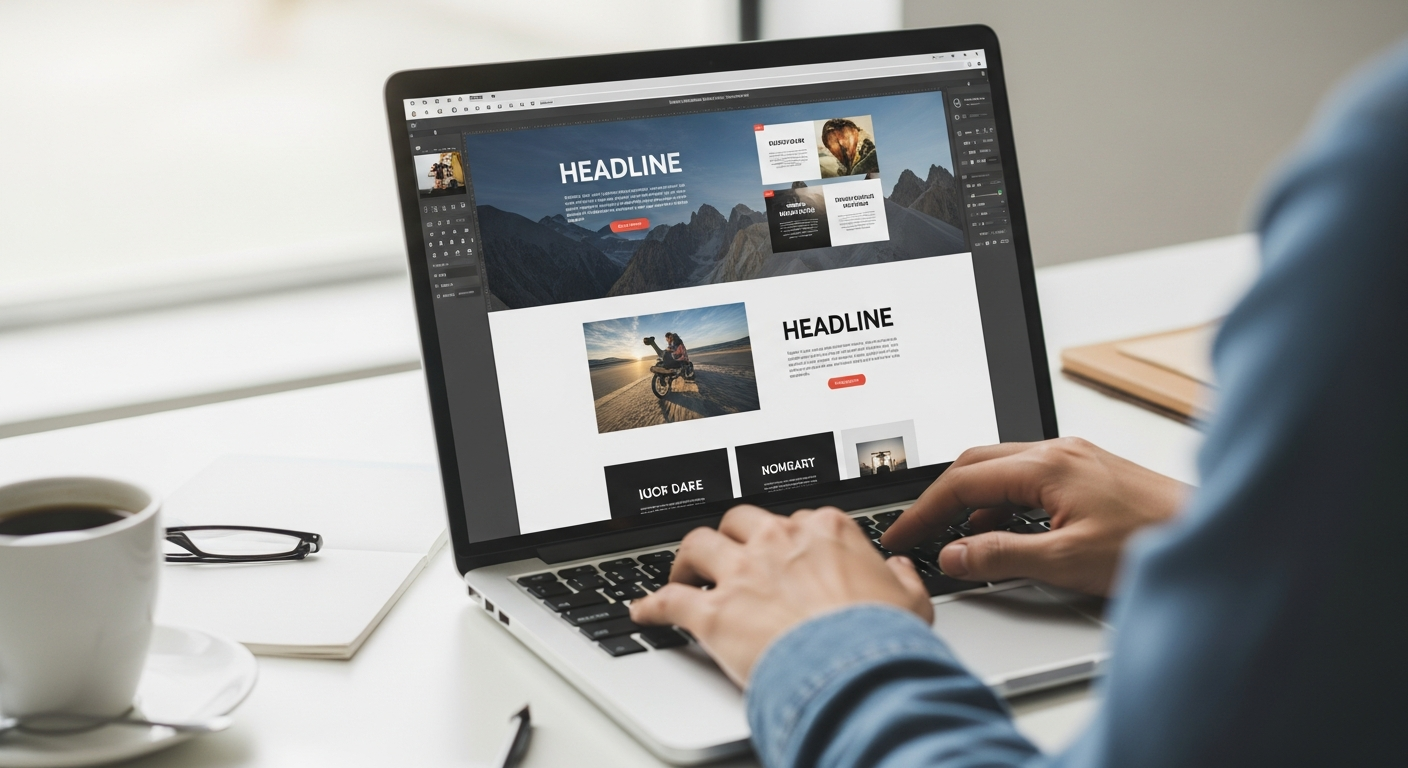
- Crop to the focal area
- Save at ≤150KB for hero images where possible
- Provide alt text and caption if needed
Performance & Page Speed
Speed influences both user experience and SEO. Use these practical steps to shrink load times.
1. Reduce image weight
2. Minify CSS & JS
3. Avoid render-blocking fonts
4. Use a CDN and caching
Testing & Launch Checklist
Pre-launch tests
- Mobile & desktop visual check (actual devices, not just emulator)
- Forms: submit and verify email delivery
- PageSpeed Insights test — fix any 0–2 priority issues
- SEO: title, meta, H1 present and correct
- Alt text on all images
- Sitemap submitted to Google Search Console
- Analytics installed (GA4 or equivalent)
Post-launch monitoring
- Watch search console for crawling errors
- Monitor organic traffic and conversion rate weekly
- Fix any broken links and 404s
- Ask 3–5 customers to test the site and provide feedback
Quick Page Template (Copy & Paste)
Use this skeleton for a service landing page. Keep copy short, focus on benefits, and place primary CTA early.
- Hero: H1, supporting paragraph, phone CTA (tel:), trust badges
- How it works: 3 steps with icons
- Services & pricing: short bullets with starting prices
- Testimonials: 2–3 short quotes with names
- FAQ: 3 common questions
- Footer CTA: phone + short form (or link to booking)
Frequently Asked Questions
Can I really build a good page with free tools?
Which free hosting is best for landing pages?
How long before SEO results show?
Ready to build a professional page today?
If you'd rather have a pro handle it, Congero can design, launch and optimise a mobile-first, SEO-ready page in under 60 seconds via WhatsApp — free demo, no setup fee.
All pages include hosting, SSL, basic SEO and unlimited updates on month-to-month plans.
