
web page design free online
Design high-converting, SEO-friendly pages using free tools and simple steps — fast.
You don't need a designer or expensive software to build effective web pages. This guide gives step-by-step, practical methods you can use today — from structure and visuals to SEO and engagement — all using free online tools.
Quick layout setup
Write an SEO title & meta
Free tools to start
Mobile-first design
Start here: core concepts
Good web page design balances three things: clarity, speed, and findability. Clear layout helps users act. Fast pages keep them. Findability (SEO) brings them in. Below are simple rules to follow before you build:
- One goal per page. Each page should focus on a single action (call, quote request, sign-up).
- Design mobile-first. Start with phone layout and scale up.
- Keep it fast. Use compressed images and minimal scripts.
- Think SEO from day one. Titles, headings, and short, useful content win.
Page structure & layout: a proven template
Use this simple, high-converting structure for most service pages or landing pages. It's free, easy to implement, and focused on conversions and SEO.
1. Header & Value proposition
Short headline (H1) that includes your main keyword + one-line subhead explaining the benefit. Include a clear CTA visible without scrolling.
2. Top benefits (3 bullets)
Use three short bullets with icons. Keep benefits outcome-focused: "Fixed in 60 mins", "Upfront pricing", "24/7 emergency".
3. Social proof
Add 1–3 testimonials or logos near the top to build trust. Use short quotes with first name + suburb.
4. How it works / Services list
Explain the process in 3 steps. Use subheadings (H3) so search engines can parse intent.
5. Strong CTA repeated
Place the CTA (call / booking / quote) near top and again after key sections. Make it visually distinct.
Content that converts: words & microcopy
Your copy should be short, scannable and benefit-led. Use headings, bullets, and bolded action items.
Headlines & subheads
- Put primary keyword in H1 and a supporting phrase in H2.
- Use emotional or outcome-driven subheading: "Save time and avoid guesswork".
- Keep H1 under 70 characters for SEO and clarity.
Buttons & CTAs
- Use action verbs: "Get a Quote", "Call Now", "Book a Visit".
- Make primary CTA a colour that contrasts with background.
- Include small supporting text under button: "No obligation • Free quote".
SEO checklist: get found for free
Follow this checklist to optimise a page for organic search. You can complete every item with free tools.
On-page SEO
- Title tag: 50–60 chars, include keyword near start.
- Meta description: 120–160 chars, summary + CTA.
- URL: short, use hyphens, include keyword (e.g., /plumber-brisbane).
- Headings: H1 once, H2s for sections, include related keywords.
- Image alt text: descriptive and concise (no keyword stuffing).
Technical & local SEO
- Mobile-friendly: Use Google's Mobile-Friendly Test (free).
- Speed: Aim under 3s on mobile — use PageSpeed Insights and compress assets.
- Schema: Add simple JSON-LD (Organization, LocalBusiness) to help search engines.
- Google Business Profile: For local businesses, claim and link it.
Free tools to use
Images & media: use visuals that sell
Good images increase trust and conversions. Here's how to use them effectively — for free.
Image guidelines
- Use high-quality photos (free sources: Unsplash, Pexels).
- Crop for mobile first; use 16:9 or square for hero and thumbnails.
- Compress images with TinyPNG or Squoosh before upload.
- Use one bright image near the CTA to draw the eye.
Media tips
- Avoid auto-play videos on mobile; they hurt speed.
- Use SVG icons for UI elements — small file size and crisp on all screens.
- Lazy-load below-the-fold images to improve start render times.
- Provide captions — they help SEO and accessibility.
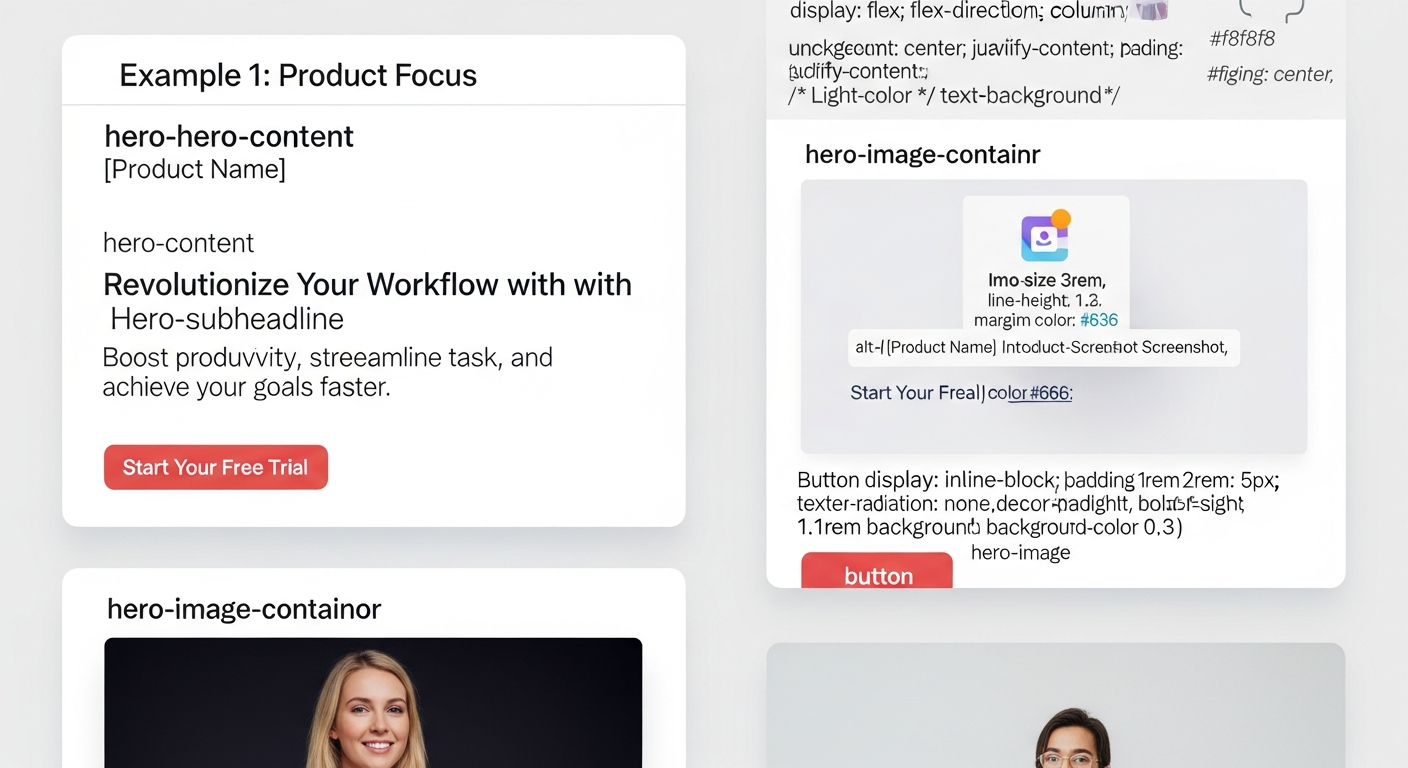
Engagement & CTAs: keep users taking action
Small UX details dramatically increase engagement. Implement these free, high-impact tactics.
Primary CTA
Visible, contrasting button in hero and repeated after every major section.
Microcopy
Tiny lines under CTAs reduce friction: "No credit card • 5 min setup".
Urgency & availability
Show availability or a deadline: "Slots this week: 3". Use sparingly.
Use A/B testing (simple & free)
You can run basic A/B tests without paid tools: publish two versions of a headline and compare clicks in Google Analytics. Change one element at a time — headline, CTA copy or button colour.
Free tools & templates: what to use today
Here are reliable, zero-cost tools to design, optimise and publish your page.
Design & visuals
- Canva — templates & hero images
- Unsplash / Pexels — free photos
- SVG Repo — free icons
Build & host
- Google Sites — super fast to launch
- Carrd — simple landing pages
- GitHub Pages — static sites (free)
- WordPress.com — free starter plan
SEO & testing
- Google Search Console
- PageSpeed Insights
- Schema Generator (free)
- Hotjar free tier (basic heatmaps)
Testing & launch checklist
Follow this checklist before you announce the page publicly.
- Mobile test: tap all buttons, check layout on a real phone.
- Form test: submit and confirm you receive messages.
- Speed test: PageSpeed Insights mobile score >= 50 (aim 90+).
- Sitemap + robots: submit sitemap to Google Search Console.
- Analytics: ensure Google Analytics or GA4 is installed and recording.
- Tracking: UTM tags for paid links and campaigns.
Need it done for you? Fast professional option
If you prefer a no-fuss professional option, Congero builds mobile-optimised, SEO-friendly pages in minutes and offers unlimited updates, hosting and analytics from a flat monthly fee. It's ideal when your time is better spent running the business.
Frequently asked questions
Can I create a high-quality page for free?
How long does it take to build a single page?
What’s the single most important thing for conversions?
Ready to publish your page?
Use the free checklist above and launch today — or get a professional fast build with SEO and unlimited updates from Congero.
Tip: If you want us to build and optimise a page for you, Congero offers a managed option with local SEO, hosting, and unlimited updates for a flat monthly fee — no lock-in contracts.
