web layouts
Learn how to choose and implement optimal web layouts that drive engagement, conversions, and brand trust.
What Are Web Layouts?
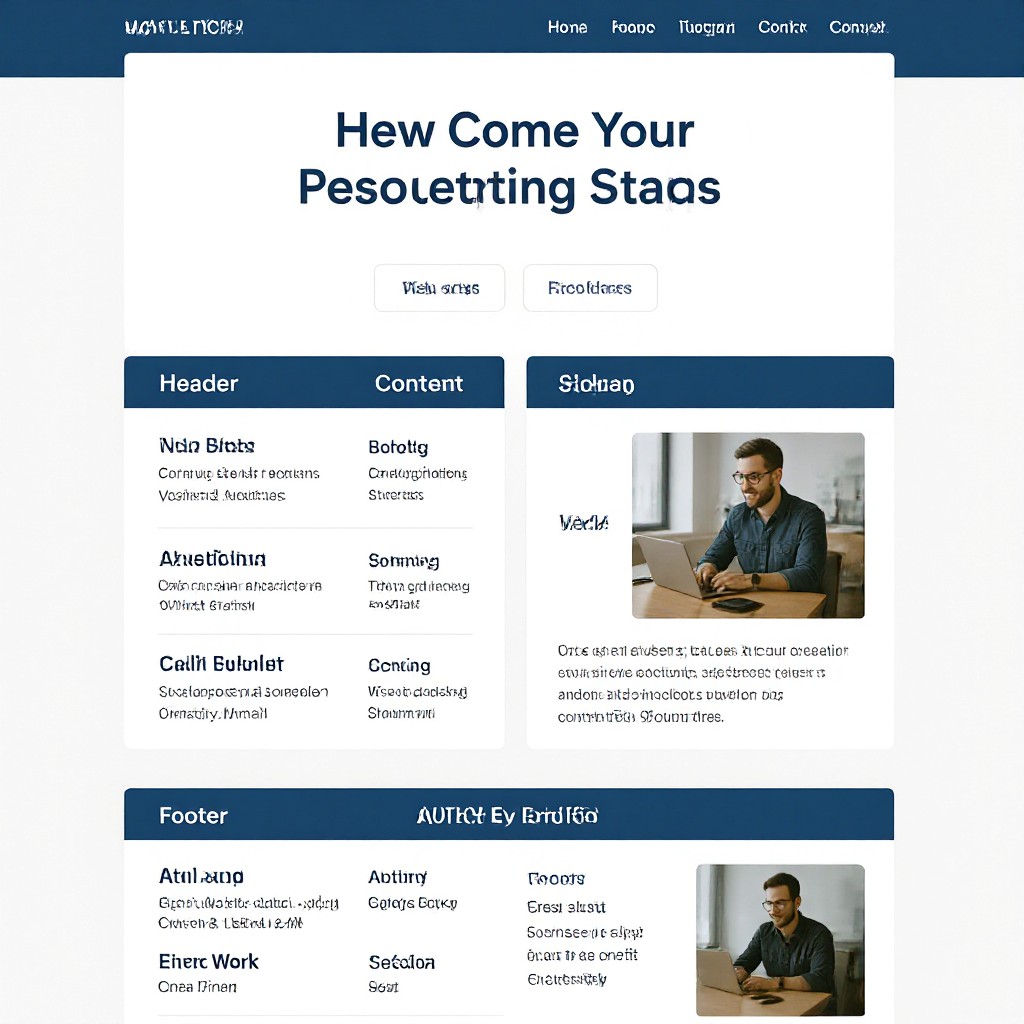
A web layout is the structural arrangement of elements—such as text, images, navigation and calls-to-action—on a webpage. The layout guides users’ eyes, sets visual hierarchy, and ensures content is accessible across devices.
Core Components
- Header & navigation
- Main content area
- Sidebars or panels
- Footer & utility links
Why Web Layouts Matter
A well-designed layout not only looks professional but also improves usability, mobile responsiveness and search visibility.
Enhanced UX
Intuitive placement of elements reduces friction and keeps visitors engaged.
Mobile Ready
Responsive grids adapt layouts seamlessly across phones, tablets and desktops.
Boosted Conversions
Strategic CTA placement and clear visual hierarchy drive more clicks and sales.
SEO Impact
Logical structure with proper headings and schema improves search engine crawlability.
Popular Web Layout Types
F-Layout
Aligns content in an “F” pattern for scan-friendly reading and clear hierarchy.
Z-Layout
Guides the eye in a zigzag “Z” path, ideal for simple pages with a single CTA.
Grid
Modular columns and rows create balanced, flexible designs for complex content.
Single Column
A linear, scroll-focused layout perfect for storytelling or long-form content.
Card-Based
Content blocks in cards offer clear segmentation and easy navigation of services or products.
Magazine
Dynamic, editorial style with featured stories, sidebars and varied content blocks.
Web Layout Best Practices
- Maintain consistent margins, fonts and colours to reinforce your brand identity.
- Use ample whitespace to improve readability and reduce cognitive load.
- Establish clear visual hierarchy with headings, subheadings and contrasting elements.
- Design mobile-first with a responsive grid system that adapts to all screen sizes.
- Ensure accessibility with proper alt text, focus states and readable font sizes.
Implement a New Layout with Congero in 5 Easy Steps
From concept to live site, follow these steps to update your web layout without any coding.
Request Demo
Text "GO" to our WhatsApp bot or click above to begin—no credit card needed.
Select Template
Choose from our library of proven layout patterns designed for your industry.
Customize Layout
Text us any changes—images, text or colours—and watch AI apply them instantly.
Preview & Test
View on any device, check responsive breakpoints and refine as needed.
Go Live
Connect your domain and start driving traffic to your newly laid-out site.
Frequently Asked Questions
Everything you need to know about selecting and implementing web layouts with Congero.
Layouts with a clear F-pattern or Z-pattern and a prominent above-the-fold CTA typically convert best.
Yes—text us “Change layout to [Layout Name]” and our AI will apply the new pattern instantly, at no extra cost.
All layouts are built on a mobile-first, fluid grid system that automatically adapts breakpoints and element sizes.
No. Google favors sites with clear structure and fast load times—both delivered by our AI-driven layouts.
