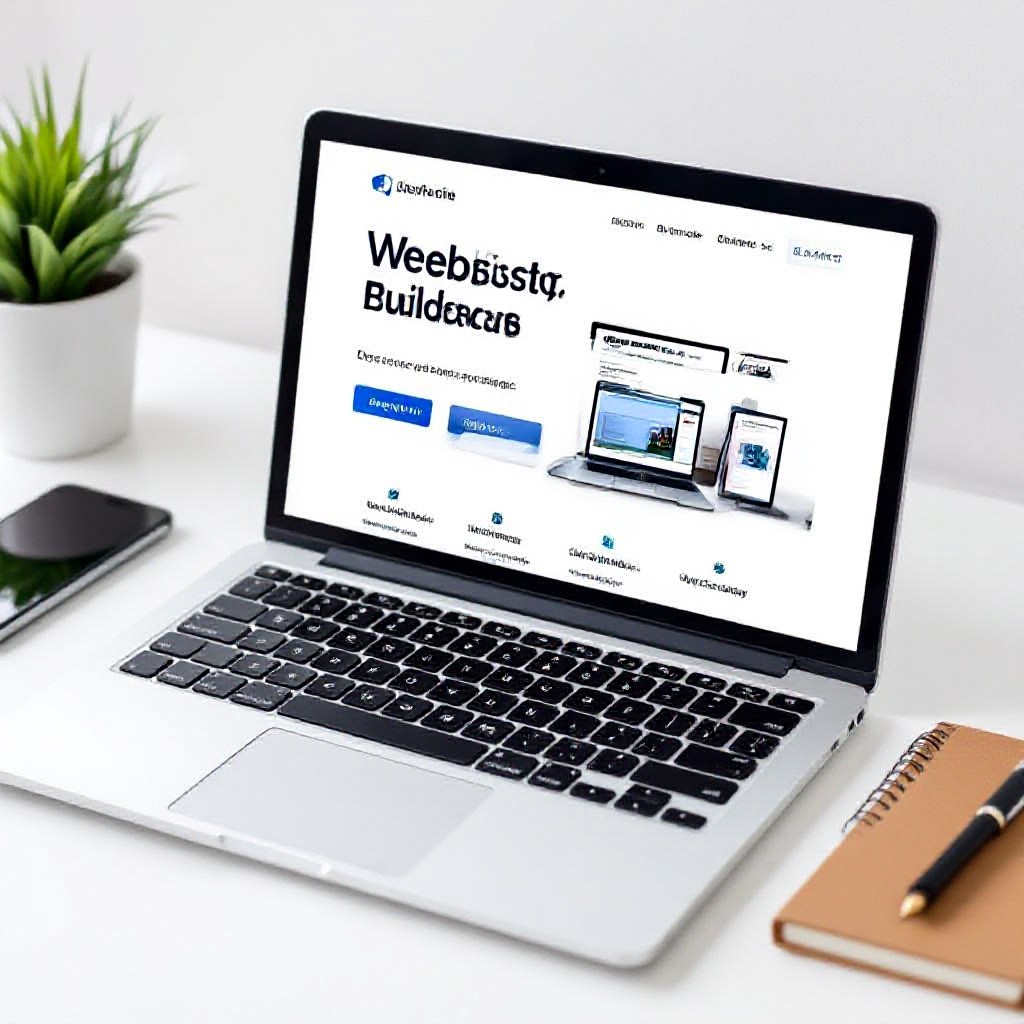
ultimate guide to building your own website
A clear, actionable roadmap for small businesses — SEO, design, performance and marketing strategies that actually drive customers.
Whether you're building your first site or redesigning an old one, this guide gives you step-by-step instructions and checklists to create a fast, SEO-friendly, high-converting website — without hiring an agency.
Prototype a homepage (rough draft)
Foundational SEO steps included
Design for phones first — then scale up
Options from DIY to managed services
1. Planning: define goals and audience
A clear plan saves hours. Before you open a builder or start a template, answer the following:
Primary goals
- Generate leads (phone calls, contact form submissions)
- Showcase services and pricing
- Enable online bookings or quote requests
- Educate customers with FAQs and guides
Target audience
- Who are they? (age, location, needs)
- What problems do they want solved?
- What phrases are they searching for? (use keywords)
- How will they contact you? (phone, text, form)
Tip: write a one-sentence value proposition for your homepage — it guides copy, headlines and CTA placement.
2. Site structure & content strategy
A logical structure helps users and search engines. Keep it shallow: 3–4 levels max.
Essential pages
- Home — clear value prop, main CTA, hero image
- Services — individual pages for core services (one page per service)
- About — trust signals, team, credentials
- Contact — phone, email, address, map
- FAQ/Resources — answers that target search queries
Content priorities
- Lead-focused copy: benefits, clear next steps
- Short paragraphs, bullet lists, strong headings
- Use location keywords for local businesses (service + suburb)
- One CTA per section — avoid choice overload
Keyword mapping (quick method)
- List 8–12 primary keywords (service + location)
- Assign each keyword to a single page (avoid multiple pages competing)
- Create one supporting blog post for each main service page
3. Design best practices for trust & conversions
Good design is more than aesthetics — it guides users to take action.
Mobile-first
Design for small screens first. Big buttons, legible text, visible phone number.
Clear visual hierarchy
Headlines, subheads, and CTAs should be instantly readable. Use whitespace.
Trust signals
Show reviews, memberships, insurance, and before/after photos near CTAs.
Consistent branding
Limit fonts to 2, use brand colours consistently, and keep button styles uniform.
Use real photos
Photos of your team, van, or work outperform generic stock images for conversions.
Accessibility
Use proper alt text, sufficient contrast, and semantic HTML for screen readers.
Design checklist
- Hero with 1-line value prop + primary CTA
- Phone number visible in header (click-to-call)
- Service pages with clear pricing or range
- Testimonials and recent jobs gallery
- Fast-loading images (compressed, lazy-loaded)
4. SEO: technical, on-page & local
SEO is the long-term engine for organic traffic. Focus on technical basics, helpful content, and local signals.
Technical SEO
- HTTPS: SSL must be active on day one.
- Mobile-friendly: Pass Google's mobile-friendly test.
- Site speed: Aim for under 2.5s mobile load (optimize images, use caching).
- Structured data: Add LocalBusiness schema, service schema and organization schema where relevant.
- Sitemap & robots: Submit sitemap.xml to Google Search Console; check robots.txt.
On-page SEO
- Title tags: 50–60 characters, include primary keyword + location when relevant.
- Meta descriptions: 120–155 chars, persuasive call-to-action.
- Headings: Use H1 once per page, then H2/H3 for sections.
- URL structure: short and descriptive (/plumber-sydney/repair).
- Internal links: link related pages and service posts to your main service pages.
Local SEO (must for local businesses)
- Google Business Profile: Claim and fully populate your listing — hours, services, photos, posts.
- NAP consistency: Ensure Name, Address, Phone match across site, directories and GBP.
- Local landing pages: If you serve multiple suburbs, create unique pages for each area using local phrases.
- Reviews: Request reviews after jobs; respond professionally to all feedback.
Quick SEO action plan (first 30 days)
- Install Google Analytics & Search Console.
- Submit sitemap, verify site ownership, fix crawl errors.
- Publish 3 service pages with unique titles and meta descriptions.
- Create one local landing page and optimise Google Business Profile.
- Run a simple backlink outreach: local directories and suppliers.
5. Performance & mobile optimisation
Fast sites convert better and rank higher. Prioritise mobile performance.
Speed checklist
- Compress images (WebP where possible) and lazy-load offscreen images.
- Use browser caching and CDN for assets.
- Minify CSS & JS; defer non-critical scripts.
- Avoid heavy page builders that add bulky code (choose lightweight templates).
- Measure with PageSpeed Insights and Lighthouse; target 90+ mobile score.
Mobile UX tips
- Clickable phone number in header (tel: link).
- Large CTA buttons with ample touch targets.
- Short forms — ask only for necessary info.
- Sticky call-to-action bar for easy contact (call or request quote).
6. Conversion optimisation: turn visitors into customers
Traffic is only valuable if it converts. Focus on clear CTAs, trust, and low-friction contact paths.
Primary CTA
Use one primary action per page — call now, get a quote, or book online.
Make it prominent and repeated after every section on service pages.
Contact options
Offer 2–3 ways to contact: phone, simple contact form, or Whatsapp/chat link.
Less friction = higher conversions.
Social proof
Use short testimonials with names and photos, and highlight recent completed jobs.
Add a review snippet near CTAs for credibility.
A/B testing basics
Test small changes: CTA text, button colour, headline. Use analytics to measure clicks and conversions.
- Test one variable at a time.
- Run tests for enough visitors to be statistically meaningful (or for a fixed period).
- Keep successful changes; iterate continuously.
7. Marketing strategies to grow your business
A website is the home base. Use these channels to drive traffic and bookings.
Local marketing
- Optimise Google Business Profile with photos, services, and posts.
- Target suburb landing pages and local keywords.
- Get listed on trusted local directories and trade association sites.
- Encourage happy customers to leave reviews right after a job.
Paid search & social
- Start with a small Google Ads budget for immediate leads on high-intent keywords.
- Use Facebook/Instagram for local brand awareness and before/after galleries.
- Track conversions with UTM parameters and pixels.
Email marketing
- Collect emails with a simple signup (offering a how-to or discount).
- Send seasonal promotions, service reminders, or maintenance tips.
- Segment lists by service interest to improve open & click rates.
Content marketing
- Write 1–2 pillar blog posts that answer common customer questions.
- Use blog posts to support service pages (internal linking).
- Repurpose content into short videos for social platforms.
Marketing 90-day plan (simple)
- Week 1–2: Launch site, verify analytics, optimise Google Business Profile.
- Week 3–4: Publish 3 service pages and one blog post; share on social.
- Month 2: Start a small Google Ads test and encourage reviews.
- Month 3: Assess results, double down on highest-performing channels.
8. Launch checklist — what to test before going live
- All pages load on mobile and desktop (no overflow or broken layouts)
- Forms submit correctly and notify the right email/phone
- Phone click-to-call works on mobile
- Analytics & Search Console installed and verified
- Sitemap submitted and robots.txt checked
- PageSpeed Insights score reviewed and basic fixes applied
- Backup & SSL active
- Google Business Profile updated
Soft launch
Launch to a small group (team, friends, loyal customers) first. Ask for feedback and fix any UX or content issues before wider promotion.
9. Maintenance & continuous improvement
Websites need attention. A small monthly routine prevents big problems and keeps SEO gains.
Monthly tasks
- Check analytics for traffic drops or high-exit pages
- Publish at least one content update or testimonial
- Review and respond to Google Business Profile messages/reviews
- Run security and backup checks
Quarterly tasks
- A/B test a headline or CTA
- Add new project photos or case studies
- Perform a technical SEO audit and fix errors
10. Recommended tools
Use a lightweight builder or managed subscription that includes hosting, SSL and updates. Avoid heavy page builders that bloat pages.
Google Analytics, Google Search Console, PageSpeed Insights, and a basic rank tracker for top local keywords.
Compress with Squoosh or Imagify, serve WebP when possible, and use real photos of completed jobs.
Frequently asked questions
How long does it take to build a good small business website?
Do I need to learn SEO to rank?
What's the most important page for conversions?
Build faster, rank higher, and grow your business
Follow this guide to launch a website that brings customers — or let a managed solution do the heavy lifting so you can focus on the jobs that pay.
Get a professional, mobile-optimised site from Congero and go live fast — unlimited updates and local SEO included.
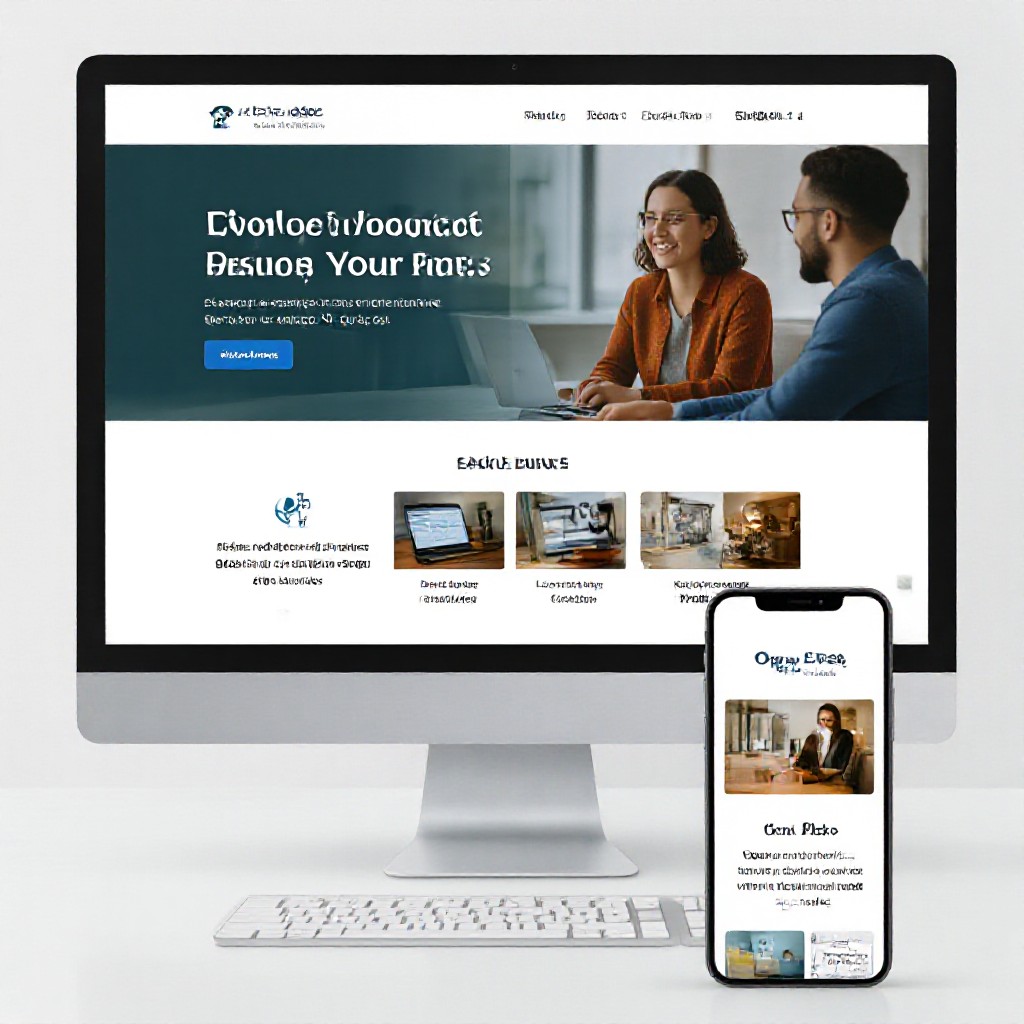
Example: clean homepage with hero, clear CTA, service links and trusted reviews.
