top free web builders
A practical, unbiased guide to the best free website builders — what they include, hidden limits, SEO potential, and the best use cases for small businesses and trades.
Quick picks — best free builders in 2025
If you need a no-cost site right now, these platforms are the most useful starting points. Each has trade-offs — read the detailed comparison below to pick the right one for your needs.
Wix (Free)
Powerful editor, templates, but Wix branding and limited SEO on free plan.
WordPress.com (Free)
Great blogging and content tools; limited plugins and monetisation on free tier.
Carrd / Google Sites / Weebly
Lightweight options for single-page sites, small portfolios, or internal pages.
How to choose the right free website builder
Match the platform to your goals: marketing, bookings, blog, or a one-page portfolio. Free doesn't mean equal — know the trade-offs below.
Key questions to ask
- Do you need your own domain or is a subdomain acceptable?
- Will you rely on search traffic (SEO) or paid ads?
- Do you need bookings, payments or integrations?
- How important is brand control (no ads, no platform logo)?
Common trade-offs
- Branding & Ads: Most free plans display platform logos or ads that reduce credibility.
- SEO Limits: Advanced meta controls and schema are often restricted to paid tiers.
- Storage & Bandwidth: Free tiers usually limit media and visitor capacity.
- Exporting & Ownership: Not all platforms let you export your site files easily if you leave.
Pro tip
Use a free builder to prototype or launch a simple landing page — but plan the upgrade path. For trades and local services, investing in local SEO and a managed solution usually pays back quickly in extra leads.
Top free web builders compared — features, limits and best use case
A side-by-side look at Wix, WordPress.com, Google Sites, Carrd, Webflow free plan and Weebly (2025).
Wix (Free)
Drag-and-drop editor with many templates and apps. Free sites include Wix ads and a wixsite.com subdomain.
- Easy visual editor
- App marketplace (some paid)
- Limited SEO controls on free plan
WordPress.com (Free)
Powerful content management and blogging tools. Free tier uses wordpress.com subdomain and shows WordPress ads.
- Best-in-class blogging and content SEO
- Limited plugin and theme options on free plan
- Upgrade needed for custom plugins and monetisation
Google Sites / Carrd
Extremely simple builders for single-page sites, internal docs, and quick portfolios. Very fast to launch but limited in features.
- Fast and free with Google account
- Minimal SEO and no advanced integrations
- Good for simple landing pages
Webflow (Starter / Free)
Design-orientated builder with powerful layout controls. Free plan limits published pages and uses webflow.io subdomain.
- Pixel-perfect control for designers
- Steeper learning curve
- Export available on paid plans
Weebly (Free)
Simple ecommerce and site builder owned by Square. Free plan includes branding and limited ecommerce features.
- Good basic tools for stores
- Limited payment options without upgrades
- Quick to set up
When a free builder is NOT a good idea
- You need a custom domain without platform ads
- You rely on local search and advanced SEO features
- You want booking systems, custom integrations or payment gateways
- You want predictable monthly cost that includes updates and support
Which builder for which business?
Local Trades (Plumbers, Electricians)
Free builders can get you a quick landing page, but they rarely include built-in local SEO or lead tracking.
Recommendation: Use a free builder only temporarily. For reliable leads, a managed site with local SEO (like Congero) is usually a better investment.
Freelancers & Creatives
Carrd, Webflow or Wix give strong visual control. Free plans help you test portfolios but upgrade for custom domains and CMS features.
Recommendation: Start free, upgrade when you need brand control or ecommerce.
Content Publishers & Bloggers
WordPress.com is the top free choice for content-first sites. Migrating to self-hosted WordPress or a managed service gives more flexibility later.
Recommendation: Use WordPress.com to start, move to managed hosting for advanced SEO and monetisation.
When to stop using free builders — and why Congero might be smarter
Free platforms are great for prototypes and very small projects. But for trades and local services that need leads, reliability and SEO, a managed website is often the faster route to more enquiries.
- Live site in under 60 seconds via WhatsApp demo
- All-inclusive $49/month — domain, SSL, hosting and unlimited updates
- Local SEO and analytics built-in so your phone rings more often
Free builder checklist — what to verify before you publish
- Can you add your own domain without upgrading?
- Are meta titles, descriptions and structured data editable?
- Is there a visible platform ad or watermark on the free site?
- Do you get analytics and basic conversion tracking?
- Can you easily update images and text (or will it lock you in)?
Frequently asked questions about free website builders
Short answers to help you decide quickly.
Example free-site templates
What your landing page could look like after 15 minutes on a free builder.
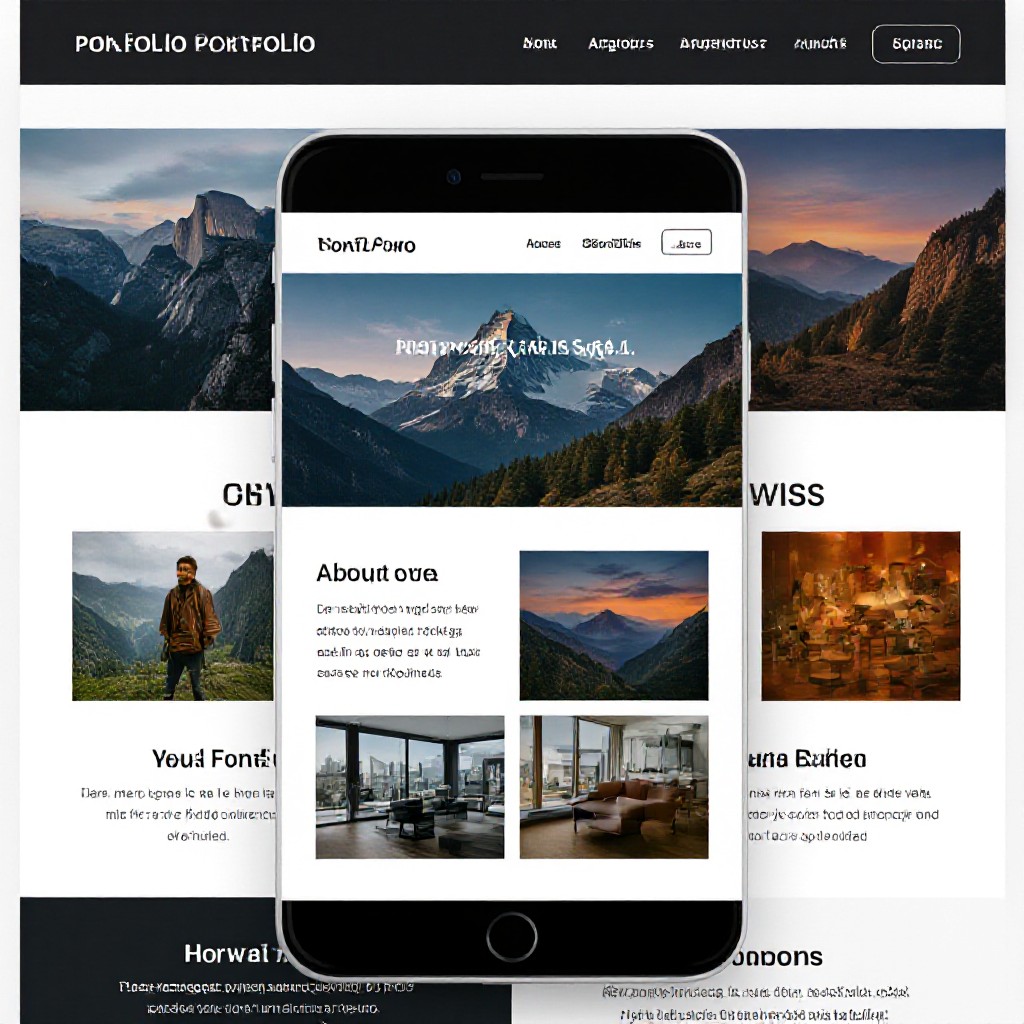
Single-page portfolio
Minimal layout, hero photo, contact link and sample projects.
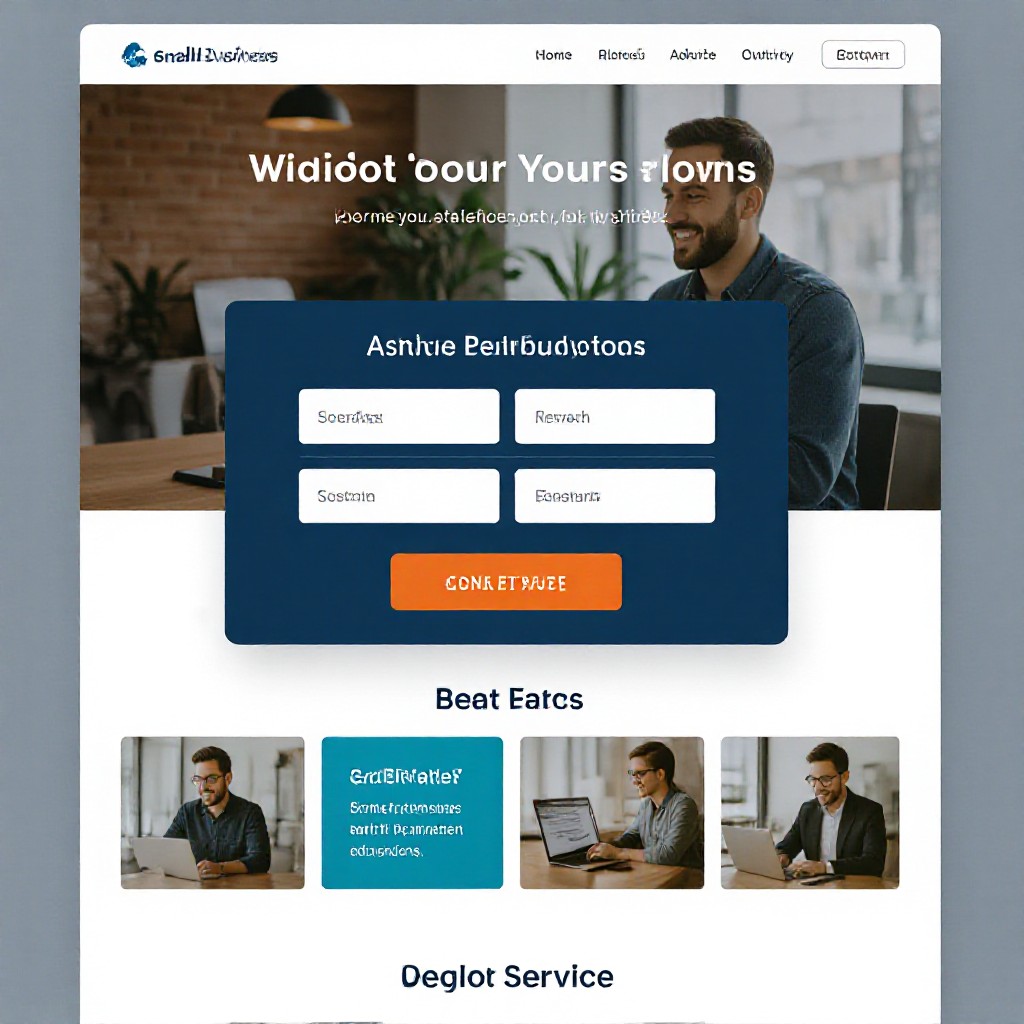
Local service landing page
Basic service list, map embed and call button — suitable for temporary launch pages.
Starter blog layout
Ideal for writers testing ideas — upgrade later for monetisation and plugins.
Ready to stop experimenting and get a site that actually generates enquiries?
Try Congero's free WhatsApp demo — a live, SEO-ready site in under 60 seconds. Domain, hosting and unlimited edits included for $49/month. No lock-in.
START THE FREE DEMO