
showcase website examples
How to build showcase websites that rank in Google, convert visitors, and attract customers
This guide gives small businesses step-by-step instructions, real examples, SEO-ready page templates, and checklists so you can launch a showcase site that brings leads — fast.
What is a showcase website — and why it matters
A showcase website highlights your best work, core services, and customer outcomes. Unlike large ecommerce sites, a showcase site focuses on clarity: clear offer, strong visuals, social proof, and simple ways for customers to contact you. For local businesses and trades, a well-built showcase site is the single most powerful asset for organic traffic and new leads.
What a great showcase site does
- Ranks for local and service keywords that produce calls and bookings.
- Demonstrates competence with project photos and case studies.
- Turns visitors into customers with clear CTAs (call, book, request quote).
- Makes updates effortless so you can publish specials or new work instantly.
Key pages every showcase site needs
Home / Landing
Clear headline, primary service, one-sentence value proposition, and 1–2 CTAs above the fold.
Services
Dedicated pages for each service with features, benefits, and quick pricing or ranges.
Portfolio / Gallery
Show 8–15 high-quality before/after photos with short captions and location tags.
About / Trust
Short story, team photo, licences, and badges (Insured, Accredited).
Contact / Booking
Phone, email, short contact form (or click-to-call), and operating hours + service area.
Case Studies / Jobs
2–4 detailed case studies with problem, solution, outcome, and client quote.
Design & copy — quick rules that convert
- Hero headline: 3–8 words that state the benefit. Example: "Plumbing Repairs — Same Day, Local."
- One clear CTA: Customers should never wonder how to contact you. Use "Call now", "Get a quote", or "Book a slot".
- Use real photos: Project photos convert 3× better than stock; if you don't have them, get 10 professional images or high-quality stock that match your brand.
- Short paragraphs & bullets: Scan-friendly content beats long blocks of text. People decide in 7 seconds.
- Consistent colours & fonts: Pick two primary colours and 1–2 web-safe fonts for clarity and brand recall.
Copy templates you can use
On-page SEO: step-by-step for immediate impact
- Keyword map: Pick 3–6 target keywords (service + suburb variations). Example: "electrician brisbane", "ceiling fan installation brisbane north".
- Title tags & meta descriptions: Write unique titles (50–60 chars) and meta descriptions (120–160 chars) for each page. Include target keyword and call-to-action.
- H1 & header structure: Each page should have a single H1 with the primary keyword; use H2s to break sections and include secondary keywords.
- Local signals: Add service areas, address, operating hours, and embed Google Maps. Create or claim Google Business Profile and link to it.
- Schema markup: Add LocalBusiness schema and Product/Service schema to highlight services in search (rich snippets). Example: address, telephone, openingHours.
- Internal linking: Link service pages to relevant case studies and the contact page — use clear anchor text (e.g., "blocked drain services in X").
- Content length: Service pages should be 500–900 words for niche services; case studies and cornerstone pages can be 1,200+ words.
SEO-ready title examples
Image optimisation & page speed — small changes, big wins
Image best-practices
- Use WebP where possible for smaller file sizes.
- Resize to display size — don't upload full-resolution if not needed.
- Descriptive filenames & alt text (e.g., plumber-blocked-drain-richmond.jpg; alt="Plumber fixing blocked drain in Richmond").
- Lazy-load below-the-fold images to speed up perceived load time.
Speed optimisation quick checklist
- Enable server-side caching (page cache).
- Use a CDN for geographic coverage.
- Minify CSS and JS; delay non-essential third-party scripts.
- Preload key fonts and critical images.
- Target under 2.5s mobile load on PageSpeed Insights.
Real showcase website examples (quick inspiration)
Below are curated layouts and copy blocks you can adapt for your business.
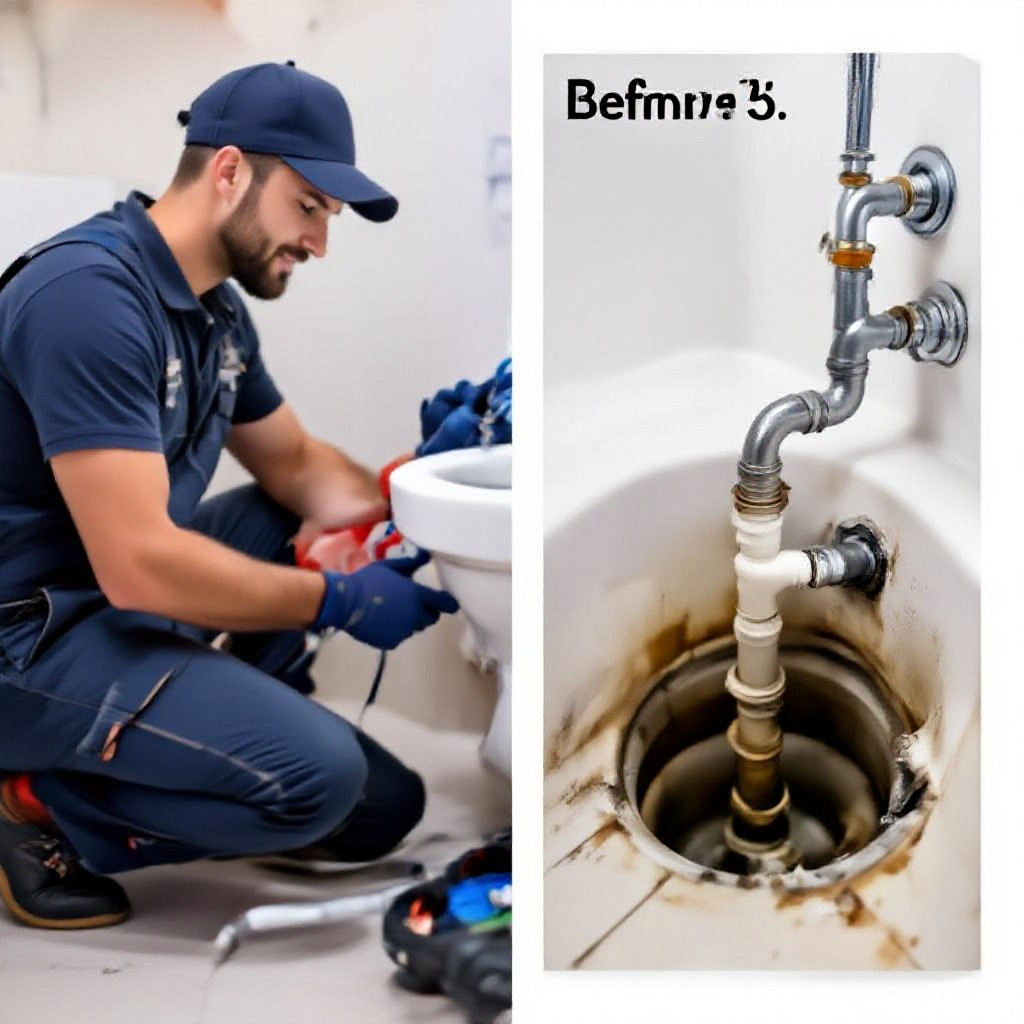
Plumber — Local Showcase
Hero: "Blocked Drains Solved — Same-Day Service in [Suburb]". Gallery: 10 before/after photos. CTA: Call now for same-day quote.
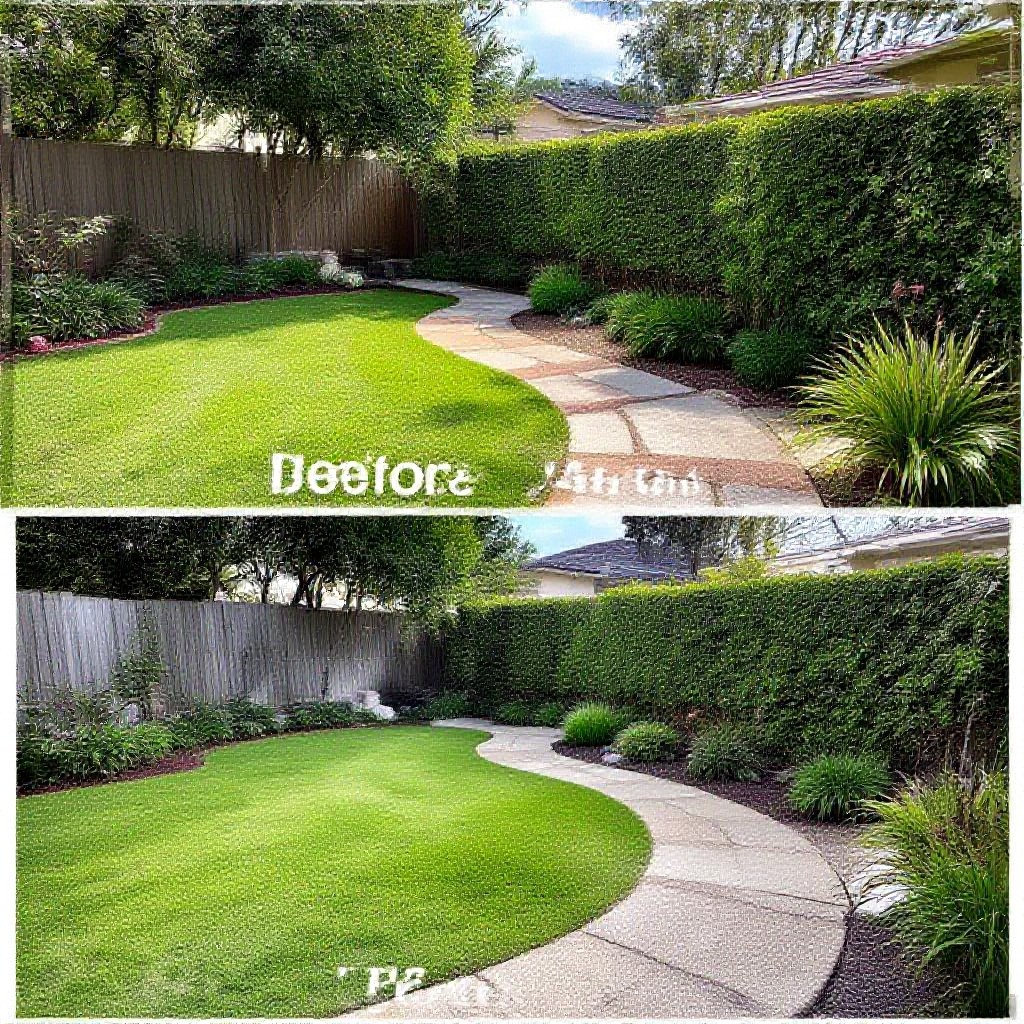
Landscaper — Portfolio Focus
Hero: Project carousel, case studies per project, quick pricing packages, and a booking calendar.
Beauty Therapist — Service Pages
Separate pages for each treatment with pricing ranges, 5-star reviews, and Instagram gallery integration.
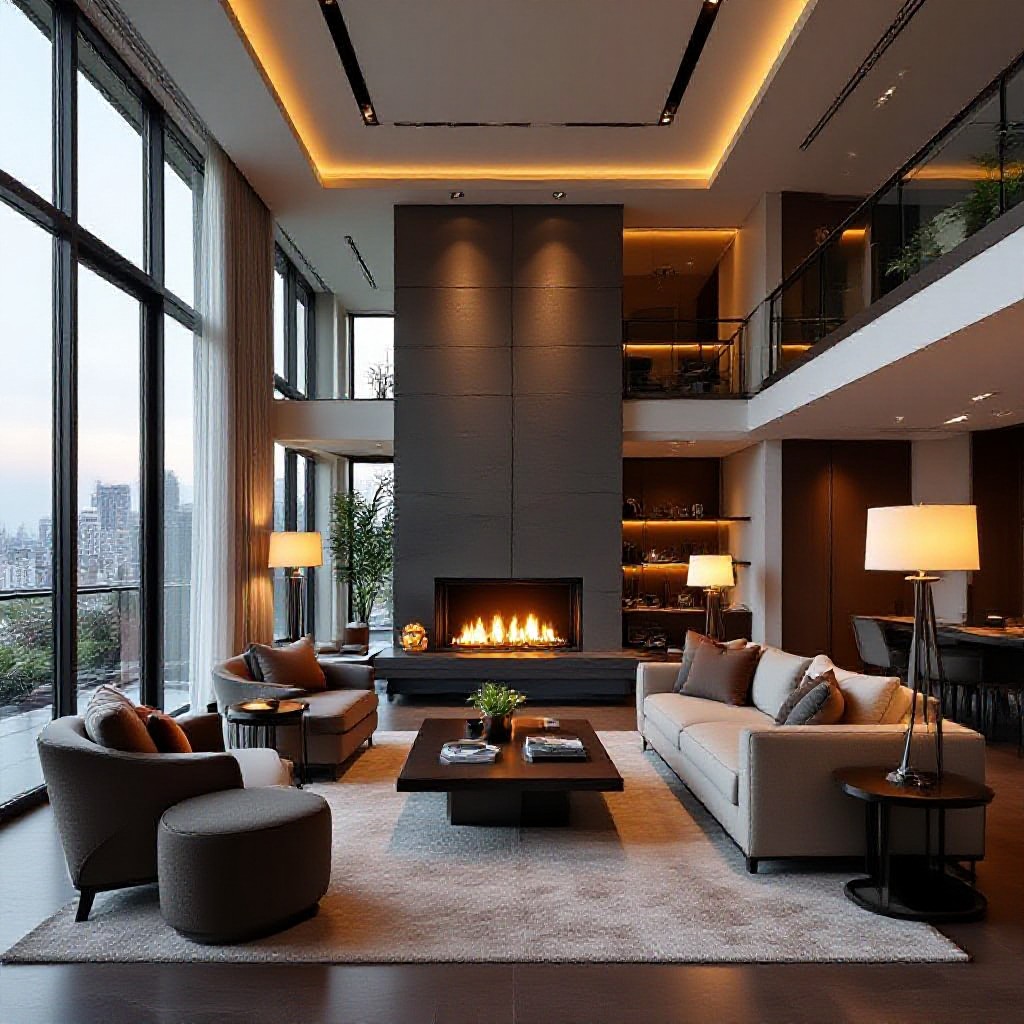
Architect / Designer — Visual-First
Big visuals, minimal copy, downloadable PDF brochures for lead capture, and project filters by type and budget.

Cafe / Restaurant — Menu & Local SEO
Structured menu (schema), location landing pages for delivery zones, and reservation CTA with opening hours schema.

Photographer — SEO Galleries
Image-heavy galleries with descriptive captions, geo-tagging, and keyword-rich album pages (e.g., Wedding Photographer Sydney — Bondi Wedding).
7-step build plan to launch a showcase site fast
- Define outcome: What does a lead look like? Phone call, form submission, or booking? Track this in analytics.
- Choose 3 priority pages: Home, 2 service pages, and a portfolio or case study page.
- Gather assets: Logo, 8–15 photos, 3 testimonials, business info (ABN, address, hours), and 3 clear CTAs.
- Create keyword map: 3–6 keywords per page (service + suburb variations).
- Write focused copy: Use templates above; keep H1 with keyword, short intro, benefits, bullet list, and CTA.
- Optimise images & speed: Use WebP, lazy-load, and CDN; run PageSpeed and fix critical issues.
- Publish & measure: Install Google Analytics, set conversion goals, and submit sitemap to Google Search Console.
Timeline
Launch checklist — don't miss these essentials
- Unique title & meta for every page
- H1 matches primary keyword
- Images sized, compressed, and alt-tagged
- LocalBusiness schema added
- Google Business Profile claimed and linked
- Analytics & Search Console connected
- Contact methods visible above the fold (phone & booking)
- PageSpeed mobile score targeted under 2.5s
Measure success — KPIs to track
Frequently asked questions
How long until my showcase site ranks on Google?
Do I need case studies or will a gallery do?
Can Congero build a showcase site for my trade?
Ready to launch a showcase website that actually attracts customers?
Start with a free demo. Get a professional, mobile-friendly site with local SEO, hosting, domain, and unlimited updates for a flat monthly price — no lock-in.
Congero builds, hosts and optimises showcase websites for trades and service businesses — from demo to live, fast.
