set up website for business
A practical, step-by-step playbook to build a website that ranks, converts and grows your business — focused on SEO, design and marketing.
This guide gives busy business owners clear, actionable steps to get an effective website live in days — with real SEO and marketing tactics you can implement yourself or hand to a partner.

Why a strong website is still the best asset you own
A website is the hub for search visibility, credibility, and conversions. With consistent SEO and a conversion-focused design you can:
- Capture intent-driven traffic from search
- Convert visitors into leads with clear CTAs
- Control your message across channels
- Measure performance and improve ROI
Start with strategy — 4 simple questions
Before you build, answer these clearly. They will guide design, content, and SEO.
Describe their problem, search intent, and the words they use.
Call, email, booking, quote request — make that action prominent.
Typical: Home, Services, About, Pricing (or Estimates), Contact, FAQ, Blog/Resources.
Leads per month, conversion rate, organic visits, cost per lead.
Domain, hosting and technical basics
Choose options that prioritise uptime, speed, and ownership.
- Pick a short, memorable domain. Prefer your business name or primary keyword.
- Avoid long hyphenated names.
- Keep privacy enabled initially; connect email later.
- Choose managed hosting with fast CDN and SSL included.
- Auto-backups and staging environments help when updating.
- If you opt for monthly subscription services, ensure they include domain + hosting so billing is predictable.
- Set up DNS records correctly: A, CNAME, MX for email.
- Use a reliable email provider (Google Workspace, Microsoft 365).
Design and UX that converts
Design is more than aesthetics — it guides attention and reduces friction.
Clear headline & value proposition
Top of page: state who you help, what you do, and your main benefit in one sentence. Visitors decide in 3 seconds.
Priority CTA
Use a single, bold CTA above the fold (Call / Get Quote / Book). Secondary CTAs are lower on the page.
Scannable pages
Use headings, short paragraphs, bullet lists, and visuals. Most visitors scan — make information easy to find.
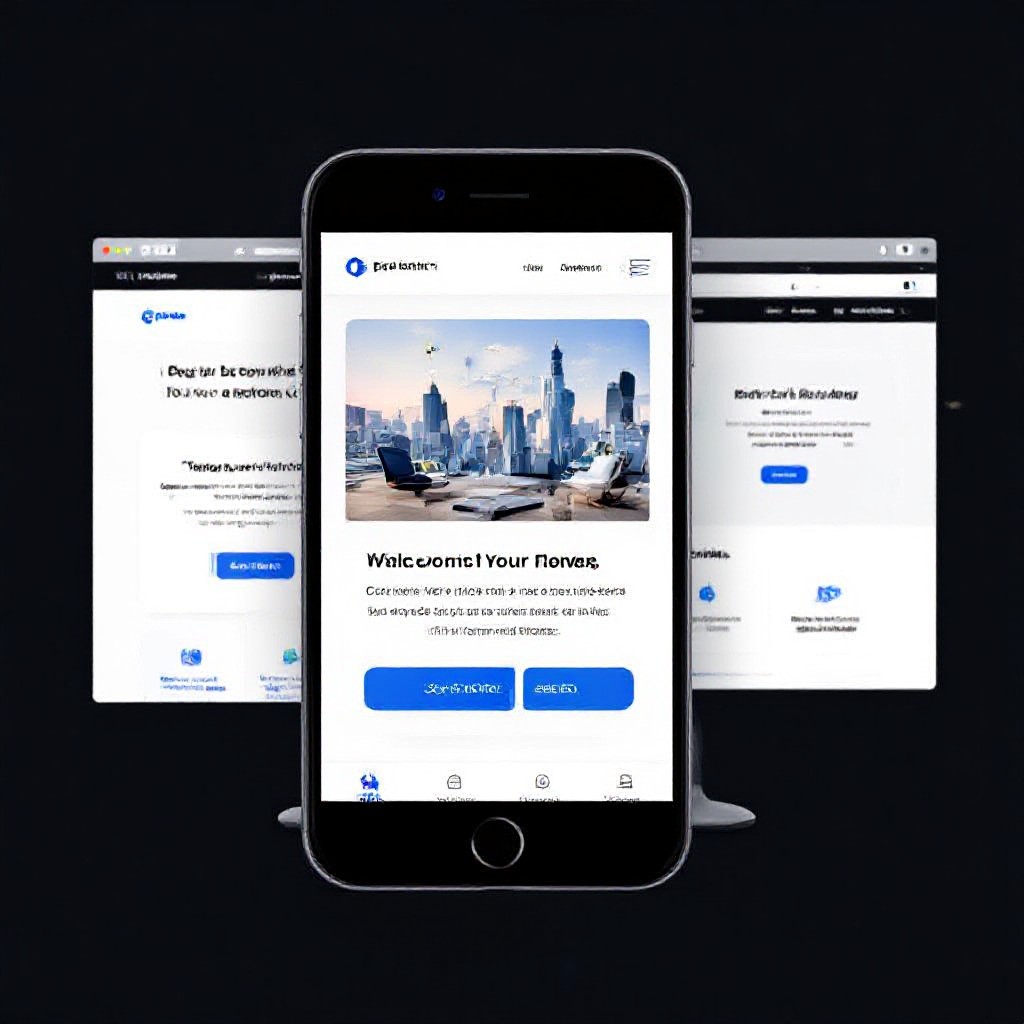
Mobile-first interactions
Touch targets, readable fonts, and simplified navigation. Mobile behaviour drives design decisions.
Content & SEO: the step-by-step checklist
SEO is a collection of small, repeatable tasks. Do these well and you win long-term organic traffic.
1) Keyword & intent mapping
For each page define one main keyword and 2–3 supporting keywords. Map content to search intent (informational, commercial, transactional).
2) On-page SEO essentials (for every page)
- Title tag: 50–60 characters, include keyword near start. Example: Service Name — Trusted Provider | Business
- Meta description: 120–160 characters, clear CTA and benefit.
- H1: single H1 per page, matches user intent.
- URL: short, lowercase, hyphen-separated (example.com/service-name).
- Images: compressed, descriptive file names, with alt text including keyword naturally.
- Internal links: link to related pages with descriptive anchor text.
3) Content that converts
- Lead with the benefit — what the visitor gains.
- Use social proof: short testimonials, logos, results.
- Add a simple FAQ for common objections (this also helps SEO with long-tail queries).
- End with a strong CTA and multiple ways to contact you (call/email/booking).
4) Content cadence
Publish at least one helpful article or case study per month focused on customer problems. Aim for 800–1,500 words with practical steps.
Technical SEO & structured data
Essential technical items
- XML sitemap submitted to search consoles.
- robots.txt configured to allow crawling.
- Canonical tags to prevent duplicate content.
- Page speed: aim for under 3s on mobile; optimise images, use lazy-loading and CDN.
- Mobile-first index: ensure all content appears on mobile version.
Structured data (schema)
Add schema for: Organization, WebSite, BreadcrumbList, FAQPage, and Product/Service where relevant. Example snippet for a service page:
{
  "@context":"https://schema.org",
  "@type":"Service",
  "name":"Service Name",
  "description":"Short service description that includes benefits",
  "provider": { "@type":"Organization", "name":"Your Business" }
}
Launch checklist — what to test before you go live
- Mobile display and tap targets
- Page speed (Core Web Vitals)
- Contact forms and email delivery
- Title tags and meta descriptions
- SSL certificate active
- Analytics & search console tracking installed
- Internal links and redirects verified
- Accessibility basics (alt text, colour contrast)
Marketing strategies to turn traffic into customers
1) Organic SEO
- Target service pages for commercial intent keywords.
- Write helpful "how-to" posts to capture informational queries and funnel to service pages.
- Earn backlinks with case studies and partnerships.
2) Paid channels
- Run search ads on high-intent keywords for immediate leads.
- Use remarketing to re-engage visitors who didn’t convert.
- Test small budgets, measure cost-per-lead, and scale the winners.
3) Email & CRM
- Capture leads with simple offers (quote, checklist, discount).
- Set up a short nurture sequence to convert cold leads.
4) Local visibility (general)
- Ensure your website lists accurate contact details and hours.
- Collect and display reviews — they increase trust and clicks.
Measure, learn, repeat
Set up simple dashboards and run monthly check-ins.
- Organic sessions and top-performing pages
- Conversion rate and leads per channel
- Average position for target keywords
- Page speed trends and Core Web Vitals
Copy-and-paste templates
Frequently asked questions
How long does it take to set up a basic business website?
Do I need to write all content myself?
How do I know which keywords to target?
Is it better to build myself or use a subscription service?
Ready to set up a website that works for your business?
Get a professional, mobile-optimised site with built-in SEO and predictable pricing. Start small and scale as you grow.
No long contracts required. Keep ownership of your domain and content.
