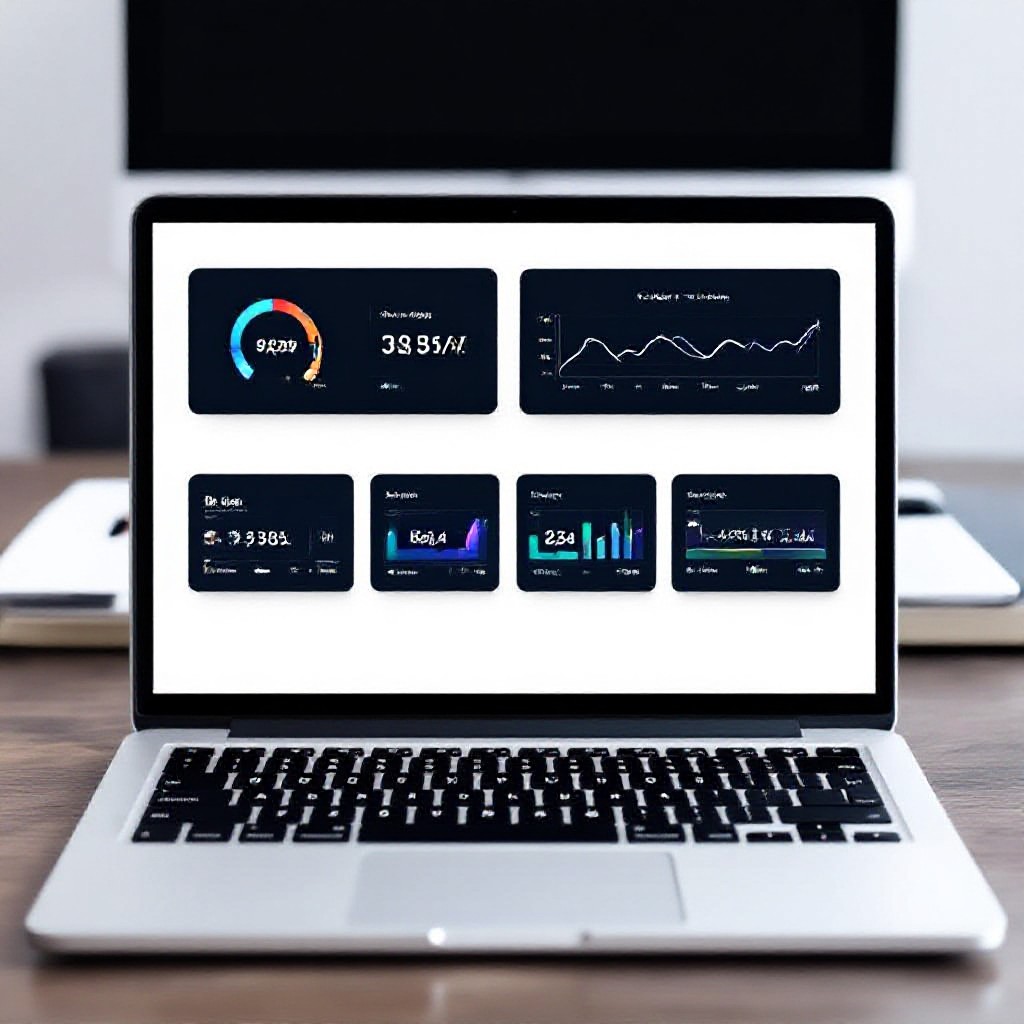
seo website designs
Design choices that help your site rank higher, engage visitors, and turn traffic into paying customers.
This guide walks through actionable, designer-friendly SEO techniques — from information architecture and heading structure to performance, structured data, and measurement — so you can build websites that please both users and search engines.
SEO design principles that actually work
Treat SEO and design as partners, not opposing forces. Good SEO-friendly design is: content-first, fast, accessible, and structured. Below are the principles to use on every project.
User-first design
Design for intent. Identify the primary tasks users want to complete and make them frictionless (call, book, buy, learn).
- Prioritise content that matches search intent.
- Reduce clicks — important info should be visible above the fold on mobile.
Content-first structure
Design around content blocks, not decorative pixels. This makes content reusable, indexable, and easier to update.
- Use semantic HTML (article, section, nav, header).
- Keep the main content near the top of the document flow for crawlers.
Performance by design
Optimise visuals and interactions to meet Core Web Vitals targets — speed improves ranking and conversions.
- Prefer CSS animations over heavy JS.
- Defer non-critical scripts and load only what's required for first paint.
Accessibility equals SEO
Accessible sites help search engines understand content and reach more users.
- Use readable font sizes and colour contrast that passes WCAG AA.
- Provide alt text, ARIA roles where appropriate, and keyboard navigability.
Information architecture & site hierarchies
A clear, shallow site structure helps users and search engines. Aim for a 2–3 click maximum depth to reach any page from the homepage.
Steps to create an SEO-friendly IA
- Map core goals: List primary user tasks (e.g., get a quote, read services, contact).
- Group related content: Use categories that clearly match search intent keywords.
- Create templates: Standardise page templates for service pages, blog posts, and FAQs to keep structure consistent.
- Limit depth: Keep important pages within three clicks from homepage.
- Breadcrumbs: Add breadcrumb navigation to aid both users and crawlers.
Service page template (example)
- H1: Service name
- Intro paragraph with target keyword
- Key benefits (bullets)
- FAQ (structured)
- Internal links to related services
URL structure best practices
- Keep URLs short and descriptive (example: /services/roof-repairs)
- Use hyphens, not underscores
- Lowercase only
- Use canonical tags for duplicated content
On-page design: headings, content & meta
On-page design decisions directly affect crawlability and relevance. Use headings and content blocks to signal topic hierarchy.
Headings: a practical rule-set
- One H1 per page — make it descriptive and include primary keyword.
- Use H2s for major sections and H3s for sub-items — mirror the information architecture.
- Don’t use headings for styling only; keep semantic order.
- Keep headings concise (6–12 words).
Meta titles & descriptions
Designers should include areas on the page templates for editable meta title and description fields — not baked into the visual copy only.
- Title: 50–60 characters, includes primary keyword near the start.
- Description: 140–160 characters; write for clicks, include a benefit and CTA (no forms required).
- Use Open Graph tags for social sharing (og:title, og:description, og:image).
Content blocks that rank
- Intro (30–60 words): answer the user's query immediately.
- Supporting sections: use H2s with related keywords, FAQs, and examples.
- Actionable snippets: short lists, tables, and how-to steps increase usefulness and can be featured in snippets.
- Schema-ready FAQ: include question/answer pairs to qualify for rich results.
Technical SEO considerations for designers
Many technical issues are introduced at design time. Avoid them with these design-forward technical checks.
Render strategy
Prefer server-side rendering (SSR) or hybrid pre-rendering for main content. If using client-side rendering, ensure content is crawlable.
Checklist: pre-render critical content, server-render templates where possible.
Sitemap & robots
Designers should include sitemap.xml generation and editable robots directives in the build process.
Confirm that disallowed paths do not block CSS/JS needed for rendering.
Accessibility & semantic markup
Use semantic HTML elements and meaningful aria-labels so crawlers and assistive tech can parse content naturally.
Canonicalisation & duplicate content
Design templates to include canonical tags. For filterable product/service pages, use rel=canonical or noindex for thin or duplicate combinations.
Performance & Core Web Vitals
Performance is a ranking factor and impacts conversions. Designers can make big wins by choosing efficient patterns and limiting heavy assets.
Design patterns that improve speed
- Use system fonts or a limited webfont stack and preload the most-used font.
- Limit hero image sizes and use responsive srcset.
- Prefer CSS gradients, SVGs, and icon fonts for decorative assets instead of large PNGs.
Core Web Vitals targets
- LCP: ≤ 2.5s
- FID / INP: INP < 200ms (or good interaction times)
- CLS: < 0.1
Practical optimisations
- Lazy-load below-the-fold images with native loading="lazy".
- Inline critical CSS for the above-the-fold content and defer non-critical styles.
- Defer non-essential third-party scripts (chat widgets, analytics) until after load or on user interaction.
- Use modern image formats (AVIF/WebP) and generate multiple sizes.
UX, trust signals & conversion-focused design
SEO brings traffic; UX turns that traffic into measurable business growth. Design should remove friction and build credibility.
Speed up paths to action
Make primary actions obvious with consistent placement and strong visual hierarchy. Use descriptive CTAs (e.g., Get a quote, Check availability).
Trust & social proof
Include reviews, case studies, certifications, and a clear privacy policy to improve conversions and reduce visitor hesitation.
Contact strategy
- Visible phone number and one-click call on mobile.
- Minimal friction for lead capture (short form or click-to-call link).
Micro-conversions
Measure scrolls, clicks, PDF downloads, or brochure views as micro-conversions to inform design improvements.
Images, video & lazy loading
Media is critical to conversion but often kills performance. Use smart choices and automated tooling.
Image best practices
- Serve responsive images with srcset and sizes attributes.
- Use next-gen formats (AVIF/WebP) with fallbacks.
- Include descriptive alt text that reads naturally, not keyword-stuffed.
Video & embeds
- Lazy-load video iframes (load poster image with play button and inject iframe on click).
- Host videos on a reliable CDN or use an async player to avoid blocking main thread.
- Provide transcripts for accessibility and SEO value.
Structured data & schema markup
Structured data helps search engines understand page purpose and can unlock rich results (FAQ, how-to, product snippets).
Quick wins
- Add FAQ schema for question pages or help sections.
- Use Product or Service schema for offerings with price and availability.
- Implement BreadcrumbList schema to match on-page breadcrumbs.
Implementation tips
- Keep JSON-LD in the head or just before the closing body tag.
- Ensure structured data reflects visible content on the page.
- Test with Rich Results Test and monitor Search Console for errors.
Testing, monitoring & continuous improvement
SEO-friendly design is iterative. Use data to prioritise changes and measure impact.
Tools to use
- Google Search Console — index coverage, performance queries
- PageSpeed Insights / Lighthouse — Core Web Vitals
- Analytics (GA4 or alternatives) — behaviour and conversions
- Screaming Frog or site crawler — detect broken links & tags
A/B testing & metrics
Test headlines, CTAs, and hero layouts. Key metrics: organic clicks, bounce rate, time on page, conversion rate.
Change log & release strategy
Track SEO changes in a dedicated changelog. Deploy A/B experiments and measure for at least 2–4 weeks before permanent rollout.
Practical SEO design checklist (copy & use)
- H1 exists and includes primary keyword
- Meta title 50–60 chars; meta description 140–160 chars
- Page loads < 2.5s on mobile (LCP ≤2.5s)
- Images use srcset and next-gen formats
- Sitemap.xml and robots.txt configured correctly
- Schema implemented for FAQ, breadcrumbs, products/services
- Internal linking to related pages using descriptive anchor text
- Accessibility: alt text, keyboard focus, colour contrast
- Analytics and Search Console tracking installed
- Mobile-first layout and CTA prioritisation
Tip: Integrate this checklist into your design handoff to ensure SEO doesn't get lost during development.
Frequently asked questions
How much design flexibility can I have without hurting SEO?
Should designers write meta descriptions or should content writers do that?
Is a single-page design bad for SEO?
How often should I review Core Web Vitals?
Build SEO-friendly websites that grow your business
Start with design choices that respect content, speed, and accessibility. The result: higher rankings, lower bounce rates, and more leads.
Congero builds mobile-first, SEO-optimised websites with instant AI-powered demos and unlimited text-in updates on a simple monthly plan. Try a free demo and see a complete, SEO-friendly design in under a minute.
