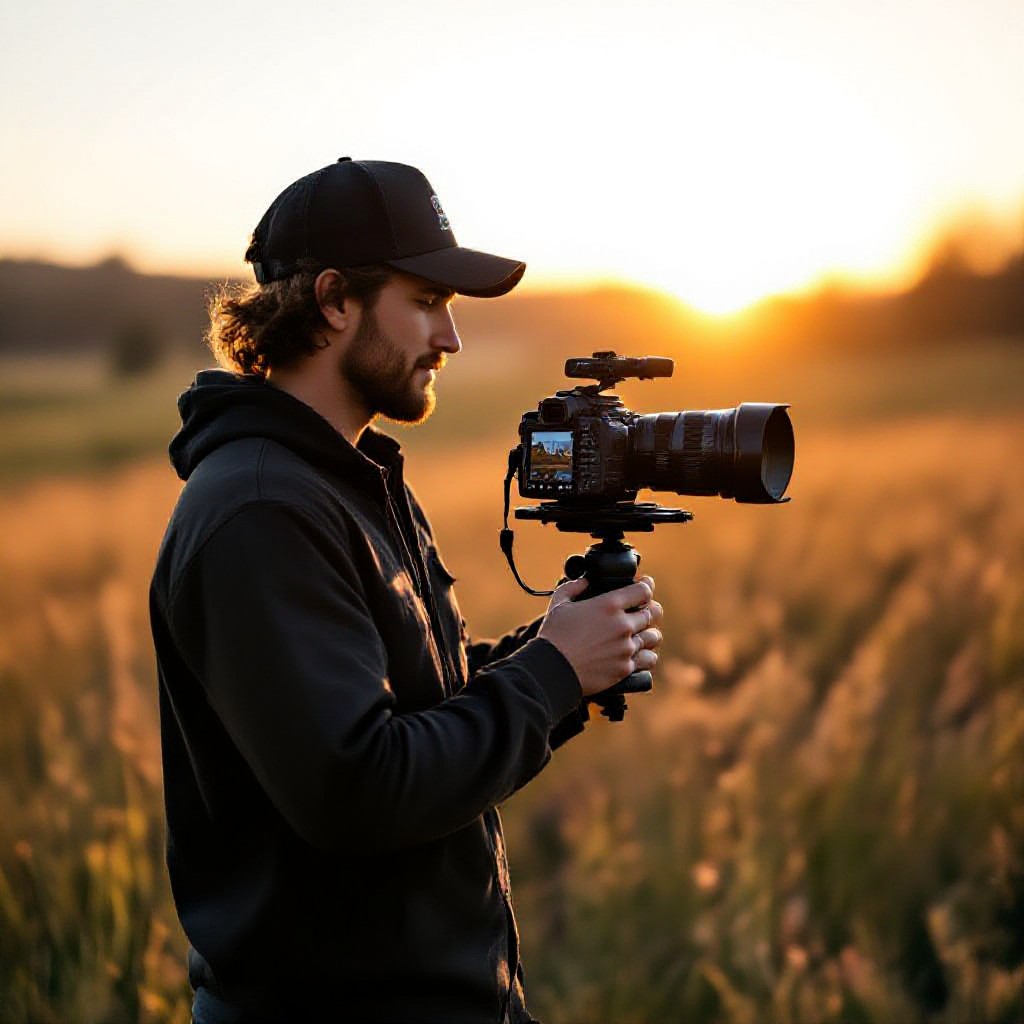
seo for videographers
Proven, actionable SEO and visibility tactics tailored to videographers so you attract more local and paying clients.
This guide walks you step-by-step — from keyword research and service pages to video schema, hosting choices, and conversion optimisations — so your portfolio gets found and converts browsers into booked shoots.
Why SEO Matters for Videographers
As a videographer your work sells visually, but clients still start with search. Good SEO puts your best projects in front of event planners, brands, and couples who are actively searching for video services. It reduces reliance on referrals alone and fills your calendar with qualified enquiries.
Targeted leads
Searchers have intent — rank for "wedding videographer sydney" and you'll get high-quality enquiries.
Long-term traffic
A well-optimised page can bring clients for years with minimal upkeep.
Better ROI
Search traffic converts at higher rates than social cold outreach — and it's cheaper per lead.
Keyword Research — Practical & Fast
Pick keywords that match how clients search. Combine service + location + intent. Example patterns:
High intent (book now)
- wedding videographer Sydney
- commercial videographer Melbourne rates
- corporate event videography Brisbane
Research & inspiration
- best videographers for fashion lookbook
- music video production company near me
- how to hire a product videographer
Quick keyword process (30–60 minutes)
- Write 10 services you offer (e.g., wedding, corporate, product, drone).
- Append primary locations you serve (city, suburb).
- Use Google Autocomplete and People Also Ask to expand phrases.
- Check search volume with a free tool (Google Keyword Planner, Ubersuggest). Prioritise low-competition, medium-volume phrases.
- Create 1–2 focused keywords per service page + 1 homepage keyword.
Service & Portfolio Pages That Rank and Convert
Structure pages for humans and search engines: clear intent, optimized headings, strong visuals, and direct CTAs.
Service page template (use for each offering)
- Title tag: Include primary keyword + location. Example: Wedding Videographer Sydney — [Your Business]
- H1: Use exact page keyword (one H1 only).
- Intro (50–80 words): Short summary of who you serve and the outcome clients get.
- What’s included: Bullet list with typical deliverables and durations.
- Portfolio section: 3–6 high-impact videos (thumbnails link to case pages).
- Pricing or starting price: Transparent starting point reduces friction.
- FAQ: 4–6 common client questions and short answers (helps search snippets).
- CTA: Clear action like "See How It Works" or "Check Availability".
Portfolio / Case Study pages
A case study page focuses on one job and converts visitors by telling a story: challenge, approach, final deliverables, business results.
What to include
- Hero video embed (fast-loading thumbnail)
- Short caption with keywords
- Client brief & objectives (100–200 words)
- Approach & technical notes (gear, crew)
- Results: bookings, views, client quote
SEO tips
- Include transcript or summary under the video (searchable text).
- Add VideoObject schema (see next section).
- Name the video file and thumbnail with keywords (e.g., wedding-videographer-sydney.mp4).
Video SEO & Schema: Be Visible in Search & Rich Results
Video-specific SEO lifts visibility. Use schema, transcripts, and smart thumbnails to get clicks.
VideoObject schema — minimum fields
{
  "@context": "https://schema.org",
  "@type": "VideoObject",
  "name": "Wedding Highlight — Smith & Jones",
  "description": "2-minute wedding highlight filmed in Sydney.",
  "thumbnailUrl": "https://example.com/thumb.jpg",
  "uploadDate": "2025-11-05",
  "contentUrl": "https://cdn.example.com/wedding-highlight.mp4",
  "duration": "PT2M30S"
}
Place this JSON-LD on the case study page for each featured video. It helps Google index your video and can enable rich snippets or video carousels.
Transcripts & captions
Include full transcript beneath each video. Transcripts add searchable text and improve accessibility (also useful for YouTube embeds).
Hosting choices — pros & cons
YouTube/Vimeo
- Pros: bandwidth offload, syndication, built-in players, discovery.
- Cons: viewers may stay on host, limited control over thumbnail/branding.
Self-host / CDN
- Pros: full control, no external links, brand-first experience.
- Cons: higher cost, needs CDN and optimized delivery for mobile.
Local SEO Checklist for Videographers
Most client searches include location. Optimise for local to capture nearby enquiries.
- Google Business Profile: Claim, add categories (videographer, photographer), upload portfolio clips, and keep hours/contact consistent.
- NAP consistency: Same name, address, phone on your site, directories, and social profiles.
- Local landing pages: Create a short page per suburb/city you serve (avoid thin content — add unique portfolio clips and a testimonial).
- Local schema: Add Organization + LocalBusiness schema with serviceArea and geo coordinates.
- Reviews: Ask satisfied clients for Google reviews and respond to them.
Performance & Hosting — Make Your Videos Fast
Page speed is an SEO factor. Videos can slow pages — optimise delivery and prioritise mobile performance.
Lazy load
Defer video embeds and images until visible. Use poster images that load quickly.
Use a CDN
Deliver large files from nearby servers for faster load times.
Compress intelligently
Use modern codecs (H.264 / H.265 where supported) and create web-optimized MP4s at multiple bitrates.
Core web vitals targets
- Largest Contentful Paint (LCP): under 2.5s
- Cumulative Layout Shift (CLS): under 0.1
- First Input Delay (FID) / Interaction to Next Paint (INP): under 100ms
Conversion Optimisations — Turn Visitors Into Bookings
SEO gets them to your site. Design the experience to build trust and prompt contact.
Show social proof
Feature client logos, testimonials, and short case study results above the fold.
Speedy contact options
Phone click-to-call, a link to your booking calendar, and a "See How It Works" CTA on every page.
Use sharp thumbnails
Thumbnails are your ad creative — test different stills and captions to increase clicks.
Reduce friction
Ask for minimal info on contact forms and follow up quickly — respond within 24 hours.
Tracking & Reporting — Know What Works
Measure SEO impact and refine. Track traffic sources, conversions, and video engagement.
- Set up Google Analytics 4: track events — form submits, phone clicks, video plays.
- Use Google Search Console: monitor search impressions, top queries, and pages with rich results.
- Define KPIs: organic enquiries per month, average session duration on portfolio pages, video watch completion rate.
- Monthly review: pick 3 pages to optimise each month based on queries and impressions.
Quick Start Checklist — First 7 Days
- Create a target keyword list (5–10).
- Publish/optimise 3 service pages with H1, meta, and clear CTAs.
- Embed 3 portfolio videos with transcripts and VideoObject schema.
- Claim Google Business Profile and list your service areas.
- Set up GA4 + Search Console and track contact events.
Frequently Asked Questions
Do I need to host videos on my site to get SEO benefits?
How many portfolio videos should I show?
Will adding transcripts really help SEO?
How long until I see results?
Get More Clients From Search
Start with a focused SEO plan: target the right keywords, showcase your best work, implement VideoObject schema, and optimise speed. These steps bring more qualified enquiries and higher conversion rates.
Tip: pick one service page to optimise each month — steady improvements compound.
