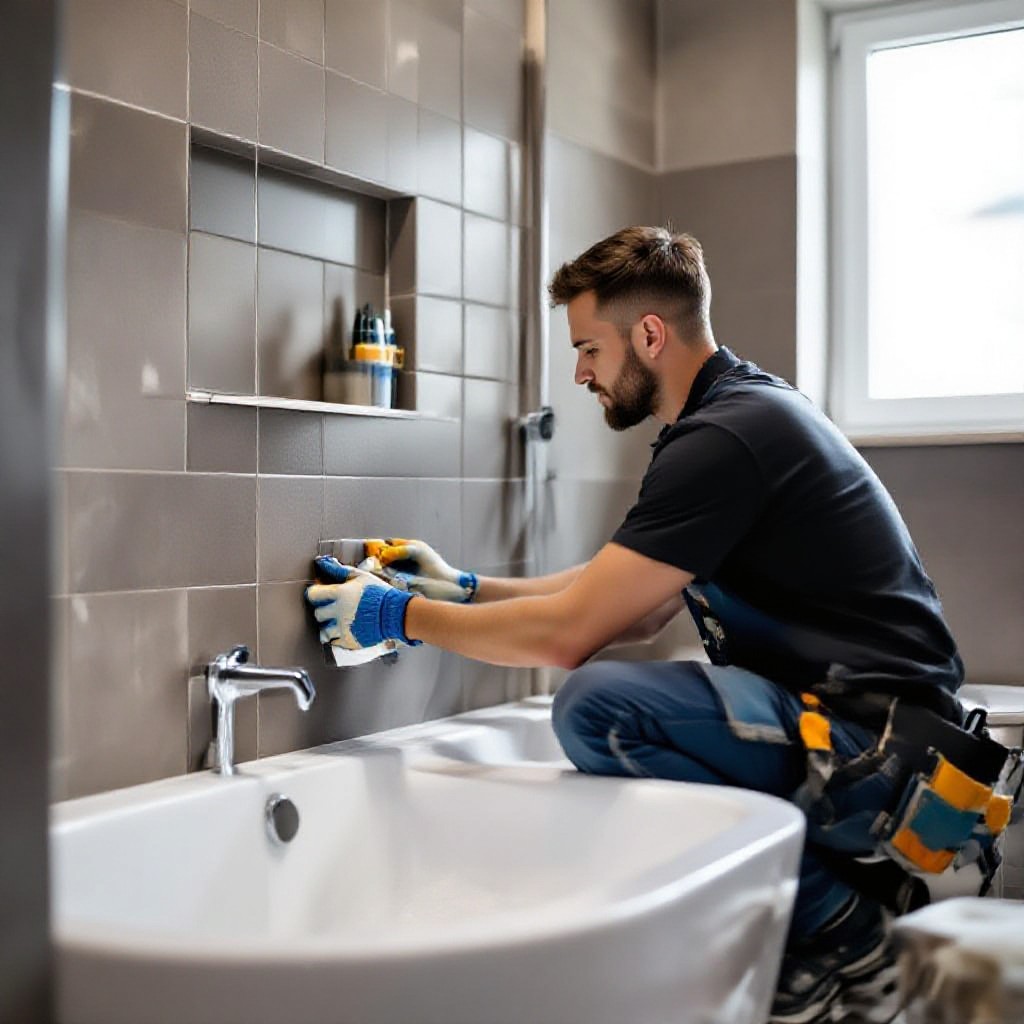
seo for tilers
Step-by-step SEO and online marketing to get more local jobs, faster.
This guide gives tile installers simple, actionable steps — from keyword research and local listings to portfolio optimisation, Google Business Profile, reviews, speed and tracking. No jargon. Do one thing at a time and see steady results.
1. Keyword research for tilers
Start with the terms your customers actually type. Focus on local, service-led keywords and "problem + location" phrases.
Core keyword groups
- Service + Suburb: "bathroom tiler Paddington"
- Problem + Service: "replace cracked tiles Melbourne"
- Service type: "shower niche tiling", "outdoor porcelain tiler"
- Intent modifiers: "near me", "cheap", "guaranteed", "emergency"
Quick tools: Google Autocomplete, Google Maps suggestions, and free keyword ideas from Merchant Center or Ubersuggest. Aim for a mix of high-intent local phrases and longer questions people ask.
2. On-page SEO — titles, meta descriptions and headings
On-page SEO tells Google what each page is about. Keep it simple and specific.
Title tags (what shows in search)
Keep titles under ~60 characters. Put the main keyword near the front.
- Good example: Bathroom Tiler Paddington | Shower & Floor Tiling
- Include a service + location + one benefit if possible
Meta descriptions
Aim for 120–160 characters. Make it a clear call to action.
- Example: Expert bathroom tiler in Paddington. Free quotes, 5-year warranty, same-week bookings.
- Include phone or "free quote" phrasing to improve click-throughs
Headings (H1, H2, H3)
Use H1 for page topic once, H2s for sections. Put keywords into at least one H2.
- H1: "Bathroom Tiler — Paddington"
- H2 examples: "Shower Tiling Services", "Porcelain Floor Tiling", "Get a Free Quote"
URLs & image alt text
Short URLs with keywords help: /bathroom-tiler-paddington. Alt text should describe the photo and include the service or suburb.
- Image alt: "bathroom floor tiling Paddington - porcelain tiles"
3. Local SEO & Google Business Profile (GBP)
For tilers, local visibility is everything. Google Business Profile is often the #1 source of leads.
GBP checklist
- Complete every field: business name, exact address, service areas, phone, business hours
- Use your website URL and add services within GBP
- Upload 4–8 professional photos: before/after, close-ups, finished bathrooms
- Post updates: weekly specials or recent jobs to keep the profile active
Tip: Set your service area (e.g., suburbs you serve). Don't list service areas you can't actually service. Google rewards accuracy.
4. Create focused service & location pages
One page per service + one page per major suburb you serve is a high-impact tactic. Each page should target a single keyword set.
Service page structure
- H1 with service + suburb (if applicable)
- Short intro (2–3 sentences) with primary keyword
- List of exact services and materials (porcelain, ceramic, mosaic)
- Before/after photos and short case study
- Clear CTA: "Call for a free quote" with phone number
Location pages
- Target: "tiler [suburb]" pages (e.g., "Tiler Bondi")
- Include local signals: suburbs served, landmarks, examples of local jobs
- Embed a map (or GBP link) and add reviews from customers in that area
5. Portfolio & photos that win jobs
High-quality photos build trust. For trades like tiling, visual proof is one of the top conversion drivers.
Photo checklist
- Before, during, and after photos for each job
- Show close-ups of grout lines and tile cuts to demonstrate quality
- Use consistent lighting and plain backgrounds where possible
- Compress images (WebP if possible) for speed and add descriptive alt text
Add short captions and a one-line explanation of the problem + solution under each project. This helps SEO and user trust.
6. Get reviews and use them everywhere
Reviews are social proof and a local ranking signal. Make it easy and make it polite.
Practical review process
- Ask happy customers in person right after handover
- Send a short SMS with a direct GBP review link
- Offer to guide them (one sentence) on how to leave a review
- Share 2–3 great reviews on your homepage and location pages
Respond to reviews — both positive and negative. Thank the positive and offer to fix any negative feedback politely; this shows professionalism.
7. Site speed & mobile UX
Most customers search and call from phones. A slow or cluttered mobile site loses jobs.
Performance quick wins
- Compress and resize images (serve smaller sizes to mobile)
- Use browser caching and a simple, fast theme
- Limit heavy scripts and third-party widgets
- Use a CDN and good hosting — it matters for local customers
Mobile UX tips
- Prominent click-to-call button at the top
- Clear pricing or starting prices where possible
- Large photos, simple menus, and readable text
- Short testimonial snippets above the fold
8. Track calls, forms and ROI
You can't improve what you don't measure. Track how customers find you and which pages convert.
Essentials to install
- Google Analytics 4 (basic events for calls and forms)
- Call tracking or tagged phone numbers for ads
- Conversion goals: phone clicks, form submissions, quote requests
Look at source/medium to see whether organic search, Google Maps, social or paid ads are bringing leads. Double down where you get the best cost-per-lead.
9. Paid ads — where to start
Paid ads can jumpstart leads while your organic SEO grows. Start small, measure, then scale.
Recommended quick campaigns
- Google Search for "tiler near me" + targeted suburbs
- Local Services Ads (if available in your area)
- Facebook/Instagram boost for a recent before/after post
Set a small daily budget (e.g., $10/day), track cost per lead, and pause campaigns that don't perform. Use landing pages focused on the ad's promise for better conversion.
10. 30-day getting started checklist
- List your top 10 keywords (service + suburbs) and pick one primary per page
- Update homepage title and meta to include 1 primary keyword
- Create 1 service page and 1 location page (use a real recent job)
- Set up or optimise Google Business Profile — add 6 photos
- Ask 3 recent customers for reviews and publish them
- Install Google Analytics and set up a phone click event
- Compress images and run a PageSpeed check
Frequently asked questions
How long until I see results?
Do I need a blog?
Can I do this myself or should I hire help?
Ready to get more local tiling jobs?
Follow the checklist above or have a pro build and optimise your site so you can focus on the work you love. A fast, local-SEO-optimised site and Google Business Profile are the two biggest levers for tilers.
Prefer to go at your own pace? Use the 30-day checklist above — do one task each week and watch your enquiries grow.
