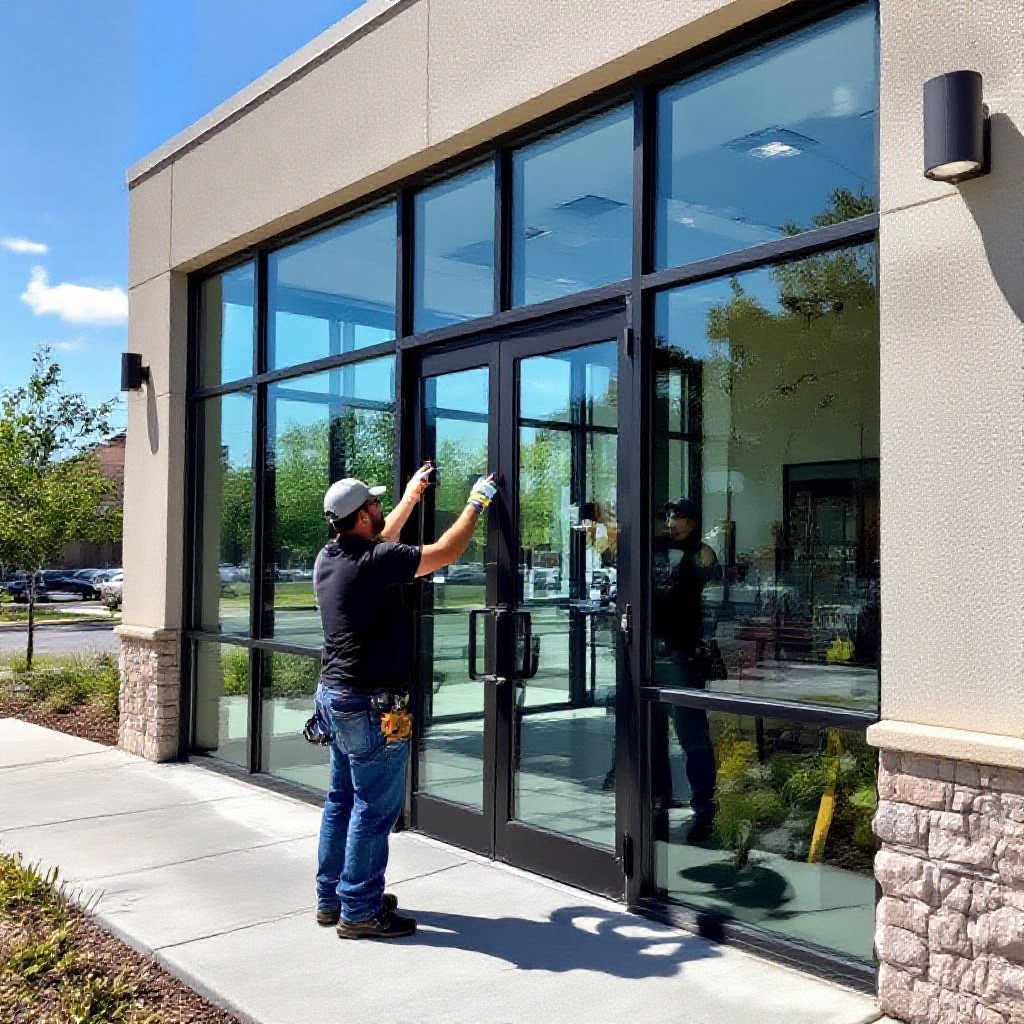
seo for glass and glazing contractors
Local SEO and website steps that actually bring more calls, jobs and quotes — written specifically for glaziers & glass businesses.
This practical guide gives clear, actionable SEO steps you can implement today — from keyword maps and service page templates to Google Business Profile tactics, review systems, schema markup and quick technical fixes that improve rankings.
Demo & quick site setup (Congero)
Local searches that convert to a call or visit
High-value service pages to create
All-in website + updates per month (Congero)
Quick Start Checklist — Get visible fast
Follow these 8 steps to get measurable SEO wins in 30–90 days.
- Claim & optimise your Google Business Profile (GBP) — accurate business name, categories (Glazier, Glass Repair Service), service areas, opening hours, and 5 photos (shopfront, van, team, recent job, before/after).
- Create 4–6 focused service pages — each page targets a single service + suburb (examples below). Use unique titles and local content.
- Set up tracking — Google Analytics and Google Search Console, and connect them to GBP. Add phone call tracking if possible.
- Gather reviews — ask satisfied customers to leave 5-star reviews on Google and respond to each review within 48 hours.
- Fix technical basics — enable HTTPS, ensure mobile-friendly layout, compress images, use descriptive image filenames & alt text.
- Publish local content — 1–2 blog posts or case studies per month about local jobs, emergency repairs, or commercial glazing projects.
- Build local citations — consistent NAP on Yellow Pages, TrueLocal, Hotfrog, Bing Places and industry directories.
- Make it easy to convert — prominent phone number, click-to-call button on mobile, clear service pricing or “Call for a free quote” CTA.
Local keyword strategy — what to target
Glass and glazing queries are often local and urgent. Your keyword map should include service + location, intent words (repair, emergency, install), and long-tail queries.
High-value keywords (use on service pages)
- glass repair [suburb]
- emergency glass repair near me
- shower screen installation [suburb]
- commercial shopfront glazing [city]
- double glazed windows replacement [suburb]
Intent-rich long-tail keywords (use in blog/FAQ)
- how much does glass repair cost in [suburb]
- what to do after a broken window
- best shower screen glass options in [city]
- shopfront glass cost for retail stores
Service pages that convert — templates & examples
Create a separate page for each primary service and for each main service area (e.g., Glass Repair Sydney CBD). Below is a simple template you can copy.
Service Page Template (Example: Emergency Glass Repair [Suburb])
- What we fix (shopfronts, windows, frameless shower screens)
- Why choose us (insured, local, fast response)
- Typical pricing or free-quote note
- Before & after photos (with captions + alt text)
- Customer testimonials (short)
- Local FAQ specific to [Suburb]
- Clear CTA: call, SMS or book a free quote
Top service pages to create
- Emergency glass repair
- Shopfront & commercial glazing
- Shower screens & frameless glass
- Double glazed window replacement
- Balustrades & glass handrails
- Mirrored wardrobes & splashbacks
Image & gallery tips
- Use descriptive filenames: shower-screen-sydney-before.jpg
- Alt text example: Frameless shower screen installation in Bondi
- Include before/after sets — they convert better
- Compress images to keep pages fast (WebP or compressed JPG)
CTA best practices
- Phone in header & mobile click-to-call
- “Get a free quote” + short contact form (or click-to-SMS)
- Trust signals: insurance, licences, quick stats
- Use urgency for emergency services (“Available 24/7”)
Google Business Profile (GBP) — your #1 local ranking tool
Most local calls come from your GBP listing. Optimise it like a pro with these steps.
- Primary category: Glazier or Glass Repair Service. Add secondary categories like Shower Door Supplier, Window Repair Service.
- Business name: Use your trading name exactly as used offline. Avoid stuffing keywords into the name.
- Service area: Add suburbs and set your service area radius—include all suburbs you serve.
- Photos: 5–10 images: van, team, job photos, shopfront, before/after, business logo. Update monthly.
- Posts: Publish short GBP posts weekly — special offers, completed jobs, safety notes.
- Attributes: Add attributes like "24/7 emergency service" or "on-site services" where applicable.
- Q&A: Seed the Q&A with common questions and answer them so people searching see helpful info instantly.
Reviews — how to get more and use them
Reviews heavily influence local ranking and buyer confidence. Aim to collect consistent 4–5 star reviews and respond to them.
Requesting reviews (easy process)
- Complete the job and confirm the customer is happy.
- Send a short SMS: "Thanks — could you rate our work? Link: [shortlink]"
- Offer to help with the review steps (example messages you can send).
- Follow up once after 5–7 days if they haven't left a review.
Responding to reviews
- Always thank customers and address specifics.
- For negative reviews: apologise, offer to fix, and move conversation offline.
- Positive reviews: mention the service (e.g., "Thanks — glad you liked the frameless shower screen!").
Schema & structured data — make search engines understand your services
Add a few simple JSON-LD snippets to your site to surface services, reviews and local business details in search results.
LocalBusiness + Service example (simplified)
{
  "@context": "https://schema.org",
  "@type": "LocalBusiness",
  "name": "Your Glazing Company",
  "image": "https://yoursite.com/images/van.jpg",
  "telephone": "+61-412-345-678",
  "address": {
    "@type": "PostalAddress",
    "streetAddress": "Unit 5/10 Work St",
    "addressLocality": "Sydney",
    "addressRegion": "NSW",
    "postalCode": "2000",
    "addressCountry": "AU"
  },
  "priceRange": "$$$",
  "service": [
    {
      "@type": "Service",
      "name": "Emergency glass repair",
      "description": "Same-day broken window repairs for residential and commercial properties"
    }
  ]
}
- Add Review schema for starred testimonials you show on pages.
- Use Service schema on each service page with the precise service name.
- For bigger contractors, use multiple LocalBusiness items per region if you have different offices.
Technical SEO & speed — quick wins
Technical issues are the most common cause of poor rankings. Here are fast tasks that deliver results.
Checklist — do these now
- Enable HTTPS and HSTS
- Serve compressed images (WebP) and lazy-load below-the-fold images
- Minify CSS/JS and use a CDN
- Fix broken links and redirect chains
- Ensure mobile viewport and tap targets are usable
Tools to use
- Google PageSpeed Insights — target 90+ on mobile
- Google Search Console — monitor coverage and mobile usability
- GTmetrix or WebPageTest — deep performance checks
- Screaming Frog — find broken pages and duplicate titles
Local content ideas — win featured snippets & local queries
Publish helpful, local-first content that answers homeowner questions and targets long-tail queries.
- Case studies: Before/after with photos — "Shopfront glass replacement in Parramatta — commercial case study".
- How-to posts: "What to do after a broken window — temporary fixes & safety tips".
- Price guides: "How much does a shower screen cost in [Suburb]?" (use ranges to guide expectations).
- Local project roundups: Round up recent jobs in each suburb to show local presence.
- FAQ pages: Single long FAQ page or small FAQ sections on service pages (great for featured snippets).
Backlinks & local partnerships — realistic link building
You don't need thousands of links. Focus on relevant, local and industry links that build trust.
- Register and optimise profiles on local directories (Yellow Pages, TrueLocal, Hotfrog).
- Get listed on trades directories and builder supplier sites (your suppliers may list installers).
- Partner with local builders, electricians, plumbers and ask for a "recommended trades" link.
- Sponsor a local little league or charity and request a community link.
- Publish strong case studies that local business blogs or local news might pick up.
Tracking & conversion optimisation
Measure what matters: phone calls, quote requests, booked jobs — then optimise the pages that drive the most leads.
Essential tracking
- Google Analytics 4 (setup goals or conversions for quote pages)
- Google Search Console (monitor queries and impressions)
- Call tracking (record source of phone leads)
- UTM parameters for paid campaigns and links
Conversion tips
- Place phone number top-right and make it bold
- Use "Get a free quote" on service pages — link to a short booking page
- Show trust badges and recent job timestamps (e.g., "3 jobs completed this week")
- A/B test CTAs and headlines to improve contact rate
Frequently asked SEO questions — glaziers
How many service pages do I need?
Will reviews really help my ranking?
What about paid ads?
Turn clicks into glass repair calls
If you want a high-converting, local-SEO optimised website that attracts nearby customers, Congero builds pro sites for glass & glazing contractors — launch fast, update by text, and get local SEO baked in.
Congero includes hosting, domain, SSL, built-in local SEO and unlimited updates for $49/month. Cancel anytime.
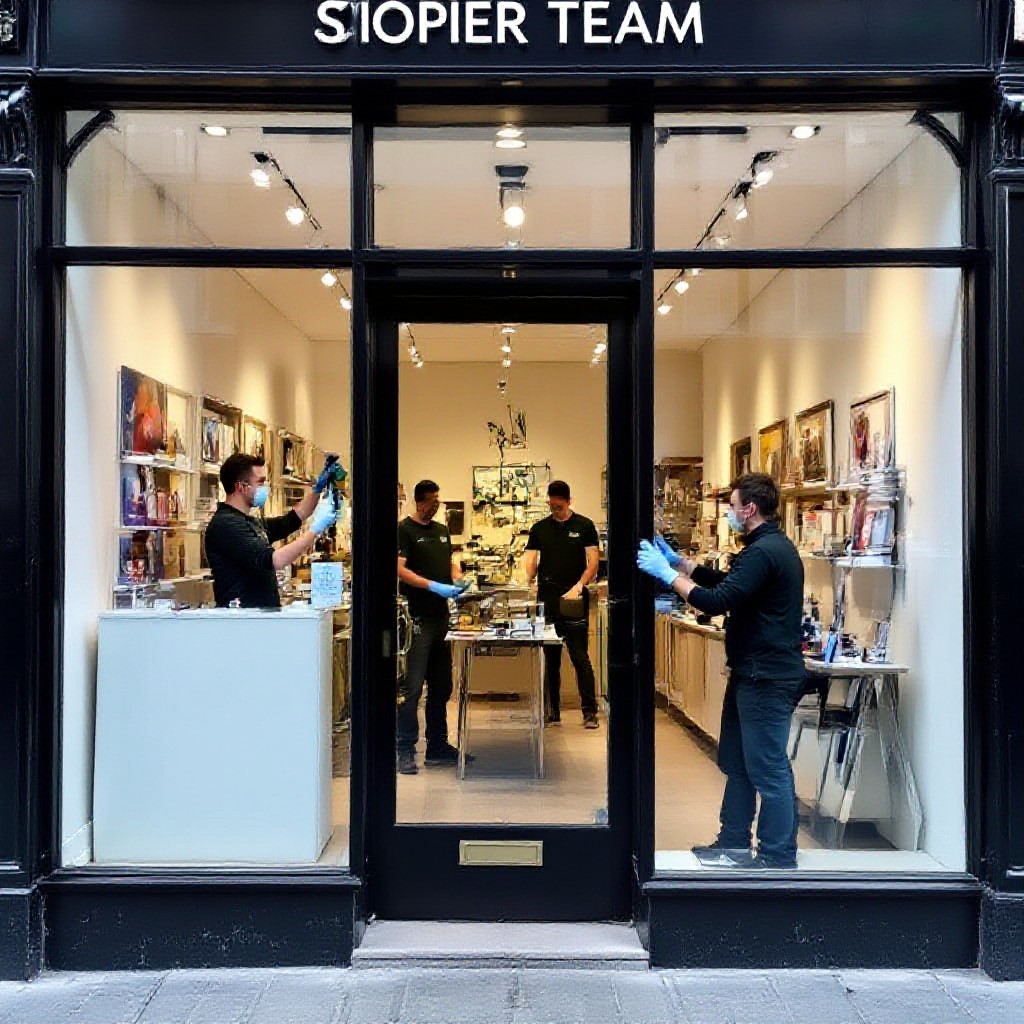
Local case study — same-day shopfront replacement
A retail client had a smashed shopfront in the morning. We published a GBP post, used a targeted ad and a service page with "same-day" in the title — called customers within hours and booked the job the same day.
- Result: 1 paid job, $2,400 revenue in 6 hours
- New GBP review and a gallery added to the service page
- Repeat search visibility improved for "shopfront glass replacement [city]"
Start small, win locally
You don't need to be everywhere at once. Pick 2 suburbs, 3 core services and the GBP optimisations above — execute consistently for 3 months and you'll see calls increase. Track conversions and double down on the pages that work.
If you'd like a fast, professional website built specifically for your glazing business (with local SEO setup included and unlimited updates by text), try Congero's demo — live in 60 seconds and launched in 24–48 hours. Pricing starts at $49/month with no lock-in contract.
