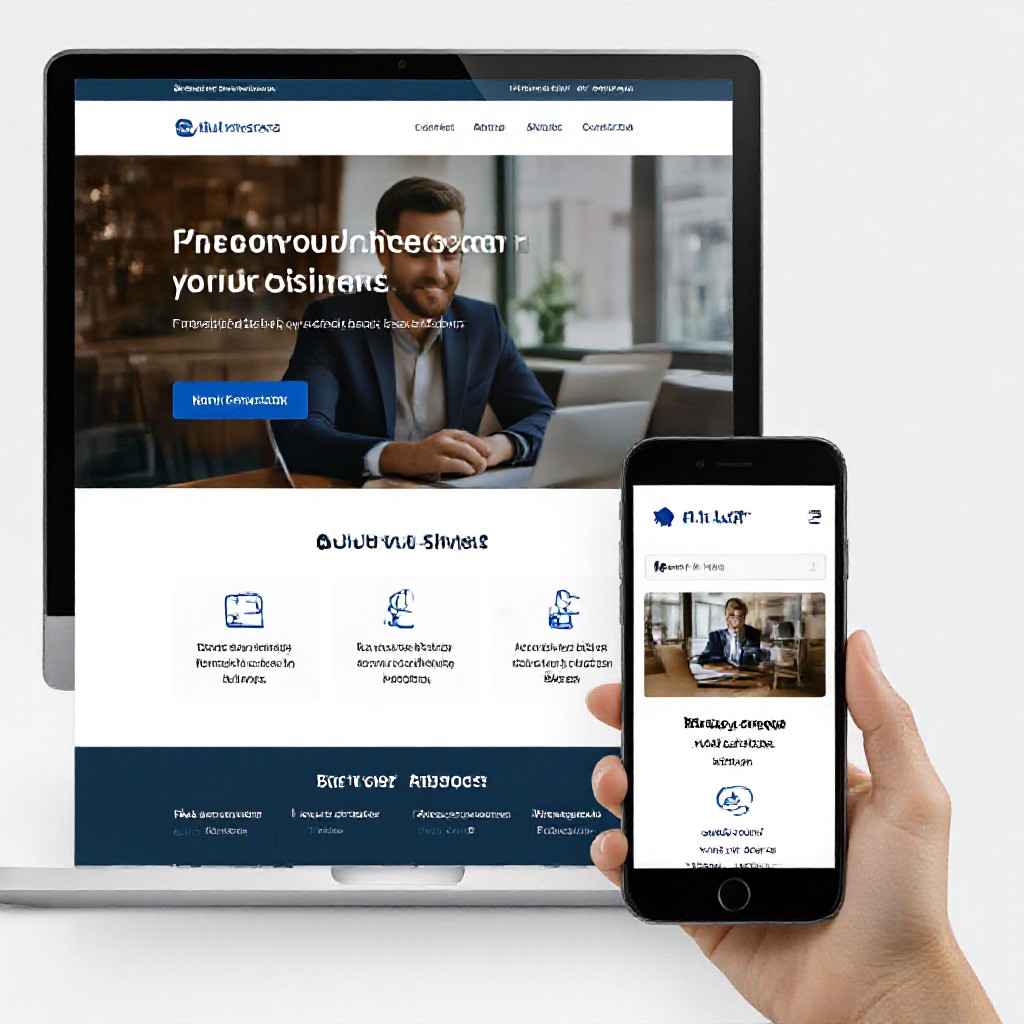
modern website
Build a fast, usable site that ranks and converts — simple steps, real tools, no long sales pitch.
This guide gives clear, actionable steps you can follow today to improve search visibility and deliver a better experience to customers on any device.
1. Start with a clear plan
Before design or copy, decide what success looks like. Keep it measurable and simple.
Define your goals
- Primary goal: e.g., "Generate 10 phone enquiries/month".
- Secondary goal: e.g., "Improve organic traffic by 30% in 6 months".
- Target audience: suburbs, demographics, problem you're solving.
Map user journeys
Plan the path a visitor takes from discovery to contact.
- Search > Landing page (service) > Trust signals > Call-to-action
- Ad click > Service landing page tailored to ad > Contact form or click-to-call
2. Technical foundations — make Google and users happy
These are non-negotiable basics. Fix them first.
HTTPS & Domain
Install SSL (https://) and use a short, memorable domain. Avoid long referral parameters in primary URLs.
Sitemap & Robots
Create XML sitemap, submit to Google Search Console, and verify robots.txt doesn't block important pages.
Mobile-first & responsive
Design for phones first: readable text, tappable buttons, and fast load on mobile networks.
Structured data
Add schema for LocalBusiness, org info, and services — helps rich results and local visibility.
Canonical URLs
Avoid duplicate content issues by setting canonical links for pages with similar content.
Core Web Vitals
Track LCP, FID/INP, and CLS. Aim for LCP < 2.5s, INP < 200ms, CLS < 0.1 for good ranking signals.
3. Content that ranks and helps customers
Good content answers user intent. Write for people first, search engines second.
Keyword intent, not keywords
Identify the intent: are visitors looking to buy, compare, or learn? Match your page to that intent.
- Service pages = transactional (e.g., "emergency plumber near me").
- Blog/how-to = informational (e.g., "how to stop a leaking tap").
- Location pages = local intent (e.g., "plumber Sydney CBD").
Structure & headings
Use H1 for the main topic, H2/H3 to break content into scannable sections. Include target keywords naturally in H1/H2/H3 and the first 100 words.
Customer-focused content
Answer common questions, show pricing ranges, add clear next steps (call, book, quote). Use short paragraphs and bullet lists for readability.
Images & alt text
Use high-quality images and descriptive alt text. Compress images (WebP where possible) and serve properly sized images for mobile.
Internal links & authority
Link related pages — service to service, blog to service — to spread link equity and keep users exploring your site.
4. UX & trust — convert visitors into customers
Design choices affect conversions as much as search ranking. Keep things simple and trustworthy.
One clear CTA
Make your primary action obvious: click-to-call button on mobile and a visible quote form or booking link on desktop.
Social proof
Show 3–6 strong testimonials, real photos, and badges (insurance, licences). Include short case studies with results.
Reduce friction
Shorten forms, pre-fill fields where possible, and show clear pricing ranges to reduce decision friction.
Readable copy
Use plain language, bigger fonts for mobile, and contrast that passes accessibility checks (WCAG AA).
Contact visibility
Put phone and address in header/footer and schema. Add click-to-call and a short contact section on service pages.
Privacy & trust lines
Include an accessible privacy statement and explain how customer data (e.g., form submissions) is handled.
5. Performance & mobile — make it fast
Performance is a ranking and conversion factor. Small fixes have big wins.
Key fixes
- Serve images as WebP and size images per breakpoint.
- Enable lazy-loading for below-the-fold images and videos.
- Minify CSS/JS and defer non-critical scripts.
- Use a fast host and CDN for global caching.
Hosting & caching
Choose a host optimised for small business sites: HTTP/2 or HTTP/3, server-side caching, and automated backups. A good host often outperforms DIY setups.
6. Local SEO & conversions — win nearby customers
For small businesses, local visibility is often the most valuable traffic.
Google Business Profile
- Claim and verify your profile.
- Use consistent NAP (Name, Address, Phone) across site and directories.
- Upload photos, respond to reviews, and post offers.
Conversion optimisation
- Place click-to-call and request-quote buttons within reach on mobile.
- A/B test button text and colours (small changes can lift conversions).
- Show response times (e.g., "Calls returned within 1 hour").
7. Measure — then improve
You can't improve what you don't measure. Track a small set of meaningful metrics.
Key metrics
- Organic visits (by page)
- Conversions (calls, form submissions)
- Bounce rate & pages per session
Tools
Google Analytics (GA4), Google Search Console, Hotjar (heatmaps), and your hosting analytics.
Iteration cadence
Run a monthly review, pick 1–2 experiments (change copy, CTA, or layout), measure for 30 days, then repeat.
Launch checklist — final pass
Run through these items before promoting your site.
- HTTPS live and redirects in place
- Title tags & meta descriptions unique per page
- Schema for LocalBusiness added
- Images optimised and responsive
- Mobile check — all CTAs tappable
- PageSpeed checks run and major issues fixed
- Analytics & Search Console connected
- Google Business Profile verified
- Contact form / phone test completed
- Backup & monitoring configured
Frequently asked questions
How long before SEO improvements show results?
Do I need a blog to rank?
What's the most impactful single improvement?
Ready to turn your website into a growth tool?
Use the checklist above, start with what matters most (speed, clear CTA, and local signals), and iterate monthly. If you want a fast, managed option, see a demo to compare.
No long sales pitch — just a demo to show what's possible and how much time you save by choosing a managed solution.