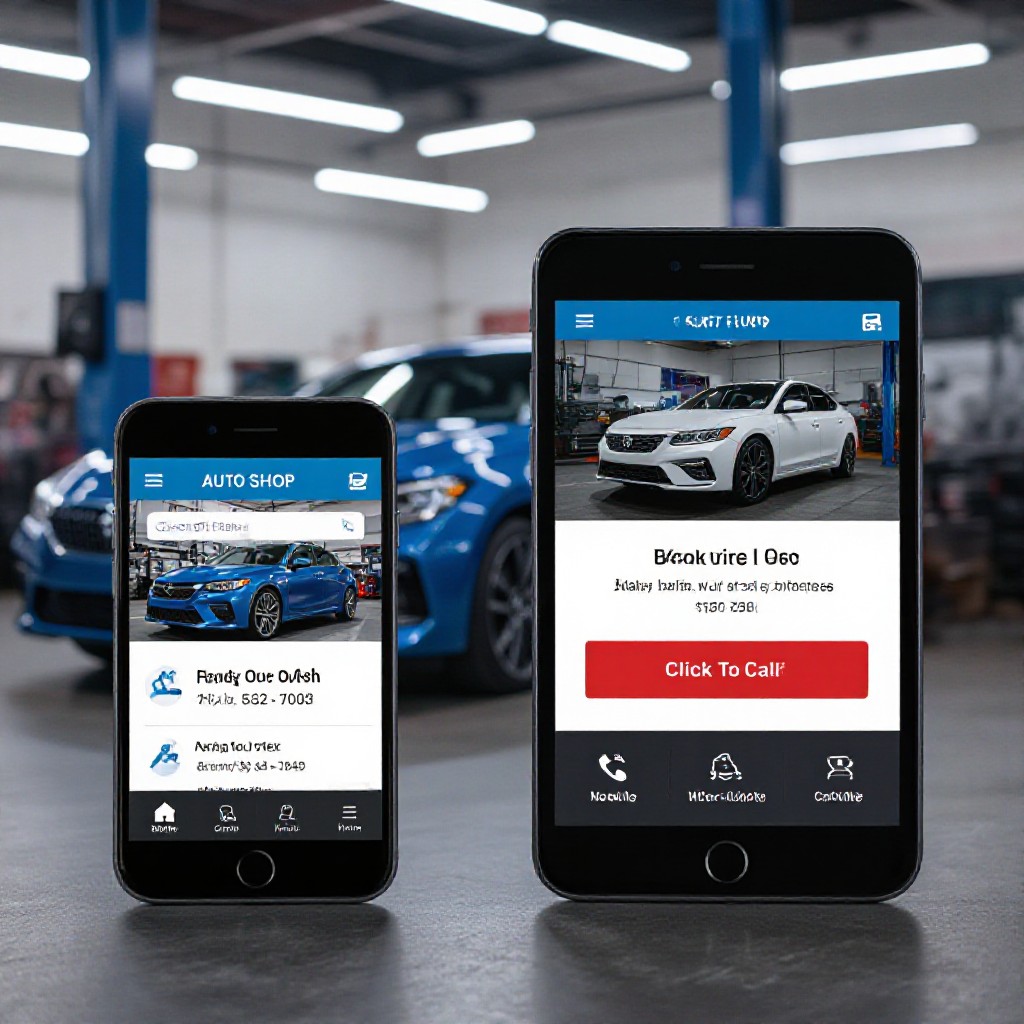
mobile-friendly auto shop website
Practical, step-by-step guidance to build a fast, responsive website that ranks locally, converts callers into bookings and looks great on any phone.

Why a mobile-friendly site is non-negotiable for auto shops
Most customers call or book while on the road. A site that looks and performs well on phones means faster calls, higher bookings and better local search visibility.
Click-to-Call
Make it one tap for customers to call your workshop. Prominent phone CTA on every page increases calls instantly.
Local Search Boost
Mobile-first sites with correct NAP and local schema rank higher for 'near me' queries — crucial for garages targeting nearby drivers.
Speed = Conversions
Fast mobile pages reduce drop-offs. Optimised images, caching and minimal scripts turn visits into bookings.
What a mobile-friendly auto shop website needs
Build your site around the actions your customers take on mobile: call, book, get directions and read reviews.
Prominent CTA & Header
Top bar with click-to-call, live opening hours and a bright 'Book Now' button visible on every screen size.
Single-Page Service Summaries
Short sections for tyres, brakes, logbook services and auto electrical with quick links to phone or booking widget.
Fast, Relevant Images
Use compressed photos of your workshop and technicians — avoid large stock photos that bloat mobile pages.
Reviews & Trust Signals
Show real Google Reviews, warranty badges and trade accreditations near CTAs to increase bookings.
Show Availability & Response Time
Tell customers typical wait times and appointment availability — saves time and increases conversions.
Lightweight Booking Flow
Either click-to-call, an in-page time slot picker, or link to a simple booking form — keep required fields minimal on mobile.
Launch a mobile-friendly auto shop website in 6 steps
Follow these practical steps to go from no website to a high-performing mobile site that attracts local customers.
1. Start with the essentials
Collect your business name, address, phone number (format with country code), opening hours and a short 1-line tagline. These improve local search and appear on mobile search results.
2. Mobile-first layout
Use a simple vertical layout: header with click-to-call, hero with primary service, three featured services, customer reviews, and a footer with map and contact details.
- Large tappable buttons (min-height 44px)
- Readable fonts, sufficient contrast and short paragraphs
- Sticky CTA or header with phone and book action
3. Optimise images & media
Resize photos for mobile widths (max 1200px), compress to keep files under ~200KB where possible, and use modern formats (WebP/AVIF) for faster loads.
4. Speed & performance
Enable caching, defer non-critical scripts, minimise third-party trackers and use a CDN. Aim for a mobile Lighthouse performance score above 75.
5. Local SEO setup
Add consistent NAP across the site, embed your Google Business Profile, include service-area pages, and implement localBusiness schema to help you appear in 'near me' searches.
6. Track, tweak & update
Install analytics, track calls and bookings, monitor pages with low conversions and iterate. Small copy or layout changes often increase enquiries significantly.
Mobile SEO & conversion checklist for auto shops
-
Click-to-call button: Visible in header and hero on all pages.
-
Structured services: Separate short sections for brakes, tyres, services, diagnostics with H2/H3 headings.
-
LocalBusiness schema: Include address, geo coordinates, openingHours and telephone for rich results.
-
Fast images: Compressed, lazy-loaded and with descriptive alt attributes.
-
Reviews visible: Show star ratings and link to Google Reviews for credibility.
-
One-click directions: Map and 'Get directions' button that opens in Maps apps.
Want this done for you?
Congero builds mobile-optimised sites for garages in under 60 seconds and manages hosting, SEO and updates for a flat monthly fee.
START A FREE DEMOCommon mobile issues for auto shop websites (and how to fix them)
Slow on mobile
Problem: Large images or too many third-party scripts.
Buttons too small or too close
Problem: Hard to tap CTAs leading to accidental clicks or frustration.
Contact details missing or inconsistent
Problem: Customers can’t find your phone or address; Google shows different information.
Frequently asked questions
Answers to the questions garage owners ask most about mobile websites.