
making website for small business
Build a high-converting, mobile-first website and get found locally — with step-by-step SEO and growth tactics you can implement today.
This guide walks you through planning, content, technical setup, on-page SEO, local search, conversion optimisation and ongoing growth — written for busy small business owners who need clear, practical steps.
1. Planning & Goals — start with clarity
Before you open a builder or hire help, answer three questions: who are your customers, what action do you want them to take, and what makes your business different. Clear answers make design and content decisions trivial.
Define goals
- Primary goal: e.g., Get phone enquiries, book jobs, collect leads.
- Secondary goal: Showcase work, collect emails, provide pricing.
- KPIs: weekly calls, contact form submissions, booked jobs.
Know your customer
- Where do they search? (Google, Maps, Facebook)
- Which words do they use? (e.g., emergency plumber near me)
- What objections must your site remove? (trust, credentials, price transparency)
Quick planning template (copy this)
2. Design That Converts — simple, fast, clear
Design isn't about flair—it's about trust and clarity. Focus on a fast-loading, mobile-first layout that highlights your services and CTA above the fold.
Mobile-first
Design for phones first: large buttons, easy-call taps, readable text.
Speed
Aim for < 3s load on mobile. Compress images, lazy-load galleries, use fast hosting.
Trust signals
Add reviews, certifications, service area, and clear contact info in the header/footer.
Above-the-fold essentials
- Headline that states service + location
- Primary CTA (call or book) as a button and clickable phone link
- 1–2 bullet points of top services/benefits
- Image or short video showing your team or work
3. Content Strategy — what to say and where
Good website copy answers a customer's question in under 10 seconds and guides them to the next step. Keep content scannable, benefit-led and localised.
Essential pages & content checklist
- Home: short intro, top services, trust badges, primary CTA.
- Services: separate section or page per service with H1, 300+ words, list of tasks, pricing ranges if possible.
- About: photos of team, experience, licences/insurances.
- Contact: phone, email, business hours, service area, map.
- Reviews/Gallery: before/after images + short testimonials.
Copywriting tips that improve conversions
- Lead with benefits (what the customer gains).
- Use short paragraphs and bullet lists for scannability.
- Include clear CTAs on every page (call, message, book).
- Use local phrases: suburb names, "near me", landmarks.
4. SEO Essentials — make Google love your site
SEO in 2025 still comes down to relevance, speed, and user experience. Do these basics well and you'll appear for local searches that turn into paying customers.
On-page SEO checklist
- Title tag (H1): include primary keyword + location, e.g., "Emergency Plumber Melbourne — 24/7 Service".
- Meta description: 120–155 chars describing service + CTA (call or free quote).
- URL structure: short and keyword-rich, e.g., /services/gutter-cleaning-melbourne
- Headings: use H2s/H3s for sections; include related keywords naturally.
- Alt text for images: describe image + context, e.g., "before and after driveway cleaning melbourne".
Technical & speed tips
- Use fast hosting and a CDN. PageSpeed matters.
- Compress images (WebP for photos). Resize to display size.
- Minify CSS/JS and use modern caching headers.
- Install SSL (HTTPS) — required for trust and SEO.
- Generate and submit sitemap.xml and robots.txt to Google Search Console.
Keyword research — practical 30-minute method
- Write down 10 service phrases your customers use (include suburbs).
- Search each phrase in Google and note top 3 competitors and their page structure.
- Use free tools (Google Keyword Planner, Ubersuggest) to check search volume and intent.
- Target 1 primary keyword per page and 3–5 related phrases inside the content.
5. Local SEO — get found in your area
For trades and local services, local search drives the best leads. Prioritise Google Business Profile and consistent local signals.
Local ranking checklist
- Google Business Profile: verify, complete every field, add photos, update hours, and collect reviews.
- NAP consistency: make sure Name, Address, Phone are identical across website, directories, Facebook, and Yelp.
- Service-area pages: create short pages or sections for suburbs you serve (avoid duplicate content).
- Local schema: add LocalBusiness structured data (address, opening hours, phone).
- Reviews: ask happy customers for reviews — respond to them, and show testimonials on your site.
Simple schema snippet (example)
{"@type":"LocalBusiness","name":"Your Business","address":{"@type":"PostalAddress","addressLocality":"Suburb","addressRegion":"STATE"},"telephone":"+61 4XX XXX XXX"}
How to get local links
- Partner with a local supplier and ask for a link.
- List on local business directories (state and council pages).
- Sponsor a local team or community event — request a link back.
6. Conversion Optimisation — turn visitors into customers
Traffic is only valuable if it converts. Use simple psychological triggers and friction-free CTAs to increase enquiries.
Primary CTA
Make the primary action obvious: a phone button and a short contact form. Place it in the header and near the top of pages.
Social proof
Show 3–5 short testimonials with names and photos. Add star ratings and recent job photos.
Remove friction
Limit form fields to name, phone, and short message. Offer call booking and click-to-call on mobile.
Quick A/B ideas to test
- Button copy: "Call Now" vs "Get Quote" — track which gets more calls.
- Hero image: team photo vs project photo — which builds more trust?
- Offer: free inspection vs 10% off — which increases bookings?
7. Tracking & Analytics — measure what matters
Install basic tracking to know where enquiries come from and which pages perform best.
Minimum tracking stack
- Google Analytics 4: track sessions, events, conversions.
- Google Search Console: monitor search queries and indexing errors.
- Phone tracking: use dynamic call tracking if running ads.
- Monthly report: key metrics: sessions, organic traffic, contact conversions.
Actionable monthly KPIs
- Organic sessions and top landing pages
- Number of contact form submissions and phone calls
- Conversion rate per landing page
- Ranking improvements for 3 priority keywords
8. Maintenance & Updates — keep it working and ranking
A website needs care: updates, backups, content refreshes and speed checks. Treat maintenance as marketing — frequent improvements keep results growing.
Monthly tasks
- Check contact forms and phone links
- Review analytics and top-performing pages
- Publish one local blog or project update
- Run PageSpeed check and fix regressions
- Ensure plugins and SSL are up to date
Unlimited updates — the advantage
If your provider includes unlimited updates, use them: add offers, seasonal hours, promotions, and new service pages to keep SEO and conversions growing without extra cost.
9. Launch Checklist — final pre-live tests
- Title tags and meta descriptions set for every page
- Mobile and desktop tests passed
- Contact forms and call links tested
- Sitemap submitted to Google Search Console
- Analytics and conversions tracking verified
- Backup & SSL confirmed
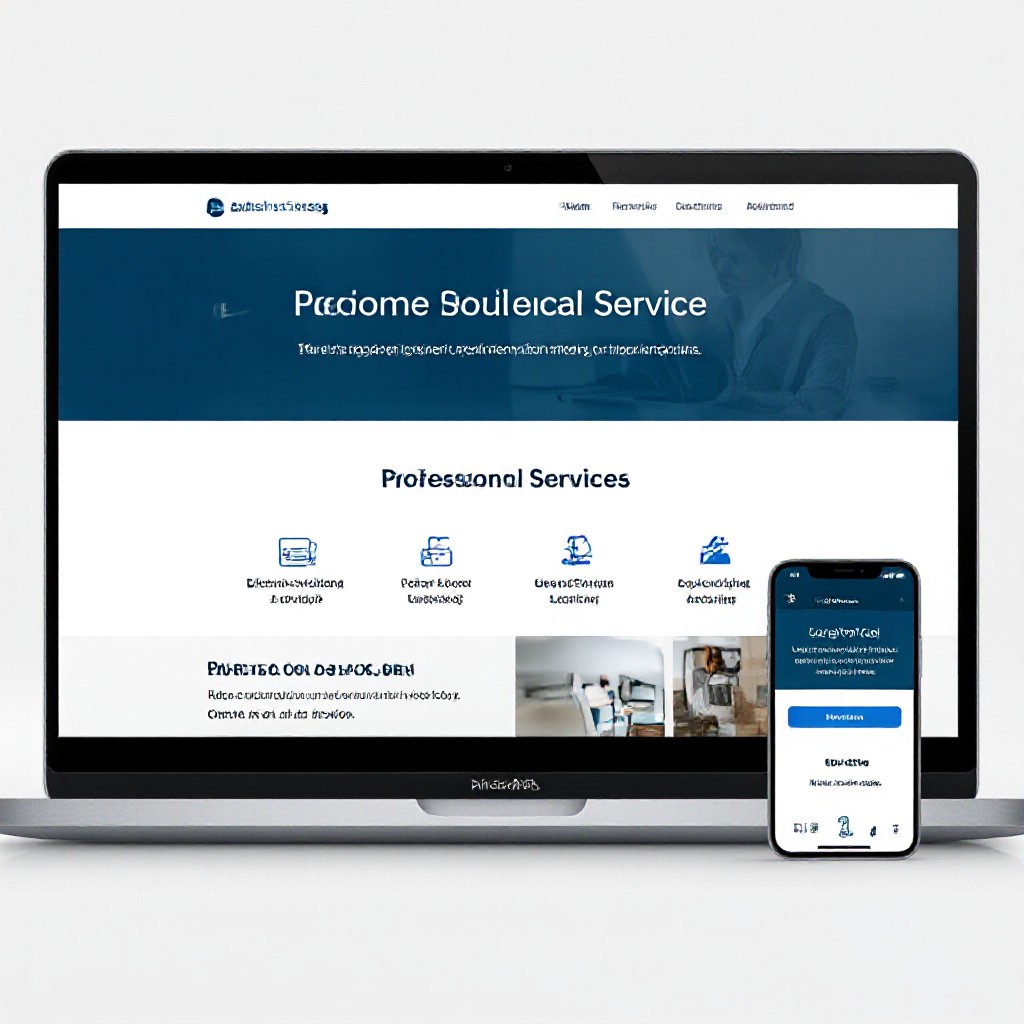
Example: clean header, prominent phone number, service list, testimonials and booking CTA — the elements that drive conversions.
Frequently asked questions
How long does it take to get a basic site live?
Do I need to know SEO to rank locally?
What is the minimum content per page for SEO?
How often should I update my site?
Build a website that actually brings you customers
Follow the steps above and measure as you go. If you'd rather skip the technical work, choose a managed service that handles design, hosting, updates and SEO for a flat monthly fee — giving you predictable cost and more time to run your business.
Pro tip: measure calls and form submissions from Day 1 — that's the fastest way to see if your site is working.
