make free websites online
How to create a website for free in 2025 — real options, hidden limits, and a faster, risk-free demo from Congero to see your site live in 60 seconds.
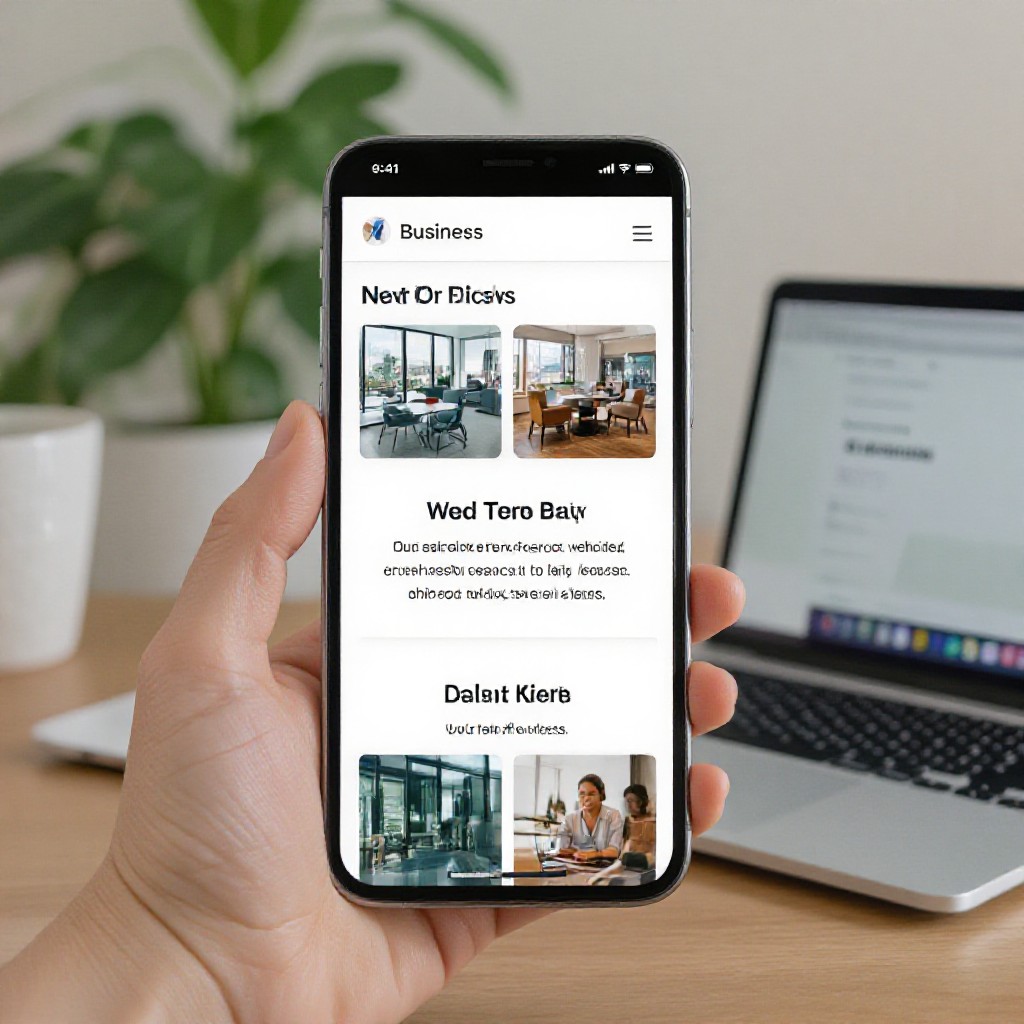
What does it mean to make a free website online?
"Free website" normally means you can publish a site without an upfront payment. In practice, truly free options often include limitations: platform branding, unwanted ads, restricted features, subdomains (yourname.provider.com), limited SEO controls, and poor page performance.
Common free-site trade-offs
- No custom domain (subdomain only)
- Ads or platform branding shown to visitors
- Limited SEO & analytics access
- Slower hosting or traffic caps
- No SSL/custom security unless paid
When a free site makes sense
A free site is great for testing ideas, personal projects, or learning. But for businesses that rely on leads — trades, therapists, cafes — the hidden costs of free plans usually outweigh the upfront savings.
Free website plans vs. professional managed plans
A side-by-side look so you can decide which option fits your goals in 2025.
Free Builders
- No upfront cost
- Platform branding & ads
- Limited SEO & analytics
- No guaranteed uptime or support
Congero (Managed)
- Free 60s demo — no credit card
- All-inclusive $49/month: domain, hosting, SSL
- Unlimited text-in updates & local SEO
- No lock-in subscriptions
When to choose which
- Free: hobby, learning, short-term events
- Congero: businesses that need leads, reliability, SEO
- Paid plans are an investment in growth
Try Congero's demo free — preview a business-ready site with no obligation.
6 ways to make free websites online (and what to expect)
From pure free builders to trial demos — pick a path that matches your needs.
1. Free website builders (subdomain)
Builders like site-hosted free tiers let you publish quickly on a subdomain. Great for experiments, not for brand trust.
Key limits: ads, no custom domain, limited SEO.
2. Free trials (time-limited)
Many paid platforms offer trials. Useful to test features, but you’ll pay after the trial for a real production site.
Key limits: temporary access, credit card sometimes required.
3. Open-source + free hosting
Use WordPress, Hugo, or Jekyll with free hosting (e.g., GitHub Pages). Powerful but requires setup and maintenance.
Key limits: technical skills, manual SEO, no managed support.
4. Student or community programs
Educational offers can provide free domains/hosting. Often restricted to students or limited periods.
Key limits: eligibility, limited features.
5. Classic DIY (code + free hosting)
Build static HTML/CSS and host for free. Full control but time-consuming and no built-in SEO automation.
Key limits: time, maintenance, speed tuning.
6. Free demo from a managed provider
Best of both worlds: preview a professional site free, then decide. Congero offers a free 60s demo with no credit card — test drive production-quality features instantly.
Key benefit: see real SEO, real design, and hosting before committing.
How to try a real, no-obligation site preview (recommended)
Congero's free 60s demo shows you a finished website for your business using our AI. No credit card, no signup friction.
1. Request Demo
Text or click to start. No payment details required.
2. Answer 3–5 Questions
Tell us your business name, services and location via text.
3. AI Builds It
Our AI creates a mobile-ready site with SEO and images in under 60 seconds.
4. Preview & Decide
Keep the free preview or upgrade to the full managed plan for $49/month.
No credit card • Domain help • Unlimited updates if you subscribe
SEO tips when you make free websites online
Free sites can rank, but you must cover the basics. These quick wins help whether you're on a free plan or moving to Congero.
1. Use a Custom Domain
If possible, connect your own domain. It builds trust and improves local ranking. Congero includes domain registration on $49/month plans.
2. Claim Your Business Profile
Google Business Profile (now called Google Business) is essential for local searches — verify and keep NAP consistent.
3. Optimize Titles & Headings
One H1 per page, descriptive meta titles, and local keywords (e.g., plumber Sydney) help search engines and customers alike.
4. Fast Images & Alt Text
Compress images and add descriptive alt text. Congero auto-optimises images for speed and accessibility.
5. Add Local Schema
Structured data helps search engines show rich results — Congero includes schema automatically on managed sites.
6. Track Performance
Use Google Analytics or the Congero dashboard to see visits and which pages generate leads.
Checklist: move from a free site to a business-ready website
Quick tasks to convert a prototype into a lead-generating site.
-
Buy or connect a custom domainPrefer a local domain (e.g., .com.au) if you serve Australia — Congero includes domain help on subscription.
-
Enable SSL and fast hostingSecurity and speed improve rankings and trust. Congero handles hosting and SSL automatically.
-
Set up Google Business and local schemaEssential for "near me" searches and map visibility.
-
Publish real photos and testimonialsAuthentic images and reviews convert visitors into leads.
-
Track leads and optimise monthlyUse analytics to focus on services that generate the most enquiries — Congero provides clear monthly reports.
Frequently asked questions about making free websites online
Short, honest answers to common concerns.
Yes, technically, but most "free" options come with restrictions: subdomains, branding, ads, limited SEO and no guaranteed support. For a business, those limits usually hurt credibility and discoverability.
Yes — Congero offers a free 60-second demo with no credit card required. You get a real preview of a production-ready website tailored to your business. If you like it, the managed plan starts at $49/month.
Paid plans provide custom domains, fast hosting, SSL, real local SEO, analytics, and support. These features drive trust and more enquiries — often paying back the cost many times over.
No. Search engines reward helpful, original content. Congero's AI produces tailored, human-readable content and implements technical SEO best practices automatically.
