
make a business website
A clear, step-by-step guide for small businesses: design, SEO, content, and online marketing to get real enquiries.
This guide walks you through everything you need to make a website that brings customers — not just a pretty brochure. Follow the steps below to build, optimise, and promote a site that converts.
1. Start with a simple plan
Every effective website starts with a clear goal. Spend 30–60 minutes answering three core questions and you’ll save hours later.
Primary goal
Is your site for lead generation, bookings, or to sell products? Choose one primary goal.
Target customer
Who are they, where are they, and what problem do they need solved right now?
Top conversion
Decide the single action you want (call, form, booking). Make it easy to do on mobile.
A 10-minute planning checklist
- Primary service or product you want to promote
- 3–5 benefit-focused headlines (what customers get)
- Contact details and opening hours
- High-quality photos or plan to use stock images
2. Design a site that converts (mobile-first)
Design isn’t decoration — it guides visitors to take action. Follow these practical rules when you make a business website.
Mobile-first layout
Buttons, big phone number, sticky CTA. Test on a real phone before launch.
Above-the-fold clarity
Headline + single supporting line + clear CTA. No distractions.
Trust signals
Photos of you/team, logos, testimonials, and a visible ABN or license if applicable.
The homepage formula (use this)
- Headline: solves customer pain in one line.
- Subheadline: 1–2 sentences with key benefits.
- Primary CTA: Call now / Book / Get a quote (prominent).
- 3 bullets: Why choose you (experience, fast, guaranteed).
- Social proof: 2–3 testimonials or project photos.
- Footer: Contact info, hours, and map.
Practical UI tips
- Use 16–18px base font for mobile readability
- Buttons should be at least 44px tall for thumbs
- Contrast: ensure text passes WCAG AA
- Limit top nav to 4–5 links
Images and media
Use real photos of your work or team. If using stock, choose natural, local-looking images.

3. On-page & Local SEO: Be found when customers search
SEO in 2025 is still about relevance and user experience. For local small businesses, these steps will move the needle fast.
Quick SEO checklist
- Unique page title and meta description for each page
- Use your primary keyword in H1 and first paragraph
- Short URLs (example: /plumber-melbourne)
- Schema markup: LocalBusiness, opening hours, address, phone
- Fast mobile page speed (target <= 2.5s)
Local SEO essentials
Claim and optimise your Google Business Profile (formerly GMB): consistent NAP (name, address, phone), categories, services, and photos. Ask customers for reviews and respond quickly.
Content & keywords
Write short, helpful pages for each service and location. Long pages are fine if useful — aim for clarity, not word count. Use natural language and answer real customer questions.
Technical SEO (quick wins)
- Enable HTTPS and HSTS
- Serve compressed images (WebP where possible)
- Generate and submit sitemap.xml to Google Search Console
- Set canonical URLs and avoid duplicate content
4. Content that converts: simple, clear, and focused
You don’t need long copy — you need the right copy. Use this structure to make every page work harder.
Page structure that converts
- Headline: State the benefit or problem you solve.
- Supporting sentence: One line expanding the headline.
- Social proof: Short testimonial or result.
- Service details: Bullet 3–5 key services or outcomes.
- Primary CTA: Repeat the call to action
Headlines & hooks
Make your headline customer-focused: "Emergency plumber in Melbourne — 24/7 response" beats "Smith & Sons Plumbing".
Calls to action
Use 1–2 CTAs per page. Primary (call/book) must be visible without scrolling on mobile.
Images & trust
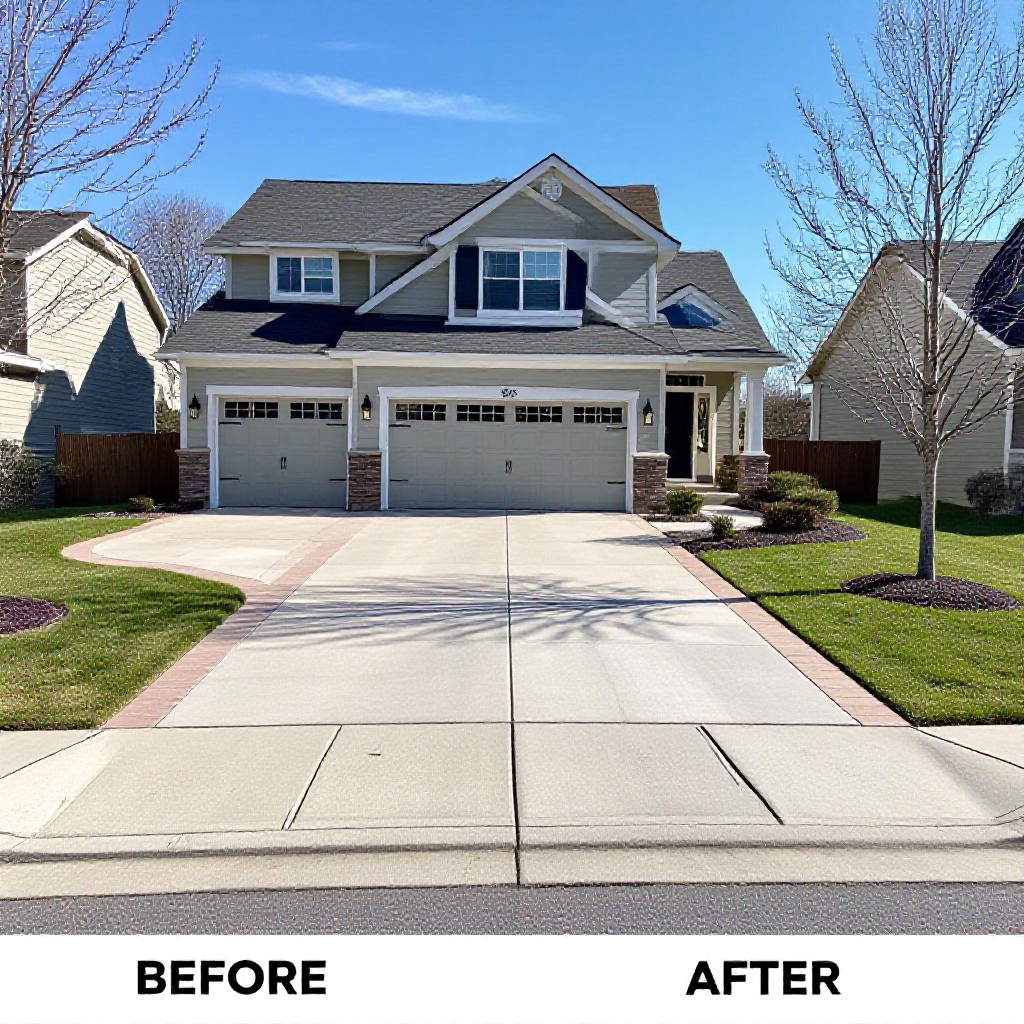
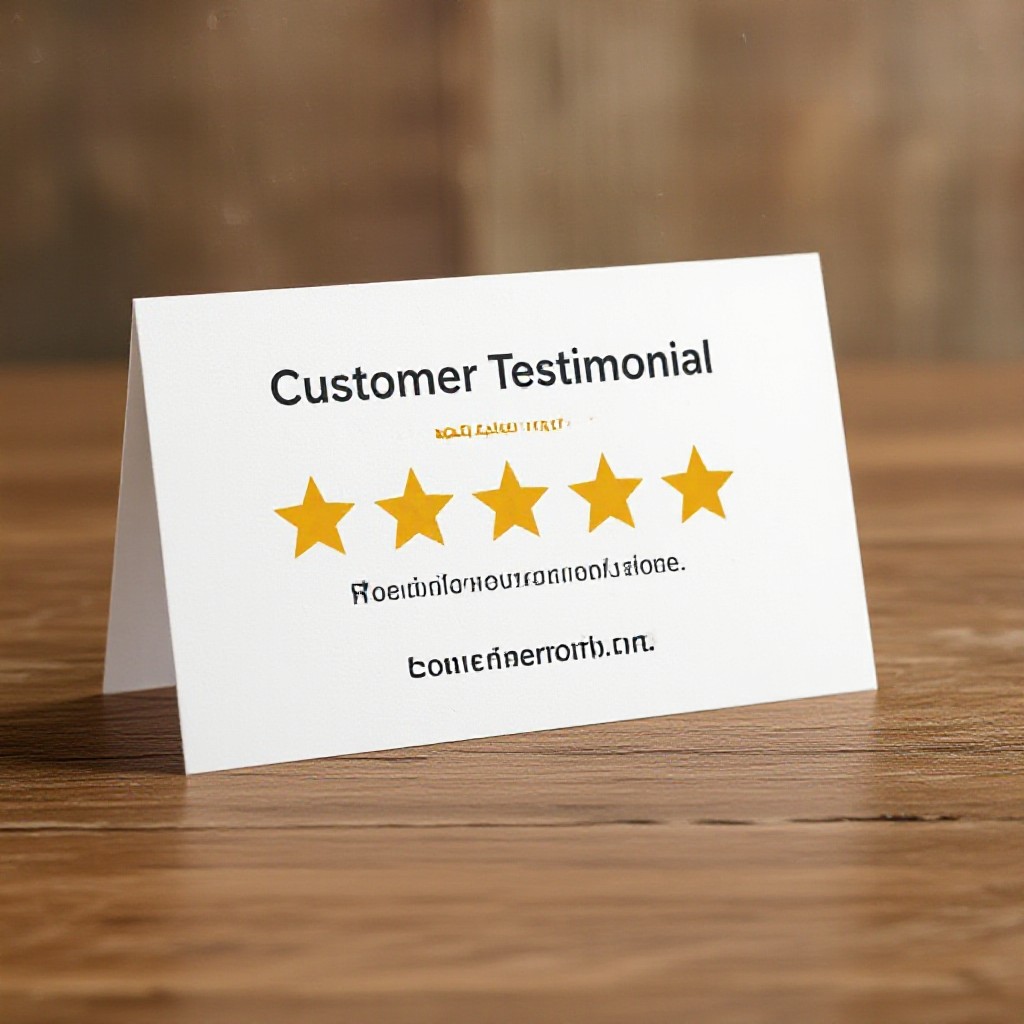
Show before/after photos, team shots, and certificates. Add a short testimonial under the main CTA to reduce friction.

5. Get traffic: easy marketing that works
A website without visitors won’t grow your business. Use a mix of local SEO, low-cost paid ads, and simple content promotion.
Local SEO
Optimise your Google Business Profile, collect reviews, and publish local service pages.
Paid Ads (starter)
Start with a $10–20/day Google Ads campaign targeting “near me” keywords and your service area. Track calls and form submissions.
Organic content
Publish short, helpful blog posts answering common customer questions — e.g., “How to stop a leaking tap”. Share locally on Facebook groups and community pages.
Which channels to start with
- Google Business Profile — free and high impact
- Local Facebook groups / marketplace
- Paid search for immediate leads
- Email to existing customers announcing the new site
Measure results
Track calls, form submissions, and page visits. Start with Google Analytics and call tracking — measure cost per lead for ads and adjust quickly.
6. Launch checklist & analytics
Before you tell everyone, run this quick checklist to avoid embarrassing issues and to track performance from day one.
Pre-launch checks
- Test forms and phone links on mobile
- Run PageSpeed Insights — mobile target 90+
- Verify SSL (HTTPS) and no mixed content
- Confirm business hours and contact details
Analytics & tracking
- Install Google Analytics 4 / set up events (form submit, call click)
- Link Google Search Console and submit sitemap
- Enable conversion tracking for paid ads
- Review monthly analytics and top pages
30/60/90 day growth plan
- 30 days: Ensure pages index, get first 5 reviews, run a small ad test
- 60 days: Expand local pages, double down on best-performing ad keywords
- 90 days: Review analytics, optimise pages for top-converting keywords, and scale ads if ROI positive
Tools & resources to make a business website faster
Design
Canva, Figma (templates), Congero (AI-powered quick builds)
SEO
Google Search Console, PageSpeed Insights, Ahrefs/SEMrush (optional)
Analytics & CRM
Google Analytics 4, Google Tag Manager, simple CRM or spreadsheet for leads
Why choose a managed subscription
If you’d rather avoid technical setup, managed subscriptions (like Congero) bundle domain, hosting, SSL, SEO basics, and unlimited updates for a predictable monthly fee — freeing your time to run the business.
Frequently asked questions
How long will it take to launch?
How much should I expect to pay?
Do I need to write long blog posts for SEO?
What’s the most important thing to track?
Ready to make a business website that actually works?
Launch a professional, mobile-optimised site quickly — domain, hosting, and SEO basics included. Unlimited updates so your site stays current.
Prefer to DIY? Use the checklists above. Prefer fast results? Try a 60-second demo and get a site started today.
