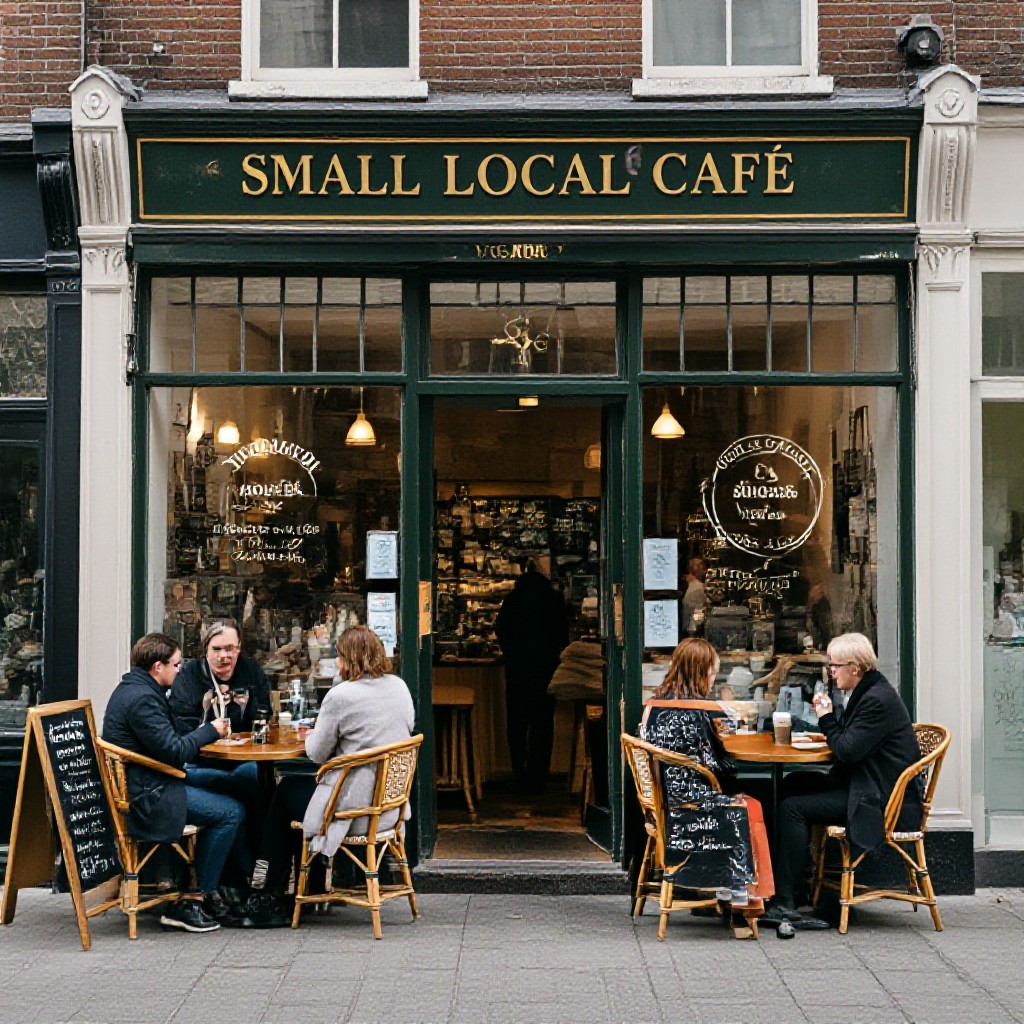
local business website tips
Actionable steps to boost your website, local SEO and online enquiries in 2025 — without jargon or big budgets.
This guide breaks down simple checks and quick wins you can do today — from Google Business Profile updates to on-page fixes, page speed, tracking and review strategies that actually drive customers.
Quick website audit: 15-minute checklist
Run through these checks on your phone and desktop. Mark items you can fix today.
Mobile test
- Text is readable without zoom
- Buttons and phone number are tappable
- Contact action (call/form) works
Visibility test
- Search for "your service + suburb" — do you appear?
- Google Business Profile appears and is consistent
- Page title and meta description match your services
Speed snapshot
- Load your homepage on mobile — is it under 3s?
- Images look sharp but are not huge files
- SSL enabled (padlock visible)
Conversion basics
- Phone number and address are easy to find
- Clear, single call-to-action above the fold
- Contact form or CTA tested
Google Business Profile & reviews — actions that move the needle
Your GBP (formerly Google My Business) often appears above your website in local searches. Treat it as a mini-website.
GBP checklist
- Complete all fields: services, hours, special hours
- High-quality cover photo + 3 interior photos
- Short business description (keyword + suburb)
- Set appointment link or direct phone button
Review strategy (ethical & simple)
- Ask happy customers—best asked right after the service.
- Provide a direct review link (shorten it) in SMS or invoice.
- Respond to all reviews within 48 hours — thank positives, fix negatives.
- Showcase recent 4–5 star reviews on your homepage.
On-page SEO checklist — what to fix now
Focus on the pages that matter most: homepage, service pages, contact page. Use this simple checklist.
Title tags
Keep titles unique, include main service + suburb.
Meta descriptions
Write a clear 120–155 character summary with a call to action.
Headings & content
One H1 per page, H2s for sections, include location naturally.
Local schema
Add LocalBusiness schema (name, address, phone, openingHours) to help search engines.
Images & alt text
Compress images and add descriptive alt text with location when relevant.
Internal linking
Link related pages (service → FAQ → contact) to keep users exploring.
Citations, directories & local links
Consistency is everything — make sure your business name, address and phone (NAP) match everywhere.
Simple action plan (30–60 minutes)
- Google Business Profile: ensure NAP matches your website exactly.
- Top directories: update Yellow Pages, TrueLocal, Hotfrog, and industry-specific directories.
- Local chamber and supplier pages: request a business listing or mention.
- Local sponsorships or community pages: ask for a link back to your site.
Page speed & performance — get faster without tech overwhelm
Speed affects rankings and customer patience. Do these practical checks first.
Quick fixes you can do
- Compress images (use WebP) and set proper dimensions
- Enable browser caching (ask your host)
- Remove unused plugins/widgets
- Serve critical CSS and lazy-load below-the-fold images
If you need help
- Run a PageSpeed Insights report and prioritize mobile scores
- Ask your host about a CDN — it often improves load for local customers
- Consider a managed site service to bundle speed, backups and updates
Content & UX — convert visitors into customers
Good content answers customer questions quickly. Keep it simple, local and helpful.
Above-the-fold
Service offered + main suburb + phone or booking button.
Service pages
One page per main service (e.g., Drain Clearing). Include what, how, price ranges and FAQs.
Local proof
Use photos of your team, local projects, and customer testimonials that mention suburbs.
Tracking & analytics — measure what matters
You can't improve what you don't track. Use simple goals to measure phone calls, form submissions and clicks to key pages.
Essential tracking to set up
- Google Analytics / GA4 — track sessions and user paths
- Call tracking (or use click-to-call events)
- Goal for contact form submissions
- UTM tags for any paid campaigns
Ongoing maintenance plan — simple monthly checklist
- Weekly: Check phone number, opening hours, and homepage banner for accuracy.
- Monthly: Review Google Business Profile insights and top search queries.
- Quarterly: Ask for 10 recent customer reviews and refresh gallery images.
- Bi-annual: Run a speed audit and review top-converting pages.
Common mistakes local businesses make
1. Contact details buried
Make phone, address and hours visible on every page — preferably in the header and footer.
2. Ignoring mobile users
If booking or calling is hard on a phone, people leave. Prioritise mobile tap targets and speed.
3. Not asking for reviews
Most happy customers will leave a review if asked — the difference is asking at the right moment.
4. Overcomplicating content
Long paragraphs and hidden CTAs reduce conversions. Use bullets and a single main CTA per page.
How to get started — a simple 5-step plan
Follow these prioritized actions over the next 30 days.
- Complete the 15-minute audit above and fix phone/contact visibility.
- Update Google Business Profile photos and hours.
- Set clear title tags and meta descriptions for top pages.
- Add or improve service pages with local mentions.
- Compress images, enable caching, and add GA4 with phone-click events.
- Ask for reviews, update directory listings, and request one local link.
Frequently asked questions
How often should I update my Google Business Profile?
Will small SEO changes make a difference?
What is the fastest win?
Take the next step: turn visitors into customers
Use the checklists above and focus on the quick wins first. If you'd like help implementing changes fast, explore a demo or monthly managed option — no pushy sales, just practical help.
No hard sell — just clear options and practical help to grow your local enquiries.
