
how to make a small business website
A step-by-step, no-fluff walkthrough to build a site that ranks, converts, and keeps customers coming back
Fast, practical steps for busy small business owners — covers planning, SEO basics, user-friendly design, conversion tactics, local search, analytics, and ongoing maintenance.
1. Start with a simple plan
Before you build, decide what success looks like. For most small businesses the goal is clear: generate enquiries, show services, and make it easy to contact you. A short plan saves hours later.
Define your goal
- Primary action: Call, Book, Request a Quote (pick one).
- Top 3 services you provide (use clear service names).
- Hours, service area, phone/email — make these visible everywhere.
Know your customer
Write a 1-sentence customer profile: who they are, where they are, what problem they need solved.
2. Keep your site structure simple and discoverable
A clear hierarchy helps visitors and search engines. Aim for 5–7 main pages and easy navigation.
Essential pages
- Home
- Services (individual pages for main services)
- About
- Contact
- Reviews / Case Studies
Navigation tips
- Use short menu labels (Services, About, Contact).
- Keep the phone number in the header and footer visible on mobile.
- Breadcrumbs help users on deeper service pages.
URL structure
3. SEO basics that actually move the needle
You don't need to be an SEO expert — do these core things and your small business will be far more discoverable.
On-page SEO (page-by-page)
- Title tag: Include the main keyword + location (if local). Limit ~50–60 characters.
- Meta description: 120–160 characters that describe the page and include a call to action.
- Headings (H1, H2): One H1 per page (use clear descriptive headings) and H2s to structure content.
- URL: Short and keyword-rich.
- Image alt text: Describe the image and include the keyword when natural.
- Internal links: Link related service pages to each other.
Technical SEO (fast wins)
- Mobile-first: Use responsive design and test on several phones.
- Page speed: Aim under 3 seconds on mobile. Compress images, enable caching, and use lazy-loading.
- HTTPS: Install an SSL certificate (HTTPS) — browsers and Google require it.
- Sitemap & robots.txt: Submit sitemap.xml to Google Search Console.
- Schema markup: Add localBusiness schema to help Google show key info (hours, phone, address).
Practical SEO checklist (first 30 minutes)
4. User-friendly design — simple rules that convert
Design isn't decoration — it's about guiding people to take action. Follow these practical UX rules.
Above the fold
Show your phone number, service area, and a single CTA (Call / Book / Get Quote) on every page header.
Visual hierarchy
Use larger headings, bold CTAs, and white space to make the most important actions obvious.
Mobile-first
Design and test on a phone. Buttons should be at least 44px tall and easy to tap.
Use real photos
Customers trust authentic images of your team, vehicles, and completed jobs — use those first, then high-quality stock if needed.
Social proof
Display 3–5 recent reviews or a short case study on the homepage to build trust quickly.
Trust & transparency
List licenses, guarantees, and clear pricing where possible to reduce friction.
5. Content that attracts and converts
Good content answers customer questions and makes you the obvious choice. Make content practical, local, and action-oriented.
What to put on primary pages
- Home: Clear headline, top services, phone CTA, 2–3 trust elements (reviews, accreditation, years in business).
- Service pages: Problem → solution → pricing/estimates → call to action. Use local keywords (service + suburb).
- About: Short intro, team photos, why you’re different, contact CTA.
- Contact: Click-to-call phone, contact details, a short contact form (optional), and a map.
Writing tips
- Write in plain English — customers scan, so use short paragraphs and bullet lists.
- Use keywords naturally — don’t stuff. Think about the real phrases customers type.
- Add FAQs per service page — they rank well and answer buyer hesitation.
- Include a clear next step on every page (Call now, Get a quote, Book online).
6. Local SEO — be the obvious local choice
If you serve local customers, local SEO is the highest ROI activity. Do these things right.
Google Business Profile
- Claim and verify your Google Business Profile (GBP).
- Use your exact business name, address, and phone number (NAP) consistently across web listings.
- Add photos, services, opening hours, and regular posts (offers, updates).
Local pages & citations
- Create short local landing pages for suburbs or service areas you cover.
- Ensure NAP is identical on Facebook, directories, and the website footer.
- Collect reviews — politely ask satisfied customers and make it easy to leave a review link.
7. Track performance and improve (Analytics & Conversion Rate Optimization)
You can't improve what you don't measure. Set up simple tracking and run small tests.
Must-have tracking
- Google Analytics 4 (GA4) for visitor behaviour.
- Google Search Console for search queries and indexing issues.
- Call tracking (optional) to measure phone leads.
- Conversion tracking for form submissions and clicks.
Small tests that pay
- CTA text: Try "Get a quote" vs "Book now".
- Headline wording: Benefits-first vs feature-first.
- Trust elements: Test showing reviews on home vs service pages.
8. Launch checklist & ongoing maintenance
A short checklist for launch day and a maintenance routine to keep your site healthy.
Launch day checklist
- Phone number visible and click-to-call on mobile
- Test contact forms & email delivery
- Submit sitemap to Google Search Console
- Run PageSpeed Insights and fix top issues
- Check all links and cross-browser rendering
Monthly maintenance (30–60 minutes)
- Review analytics for drop in traffic or conversion changes.
- Publish 1–2 pieces of local content or updates (blog, offers).
- Install security/backup updates and confirm backups ran.
- Respond to new reviews and add them to the site.
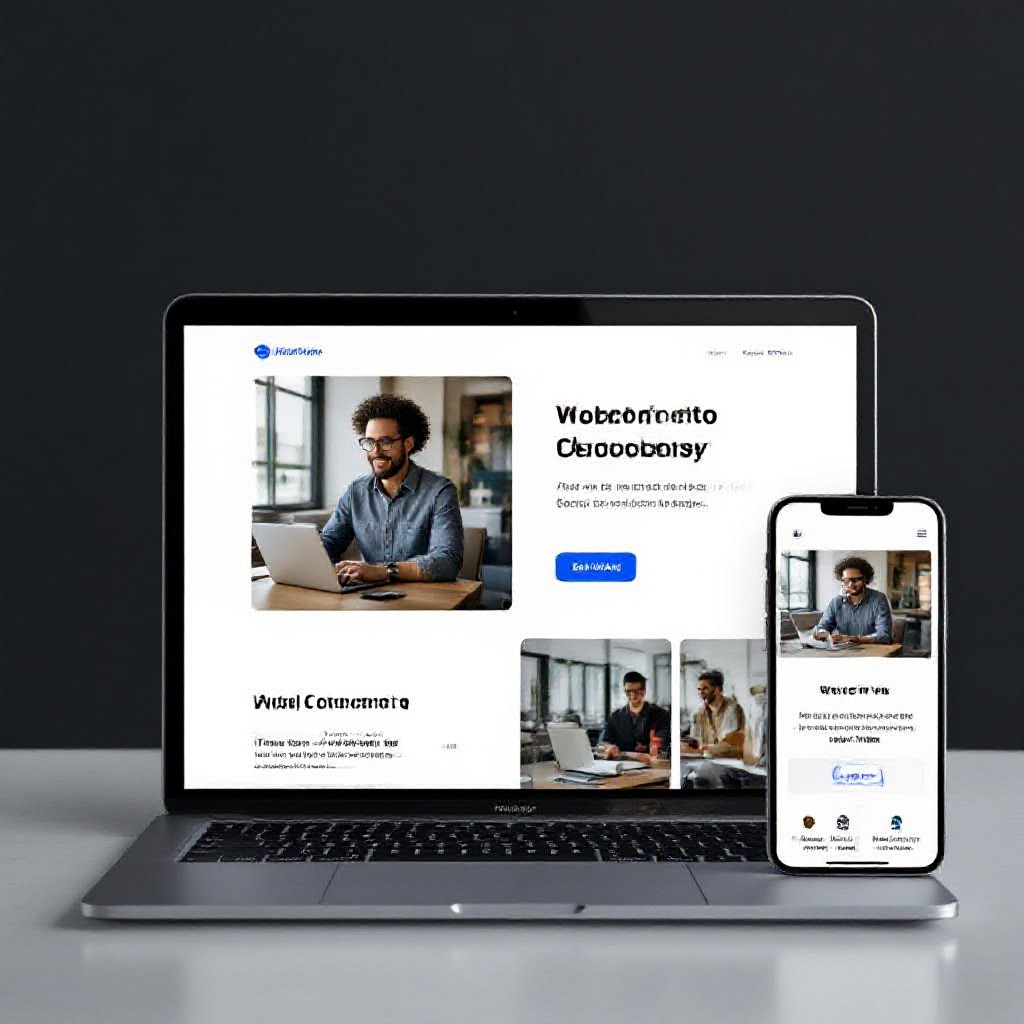
A clean homepage with clear CTA, phone visible in header, and social proof near the top converts best for service businesses.
9. 30-day action plan (what to do this month)
Week 1 — Plan & setup
- Decide primary CTA and core pages
- Buy or point domain
- Set up Google Business Profile
- Install Analytics & Search Console
Week 2 — Build core pages
- Create Home, Services (3), About, Contact
- Write clear headlines and CTAs
- Upload real photos
Week 3–4 — SEO & launch
- Optimize title/meta and headings
- Submit sitemap & request indexing
- Run speed improvements & launch
- Ask first customers for reviews
Frequently asked questions
How long does it take to get a simple small business website live?
Do I need to write all the content myself?
What is the most important page for local search?
How do I gather reviews?
Ready to launch a website that attracts customers?
If you'd rather outsource the build, Congero creates mobile-first, SEO-ready websites fast — no tech skills required, unlimited updates, hosting, domain and analytics included for a flat monthly price.
Tip: Start with the core pages and iterate — your website should evolve with your business.
