
how to evaluate website design
A practical, step-by-step framework for judging design, UX, performance, SEO and conversion potential
Whether you're choosing between proposals, auditing a competitor, or reviewing your own site—this guide gives you the checklist, metrics and red flags to make the right decision in 2025.
Average mobile share of traffic
Target mobile load time (LCP)
PageSpeed score goal
Managed website cost that includes updates (example)
How to objectively score a website design
Opinions vary, but smart evaluation uses a repeatable scoring system. We recommend a 100-point framework broken into five categories:
Design & Brand (20 pts)
- Visual hierarchy, colours, typography (8)
- Logo & brand consistency (6)
- Imagery quality (6)
Usability (20 pts)
- Navigation clarity (8)
- Content readability (6)
- Accessibility basics (6)
Performance (20 pts)
- Load times & LCP (8)
- CLS & visual stability (6)
- Mobile speed (6)
SEO & Technical (20 pts)
- Titles, meta, schema (8)
- Structured data & sitemaps (6)
- Indexability & robots (6)
Conversion & Trust (20 pts)
- Clear CTA & contact points (8)
- Social proof and trust signals (6)
- Forms & lead capture UX (6)
Score each item from 0–100 within the subcategory and weight it to the points above. A total above 75 is strong; 50–75 needs improvement; below 50 is risky.
Visual design & branding: what to look for
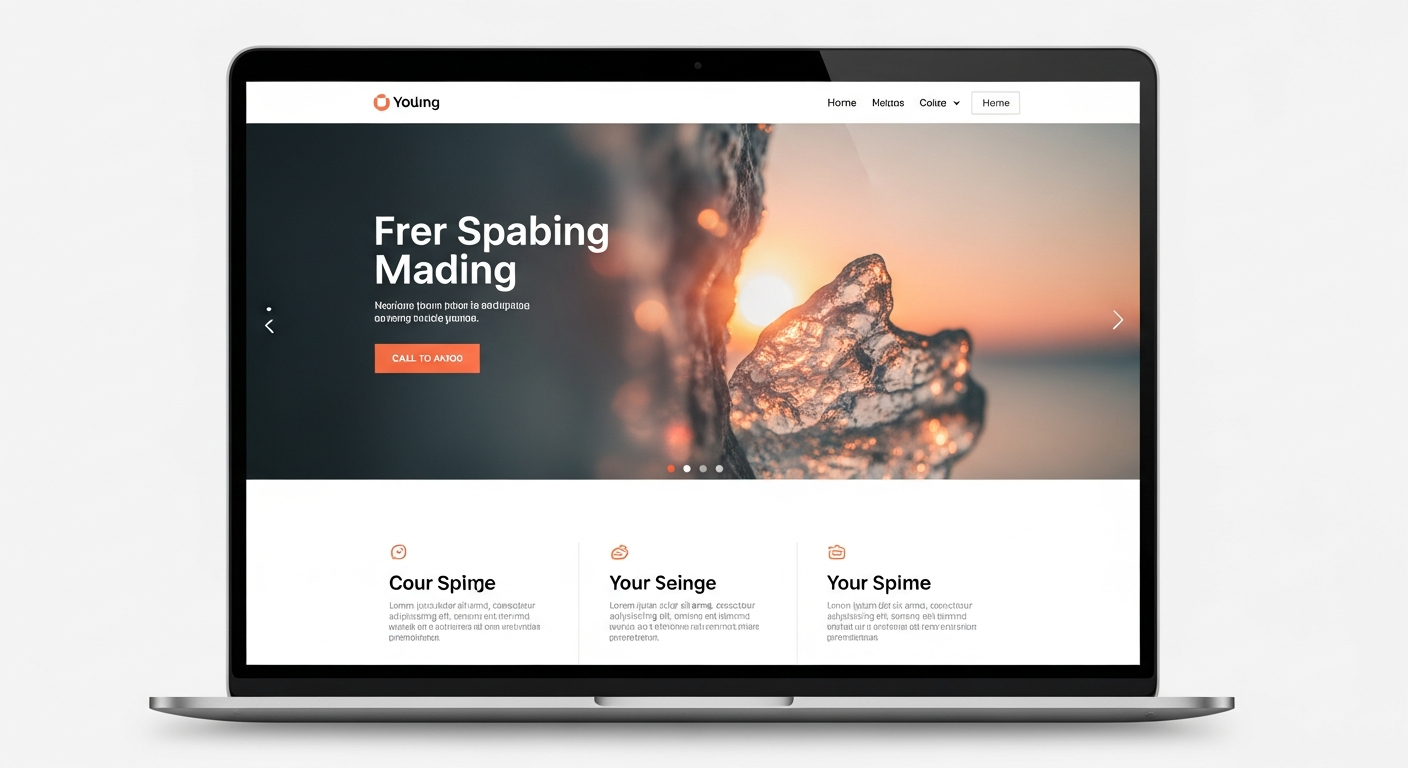
Strong visual design does three things: communicates who you are, directs attention to the most important action, and makes content easy to consume.
- Consistent colour palette and typography across pages
- Clear visual hierarchy (headings, subheadings, CTAs)
- High-quality images that represent real work or customers
- Whitespace to reduce noise and improve scanability
- Brand elements present: logo, contact details, consistent tone
Usability & navigation: make it effortless
Usability determines whether visitors stay and take action. Use these practical checks:
Navigation
Menus should be clear, labelled from the user's perspective, and no more than 7 top-level items. Breadcrumbs help on deep sites.
Readability
Body text 16px+, 1.4–1.6 line-height, clear contrast between text and background.
Forms & CTAs
Forms should ask only for essentials; reduce friction and use clear success messages after submission.
Performance: the technical KPIs that matter
Design is only useful if pages load fast. Focus on these measurable metrics (use Lighthouse, PageSpeed Insights, or WebPageTest):
Largest Contentful Paint (LCP)
Target < 2.5s on mobile. Measures how quickly the main content renders.
Cumulative Layout Shift (CLS)
Target < 0.1. Ensures layout doesn't jump while loading (no shifting CTAs).
First Contentful Paint (FCP)
Aim for < 1.8s. The faster users see content, the lower the bounce rate.
Checklist for performance fixes:
- Compress and serve properly sized images (next-gen formats where possible).
- Use lazy-loading for offscreen images and defer non-critical JS.
- Enable server-side caching and a fast CDN.
- Minify CSS/JS and avoid large third-party scripts on critical pages.
Mobile evaluation: don't let mobile be an afterthought
With most traffic on phones, mobile experience must be priority #1. Key checks:
Touch targets & spacing
Buttons should be large enough to tap (min 44x44px) and stacked vertically when needed.
Mobile-first content
Important headlines, CTAs and phone numbers should appear above the fold on mobile.
Local search & click-to-call
Ensure phone numbers are clickable, and address + hours are visible. For trades, “call now” must be one tap away.
SEO & structured data: can the site be found?
A visually perfect site is useless if Google can't find or understand it. Quick SEO audit items:
On-page basics
- Unique title tags and meta descriptions per page
- Clear H1 on every page and sensible heading structure
- Alt text for images
Technical & local SEO
- Robots.txt and XML sitemap present and submitted
- Schema markup for business, reviews, and local data
- Google Business Profile linked for local businesses
Conversion optimisation: design that turns visitors into customers
Conversions are the most important metric. Evaluate the site for persuasion and clarity:
- Single, obvious primary CTA on the homepage
- Visible trust signals: reviews, certifications, real photos
- Multiple contact methods (phone, email, chat) and working forms
- Clear response times and service area (reduces friction)
- Conversion tracking installed (GA4, server-side events)
Security, maintenance & ownership
Before you sign, confirm who owns what and how the site is maintained:
Security essentials
- HTTPS / valid SSL certificate
- Automatic backups and malware scanning
- Minimal admin accounts and 2FA for access
Ownership & portability
- Who owns the domain? (You should)
- Who owns the code and content? Ask for export options
- How are updates handled and at what cost?
Pricing models & contracts — what to expect
Design pricing varies. Ask these questions to compare apples to apples:
- Is the price upfront or subscription?
- Does it include hosting, domain and SSL?
- Are updates included (and how many per month)?
- Are there lock-in contracts or exit penalties?
- What's the total cost of ownership for year 1?
Printable evaluation checklist
Score each item Yes = 1, Partial = 0.5, No = 0. Add weights based on your priorities.
- Responsive design: mobile & desktop tested
- Clear H1 and page headings per page
- Fast LCP & FCP metrics
- CLS & layout stability acceptable
- Accessible alt text and semantic HTML
- Unique title & meta description for key pages
- Structured data for local/business + reviews
- Visible, single primary CTA above the fold
- Working contact methods and tested form
- Real photos and trustworthy reviews/testimonials
- SSL, backups, and update process documented
- Domain ownership confirmed
- Price and maintenance scope clearly written
Frequently asked questions
What's the single most important thing when evaluating design?
How technical should my audit be?
Can a cheap design still perform well?
How often should I re-evaluate my site?
If a site fails my checklist, what next?
Want an expert second opinion on your site?
Congero offers fast, actionable design audits and can build a high-converting, mobile-optimised website in under 60 seconds. We handle hosting, domain, SEO and unlimited updates for a flat monthly fee.
Example: professional websites from $30/month with unlimited updates, local SEO and no lock-in contracts.
