how to design own website
Practical, no-nonsense steps for small businesses — design, SEO, analytics and launch checklists for 2025
Building your own website doesn't need to be slow or expensive. Follow this concise, actionable roadmap to plan, design, optimise and launch a website that brings customers—not just likes.

1. Plan your site: goals, audience, and success metrics
Start with why. Define what the website must do for your business — get calls, collect leads, show portfolio, book jobs. Without clear goals you’ll waste time designing features you don’t need.
Simple planning template
- Primary goal: e.g., 10 new leads per week
- Top 3 services to promote: list them
- Target area: suburbs, city or national
- Monthly budget for ads/SEO: $
- Primary call-to-action (CTA): Call now / Book online / Get a quote
Estimate a minimum timeline: draft content (1–3 hours), layout & design (1–3 hours), SEO basics & publish (1–2 hours). If this sounds daunting, Congero can create and host a professional site for $49/month and handle updates via simple text messages—no technical setup required.
2. Structure your site: pages, navigation and funnels
Keep navigation simple. For most small-service businesses a 5–7 page site is perfect: Home, About, Services (or Service pages), Pricing/Estimates, Testimonials/Portfolio, Contact.
Home
Service page
Contact
Map the customer journey. Example funnel: Organic search → Service page → Contact form or phone call. Each page should have a single primary CTA and one secondary CTA.
3. Visual design: trust, clarity and mobile-first
Design for trust. Use clear headings, high-contrast CTA buttons, readable fonts and consistent colours. Mobile-first means your layout must work on phones before worrying about desktop polish.
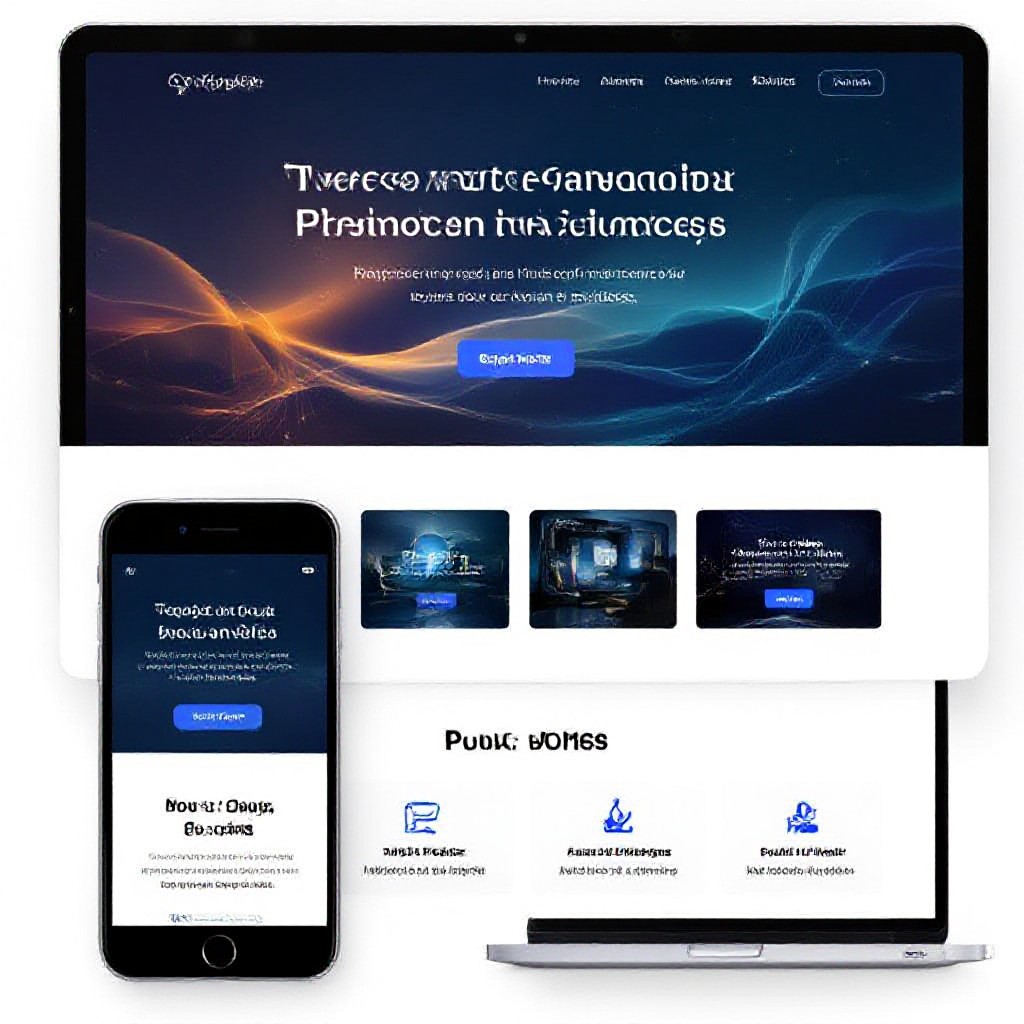
- Readable typography: base size 16px, heading hierarchy H1→H2→H3
- Buttons: high contrast, large tap targets (44px+)
- Whitespace: let elements breathe — faster scanning
- Trust: show license numbers, testimonials, clear contact details
If you’re using a page builder, pick a clean template and only change colours and images — avoid moving too many layout pieces. That keeps pages performance-friendly.
4. SEO essentials: make Google your ally
SEO is not magic—it's predictable work. Focus on these high-impact elements first:
On-page basics
- Title tag: Include primary keyword (e.g., "Plumber Sydney — Drain Repair")
- Meta description: Persuasive 120–160 chars with CTA
- Headings: Use H1 once, H2 for sections; include keywords naturally
- URL: short, readable, e.g., /drain-repair-sydney
Content & signals
- Service pages: 500–1,200 words that answer customer questions
- Local keywords: attach suburbs and "near me" phrases
- Schema markup: add LocalBusiness and FAQ schema
- Mobile speed: target under 2.5s on mobile
Quick SEO checklist before publishing
5. Local SEO: get found by nearby customers
For most small businesses local search drives the highest-intent leads. Prioritise these actions:
Google Business Profile
- Claim and verify your profile
- Use a local phone number and consistent business name
- Add services, business hours, and photos
- Collect reviews and respond quickly
Citations & local pages
- Ensure NAP consistency (Name, Address, Phone) across directories
- Create simple suburb-specific pages for the areas you serve
- Embed Google Map and add directions on Contact page
If managing GMB feels tedious, Congero includes local SEO setup and ongoing optimisation in its managed website service—so your site and listing work together to bring enquiries.
6. Photos and copy that convert
Good images and clear copy build trust. Use real photos of your work where possible — stock is fine as a backup.
Images
- Use high-resolution photos (but save for web)
- Compress images (WebP or optimized JPEG)
- Include before/after where relevant
- Provide descriptive alt text for accessibility & SEO
Copy
- Lead with benefits, not features
- Use short paragraphs and bullets for scanners
- Include strong CTAs: Call, Book, Get Quote
- Add 2–3 customer testimonials prominently
Speed tip
7. Technical SEO & performance
Technical fixes often provide the biggest ranking lift. Run the checks below before you publish.
Quick technical checklist
- HTTPS enabled (SSL certificate)
- Mobile responsive layout
- Fast hosting with caching and CDN
- robots.txt present and sitemap.xml submitted
- Schema markup for LocalBusiness and FAQs
If hosting, backups and security feel like overhead, a managed solution bundles them: domain, hosting, SSL and updates in one predictable monthly fee.
8. Analytics & conversion tracking
Measure everything. You can’t improve what you don’t track. At minimum install Google Analytics and set up conversion tracking for calls and form submissions.
Initial setup
- Google Analytics 4 + link to Google Search Console
- Set up Goals or Conversions (calls, clicks, form submits)
- Enable site search tracking if you use a search box
Ongoing
- Monthly report: sessions, top pages, source of leads
- Track which page sends most leads — double down on it
- Use A/B tests for key CTAs and headlines
Managed services often include simple monthly dashboards that explain what matters and actionable recommendations — ideal if you prefer to focus on running the business.
9. Launch checklist: test before you shout about it
- Proofread all pages and check phone numbers
- Test forms and email deliverability
- Check mobile layout and tap targets
- Run PageSpeed Insights — aim 70+ on mobile
- Verify Google Analytics and Search Console
- Submit sitemap and request indexing
- Announce launch with 1) Google Business update 2) one social post 3) short email to existing customers
After launch, measure results for 30 days. If you’re not getting clicks or calls, revisit your headlines, CTAs and local keyword targeting.
Marketing tips to get traction fast
Local ads
Social proof
Email follow-ups
Consistency beats perfection. A good site plus 1–2 weekly posts and steady review collection will steadily increase search visibility and enquiries.
Frequently asked questions
How long does it take to design a simple site?
Do I need to hire a designer?
What’s the minimum SEO I must do?
Can I switch to a professional service later?
Prefer to focus on customers, not hosting?
Congero builds professional, mobile-first websites and handles hosting, SSL, performance and local SEO for a simple monthly fee. Get your site live quickly, make unlimited updates by text, and receive monthly analytics so you know what’s working.
- Live in minutes via WhatsApp — no technical setup
- All-inclusive hosting, domain, SSL and local SEO for $49/month
- Unlimited updates — just text changes and we apply them
- Clear monthly analytics and no lock-in contracts
All plans include domain registration, hosting, SSL and ongoing maintenance. Cancel anytime.
