how to create your own site for free
Practical, up-to-date options for 2025 — build a simple site with no cost, choose the best free platform for your needs, and learn when a low-cost managed option (like Congero) saves you time and helps you grow.
Updated for 2025 • Focus on free tools, realistic limits and SEO-friendly best-practice tips.
Can you build a website for free in 2025?
Yes — you can launch a basic website without spending money. Free options include site builders (Google Sites, WordPress.com, Carrd), static hosts (GitHub Pages, Netlify) and single-page tools. Each option has trade-offs: bandwidth limits, platform branding, no custom domain (or a branded subdomain), limited SEO controls, and manual maintenance.
If you need a professional, local-SEO optimised business site with a custom domain, ongoing updates via simple text and analytics, consider moving to a low-cost managed service. Congero offers a free demo and a predictable $49/month plan that includes hosting, domain help, unlimited edits and local SEO optimisations — handy when scales matter.
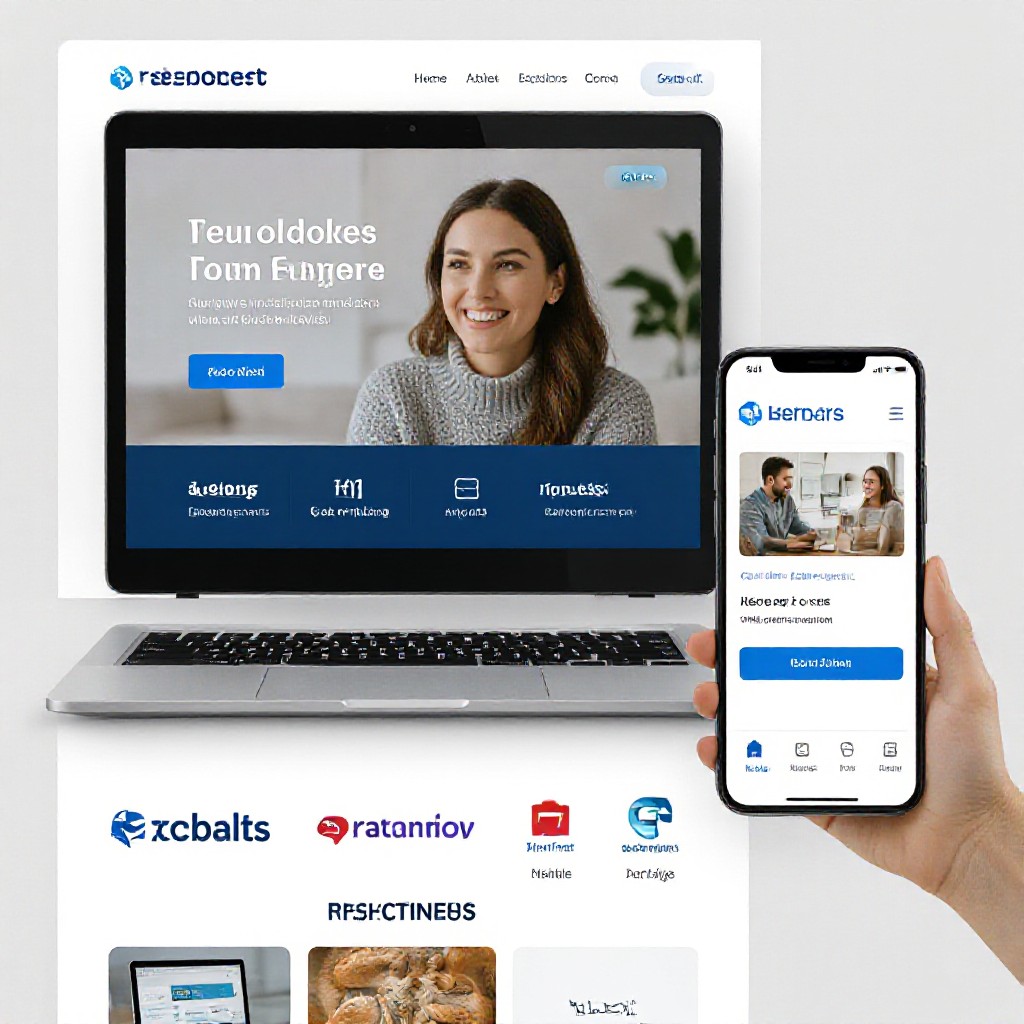
Best free platforms (pros & cons)
Below are widely used free options and when to pick each one.
GitHub Pages
Host static sites for free using a GitHub repo. Perfect for developers or anyone comfortable with Git/VS Code.
- Free HTTPS and no forced branding
- Best for static HTML/CSS/JS and Jekyll sites
- Steeper learning curve; no server-side features
Netlify (Free Tier)
Drag & drop, or connect a Git repo for continuous deploys. Great for static sites with form support via add-ons.
- Easy CI/CD and free HTTPS
- Netlify Functions for light serverless needs
- Branding/limits on bandwidth for heavy traffic
Google Sites
Fast, WYSIWYG builder tied to your Google account. Best for simple informational pages or internal sites.
- Very simple, free with Google account
- No hosting or maintenance to worry about
- Limited SEO controls and templates
WordPress.com (Free)
Hosted blogging platform — free plan gives a WordPress subdomain and basic themes.
- Good blogging tools and plugins on paid plans
- Large ecosystem and docs
- Free plan shows WordPress ads and no custom plugins
Carrd
One-page sites and landing pages — free tier with Carrd branding; very fast to set up.
- Ideal for single-page resumes, promos
- Extremely simple editor
- Branded subdomain unless upgraded
Congero (Free Demo)
Not permanently free, but offers a no-credit-card demo and an affordable managed plan for businesses that want instant results without the DIY maintenance.
- Live demo in ~60 seconds — ideal to preview a professional site
- Includes local SEO, hosting, analytics on paid plan
- Managed, subscription-based after demo ($49/month)
Quick: Build a simple free site in 5 minutes
Follow these concise steps to launch a basic, shareable website immediately.
Pick your tool
Choose Google Sites, Carrd, or Netlify Drop for fastest setup.
Create an account
Sign in with an email (Google account for Google Sites). No credit card required for free tiers.
Choose a template & add content
Replace placeholder text with your business name, contact number and short services list.
Upload 2-3 photos
Use real photos of your work — they increase trust and conversions.
Publish & share
Publish on the platform’s free subdomain and share the link on social or messaging apps.
Optional: claim a custom domain
Custom domains usually cost money. Use a free subdomain first; upgrade later if you need branding or SEO benefits.
Why a free site might not be enough
- Branding & trust: Free plans often use platform subdomains and show platform branding—less trust for customers.
- Performance & limits: Bandwidth, storage and SEO features are limited on free tiers.
- Maintenance burden: DIY updates, backups and SEO can consume your time — a managed service removes that overhead.
- Local SEO: Free builders often lack advanced local SEO and schema needed to dominate nearby searches.
If you're a tradesperson or service business and want reliable local leads, an affordable managed plan (for example, Congero’s $49/month) usually delivers faster results: domain help, automated SEO, unlimited updates via text and analytics — all without technical work.

Make your free site discoverable
Even free sites can rank if you follow the fundamentals below.
Use clear titles & meta descriptions
Keep page titles under 60 chars and descriptions under 155, include your main service and suburb (e.g., Plumbing in Brisbane).
Local NAP consistency
Display business name, address and phone (NAP) exactly the same across site, Google Business Profile and directories.
Optimize images
Compress images, add descriptive ALT text (what the photo shows + location), and lazy-load for speed.
Fast loading
Minimise large scripts — static hosts (GitHub Pages, Netlify) are typically fastest for simple sites.
Useful content
Write for people first: explain services clearly, answer common questions and include location pages if you serve multiple suburbs.
Get backlinks locally
List your business in local directories, ask suppliers or partners for links, and encourage customers to leave Google reviews.
Want us to handle SEO for you?
Congero automatically applies local SEO, schema markup, meta tags and monthly analytics — a huge time-saver if you prefer not to DIY.
TRY A FREE DEMOCommon pitfalls & quick fixes
Short solutions to problems people run into when building free sites.
My site looks unprofessional
Use real photos, a clear headline that explains what you do, and a visible phone number. Even free templates can look professional with good copy and photos.
No custom domain
Free plans often require platform subdomains. Buy a cheap domain (≈$10–15/year) and connect it when the platform allows — this improves trust and SEO.
Page doesn't rank
Check title tags, target a clear local keyword (service + suburb), add helpful content and ask for local links. SEO takes weeks to show results.
Frequently asked questions
Clear answers to common questions about free websites and when to consider upgrading.
A free site is fine to start and test demand, but for reliable local lead generation you'll usually need a custom domain, better SEO, and a maintenance plan. Managed services like Congero package those features for a predictable monthly fee.
Yes. Use the link to your published free site in your Google Business Profile. For best results, use a custom domain and ensure NAP details match exactly.
No — Google focuses on helpful, original content. Use AI to draft content but ensure it’s tailored, accurate and useful to your audience.
Many free builders let you add Google Analytics or simple tracking. For some free tiers you’ll need to upgrade or use platform-provided metrics. Managed plans include detailed monthly analytics automatically.
Ready to launch — free or managed?
Start with a free site to test your offer. When you want a professional presence that converts local customers and saves you time, try Congero’s free demo (no credit card) and preview an instant, SEO-ready site.
No credit card required for demo • Congero managed plans from $49/month for businesses who want hands-off growth.
