how to create a website for business in australia
A practical, step-by-step guide (2025) — plan, build, optimise for local search and turn visitors into paying customers.
This guide walks Australian tradies and small service businesses through every stage: from simple planning and content templates to SEO checks, Google Business tips and conversion tactics that generate leads fast.

1. Plan your website — what matters most
Before any build, make decisions that save time and improve results. Small Australian businesses should prioritise clarity, local trust signals and fast contact methods.
Define goals
- Primary KPI: phone calls per week
- Secondary KPI: form submissions or booked jobs
- Target locations: suburbs & service areas in Australia
Pick your pages
- Home — value proposition, phone button, top services
- Services — individual pages for each main service (SEO benefit)
- About — trust, credentials, licences, insurance
- Contact — phone, ABN (optional), service area, contact form
- Testimonials / Gallery — proof of work
Choose conversion actions
- Clickable phone button (tel:)
- WhatsApp link or fast chat option
- Short contact form (name, phone, suburb, short note)
2. Write pages that convert — templates & examples
Good copy is direct, local and benefit-driven. Use simple language and include your service area early on each page.
Homepage headline template
Sub-head: Local, licensed [trade] with 10+ years experience. Call now — we’ll be there today.
CTA: Call us — 0400 123 456
Service page structure (use for each service)
- Service title: e.g., Emergency Blocked Drain Plumber in [Suburb]
- Intro (40–60 words): What you do and the main benefit
- Bullets: Typical jobs, price ranges (if you want), guarantees
- Local proof: Images of jobs in local suburbs, testimonial snippet
- CTA: Click to call or book — visible on mobile
Photos & Images
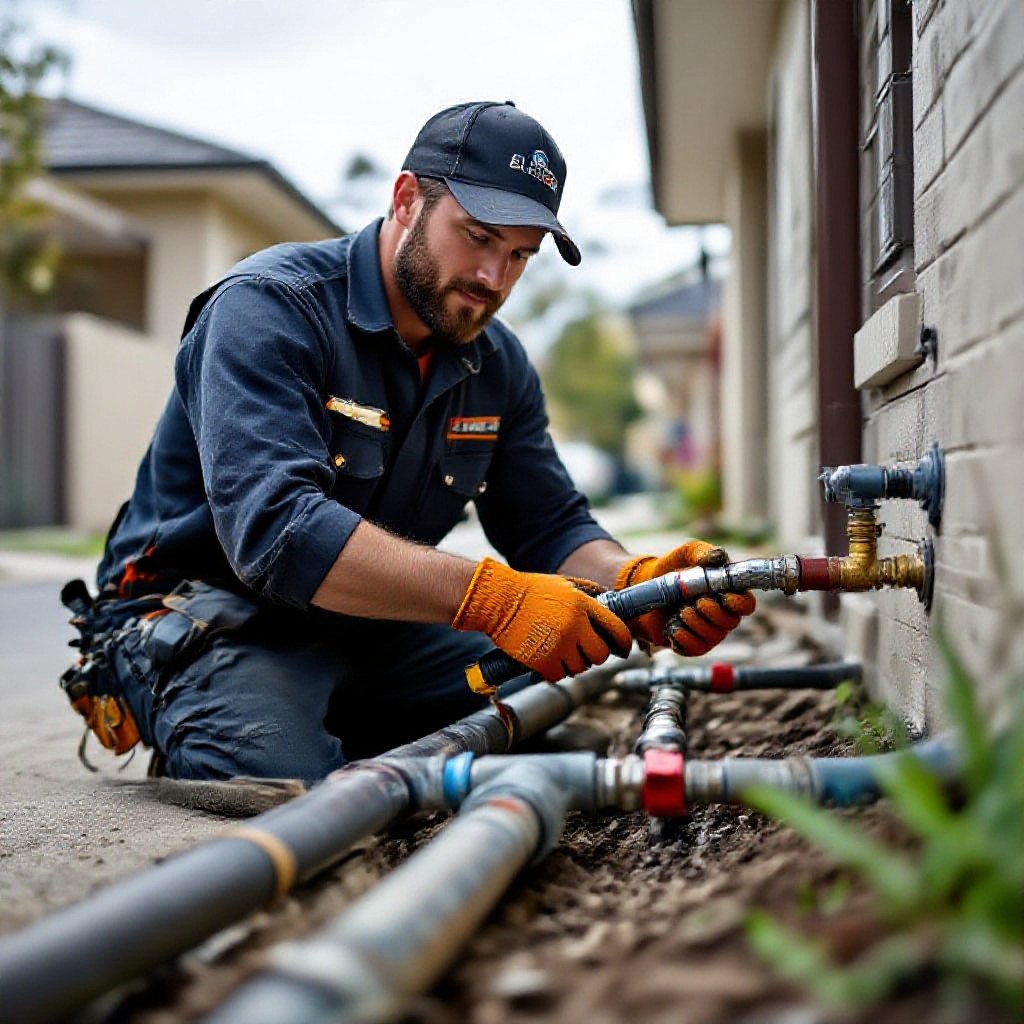
Use original photos of your team and jobs. If you need stock, pick authentic, not staged, images.
Trust elements
- Australian business number (ABN) optionally listed
- Insurance and licence numbers
- Short customer testimonials (name + suburb)
- Before & after images with captions
3. Build options — fast DIY or Done‑for‑you
Pick the path that matches your time and budget. Two practical choices work best for Aussie small businesses in 2025.
DIY (using builders like Wix / Squarespace / WordPress)
- Good if you have time (40+ hours) and want low monthly cost
- Follow templates above and ensure mobile-first design
- Use compressed images (webp), and add click-to-call
- Downside: SEO and technical fixes can be slow and time-consuming
Done-for-you (Congero style)
Best if you value time and want results fast: Congero builds professional, mobile‑first sites with local SEO — launched in under 24 hours and managed for a flat monthly fee.
- Live in 60s demo via WhatsApp and full site in 24 hours
- Includes hosting, SSL, domain setup and unlimited updates
- Local SEO setup and monthly analytics included
4. SEO checklist — make Google love your site
Start with on‑page fundamentals, then add technical and local signals. These steps are practical and prioritised for small businesses in Australia.
On‑page essentials
- Title tag: [Service] in [Suburb] | Business Name — keep ~50–60 chars
- Meta description: 120–155 chars with call to action and location
- H1: One per page and includes your main keyword (e.g., Emergency Plumber in Brisbane)
- URL slug: short and readable (example: /blocked-drain-brisbane)
- Alt text: descriptive alt text for images (include suburb if relevant)
Technical & speed
- Use HTTPS (SSL)
- Compress images and use modern formats (WebP)
- Lazy-load offscreen images
- Minify CSS/JS and use a fast host / CDN
- Target 2.5s or less on mobile (Google PageSpeed Insights)
Content & structure
- Dedicated pages for each service & suburb you serve
- Use schema markup for LocalBusiness and Services (see example below)
- Include a clear NAP (name, address, phone) on every page or in footer
- Add FAQ schema for common queries
Backlinks & citations
- List your business in local Australian directories and trade sites
- Collect reviews and link to pages mentioning your business
- Local sponsorships or supplier pages can produce high-quality local links
Schema example (LocalBusiness)
{
  "@context": "https://schema.org",
  "@type": "LocalBusiness",
  "name": "Smith Plumbing Services",
  "telephone": "+61400123456",
  "address": {
    "@type": "PostalAddress",
    "addressLocality": "Brisbane",
    "addressRegion": "QLD",
    "postalCode": "4000",
    "streetAddress": "10 Example St"
  },
  "areaServed": ["Brisbane", "Logan", "Ipswich"],
  "url": "https://example.com",
  "priceRange": "$$"
}
5. Local SEO for Australia — quick wins
Local search drives calls and jobs. These are the highest-impact Australian-specific tactics.
Google Business Profile (GBP)
- Create & verify your GBP and ensure NAP consistency.
- Choose correct primary category (e.g., Plumber, Electrician).
- Add service areas (suburbs) rather than a PO box.
- Upload photos of recent jobs and your team (update monthly).
- Ask satisfied customers for reviews and reply to them.
Local content
- Create suburb-specific landing pages (e.g., Drain Cleaning in Parramatta)
- Publish short local case studies: “Fixed leaking roof in Bondi — same day”
- List the suburbs you serve clearly (search engines use this)
Reviews & reputation
- Ask customers to leave Google reviews; link them to the review page
- Display recent 4–5 review snippets on the homepage
- Use reviews in social posts and service pages
6. Tracking & analytics — measure what matters
Set up simple tracking so you can see which pages and ads produce calls and jobs.
Essentials to install
- Google Analytics 4 (GA4) — track sessions and conversions
- Google Search Console — monitor search visibility and index coverage
- Call tracking (optional) — measure which campaigns generate calls
- Conversion events: phone clicks, form submits, booking confirmations
Reporting cadence
- Weekly: phone calls and form submissions
- Monthly: top pages, traffic sources, keyword trends
- Quarterly: update pages and add new suburb content where demand rises
7. Attract customers — low-cost, high-impact tactics
Use a mix of organic and paid channels tailored to local demand.
Google Local Ads
Run search ads targeting your suburb keywords (e.g., "plumber near me Brisbane") and measure calls. Start small ($10–20/day) and scale winners.
Facebook & Instagram
Promote before/after photos and short video snippets of jobs. Use local targeting by postcode and interests.
Email & SMS
Collect customer emails and phone numbers with permission and send seasonal offers (e.g., pre-winter plumbing checks).
Referrals & Partnerships
Partner with builders, real estate agents or local suppliers for steady referral work; offer incentives.
Simple campaign example
- Target: "emergency electrician sydney cbd" (Google Search)
- Ad: Headline with service + suburb, call extension enabled
- Landing page: service page with click-to-call and 1‑minute form
- Measure: phone clicks and booked jobs via GA4 and call tracking
8. Launch checklist — final tests before you go live
- Mobile test: Tap every button on phone, click phone number, submit contact form.
- Speed: Run PageSpeed Insights — aim 50+ on mobile to start, improve to 90+
- Tracking: GA4 & Search Console verified and conversion events firing
- GBP: Google Business Profile verified and photos uploaded
- Content: Spelling, service pages, and images are in place
- Backup: Ensure nightly backups and SSL active
- Legal: Basic privacy policy and terms (short and clear)
Frequently asked questions
How much does a small business website cost in Australia?
Can a simple website bring customers quickly?
Do I need to sign a long contract?
Ready to stop wasting time and start getting calls?
Get a professional Australian website, local SEO setup and monthly analytics handled for you. Try a free demo via WhatsApp and see a live site preview in 60 seconds.
Congero builds mobile-first websites for Australian small businesses and manages SEO, hosting and unlimited updates for a flat monthly fee. No lock-in.
