how to create a small business website for free
Practical, step-by-step options for launching a no-cost website in 2025 — plus SEO tips, publishing checklists and when it makes sense to upgrade.
Updated for 2025 — covers free builders, WordPress options, Git hosting, Google Business Profile sites, and realistic next steps.
Can you build a small business website for free?
Yes — you can publish a usable website at zero cost using free plans or platforms. But free often means limits: branded footers, no custom domain, limited storage, and fewer SEO tools. This guide helps you pick the right free route and shows when investing in a managed solution (like Congero) gives better results faster.
Fastest
Google Business Profile or social landing pages — set up in minutes and show in local search.
Most flexible
WordPress.com free plan or GitHub Pages with a static site generator — more control, more setup.
Best for scaling
Free start now, then upgrade to a managed plan that includes hosting, local SEO and unlimited edits — Congero offers a professional pathway from a free demo to a managed $49/month service.
Popular ways to create a small business website for free
Below are practical choices ordered by speed, control and typical limitations.
Google Business Profile Website
Create a simple, mobile-friendly one-page site directly from your Google Business Profile. Best for service areas and local visibility — it can appear in local results quickly.
- No hosting fees, fast setup (10–20 minutes).
- Includes business hours, contact details and photos.
- Limitations: one page, no custom domain by default, limited SEO controls.
Free Website Builders (Wix, Weebly, Square Online)
Drag-and-drop builders let you design a multi-page site with templates. Free tiers include platform branding and a subdomain (yourname.provider.com).
- Easy for beginners, hosting included.
- Limitations: platform ads, limited SEO and storage, custom domain requires paid plan.
WordPress.com Free Plan
A flexible blogging and CMS platform. Good for content-driven businesses. Free plan gives a wordpress.com subdomain and basic themes.
- Large plugin/theme ecosystem (paid upgrades needed for plugins).
- Limitations: custom domain and plugins require paid tier; free plan includes platform branding.
GitHub Pages / Netlify (Static Sites)
Host a static site for free using a static site generator (Jekyll, Hugo) or simple HTML/CSS. Best for tech-savvy users who want full control without hosting fees.
- Custom domain possible, no platform branding.
- Limitations: requires developer knowledge to setup and update.
Social Profiles & Link Pages (Instagram, Facebook, Linktree)
Not a full website, but a free way to present services, prices and contact details. Great for service providers who rely on social search.
- Zero cost, quick to maintain.
- Limitations: poor SEO, fragile discovery beyond social networks.
Quick advice
Choose a free option that matches your skills and goals. If you need local leads and long-term growth, plan to move to a professional setup later — free is a great start, not always the long-term solution.
How to launch a practical free website — 7 steps
Follow these steps for a fast, search-friendly free site and avoid common mistakes.
Define your goal and audience
Decide whether you need bookings, phone leads, portfolio display, or local enquiries. Your goal determines the best free platform — e.g., Google Business Profile for local calls vs WordPress for content marketing.
Choose the right free platform
Pick from the options above based on speed, custom domain needs and technical ability. If you need a custom domain now, free static hosting on GitHub/Netlify supports that; website builders usually require paid upgrades.
Prepare essential content
Collect: business name, short tagline, 3–5 clear services, phone number, service area, 4–8 photos of work, and a short about paragraph. These items make your site look professional immediately.
Build pages and structure
Essential pages: Home (clear CTA), Services (one page per key service if possible), About, Contact. Use H1 for your main headline that matches search intent (e.g., "Plumber in Brunswick — Emergency plumbing & repairs").
Basic SEO and local setup
Add a concise meta title (under 60 chars) and meta description (under 155 chars) with your main keyword and location. Ensure your NAP (name, address, phone) is consistent and link your Google Business Profile for immediate local visibility.
Preview, test and publish
Test on desktop and mobile, check CTA buttons, call links and contact forms. Publish and submit sitemap (if available) to Google Search Console to speed indexation.
Track performance and iterate
Connect free analytics (Google Analytics, Search Console) and monitor calls and form submissions. Update photos and services regularly — free platforms still require ongoing attention to produce leads.
Congero can spin up a professional, SEO-ready site via WhatsApp in under 60 seconds — test the free demo and compare results.
When a free website stops working for your business
Free is great for getting started. Upgrade when you need reliable lead generation, professional SEO, a custom domain or unlimited, fast updates — especially if you run a trades or service business that depends on local leads.
Signs you should move off free
- Branded platform ads hurting conversions
- Unable to use a custom domain (hurts trust & SEO)
- No local SEO or schema support
- Site maintenance is time-consuming or technical
What professional managed services add
- Custom domain, fast hosting and SSL
- Local SEO, schema markup and analytics
- Unlimited updates via simple text or WhatsApp
- Predictable cost and no lock-in contracts
Example: Congero provides AI-built, mobile-first sites in 60 seconds and a full managed plan for $49/month including domain, hosting and unlimited edits.
Essential SEO steps for free websites
Even simple free sites can rank locally if you follow these basics.
Meta tags
Write a clear meta title (include service + suburb) and a persuasive meta description under 155 characters.
Structured content
Use H1 for the page headline, H2s for services, and short paragraphs for readability. Add bullet lists for services and benefits.
Local signals
Consistent NAP, service areas listed, Google Business Profile linked, and customer reviews increase local rankings.
Images
Use real photos of your work, compress images, and add descriptive alt text (e.g., "bathroom tap replacement in Fitzroy").
Performance
Choose lightweight templates, enable caching and keep media under 300KB for fast mobile performance.
Analytics
Install Google Analytics and Search Console to track traffic, queries and indexing issues.
Free site vs managed website (real-world trade-offs)
A quick, realistic comparison so you can decide what to choose today and what to invest in later.
Cost
Free plans cost $0 upfront but often require paid upgrades for a domain, removing branding, or advanced SEO. Managed services like Congero are $49/month with domain, hosting, SSL and unlimited updates included.
Speed to launch
Free builders and Google sites are fast to deploy. Congero can create a professional site via WhatsApp in under 60 seconds with built-in SEO — ideal when you need both speed and quality.
Long-term results
Free sites can work for lead capture but often lack local SEO depth, analytics and the polish that converts visitors. Managed services focus on continual optimisation and measurable growth.
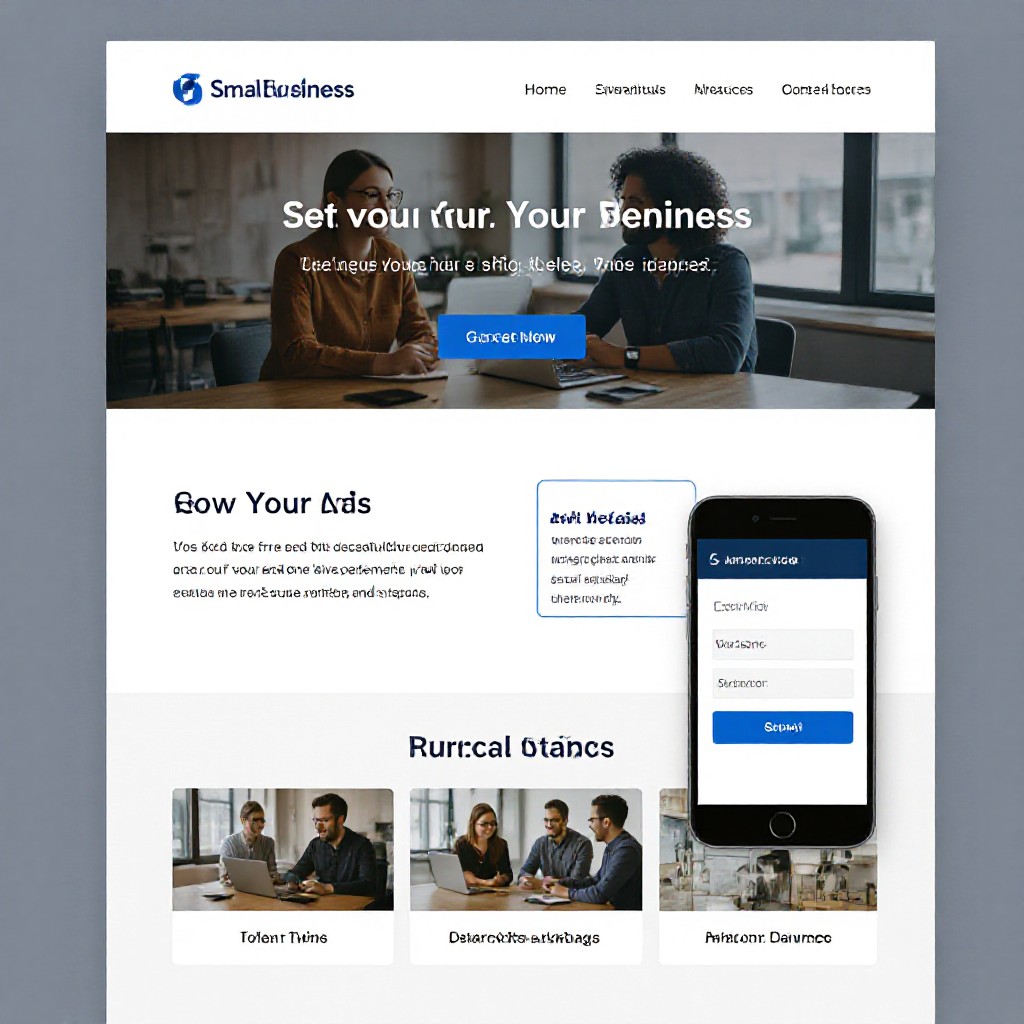
Example: a single page with clear CTA, service list and phone link converts far better than a generic profile page.
Common problems people hit with free websites (and fixes)
Poor mobile experience
Fix: Choose mobile-optimised templates and test on multiple phones. Remove large hero images that slow load time.
No calls or enquiries
Fix: Make your phone number a click-to-call button and add a clear promise (e.g., "Available 24/7 • Fast response"). Place it in header and footer.
Indexing delays
Fix: Submit sitemap to Google Search Console and add internal links. For single-page sites, ensure descriptive headings and page title include keywords.
Frequently asked questions
Short answers to common concerns about free websites and moving to a paid managed service.
Some services (like GitHub Pages or Netlify) allow free custom domains. Most visual builders require a paid plan to remove the platform subdomain and branding.
Yes — with proper meta tags, headings, local signals and real photos. However, free sites often limit technical SEO features and speed improvements available on paid hosting.
Keep URLs consistent, set up 301 redirects for changed pages, and migrate your sitemap. If you use a managed provider like Congero, they handle redirects, SEO metadata and analytics during migration.
Free initially, but hidden costs include lost leads from poor UX, paid add-ons (domain, storage), and time spent maintaining the site. A managed $49/month plan often pays for itself through consistent leads and reduced admin time.
