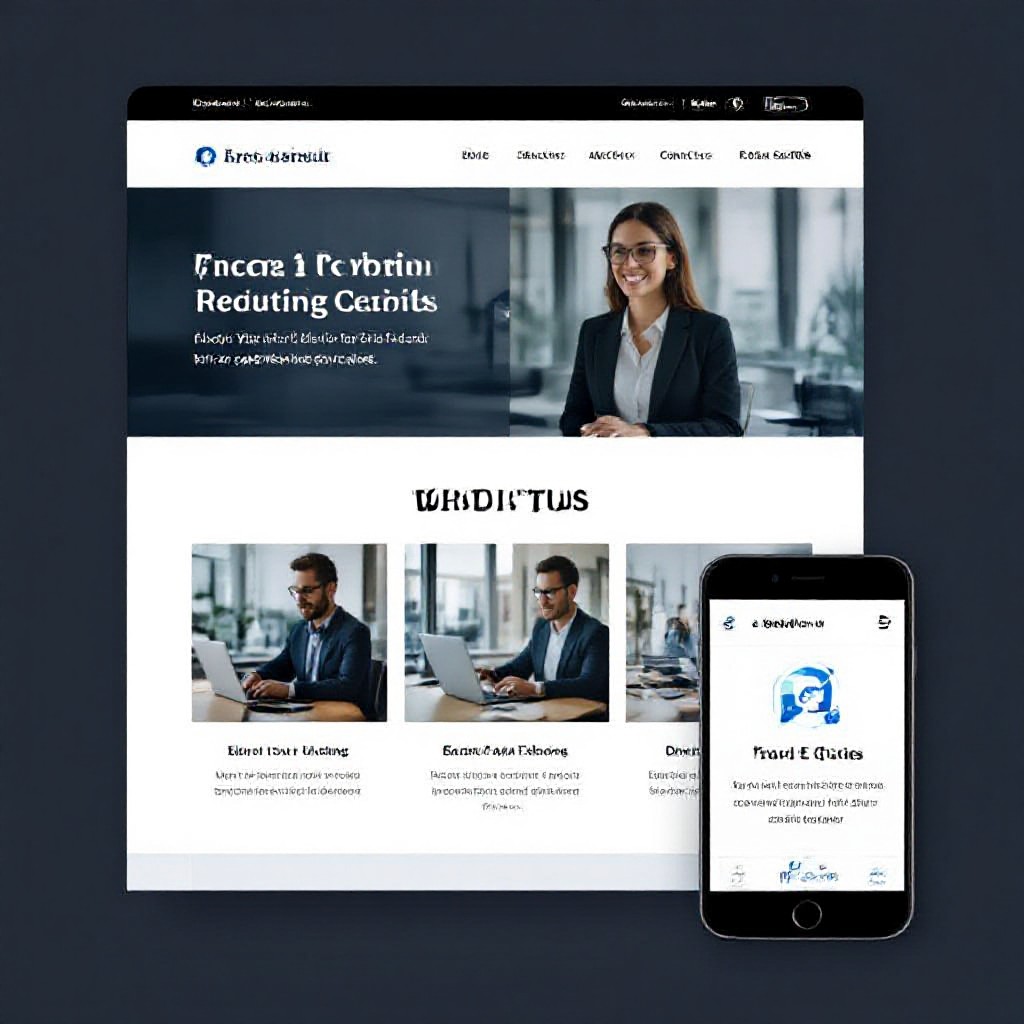
homepage for free
Build a high-converting homepage at zero cost — layout, copy, SEO and marketing elements that get results.
You don't need expensive designers to launch a homepage that turns visitors into customers. This guide walks you through the exact, no-cost steps to create a professional homepage, optimise it for search engines, and add the key marketing elements that drive enquiries.
Homepage structure: what to build first
Start with a simple, scannable layout. Visitors decide in seconds whether your business is worth their attention. Use this proven structure to maximise clarity and conversions.
1. Above-the-fold: Clear value & CTA
Headline + one-sentence value prop + supporting subhead + primary CTA. Make the offer obvious — not clever.
- Headline: What you do and who you help
- Subhead: Benefit-driven 12–16 words
- CTA: Primary action (Call, Book, Get Quote)
2. Supporting sections
Below the fold, add concise sections that answer visitor questions: services, proof, process, and contact.
- Services: 3–5 key services with short summaries
- How it works: 3-step process to reduce friction
- Proof/Trust: testimonials, badges, case thumbnails
- Contact block: phone, email, and clear next step
Focus on one primary goal
Every homepage should have a single primary goal — e.g., get a call, request a quote, book a job. Everything on the page should support that goal.
Copy & images: low-cost choices that look professional
Great design doesn't require expensive photos or copywriters. Use focused language and free or low-cost images to build trust.
Write headlines that sell
- Formula: [Service] for [Audience] — [Main Benefit]. Example: "Plumbing repairs for busy homeowners — fast same-day service."
- Keep it scannable: short sentences, bullets, bold benefit phrases.
- Use social proof snippets: "Rated 4.9/5 by 200+ customers" — near the CTA.
Images that convert
Use one hero image showing the service or friendly staff. For additional visuals, use a small gallery of 3–6 images: team, work in progress, completed job.

SEO improvements: fast wins you can do for free
SEO doesn't have to be technical. These on-page changes take under an hour and deliver consistent traffic over time.
Optimize title & meta
Title: 50–60 chars including main keyword. Meta: 120–150 chars summarising benefit + CTA.
Example: "Emergency Plumber in Sydney — Same-Day Repairs | Call Now"
Use headings properly
One H1 (your headline), H2s for sections, H3s for subpoints. Headings tell Google and visitors what each block is about.
Local SEO basics
Add your suburb/city to titles, meta and contact block. Claim Google Business Profile and include a map embed on the homepage.
Write content for people first
Avoid keyword stuffing. Use natural language and cover common customer questions on the homepage to capture featured snippets.
Speed & mobile
Compress images, enable lazy-loading, and test Pagespeed Insights. Aim for under 3 seconds on mobile.
Technical checklist (quick)
- HTTPS enabled (SSL)
- Robots.txt and XML sitemap present
- Schema: LocalBusiness or Service markup on the homepage
- Canonical tags set correctly
Key marketing elements that drive enquiries
Add these simple marketing features to your homepage to increase leads — most cost nothing but time.
Prominent contact trigger
Phone number visible in header and repeated near the CTA. Use click-to-call on mobile.
Limited-time offers
Add a clear special or discount above the fold to increase urgency.
Trust signals
Badges, testimonials, star ratings, and client logos reduce buyer hesitation.
Testimonials & social proof
Use short quotes and the customer's first name and suburb. Video testimonials are ideal but not required.
Lead capture (low friction)
If you add a form, keep it short (name, phone, service). Or use a quick quote button that opens SMS or WhatsApp.
Follow-up & nurture
Capture contact details and follow up promptly. Quick replies increase conversion — set expectations in the confirmation message ("We'll call within 1 business hour").
Analytics & testing: free tools to measure success
You can't improve what you don't measure. Use free tools and simple tests to increase homepage performance over time.
Install Google Analytics
Track sessions, top pages, and acquisition channels. Use reports to see which keywords and pages bring leads.
Use Google Search Console
See impressions, clicks and the exact queries people use to find your site. Fix pages with low CTR by improving meta descriptions and titles.
Run simple A/B tests
Test button text, hero image, and headline. Track conversion rate (contact form submissions or calls) before and after changes. Small wins compound.
Common mistakes (and how to avoid them)
Unclear headline
If visitors can't tell what you do in 3 seconds, they leave. Fix it by using plain language, not jargon.
Too many CTAs
Multiple primary CTAs dilute focus. Keep one main CTA and 1–2 secondary actions.
Slow loading pages
Compress images, avoid heavy hero videos on mobile, and use caching. Speed impacts rankings and conversions.
No proof of reliability
Add testimonials, star ratings, or even a single recent job photo to build trust quickly.
Free homepage checklist (do this now)
- Headline: Clearly states service + target audience.
- Primary CTA: Visible above the fold (Call or Request Quote).
- Hero image: Relevant, optimised file size.
- 3 service highlights: Short bullets with small icons.
- Trust element: Testimonial, rating, or accreditation badge.
- Contact details: Phone visible & click-to-call enabled on mobile.
- SEO basics: Meta title, meta description, H1, and a short service paragraph.
- Analytics: Google Analytics + Search Console connected.
- Page speed: Images compressed and PageSpeed checked.
How to launch your homepage for free — 5 simple steps
Step 1 — Pick a free platform
Use a free tier (e.g., WordPress.com, Wix free plan) or social landing pages while you test. If you want a fast, no-fuss professional start try a free demo from Congero to see a working homepage in minutes.
Step 2 — Prepare content
Write your headline, three key service bullets, two testimonials, contact info and one hero image. Keep it short and benefit-led.
Step 3 — Build the page
Assemble the hero, services, proof and contact block. Use templates and blocks to speed things up. Test on mobile before publishing.
Step 4 — Apply SEO basics
Set a clear meta title & description, add Google Analytics, and submit your sitemap to Search Console.
Step 5 — Promote & measure
Share your new homepage on Google Business Profile, social channels, and local directories. Track traffic and calls, then iterate based on what converts.
Frequently asked questions
Can I really build a converting homepage for free?
What is the single most important element?
Do I need Google Analytics?
How long until I see results?
Want a professional homepage without the headache?
Try a quick demo and see a working homepage built for your business. No upfront cost, responsive, SEO-ready — ready to publish or iterate.
Get a homepage preview in under 60 seconds — trial with no credit card required.
