
hire a website creator
A clear, practical checklist to find a website creator who delivers SEO-ready, mobile-first sites that attract customers.
Hiring the right person or agency makes the difference between a site that looks nice and one that grows revenue. Use this guide to ask the right questions, spot red flags, and choose a provider who understands SEO, conversions and small-business realities.
Why hire a website creator (instead of DIY)?
Building a site yourself can work, but hiring a pro often saves time and makes the site actually perform as a sales tool. Here’s what a good website creator brings:
-
Experience with conversions: They design pages that turn visitors into leads — strategic CTAs, trust signals and friction-free contact paths.
-
SEO-first approach: Proper structure, page titles, schema, and local SEO to get found by customers in your area.
-
Ongoing support: Quick updates, security, and backups so your site remains current and safe — so you can focus on the job.
-
Faster time to live: Professionals reduce launch time from weeks to days (or hours with modern subscriptions).
What to look for in a website creator
Portfolio & results
Ask for recent examples in your industry and metrics: increases in calls, form submits, or local search rankings.
- Live links (not screenshots)
- Before/after examples with performance gains
- References you can call
Technical skills
Confirm they can deliver the technical foundations that matter for SEO and reliability.
- Mobile-first responsive design
- Fast hosting & caching (target under 2.5s mobile)
- Proper redirects & 301 handling
- Schema (LocalBusiness, FAQ) and sitemap submission
Communication & process
Good providers have a clear process and keep you updated — not radio silence.
- Defined milestones and delivery dates
- Simple update workflows (e.g. text/email change requests)
- Transparent reporting: traffic, leads, and uptime
Ownership & rights
Clarify what you own and what the provider manages.
- Domain ownership stays with you
- Content and images: who can reuse them?
- Export options if you move providers
SEO essentials your website creator must deliver
A beautiful site that nobody finds is worthless. Ensure the creator covers these SEO fundamentals:
-
Page titles & meta descriptions: Unique, keyword-focused, and conversion-oriented for each page.
-
Site structure & URLs: Logical hierarchy, short URLs, and a sitemap.xml submitted to Google Search Console.
-
Mobile-first performance: Responsive layout, optimized images, critical CSS inline, and lazy-loading where appropriate.
-
Speed optimisation: Hosting, CDN, compressed assets, and Core Web Vitals focus (LCP, FID/INP, CLS).
-
Local SEO: Google Business Profile setup or verification, NAP consistency, and schema for LocalBusiness.
-
Security & analytics: HTTPS, server headers configured, and analytics + Search Console installed for tracking.
Design that converts: what matters
Good visual design is important, but conversion-focused design is essential. Look for:
- Clear value proposition: Visitors should know what you do in 3 seconds.
- Prominent contact options: Phone, click-to-call on mobile, and a simple contact flow.
- Social proof: Reviews, testimonials, and real project images.
- Readable typography: Large fonts, clear contrast, and ample whitespace.
- Accessible CTAs: Contrasting buttons with action words and one primary CTA per section.
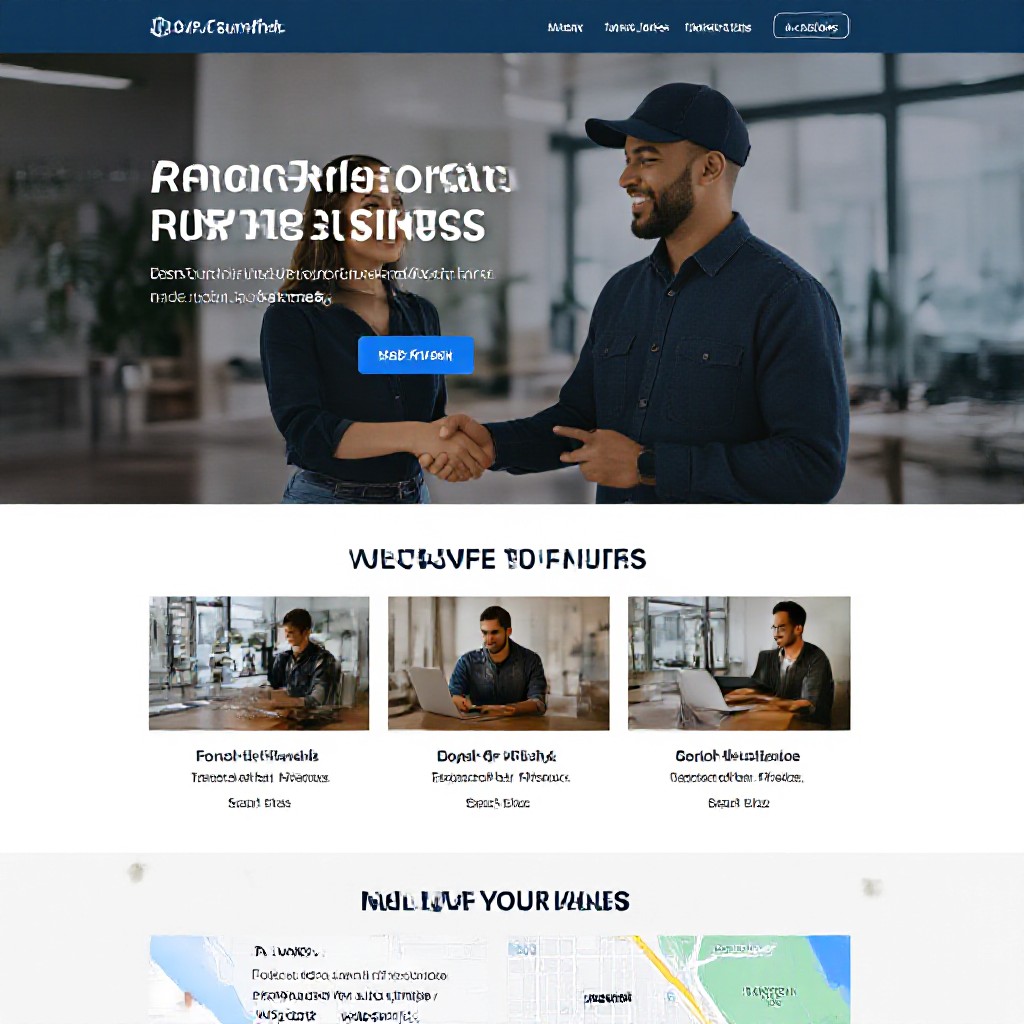
Interview checklist: 25 questions to ask a website creator
Use these questions during discovery calls or meetings. They separate experienced creators from amateurs.
- Can I see live websites you’ve built for similar businesses?
- Do you own the themes/plugins or will they be licensed to me?
- Who will host the site and what’s the expected uptime?
- How do you approach mobile-first design?
- What speed targets and Core Web Vitals do you aim for?
- Will you set up Google Analytics and Search Console?
- How do you handle on-page SEO (titles, meta, schema)?
- What’s included in copywriting and image sourcing?
- How many revision rounds are included?
- What’s your process for local SEO and Google Business Profile?
- How do you measure success (KPIs)?
- Who will be my main contact and how do we request updates?
- What uptime and backup policies do you provide?
- Do you provide SSL and security monitoring?
- What happens if I cancel—can I take the site and domain with me?
- How do you handle 301 redirects and SEO when migrating an old site?
- What ongoing costs should I expect (plugins, email, premium features)?
- Do you provide training or documentation for basic edits?
- Can you show results from local search or organic growth for clients?
- What’s the expected timeline from kickoff to launch?
Pricing models and contract considerations
Common pricing approaches and what they mean for you:
Flat-fee build (one-off)
Best if you want full ownership upfront and custom functionality.
- Pros: Full ownership, no ongoing fees (aside from hosting).
- Cons: Higher upfront cost ($3k–$10k) and updates usually cost extra.
Subscription / managed website
Monthly fee that bundles hosting, updates, SEO and support — often best for small businesses.
- Pros: Predictable cost, quick launch, unlimited small updates included.
- Cons: You're effectively renting the managed service; check export options.
Hourly rates / retainer
Useful for ongoing SEO and marketing work.
- Pros: Flexible for ongoing projects.
- Cons: Can be costly without clear deliverables — request monthly reports and caps.
- Always confirm who owns the domain and content.
- Get uptime, backup and response-time SLAs in writing.
- Confirm how much notice is needed to cancel and how you retrieve site files.
- Avoid long lock-in contracts unless results and exit options are guaranteed.
Onboarding & launch checklist
A smooth onboarding makes launches fast and reduces errors. Here’s a practical checklist to follow:
- Kickoff call: Confirm goals, KPIs, target locations, and primary services.
- Content pack: Provide business details, photos, testimonials, and logos (or request copywriting).
- Access: Provide domain registrar access or confirm domain transfer/connection process.
- SEO setup: Agree on target keywords, primary service pages, and local SEO tasks.
- Preview & revisions: Review staging site, request changes, and approve final content.
- Launch checklist: Test forms, clicks-to-call, analytics, Search Console, and mobile layout.
- Post-launch support: 30–90 day monitoring and first-month optimisation plan.
Frequently asked questions
How long does it take to hire and launch?
Will my site be mobile-friendly?
Can I change content after launch?
Do I need to sign a long contract?
Need help hiring the right creator?
If you want a website that brings real customers, choose a provider who knows local SEO, fast mobile design, and simple update workflows. Congero builds and manages sites designed to grow trades and service businesses.
All sites include hosting, domain support, SSL and unlimited small updates — no lock-in contracts.
