
free website for a small business
A step-by-step guide to build a free site, set up basic SEO, and start getting customers — fast.
This guide walks you through creating a free website (no coding), the SEO basics every page needs, essential marketing tasks, and simple growth steps you can implement in the first 30 days.
In this guide
Clear steps to build a free website, optimise for search, promote locally, and grow with simple marketing.
Quick setup: Create a free website in 3 steps
You don't need a developer. Use a free plan from platforms that include hosting and a subdomain (example: yourbusiness.platform.com). If you later want a custom domain, you can upgrade or connect one.
Choose a free platform
Popular free options: Google Sites (simple & reliable), Carrd (one-page), Wix free plan, WordPress.com free plan. For small service businesses, Google Sites or Carrd are fast and no-fuss.
Add the essentials
- Business name & one-line summary
- Services offered + starting prices
- Contact info and a clear call-to-action (phone and request a quote)
- A few good photos of your work
Publish and test
Publish the site, open it on your phone, call the phone number link, and submit the contact form yourself (or test the email link). Fix any formatting issues before you share it.
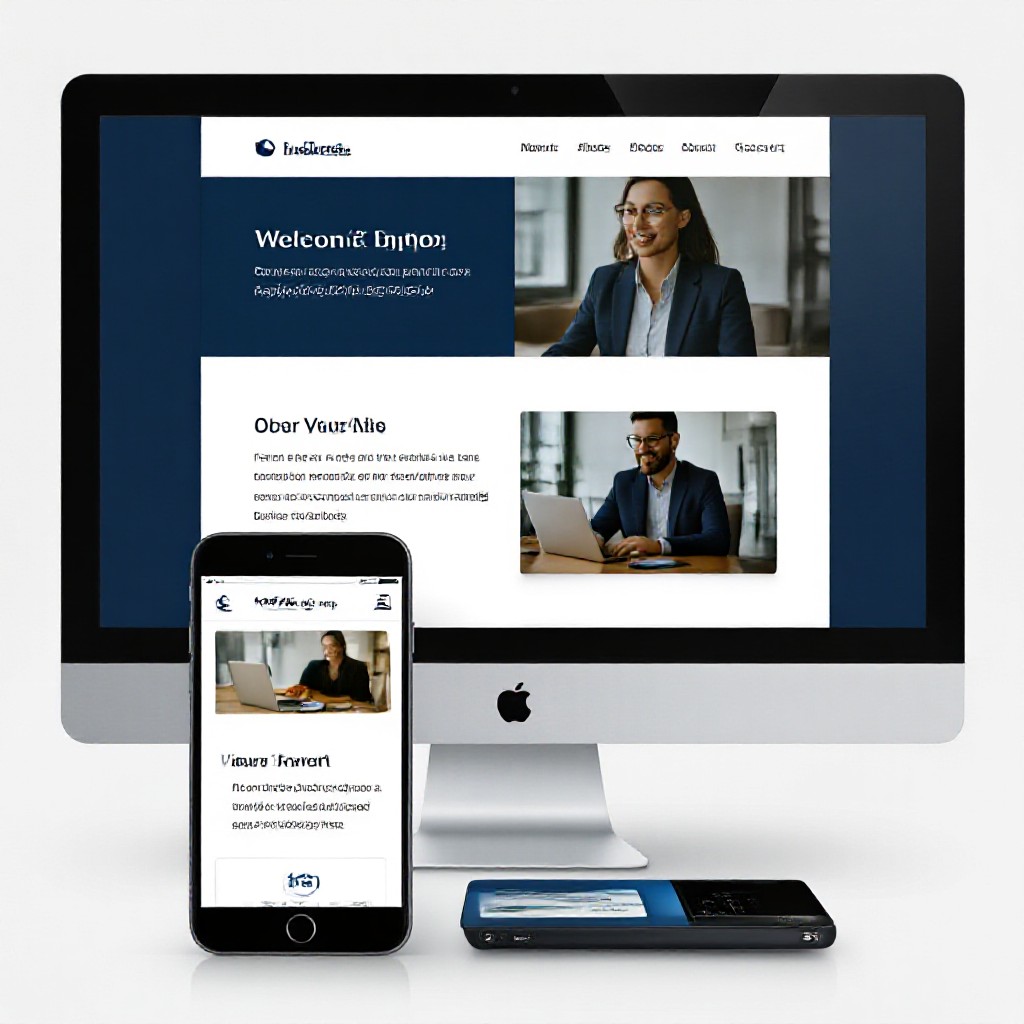
One page that's built to convert
For most small local businesses a single focused page with clear services, prices, and contact is better than a complex site. Customers want answers fast — make it simple.
- Headline + one clear benefit
- Service list with starting prices
- Trust signals: reviews, photos, small business details
SEO basics every free website must have
Search engine optimisation helps customers find you on Google. Even simple sites can rank if they follow the fundamentals below.
Page title & meta description
- Title tag: Include your service + location. Example: "Plumber in Preston — Fast Emergency Repairs" (keep under 60 characters).
- Meta description: 120–155 characters summarising the page with a call to action: "Call now for same-day service".
Headings (H1, H2) & structure
- H1: one per page describing the main topic (example: "Emergency Plumber in Preston").
- Use H2s for service sections and H3s for details. Clean structure helps Google understand your content.
Local signals: NAP & Google Business Profile
- NAP = Name, Address, Phone. Display clearly on the site and make phone numbers clickable.
- Claim and optimise your Google Business Profile (free). Add photos, hours, services and encourage reviews.
Speed & mobile friendliness
- Use compressed images and keep the page simple.
- Test with PageSpeed Insights and aim for mobile score 60+ on free platforms (higher is better). Faster pages rank and convert better.
Internal & external linking
- Link from your homepage to service sections and contact.
- Get listed in relevant local directories (industry-specific and local chamber) — these backlinks help local SEO.
Analytics & tracking
- Add Google Analytics or a simpler tracker. Monitor visits, top pages and how people contact you. Data tells you what to improve.
Content & site structure that converts
Good content answers customer questions and builds trust. Use simple, clear language and layout.
Above the fold: clear offer and CTA
Your top section should say who you are, what you do, where you operate, and include a phone button or "Get a quote" CTA.
Services with short descriptions & starting price
People search for specific services (example: "oven cleaning near me"). Include each service on the homepage with 20–40 words + price range.
Trust elements: photos, testimonials, licensing
Photos of real work, a short customer quote, and any licences or insurance details increase conversions.
Contact & booking
Make phone numbers clickable, display service areas, and provide multiple ways to reach you (call, SMS, email). If you accept bookings, link to the booking page.
Essential marketing tips for free websites
A free site is a platform — now drive traffic and turn visitors into customers.
Claim your Google Business Profile
Set hours, services, photos, and request reviews. GBP drives local search and appears above many organic results.
Collect reviews
Ask happy customers for a 1–2 sentence review on Google. Share reviews on your site and social pages.
Use SMS & email follow-ups
Capture a lead's phone or email, then send a confirmation and follow-up reminder. Simple automations dramatically increase bookings.
Local social presence
Use Facebook or Instagram to post recent jobs and promotions. Tag your location and use local hashtags.
Low-cost ads to get quick leads
Small, targeted Google Local Service Ads or $5–10/day Facebook ads to local audiences can produce immediate enquiries while your organic traffic grows.
Simple growth strategies (first 90 days)
Focus on high-impact, low-effort activities you can repeat. Consistency matters more than complexity.
Week 1–2: Local visibility
- Finish Google Business Profile and request 5 reviews
- Submit to local directories and industry-specific sites
Week 3–6: Content that ranks
- Write 2 local-focused pages: "Service + Suburb" (e.g., "Carpet cleaning in Richmond")
- Post 1 short blog or project update per week
Month 2–3: Amplify and optimise
- A/B test your CTA copy and phone button placement
- Run a small ad campaign targeted to 5km radius for 14 days
- Track calls and leads—double down on what brings enquiries
30-day checklist — what to finish first
Setup
- Publish free site
- Make phone and email clickable
- Upload 5 high-quality photos
SEO
- Add title & meta description
- Create two location/service pages
- Submit sitemap (if platform allows)
Local marketing
- Claim Google Business Profile
- Request 5 reviews
- List in 3 local directories
Measure
- Connect Google Analytics
- Track phone calls and forms
- Set 1 conversion goal (call or form)
Frequently asked questions
Is a free website good enough for my small business?
Will a free site rank on Google?
Should I add prices on the site?
How soon will I see customers?
Ready to get started?
Launch a free website today, claim your local listings, and follow this guide to get customers. If you want help building, optimising, or scaling your site, Congero can set up a professional website and handle SEO and updates for you.
No credit card required to try. Cancel anytime.
