
free website design for small business
Build a professional, high-converting website for free — plus essential SEO & marketing tactics that get you found.
This practical guide walks small business owners through a no-cost website build using free platforms and tools, then shows how to optimise for local search, conversions and measurable growth — without technical headaches.
Platform cost (starter)
Try a demo / fast starter
Pages to start (home + contact)
Optimised for "near me" searches
Start a free site in 5 simple steps
You don't need a developer. Follow this minimal path to a professional-looking, free website that’s ready for marketing and SEO.
1. Pick a free starter platform
Use platforms that offer free plans and a custom domain option later — examples: WordPress.com (free tier), Carrd (free single-page), Google Sites (free), or a free trial with a site-builder. Choose one that allows meta tags and sitemap access.
2. Start with 3 pages: Home, Services, Contact
Keep it focused. Home explains who you are and your top 1–3 services. Services page lists details and prices (if possible). Contact page includes phone, email, address, hours and a simple contact form or call-to-action.
3. Use a simple, readable layout
Large headline, 1–2 short paragraphs, clear call-to-action (call or contact). Choose one font, high-contrast colours and large buttons for mobile users.
4. Add structured contact info & local signal
Add your business name, full address, phone number, and business hours as visible text. Create a separate "Contact" page and include an embedded Google Map if possible. Use the same phone number across web listings.
5. Publish, claim Google Business, and test
Publish the site, then immediately create or claim your Google Business Profile (GBP). Test contact forms, click-to-call on mobile, and confirm pages are crawlable (robots allowed).
Essential SEO for small businesses (free & practical)
SEO is not magic — it's a set of practical steps you can apply today. These are the highest-impact items for small business sites built on free platforms.
On-page basics
- Title tag: Unique, includes main service + suburb (e.g., "Electrician Sydney CBD | Fast & Reliable"). Keep ~50–60 characters.
- Meta description: 150–160 characters summary with a call-to-action and location.
- Heading structure: One H1 (clear statement of service), H2s for sections (services, about, contact).
- URL structure: short and readable — /services/plumbing rather than /page?id=123.
- Alt text for images: Descriptive with keywords (e.g., "plumber repairing leak in kitchen sink Melbourne").
Content & keywords
- Keyword intent: Target what's realistic — local and service + "near me" terms (e.g., "roof repair near me").
- Service pages: Create one page per main service (300–700 words each) with benefits, common problems and a call-to-action.
- Local modifiers: Include suburbs you serve naturally in page text, not stuffed into lists.
- FAQ section: Add 6–10 common Q&As — Google often uses these for rich results.
Technical basics (quick checks)
- Robots.txt & sitemap: Ensure the site exposes a sitemap.xml and isn’t blocked by robots.txt.
- Mobile friendly: Test with Google’s Mobile-Friendly tool.
- Fast enough: Target LCP < 2.5s on mobile — see Speed & Performance below.
- HTTPS: Use SSL (most platforms enable this free).
Link & citation strategy
- Google Business Profile: Claim and keep NAP (name, address, phone) consistent across GBP and website.
- Local citations: List your business on local directories (Yellow Pages Australia, TrueLocal, local council directories).
- Earn simple links: Partner with suppliers, local associations, or sponsorships for a link back to your site.
Content that converts: copy, CTAs, and proof
A great website converts visitors into enquiries. Here are low-cost, high-impact copy and conversion techniques.
Headline & value proposition
Your headline should clearly state who you are, what you do, and one benefit. Example: "Emergency Plumber — Same-day service in Brisbane CBD."
- One primary CTA: Call now (phone) or Contact — visible at the top.
- Secondary CTA: Request a quote / book online.
Social proof & trust
Add 3–6 short testimonials with names and suburb. Include badges (certifications, memberships) and a small "About" paragraph with years in business.
Make calling effortless
On mobile, phone numbers should be click-to-call. Put phone in header and on Contact page, and consider a persistent footer CTA for mobile visitors.
Speed up decision-making
Use short service descriptions, clear pricing or price ranges, and “how it works” bullets. The faster a visitor understands value, the higher conversion rate.
Local SEO: get found by customers nearby
For most small businesses, local search is the primary source of new customers. These actions move the needle.
Google Business Profile
- Claim or create your GBP and verify address.
- Add photos, business categories and service areas.
- Encourage customers to leave reviews — respond to every review politely.
Local citations
- Consistent NAP across directories (use the exact business name and phone format).
- Start with major directories and local council/community lists.
Reviews & Trust
- Ask for reviews after every job — send a short SMS with the link.
- Display recent reviews on your website (screenshot + short quote).
Design & UX tips for non-designers
Good design improves trust and conversions. Use these simple rules — no designer required.
Colour & contrast
Choose 1 primary colour + 1 accent. Ensure buttons have strong contrast against background for readability.
Spacing & hierarchy
Use clear headings, short paragraphs, and whitespace. Mobile first — keep it single-column and large touch targets.
Mobile expectations
Make the main CTA above the fold on mobile. Avoid tiny text and tightly packed links — users tap with thumbs.
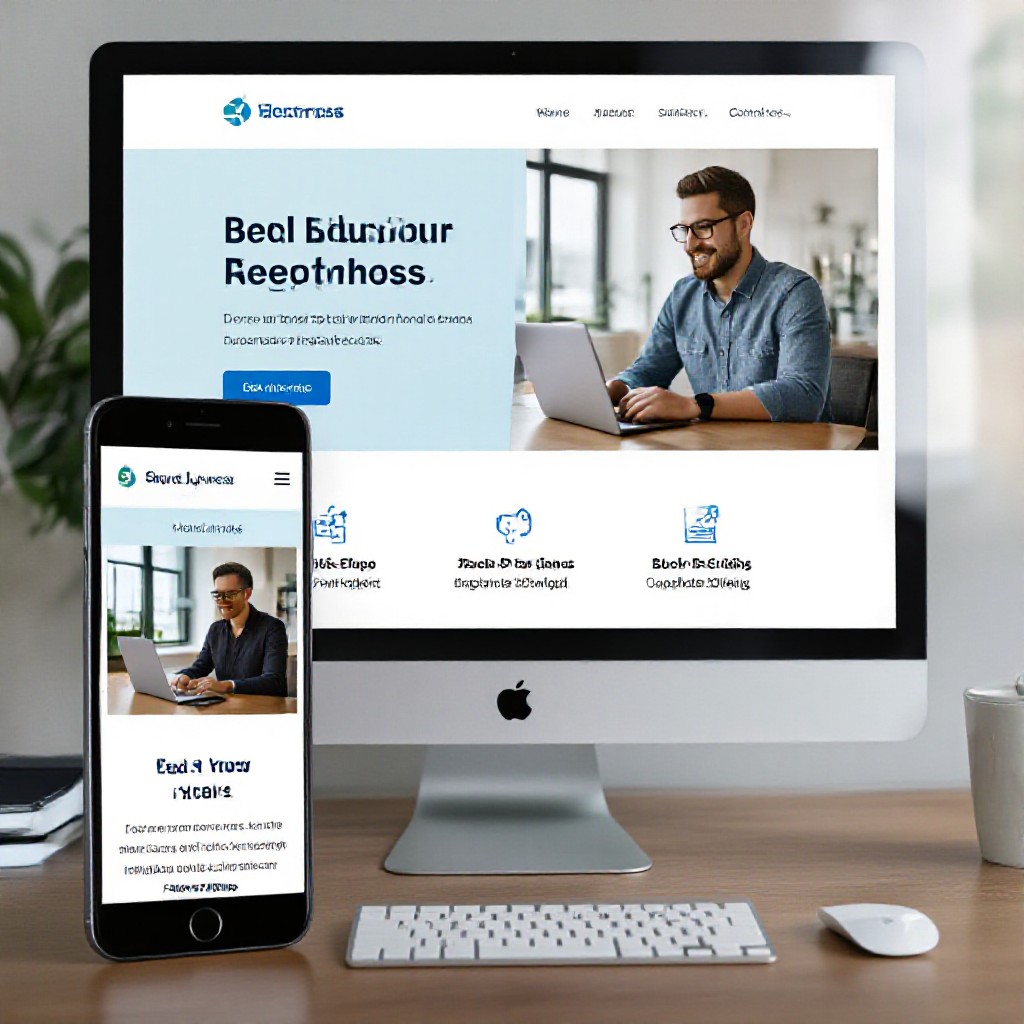
Performance & images — keep your site snappy
Performance affects SEO and conversions. These free tactics give the biggest wins.
Free optimisations
- Resize images: Export at the display size (e.g., 1200px wide for hero). Avoid uploading huge originals.
- Compress: Use TinyPNG or Squoosh to reduce file size.
- Use next-gen formats: WebP where supported — many free platforms convert automatically.
- Lazy-load: Load images below the fold only when needed (platform setting or small JS snippet).
Measure speed
- Use PageSpeed Insights (mobile and desktop).
- Check Core Web Vitals: LCP, CLS, FID (or INP).
- Target under 2.5s LCP on mobile for best SEO results.
Free tools checklist (use these today)
All these tools have free tiers that cover a small business website and early marketing needs.
SEO & research
- Google Search Console
- Google Keyword Planner
- AnswerThePublic (limited free queries)
Analytics
- Google Analytics 4 (free)
- Microsoft Clarity (free session recordings)
Images & compression
- Unsplash / Pexels (free stock photos)
- TinyPNG / Squoosh (image compression)
Technical checks
- PageSpeed Insights
- Mobile-Friendly Test
- SSL checkers
Communication
- WhatsApp Business (free) for quick contact
- Mailchimp free tier for basic email lists
Local listings
- Google Business Profile
- TrueLocal / Yellow Pages (basic listings)
Analytics, testing and ongoing growth
A website is only useful when you measure and iterate. Use data to prioritise improvements.
What to track first
- Visits by source: Which channel brings customers? (Google, Maps, Social, Ads)
- Top pages: Which pages get the most traffic and conversions?
- Contact conversions: Calls, form submissions, direction clicks — track everything.
- Behaviour: Use Clarity to see where users drop off (mobile issues, button placement).
Simple testing routine
- Record baseline metrics (visits, calls) for 4 weeks.
- Change one thing (headline, CTA colour, phone position).
- Run test for 2–4 weeks and compare results.
- Keep changes that improve conversions.
Frequently asked questions
Can I rank with a free website?
Should I upgrade from a free plan later?
How often should I update content?
What’s the fastest way to get phone calls?
Want a faster path than DIY?
If you prefer to avoid the setup and testing, Congero builds professional, mobile-optimised websites fast — with local SEO and unlimited updates for a predictable monthly fee.
You can start free and upgrade whenever your business grows. Congero helps with domain, hosting, local SEO and unlimited updates.
