
free website creation for business
Create a free, high-converting website and use simple SEO & marketing steps to grow traffic, leads and sales.
This guide walks you through choosing the right free tools, launching a fast and mobile-ready site, and applying essential SEO and marketing tactics that actually move the needle — with clear checklists and a 30/60/90 day action plan.
Why start with a free website?
A free website is the fastest and lowest-risk way to get online, validate demand, and start collecting leads. For micro and small businesses, the priorities are simple: clarity, trust, contactability. You don't need expensive features on day one — you need a clear offer, good local SEO, and a way for customers to contact you.
What a free site should deliver
- Fast, mobile-first design
- Clear phone number and contact method
- Simple service pages that convert
- Basic on-page SEO so you can be found locally
Later, when you validate demand and start getting customers, you can upgrade to a paid plan or a managed service — but first, get something live and tested.
How to build a free website — step-by-step
Follow these practical steps. You can complete steps 1–3 in under an hour and have a simple, usable website live.
Choose the right free builder
Pick a platform that offers a free tier with a usable domain (subdomain), mobile-responsive templates and basic SEO controls (title, meta, headings).
- Examples: Wix (free plan), WordPress.com (free), Carrd (free), Google Sites (free)
- Tip: Prefer builders that allow editing meta titles and descriptions on the free plan
Pick a focused single-page structure (start simple)
Start with one high-intent landing page that answers visitors’ top questions and prompts them to contact you.
- Headline: What you do + primary location or customer (e.g., "Plumber in Melbourne — Fast Emergency Repairs")
- Short intro: 2–3 lines that explain the main benefit
- Services / Prices: 3–5 core services with short descriptions
- Contact CTA: Click-to-call, WhatsApp link or simple contact link
- Social proof: 1–3 short testimonials or trusted badges
Add essential on-page SEO
These four fields make the biggest difference early on.
- Page title: Include main service + location (60–70 chars)
- Meta description: 140–160 chars with benefits + CTA
- Headings: H1 for your main headline, H2s for services
- Image alt text: Describe each image with keywords
Make contact easy — phone, WhatsApp, or email
Add a prominent click-to-call button, a WhatsApp link (if you use it), and a visible email. For local businesses, click-to-call converts best on mobile.
Publish, test on mobile, and submit to Google
Before promoting, test on multiple phones. Then:
- Use Google Search Console: submit sitemap or URL for indexing
- Set up Google Analytics / GA4 to track visitors
Outcome: a simple, fast, search-ready website that ranks for local queries and starts collecting calls and enquiries.
Essential SEO checklist (quick wins)
On-page SEO
- Unique page title with primary keyword + location
- Meta description with benefit + CTA
- Use one H1, clear H2s for sections
- Optimize images (compress, descriptive alt text)
- Include a simple FAQ (structured data friendly)
Local SEO
- Create or claim Google Business Profile and keep NAP consistent
- Use local keywords: "service + suburb" across headings and text
- Add an embedded Google Map (if you serve customers from a location)
- Ask for 3–5 customer reviews and respond to them
Performance & security
- Ensure HTTPS is enabled
- Compress and lazy-load images to improve speed
- Minimise third-party scripts that slow page load
Link & content basics
- Internal link to important sections (services, contact)
- Get 2–5 local backlinks (directory, partner site)
- Publish 1 useful blog/article monthly to target long-tail queries
Pro tip: Implement these basics first — they deliver most of the early SEO gains for small local businesses.
Marketing tactics to grow quickly (low cost)
Local listings & citations
Submit your business to major directories (Google Business, Bing Places, Yelp, TrueLocal). Ensure your business name, address and phone are identical everywhere (NAP consistency).
- Complete profiles with photos and business hours
- Use the same description and categories
Social & community
Share your new site across social channels and local community groups. Use targeted posts to reach your area and include a clear CTA to call or visit the site.
- Post service highlights and before/after photos
- Offer a small first-time customer discount to track conversions
Email & SMS
Collect emails and phone numbers on your site. A simple newsletter or an SMS alert for specials brings repeat business.
- Send appointment reminders and special offers
- Use free tools (Mailchimp free tier, SimpleTexting trial)
Paid ads (small tests)
Run small, local pay-per-click tests to validate which services convert. Start with $5–10/day for a 7–10 day test targeting your suburb + service keywords.
- Use geo-targeting and call extensions (mobile)
- Measure cost-per-lead and scale the winners
30 / 60 / 90 day action plan
First 30 days — Launch & baseline
- Build and publish your single-page site
- Set up Google Business + Analytics + Search Console
- Promote in local Facebook groups and to existing customers
Next 30 days (31–60) — Optimize
- Improve titles/meta based on Search Console queries
- Start collecting reviews and add them to the site
- Test a small paid ad campaign (if budget allows)
60–90 days — Scale what works
- Publish one helpful article or FAQ targeting a common local search
- Double down on traffic sources that deliver leads
- Consider upgrading to a paid site or managed service when revenue justifies it
Free tools & templates
Builders
- Wix / WordPress.com / Carrd / Google Sites — quick free site options
- Canva — free graphics and banners
- TinyPNG — free image compression
SEO & analytics
- Google Search Console — performance & indexing
- Google Analytics (GA4) — visitor insights
- Google PageSpeed Insights — speed improvements
- Ubersuggest / AnswerThePublic — keyword ideas (free tiers)
Templates
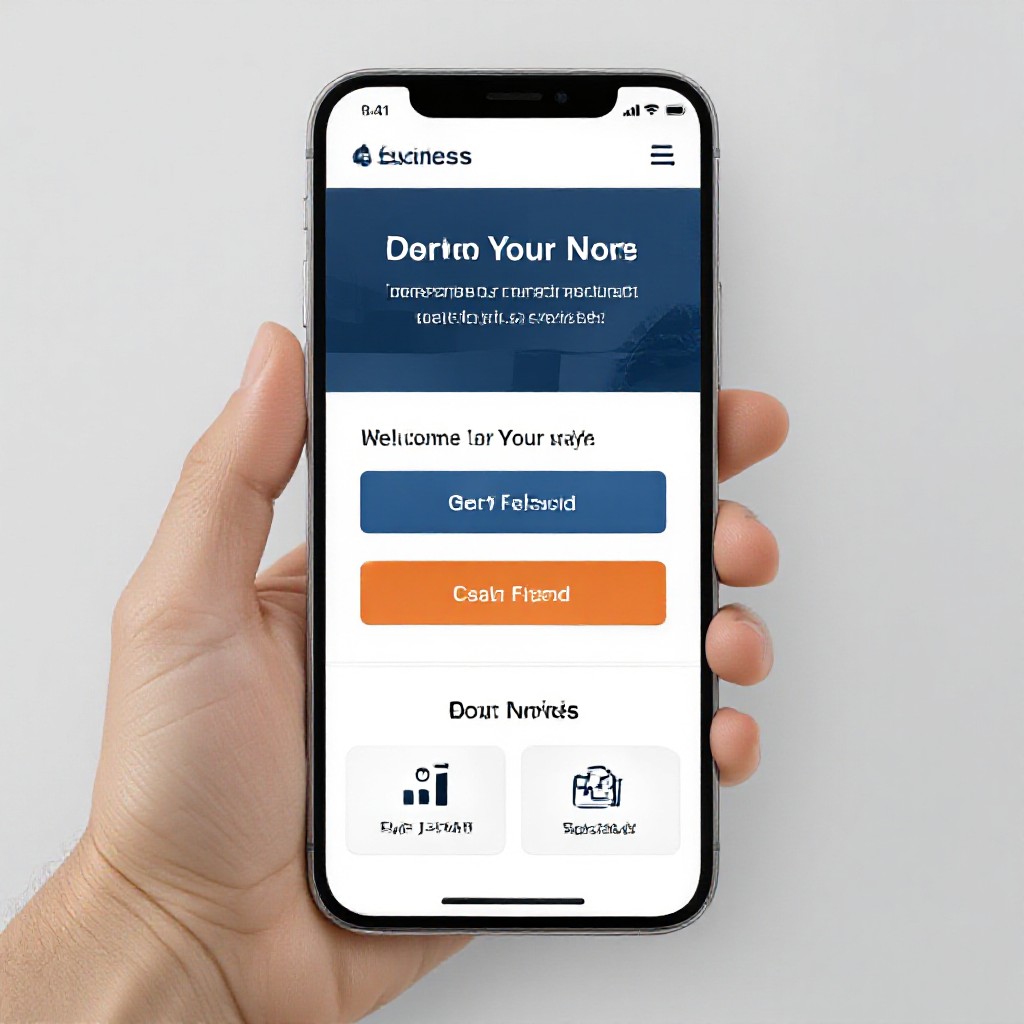
- Simple one-page layout: Hero, Services, About, Reviews, Contact
- Meta title template: Service + Location | Business Name
- Meta description template: Short benefit + call-to-action + phone
Support
- Local business groups — ask for feedback and early customers
- Freelancer marketplaces — hire small tasks if needed ($20–50 flat gigs)
Frequently asked questions
Can I really create a useful site for free?
Will a free site rank on Google?
When should I upgrade to a paid or managed site?
How do I track leads from the site?
Ready to go live?
Follow this guide to publish a free website today, add basic SEO, and start getting local enquiries. If you prefer a done-for-you option later, you can always upgrade.
Start with a free site to validate your offer — then invest in upgrades that increase conversions and ROI.
