free website creation
Explore how to build a website for free — the realistic options, the trade-offs, and how to get a professional, SEO-ready site instantly with Congero’s demo (no credit card).
What does "free website creation" actually mean?
"Free website creation" can mean different things: a permanently free plan with limited features, a free trial/demo, or tools that let you publish a basic site without paying for hosting or a domain. This guide explains each option, the limitations you should expect, and how to get the best outcomes with minimal cost.
Common interpretations
- Free-tier website builders (subdomain, ads or branding)
- Open-source CMS on free hosting (technical setup required)
- Free demos from paid services (preview before you commit)
Quick takeaway
Free options are useful for testing ideas, but if you need consistent leads, local SEO, and a professional presence, a managed solution such as Congero that starts with a free demo and then a flat $49/month often delivers far better business value.
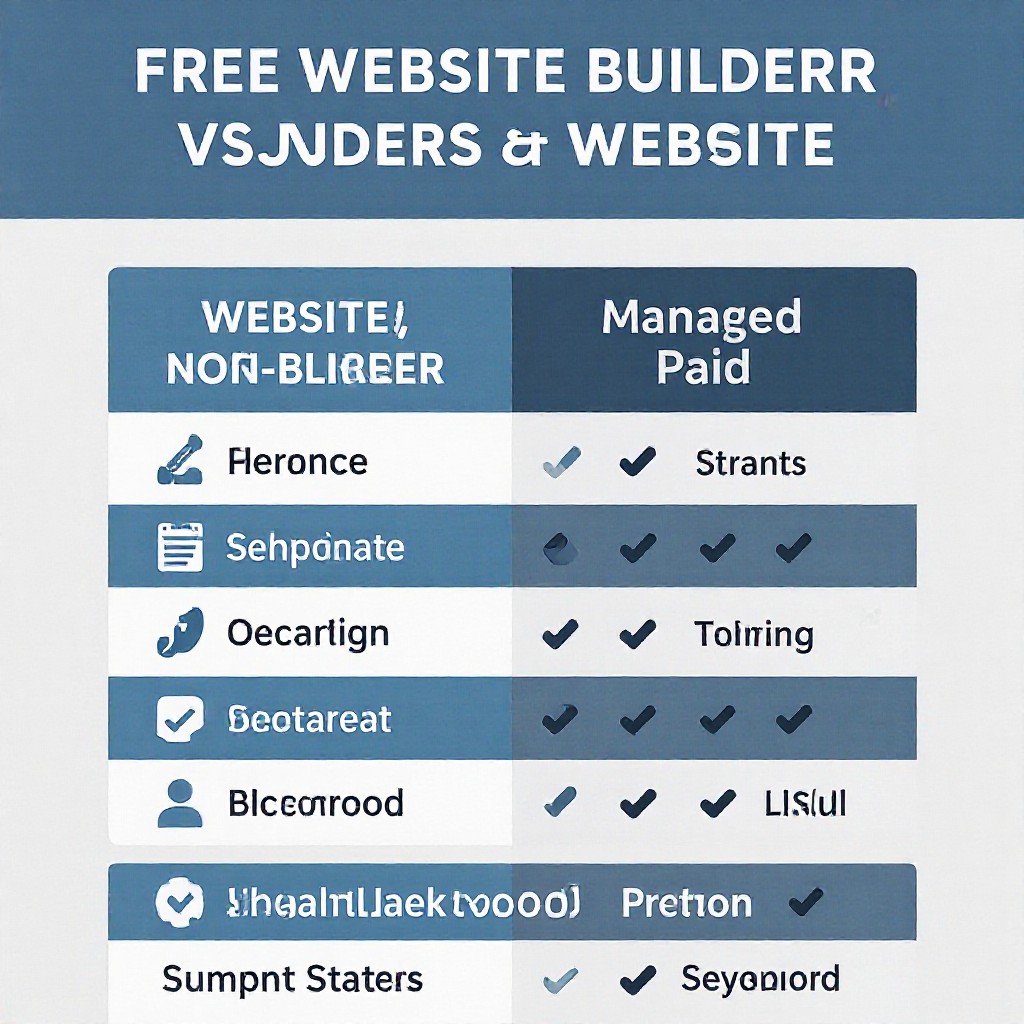
Free website options — and when to pick them
Below are practical free/low-cost paths and the real trade-offs you’ll face when starting a small business website.
Free Website Builders
Wix, Weebly, Google Sites offer free plans with a subdomain (yourname.provider.com) and branded footer. Great for prototypes.
- Pros: Fast, no-code, free start
- Cons: Limited SEO, provider ads, hard to transfer
Open-Source CMS + Free Hosting
Use WordPress or Hugo on free tiers of hosting providers. Flexible but requires technical setup and maintenance.
- Pros: Full control, exportable
- Cons: Time-consuming, security risk if unmanaged
AI Instant Demos (Free Preview)
Services like Congero provide a free, live preview or demo (no card) that shows how your business site would look — fast and optimised for local SEO.
- Pros: Professional, mobile-ready, SEO setup
- Cons: Ongoing managed service usually paid if you want hosting & domain
Quick comparison — Free vs Managed
A fast checklist to help you decide whether to keep your site free or invest in a managed solution.
Free Builder
- Limited SEO
- Subdomain & branding
- Zero cost to start
Open-Source + Free Hosting
- Full control
- Technical maintenance
- Exportable files
Managed (Congero)
- Professional design + local SEO
- Unlimited updates via text
- Includes hosting, SSL, analytics
Starts from $49/month after free demo — predictable and built for lead generation.
How to get a free website — realistic steps
Follow these practical paths depending on your goal: testing, publishing quickly, or building a lead-generating site.
Idea & Goals
Decide whether the site is for testing or for customers. If customers, plan for domain + SEO.
Choose a Path
Pick free builder, open-source host, or request an instant demo from a managed provider.
Publish Fast
Use templates or AI generation to publish a first version within minutes.
Optimize & Grow
Add local SEO, analytics and request updates — even free sites need ongoing work to attract customers.
No credit card • See a working site for your business in under 60 seconds
SEO tips that make a free site work for real customers
Even a free site can rank and bring leads if you follow a few basics well.
Local Keywords
Include your suburb and service in title tags and first paragraph — e.g. plumber in [Suburb].
NAP Consistency
Make sure business Name, Address, Phone are identical across your site and Google Business Profile.
Fast Mobile Experience
Free plans sometimes add bloat. Test mobile speed and remove unnecessary widgets to improve rankings.
Meta Titles & Descriptions
Keep titles under 60 chars and descriptions under 155; include primary keyword + location.
Use Real Photos
Replace stock images with your own — conversions and local trust improve dramatically.
Structured Data
Add business and service schema to increase the chance of rich snippets in search results.
Common problems with free websites — and how to fix them
Hidden Costs
Free builders may require paid upgrades for custom domain, removal of branding, or eCommerce. Map out future needs before committing.
Lock-In & Export Issues
Some platforms make it hard to export content. If portability matters, choose systems that let you export or a managed service offering exportable static files.
Security & Backups
Managed hosting typically includes backups and SSL. Free options may leave security and backup responsibility to you — plan accordingly.
Frequently asked questions about free websites
Answers to the most common concerns so you can choose the right approach.
It depends. For testing or a temporary page, yes. For consistent local leads, a professional site with a custom domain, local SEO and reliable hosting performs much better.
Many managed services including Congero provide a free, instant demo preview. With Congero you can request a live preview via WhatsApp and see a complete, mobile-responsive site for your business in under 60 seconds.
Some are, but many free plans limit meta tags, page speed, and the ability to add structured data. To rank locally, ensure you can edit meta tags, add schema, and optimise for mobile speed — features built into managed services.
It depends on the platform. Some builders let you export content, others lock it down. If portability is important, plan for exportable formats or choose a host that supports migration.
Try a free, instant preview of your website
See a complete, mobile-responsive site for your business in under 60 seconds. No credit card required — just request a demo and watch your new site appear.
TRY THE FREE DEMO NOW