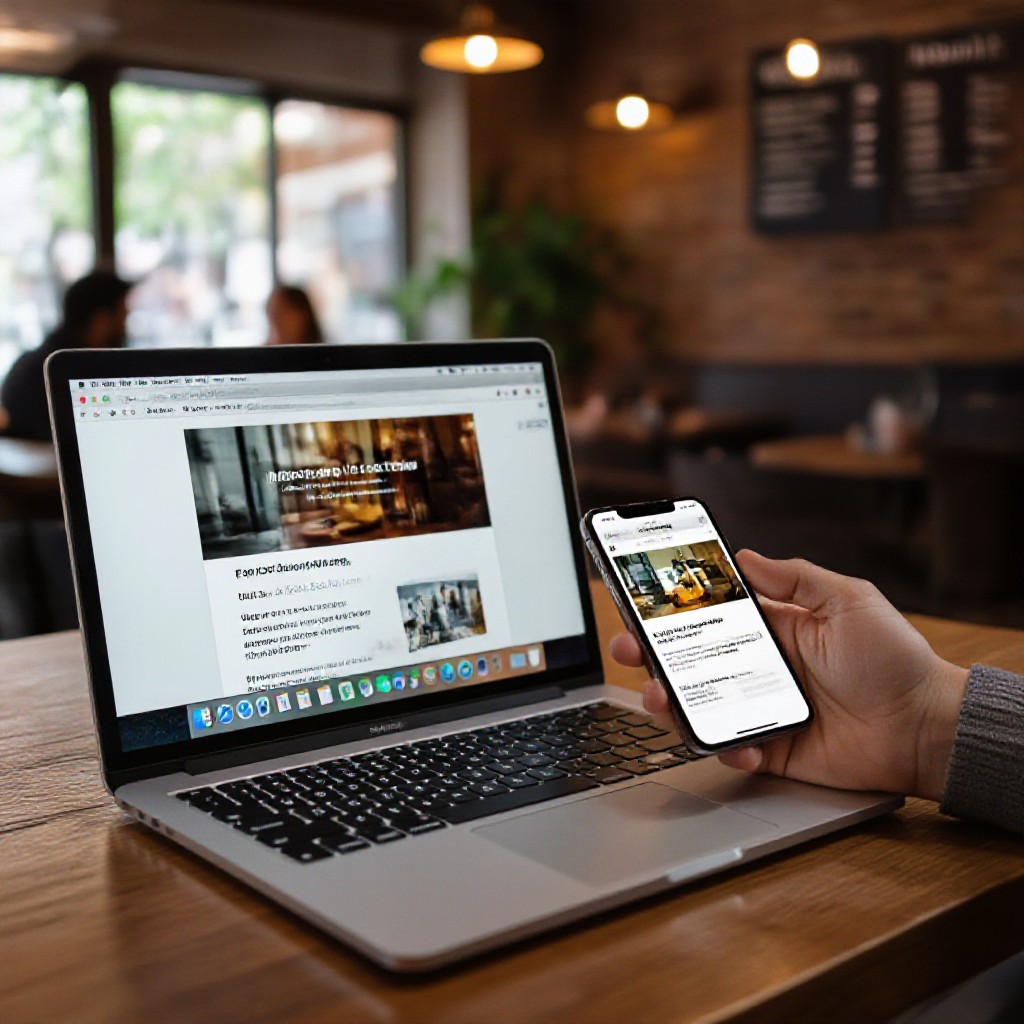
free website create online
Build a free website fast — the simple, SEO-first steps to get live and found on Google
This step-by-step guide shows how to create a free website online, the essential features every site needs, and easy SEO tactics you can use today. Ideal for trades, local services, and small businesses who want to get online quickly without paying large upfront fees.
Quick Start — Create a Free Website in 10 Minutes
Follow these concise steps to launch a functional free website fast. This approach uses free website builders (no coding). You'll get a home page, contact method, and basic SEO live within minutes.
10-minute checklist
- Create an account on a free builder (Wix, Google Sites, Carrd, or WordPress.com).
- Pick a simple template for services, trades, or portfolios.
- Replace logo and business name — keep header clear: service + location (e.g., "Plumber Sydney").
- Set contact method (phone and email visible, or click-to-call on mobile).
- Add 3 core services with brief descriptions and pricing or starting price.
- Publish and test on mobile — call the number, click all links.
What to expect
Free sites often use a subdomain (yourname.builder.com). That's fine to start — focus on being discoverable with local SEO and clear contact details. Upgrading to a custom domain is recommended when you can.
Pro tip: Use the business name + location in your homepage title and H1 to increase local visibility (example: "Joe's Plumbing Sydney — Emergency Plumber").
Essential Features Every Free Website Needs
Even on a free plan, make sure your site includes these non-negotiable elements that build trust and help SEO.
Visible Contact Info
Phone number prominent on header and footer. Click-to-call on mobile increases conversions.
Location & Service Area
Add city/suburbs you serve. This helps local searches like "plumber near me" or "electrician in [suburb]".
Clear Services Page
Create a short page or sections for each service with an H2, 100-200 words, and a call-to-action.
SSL (HTTPS)
Most builders provide HTTPS for free. Never publish without it — browsers and Google expect a secure site.
Fast Loading Pages
Optimize images (webp/jpg at <200KB), keep plugins minimal, and use simple templates for better speed.
Basic SEO (Titles & Meta)
Every page needs a unique title tag, meta description, and at least one H1. Use location + service keywords.
Quick Must-Do List
- Homepage with clear H1 and contact number
- One services page (3–5 services with short descriptions)
- Contact method (phone, email, or booking link)
- Privacy/terms or simple footer text for credibility
SEO Basics for Free Websites (Do these first)
Search engine optimisation doesn't require expensive tools. These practical steps will help your free website rank for local searches.
Title Tags & Meta Descriptions
Make each page's title tag unique and include your main keyword and location. Example title: "Emergency Plumber Sydney — Joe's Plumbing". Meta description should be a compelling 120–155 characters with a CTA.
Headings & Page Structure
Use one H1 per page (page title). Break content into H2/H3 sections. Make it scannable: service summaries, benefits, and contact CTA.
Local SEO Signals
Add your business name, address, and phone number (NAP) in footer. Create or claim your Google Business Profile and link to your website. List service suburbs on the site to increase local keyword matches.
Images & Alt Text
Compress images, name files descriptively (plumber-sydney-van.jpg), and add alt text that includes keywords naturally.
Links & Social Proof
Link to your social pages and ask satisfied customers to leave Google reviews. Reviews and local citations are powerful ranking signals.
Speed & Mobile
Use lightweight templates, avoid heavy widgets, and test with Google PageSpeed Insights. Aim for mobile performance first.
H1: Emergency Plumber Sydney — Fast Call-Out
Meta title: Emergency Plumber Sydney | 24/7 Call-Out — Joe's Plumbing
Meta description: Need a local plumber in Sydney? Fast 24/7 call-out, fixed pricing. Call 0412 345 678. Book online in seconds.
H2: Our Services
- Blocked drains (short description)
- Burst pipes (short description)
H2: Service Areas
- Sydney CBD, Inner West, Eastern Suburbs
H2: Contact & Book
Free Platforms Compared — Which to Use?
Here are the most practical free builders in 2025 for small business and how to choose between them.
Wix (Free Plan)
Pros: Easy drag-and-drop, good templates. Cons: Wix subdomain, ads on free plan, limited SEO features unless you upgrade.
Google Sites
Pros: Truly free, fast, integrates with Google tools. Cons: Limited design/customisation and weaker SEO controls.
WordPress.com (Free)
Pros: Familiar CMS, easy upgrade path. Cons: Subdomain, limited plugin support on free plan.
Carrd
Pros: Super fast single-page sites, minimal and cheap upgrades. Cons: Single page only (unless paid).
Weebly
Pros: Simple, basic e-commerce on paid plans. Cons: Fewer modern templates.
Static Site + GitHub Pages
Pros: Free hosting, full control, fast. Cons: Requires basic Git knowledge or developer help.
How to choose
- If you want fastest setup: Wix or Carrd.
- If you want future growth and blogs: WordPress.com.
- If you need truly free and simple: Google Sites.
Step-by-Step Build: From Blank Page to Live Site
A practical sequence you can follow — each step takes 5–30 minutes depending on your content readiness.
Step 1 — Choose a Platform (5 min)
Pick one of the free platforms above based on your needs. Create an account and select a template in your category (services, trades, portfolio).
Step 2 — Fill Key Pages (15–30 min)
- Homepage: H1 (service + location), 2–3 short benefit bullets, call-to-action (phone + contact link).
- Services: One H2 per service, 80–150 words each.
- Contact: Phone, email, hours, and a contact form (if available).
- About/Trust: Short company bio, licences, and 2–3 testimonials or photos of past jobs.
Step 3 — SEO & Titles (10–20 min)
Write a unique title and meta description for each page. Use the local keyword + service in the title. Add alt text to images describing what they show.
Step 4 — Test & Publish (5–10 min)
Preview on mobile, click call links, submit contact form to ensure delivery, and publish. Share the URL in your Google Business Profile.
Step 5 — Monitor & Improve (ongoing)
Add Google Analytics or the platform's analytics, check visitor behaviour, and iterate content monthly based on search queries and conversions.
Quick checklist (copy)
- Publish homepage with H1 and phone number
- Publish services page (3 items)
- Add contact page and test form
- Set title + meta for each page
- Compress images and add alt text
- Claim Google Business Profile and add site link
Common Mistakes to Avoid
Free subdomains are fine to start, but a custom domain increases trust and SEO. Plan to buy your domain when practical.
Avoid heavy third-party widgets that slow your site. Speed matters more than fancy features for first-time visitors.
Always test your contact form and phone links — many leads are lost due to broken forms or misconfigured email routing.
Not listing service areas, not claiming Google Business Profile, and not getting reviews will limit local visibility.
Free vs Managed — When to Use Each
Free sites are great to test an idea and get online quickly. Managed services (like Congero) are better when you need speed, consistent local SEO, unlimited updates, and a custom domain without technical hassle.
Free — Best When
- You're testing a concept
- You have time to manage updates
- Budget is zero
- You accept a subdomain and limited SEO tools
Managed — Best When
- You need leads quickly and reliably
- You want professional local SEO done for you
- You prefer unlimited updates via text or chat
- You want hosting, domain and analytics bundled
If you want fast, consistent results
Congero builds professional, mobile-optimised websites in under 60 seconds via WhatsApp, includes local SEO, domain and hosting for a flat monthly fee, and offers unlimited updates with no lock-in contracts. If your priority is steady enquiries without DIY effort, consider a managed subscription — or start free and upgrade when ready.
Frequently Asked Questions
Can I rank on Google with a free website?
Should I buy a domain right away?
How often should I update my site?
What if I outgrow the free plan?
Ready to launch? Start free — or get help and save time
Create a free website today to test your idea. If you’d rather skip setup and get a professional local-SEO optimised site (domain, hosting and unlimited updates included), Congero can build and launch your site fast.
Tip: If speed and local SEO matter (and you value your time), a managed option will deliver consistent enquiries while you focus on your business.
