free web design sites
Which free website builders are actually worth using in 2025? We compare features, limitations, hidden costs and the best next steps for small businesses and trades.
Updated 2025 • Practical advice for trades, local services and small businesses
Quick takeaway
Free web design sites are excellent for testing ideas, creating a simple online presence, or building a temporary landing page. But they normally include branding, limited SEO, restricted features and migration headaches. If you need reliable local leads, unlimited updates and professional SEO, a managed service like Congero (all-in for $49/month) often delivers faster results and fewer surprises.
Fast & Free
Get online in minutes with no upfront cost.
Limited Ownership
Branding, ads and migration limits are common.
Good for Hobby Sites
Best when you don't rely on the site for paid enquiries.
Top Free Web Design Sites (Pros & Cons)
A practical comparison to help you choose the right free builder for your needs.
Wix (Free plan)
Drag-and-drop editor, many templates, but free sites show Wix ads and use a wixsite.com subdomain.
- Fast to launch, lots of design control
- Ads, limited SEO controls on free plan
- Exporting site to another host is hard
WordPress.com (Free)
Great for blogs and content; free plan includes wordpress.com branding and limited plugins.
- Strong content tools and community plugins (paid)
- Custom plugins and advanced SEO require paid plan
- Free domain is a subdomain (yoursite.wordpress.com)
Google Sites
Extremely simple and free, integrates with Google Workspace — limited design flexibility.
- No ads, easy collaboration
- Very basic SEO and layout options
- Not ideal for lead generation
Carrd (Free)
Perfect for one-page sites and simple landing pages; branding on free plan and limited forms.
- Fast single-page setups
- Limited features without Pro
- Better for promos than full business sites
Webflow (Free Workspace)
Designer-focused, exports clean code, but hosting and custom domain require paid plans.
- Professional-grade design control
- Steeper learning curve
- Free plan not for production sites
Strikingly (Free)
Built for quick personal or small business sites; free plan includes Strikingly branding.
- Simple editor and mobile-friendly templates
- Limited pages and features on free plan
- Upsells for features like e-commerce
When a Free Web Design Site Makes Sense
Use these rules to decide quickly whether a free site will work for your purpose.
Good fit
- Testing an idea or side project
- Personal portfolio or simple brochure site with low traffic needs
- Temporary campaign or event landing page
- Learning how website editors work
Not a good fit
- Local trades or services relying on leads (plumbers, electricians, landscapers)
- Businesses needing strong local SEO and a custom domain
- Sites requiring frequent updates, analytics or professional support
- Any site where brand trust is critical (no third-party ads/branding)
Quick tip
If you're a tradesperson or local service owner, consider how many leads you currently need per week. If zero-to-low, a free site could work — but if you need predictable enquiries, a managed paid solution usually pays for itself quickly.
Free sites vs Congero — which makes sense for your small business?
If your website must deliver predictable local leads, consider what a managed solution gives you over a free plan.
Free Builder
- No upfront cost
- Limited SEO & analytics
- Branding/ads and subdomain
- Often needs upgrading for real business use
Congero (Managed — $49/month)
- Instant, AI-built professional site in 60 seconds
- Custom domain, hosting, SSL and local SEO included
- Unlimited text-in updates, monthly analytics, no lock-in
- Designed for trades and service businesses that need reliable leads
Which should you pick?
Choose a free builder for temporary, personal or experimental sites. Choose Congero if your website must win local customers, be updated often, and produce measurable results.
TRY CONGERO'S 60-SECOND DEMOIf you start free — migration checklist
Follow these steps to move from a free builder to a professional solution without losing SEO or leads.
- Register a custom domain early so you control it (even if you host a free site temporarily).
- Capture your site content: pages, images (high-res originals), and meta titles/descriptions.
- Document current analytics and traffic sources before migrating (Google Analytics / Search Console).
- Plan redirects (301) from old URLs to new URLs to preserve search rankings.
- Check forms, integrations and any third-party scripts — recreate or replace on the new site.
- Test on mobile and desktop, then monitor analytics closely for 30 days after launch.
SEO tips that work even on free platforms
You can still rank locally — but you must be tactical.
Use your business name & location
Include city/suburb in page titles and meta descriptions for local searches (e.g., Plumber Sydney CBD).
NAP consistency
Keep Name, Address, Phone consistent across your site, Google Business Profile and directories.
Optimize images
Compress images, use descriptive alt text, and name files clearly (e.g., drain-repair-melbourne.jpg).
Local landing pages
Create specific pages for suburbs you serve to capture "near me" queries.
Schema & structured data
Some builders allow adding structured data; use it to show services and contact info in search results.
Monitor performance
Use Google Search Console and Analytics to track queries, clicks and pages that drive leads.
Frequently asked questions about free web design sites
Short answers to the most common concerns.
Yes — but "free" often means limited features, subdomain, ads, and constraints on SEO, storage and support. For business-critical sites, these limits can cost more in the long run.
Most free plans require upgrading to a paid plan to connect a custom domain. Some platforms may allow domain mapping with restrictions.
Yes — but ranking depends on your content, local SEO signals and competition. Free plans with limited SEO controls make ranking harder for competitive searches.
Export content where possible, buy/transfer your domain, set up redirects and recreate critical forms. Managed services (like Congero) can assist with migration to preserve SEO and uptime.
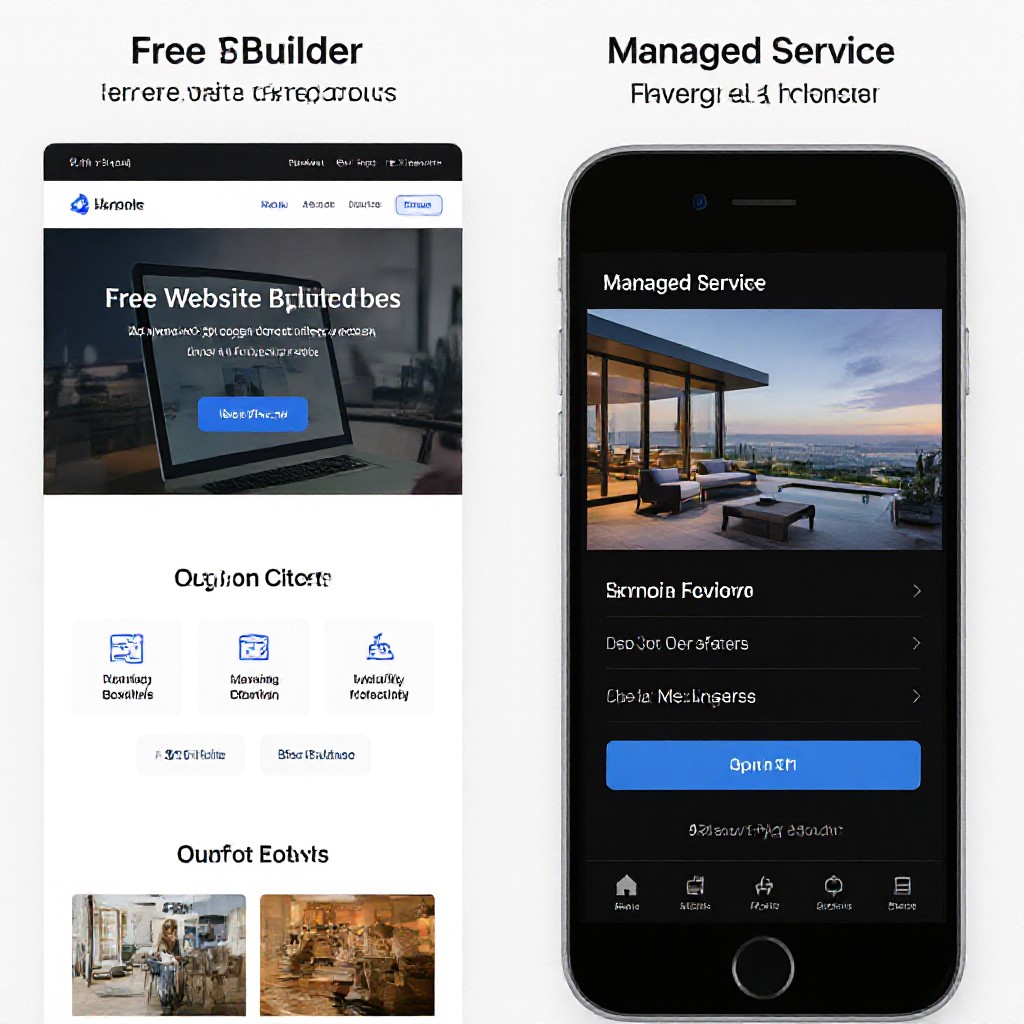
Free builder vs managed site — choose based on your business goals and need for reliable leads.
Ready to test a free site — or skip straight to a results-focused website?
Try a free builder for learning and quick tests. For trades and service businesses that need leads, try Congero’s 60‑second demo and get a fully managed, SEO-ready site.
START THE FREE DEMO