free online website maker
How free website builders work, the real limitations to expect, step-by-step setup tips, SEO advice, and when to pick a managed AI option for faster results.

What is a "free online website maker"?
A free online website maker is a web-based tool that lets anyone create a website without coding. These builders provide templates, a drag-and-drop editor or guided setup, and hosting on a subdomain at no upfront cost. They’re perfect for testing ideas, creating simple portfolios, or launching a temporary page quickly.
How the free model usually works
- Free plan includes hosting on a branded subdomain (yourname.builder.com).
- Access to limited templates and basic editor tools.
- Core features such as SSL and basic analytics may be included, while advanced features are paid.
- Paid upgrades unlock custom domains, removal of branding, more storage and SEO tools.
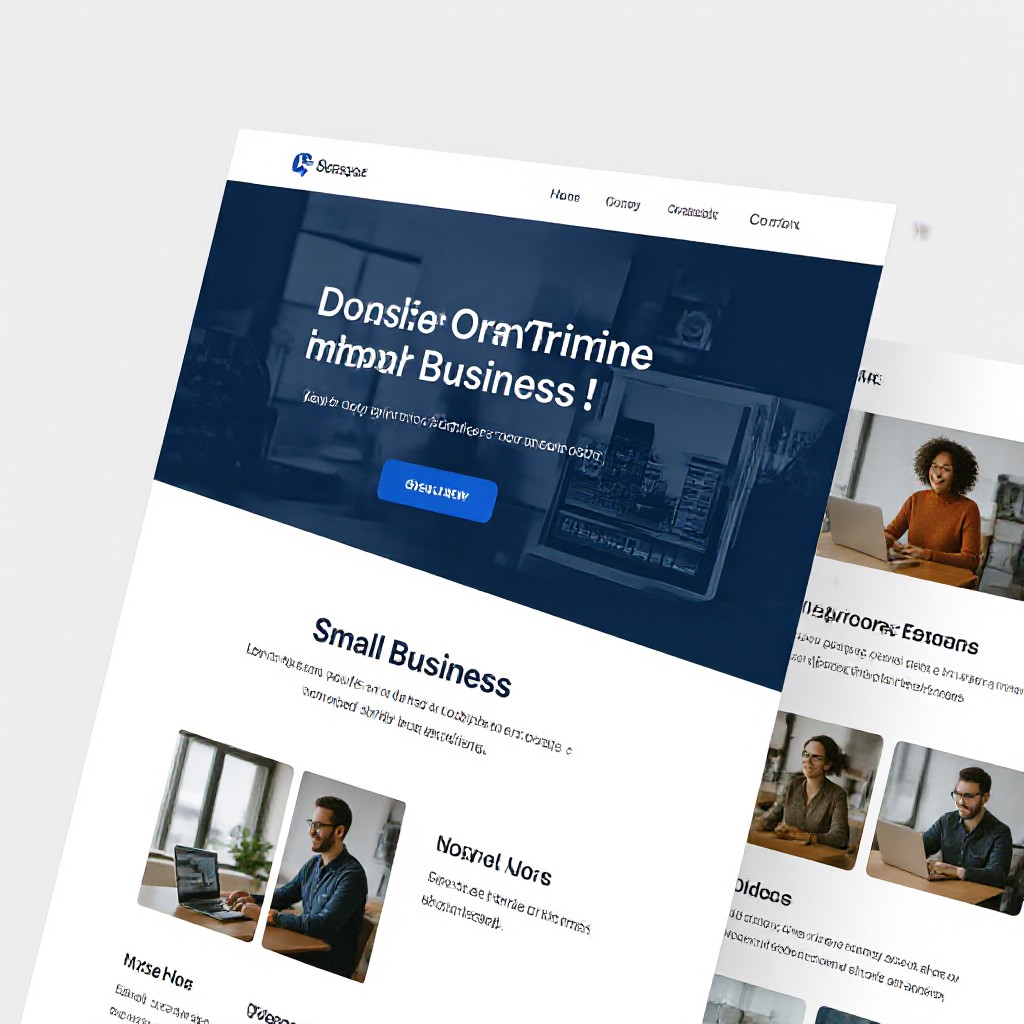
Free vs Paid Website Makers — pros and cons
Free builders are great for starting fast, but many businesses quickly outgrow them. Below we break down practical differences so you can choose wisely.
Free Website Makers
- Zero cost to start — no payment required.
- Fast setup with prebuilt templates.
- Limitations: branded domain, limited SEO controls, storage and features.
- Suited for hobby sites, experiments, or short-term pages.
Paid & Managed Options
- Custom domain, no branding, and full control over SEO.
- Professional hosting, backups, SSL and support included.
- Scales with business needs: e-commerce, bookings, analytics and integrations.
- Monthly cost but predictable — Congero offers managed websites from $49/month with unlimited updates and local SEO.
When a free online website maker makes sense
Free builders are useful for very specific needs — here’s how to know if it’s the right path.
Quick proof-of-concept
Test a business idea, landing page, or event sign-up fast without any budget.
Hobby or personal sites
A portfolio or simple blog that doesn’t need advanced SEO or e-commerce works well on a free plan.
Short-term pages
Temporary promotions, event pages or single-offer funnels that won’t run long-term.
How to build a free website in 6 practical steps
Follow these steps to launch a useful, search-friendly site even on a free plan.
Step 1 — Pick the right free builder
Compare providers on these criteria: branding on free plan, subdomain format, SEO basics (meta titles, alt text), mobile responsiveness, and export options.
Pro tip: make a quick list of must-have features before you sign up so you don't get locked into a builder that lacks basics.
Step 2 — Choose a simple template & brand elements
Pick a clean template that suits your industry. Prepare a short headline, 3-5 service descriptions, contact details and 3 images you own.
Images: use photos of your work where possible — they build trust and convert better than generic stock photos.
Step 3 — Optimise pages for search
Write concise meta titles (under 60 chars) and descriptions (under 155 chars) that include your primary keyword and location if relevant (e.g., 'Plumber Melbourne').
Add descriptive ALT text to images and use clear H1/H2 headings on each page.
Step 4 — Make contact obvious
Place phone number and contact button in the header and footer. On mobile, make the phone number clickable (tel:) so visitors can call instantly.
Step 5 — Test and preview on mobile
Free templates are often responsive but always test pages on multiple devices and browsers to ensure layout and CTAs work correctly.
Step 6 — Monitor performance & upgrade when needed
Use built-in analytics (or connect Google Analytics if allowed) to monitor traffic and conversions. If you need better SEO, speed, or custom domain — consider upgrading to a managed plan.
If growth is your goal, hot leads delivered consistently usually justify the switch to a managed service like Congero — fast launch plus ongoing updates and local SEO for $49/month.
SEO tips that even free builders should follow
Free plans can rank if you apply the right fundamentals. Here’s a practical checklist.
Local Keywords
Include location-based keywords in title tags, headings, and service descriptions (e.g., "electrician Sydney").
Fast Loading
Compress images, avoid autoplay videos and use simple layouts. Many free builders are optimized but you still need light assets.
Clear CTAs
Every page should have one clear action — call, book, or contact. Measure clicks and iterate.
Structured Data
If the builder allows, add LocalBusiness schema or FAQ schema to increase rich result chances.
Consistent NAP
Use the same Name, Address, Phone across website and business listings to improve local rankings.
Link Building
Get a few local directory links and encourage reviews to boost authority — free sites can still benefit from good off-site SEO.
Want hands-off SEO?
Congero’s managed sites include automatic local SEO, meta tags, schema and monthly analytics so your site works for you without extra effort.
SEE MANAGED SEO DEMOWhat free website makers usually can't do
Understand these limits so you can plan growth without surprises.
No custom domain on free plan
Most free plans force a branded subdomain. Professional businesses should use a custom domain for credibility.
Limited performance tweaks
You usually can't control server caching, advanced image optimization or CDN settings on free plans.
Restricted integrations
Payment gateways, booking systems and marketing integrations may be unavailable or limited.
Platform branding & ads
Some free plans display the builder's logo or ads on your site — bad for professionalism.
Export limitations
Exporting your site to host elsewhere is often blocked or only available on paid tiers.
Support & guarantees
Free plans have limited or community-only support; uptime and backups may not be guaranteed.
Frequently asked questions about free website makers
Short answers to common concerns when choosing a free builder.
Is a free website really free?
Yes, you can launch a basic site without paying. However, businesses often need paid features (custom domain, SEO tools, integrations) to grow.
Will my site appear on Google?
Yes, free sites can be indexed, but ranking depends on content quality, SEO setup and domain authority — a branded subdomain may be harder to rank locally than a custom domain.
Can I switch to a paid plan later?
Usually yes. Most builders let you upgrade to add a custom domain, remove branding and unlock more features. Check export options if you might leave the platform later.
What’s better: free builder or managed AI site?
Free builders are cheap and fast to start. Managed AI services, like Congero, provide instant, mobile-responsive sites with local SEO, unlimited edits via text, hosting and analytics for a predictable monthly fee — ideal for service businesses that rely on leads.
Can I use my own domain on a free plan?
Most free plans don’t allow custom domains. You’ll need to upgrade to a paid tier to connect your domain or transfer a domain you already own.
Try a fast demo and compare results
See how a professional AI-built site performs vs a free builder — get a working preview in under 60 seconds and compare SEO, speed and conversion-ready layouts.
START FREE DEMO • 60 SECONDS