free online website builder
Everything you need to know to pick the right free online website builder — pros, cons, SEO tips, and a step-by-step way to launch a professional site fast.
What is a free online website builder?
A free online website builder is a browser-based platform that lets you create and publish a website without coding. Many builders offer templates, drag-and-drop editors, hosting and a free plan to get started. The trade-offs usually include limited features, branding in the footer, and paid upgrades for a custom domain or advanced SEO.
Free builders are perfect for testing ideas, launching a simple brochure site, or creating a personal page quickly. But if you run a local business that relies on leads — plumbers, electricians, landscapers or beauty therapists — you should weigh the limits of a free plan against the benefits of a managed, professional site.
Typical free plan features
- Basic templates and hosting
- Limited storage or bandwidth
- Platform branding or ads
- Paid upgrades for domain, SEO and eCommerce
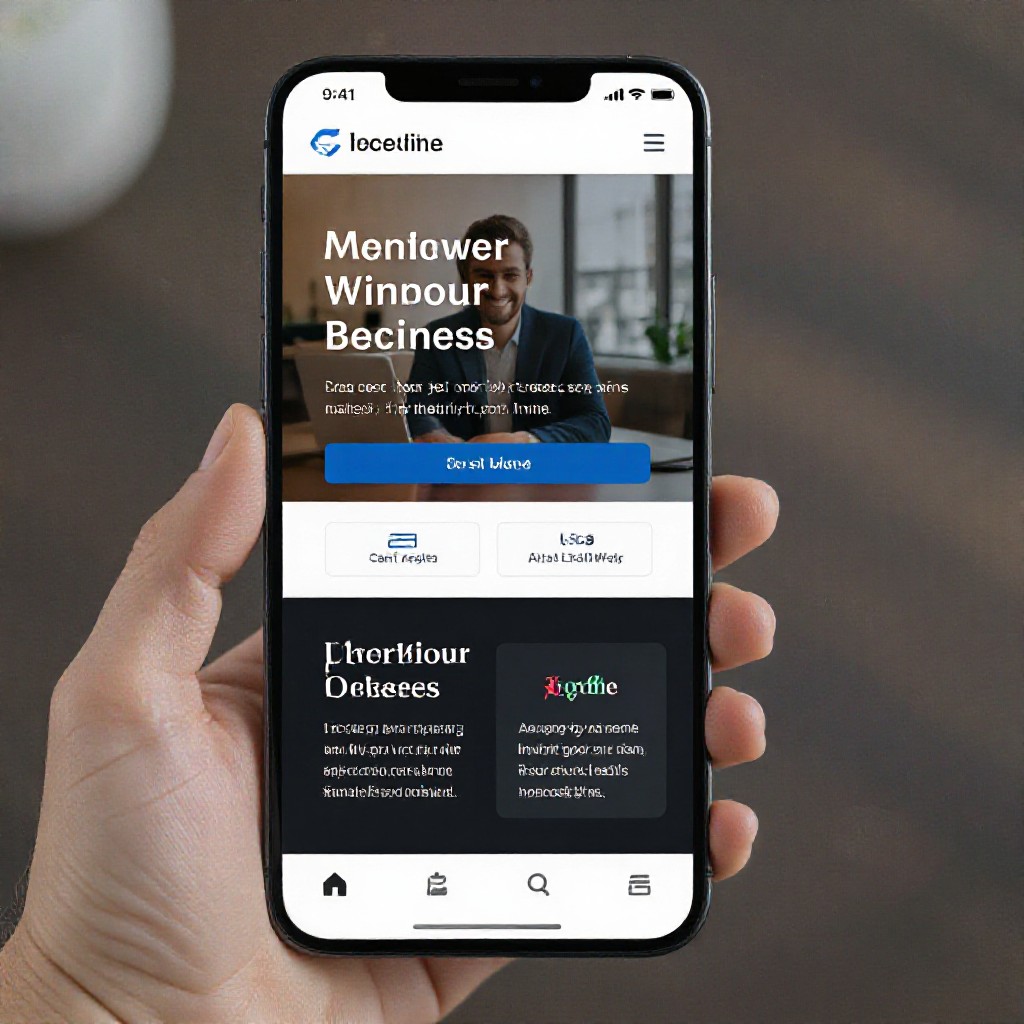
Free plan vs Paid plan — what you need to know
A side-by-side look at the limitations and when it makes sense to upgrade.
When a free plan is OK
- - Hobby sites, portfolios, event pages
- - Temporary landing pages
- - Proof-of-concept or learning how site builders work
When to upgrade
- - You need a custom domain (example.com)
- - You need local SEO and lead capture
- - You want professional branding without platform ads
Managed alternative (Congero)
For trades and service businesses, Congero offers an AI-driven managed website that launches in under 60 seconds and includes hosting, local SEO and unlimited updates for a flat $49/month — often cheaper and faster than building on a free plan and upgrading later.
See a Free DemoWhy an AI-powered builder can beat a free plan
Speed, SEO and ongoing updates matter more to a lead-generating business than zero monthly fees.
Live in under 60 seconds
Get a fully functional preview instantly — no templates to edit, no design skills required.
Built-in local SEO
Auto-generated meta tags, schema and local signals to help you appear in "near me" searches.
Unlimited updates by text
Change services, prices or photos by sending a text — updates go live in minutes at no extra cost.
How to choose the best free online website builder
Use this quick checklist to pick a platform that fits your needs today and grows with you tomorrow.
-
Speed to publish
Can you publish a working page in minutes? Try the demo before committing.
-
SEO controls
Check if you can edit meta titles, descriptions and add local schema on the free plan.
-
Ease of updates
How easy is it to update content? If it’s clunky, future changes will cost time or money.
-
Mobile responsiveness
Preview on mobile and make sure the builder creates a fast, usable mobile site.
-
Support & scalability
Free plans often limit support. If your business depends on leads, consider a managed option.
-
Total cost of ownership
Free isn't always cheaper. Consider domain, SEO, time, and lost leads when comparing costs.
Launch a free website in 4 quick steps
A simple process that works whether you use a classic free builder or an instant AI demo.
1. Start a free account
Sign up (no card often required) and choose a template or request a demo.
2. Add your business info
Provide business name, services, contact details and one hero image.
3. Check SEO & mobile
Edit meta title, description, and preview on mobile before publishing.
4. Publish and promote
Publish on the platform's subdomain or connect your custom domain (usually paid).
SEO tips for free online website builders
Even on a free plan, you can make choices that improve how search engines find your site.
Meta titles & descriptions
Keep titles ~50–60 chars and descriptions ~140–160 chars with target keywords and location (e.g. plumber Sydney).
Local signals
Add consistent NAP (name, address, phone), embed Google Maps and link to your Google Business Profile.
Fast images & alt text
Compress images and add descriptive alt text — improves speed and accessibility.
Headings & structure
Use one H1 per page, clear H2/H3 subheadings and short paragraphs for readability.
Schema & rich snippets
If possible, add structured data for local business, services and FAQs to improve SERP visibility.
Mobile-first focus
Most searches are mobile. Ensure CTA buttons, click-to-call and core info are visible on small screens.
Frequently asked questions
Quick answers to common questions about free website builders and instant AI alternatives.
Is a free website builder really free?
Most are free to start, but important features — custom domain, removal of platform ads, full SEO controls and eCommerce — usually require paid upgrades.
Can I use a free builder for my local business?
You can, but free plans often lack local SEO features and professional polish. For lead-based businesses, a managed solution that includes SEO and ongoing updates can deliver better results.
How fast can I be live?
With classic builders you can publish in minutes. With Congero’s AI demo you can have a complete, SEO-optimised preview in under 60 seconds.
Will Google penalise AI-built sites?
No — Google rewards helpful, original content regardless of how it's produced. Ensure content is useful to visitors and follows SEO best practices.
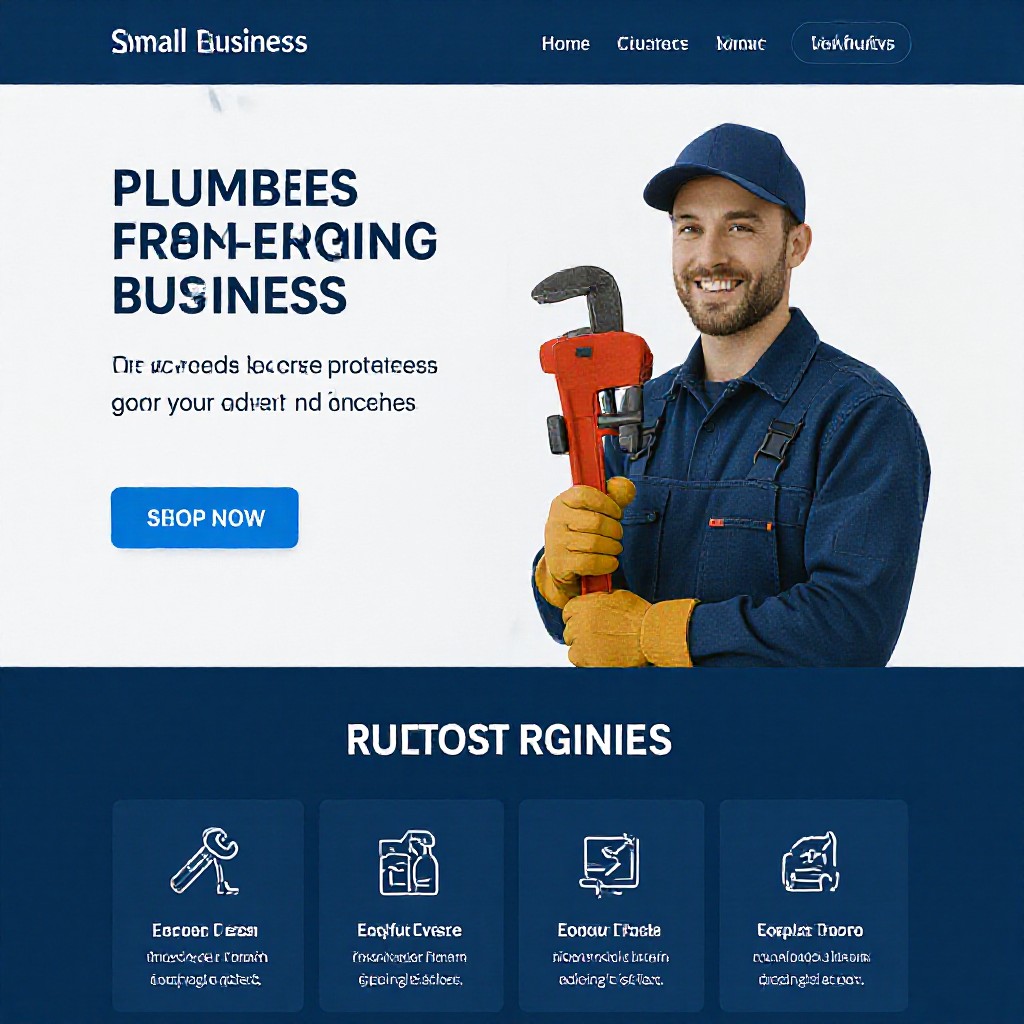
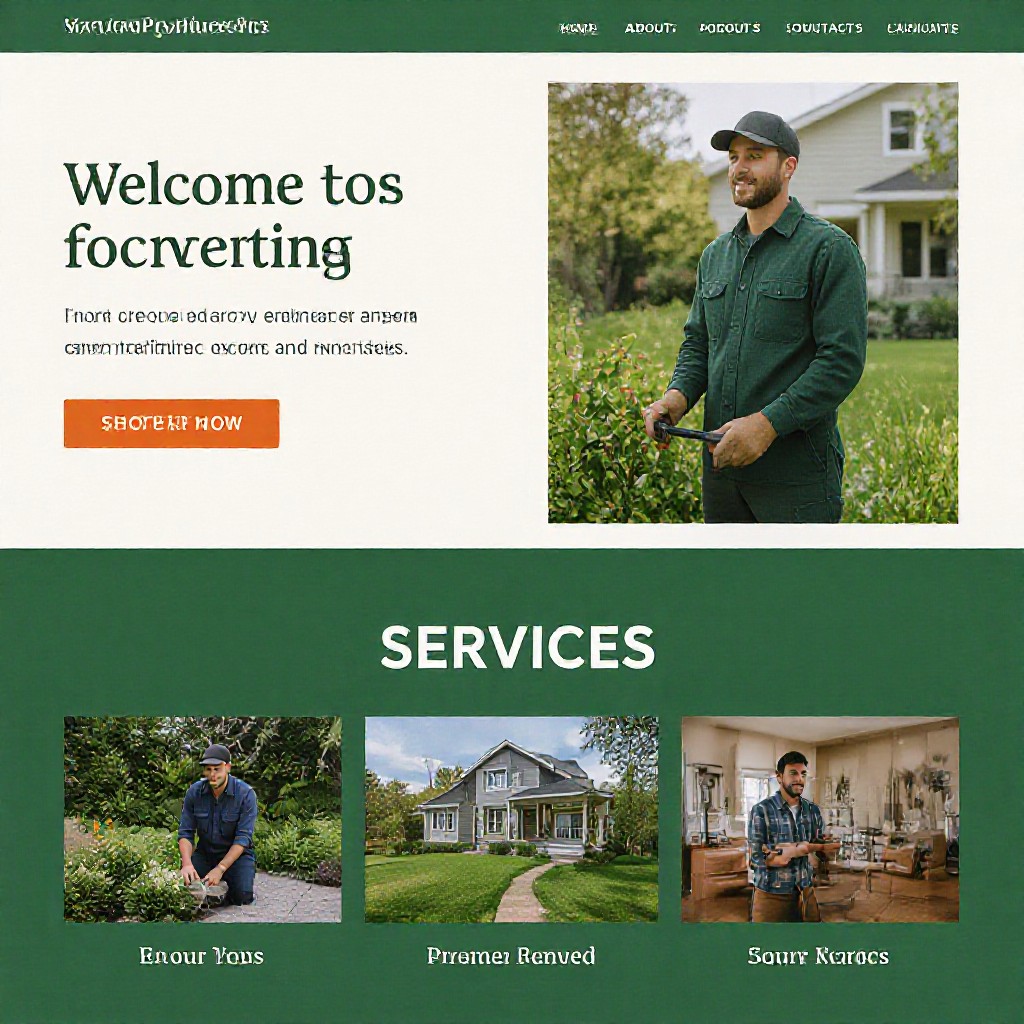
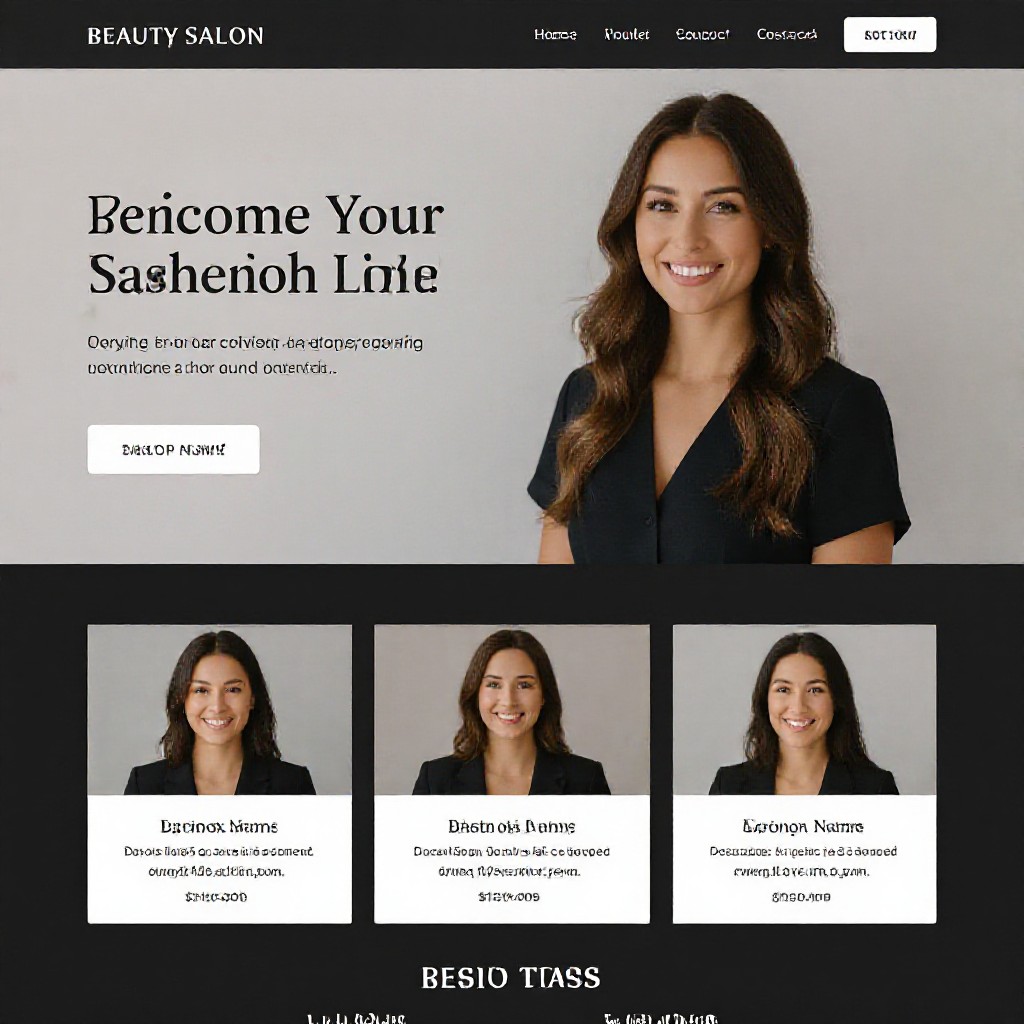
Real examples — quick sites that convert
A few sample screenshots of businesses that launched quickly with AI and saw more enquiries.
Want a free, working website preview right now?
Try Congero’s free demo — no sign-up friction and no credit card required. Get an SEO-ready site preview in under 60 seconds and decide after you see it.
START FREE DEMO