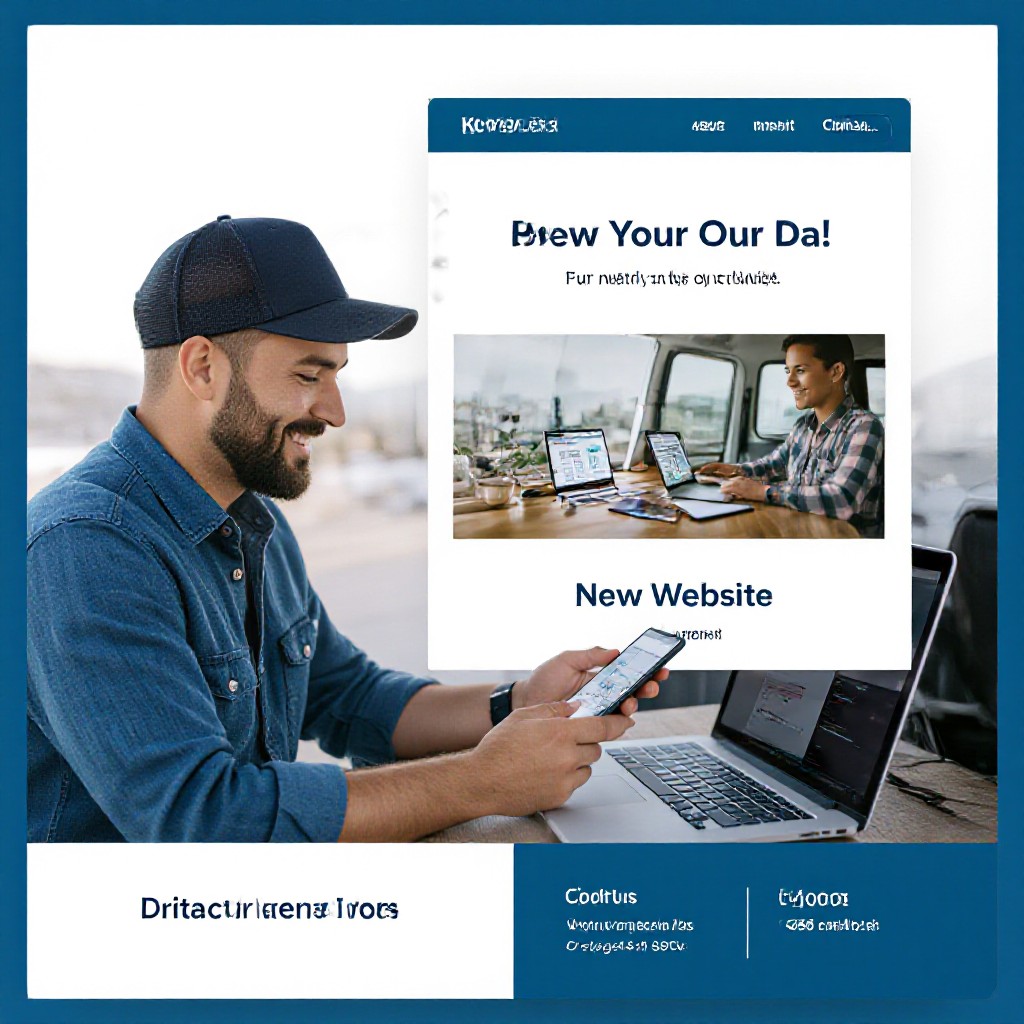
free internet site builder
Build a professional, mobile-first website for your business quickly — try Congero's free 60-second demo and see your new site instantly.
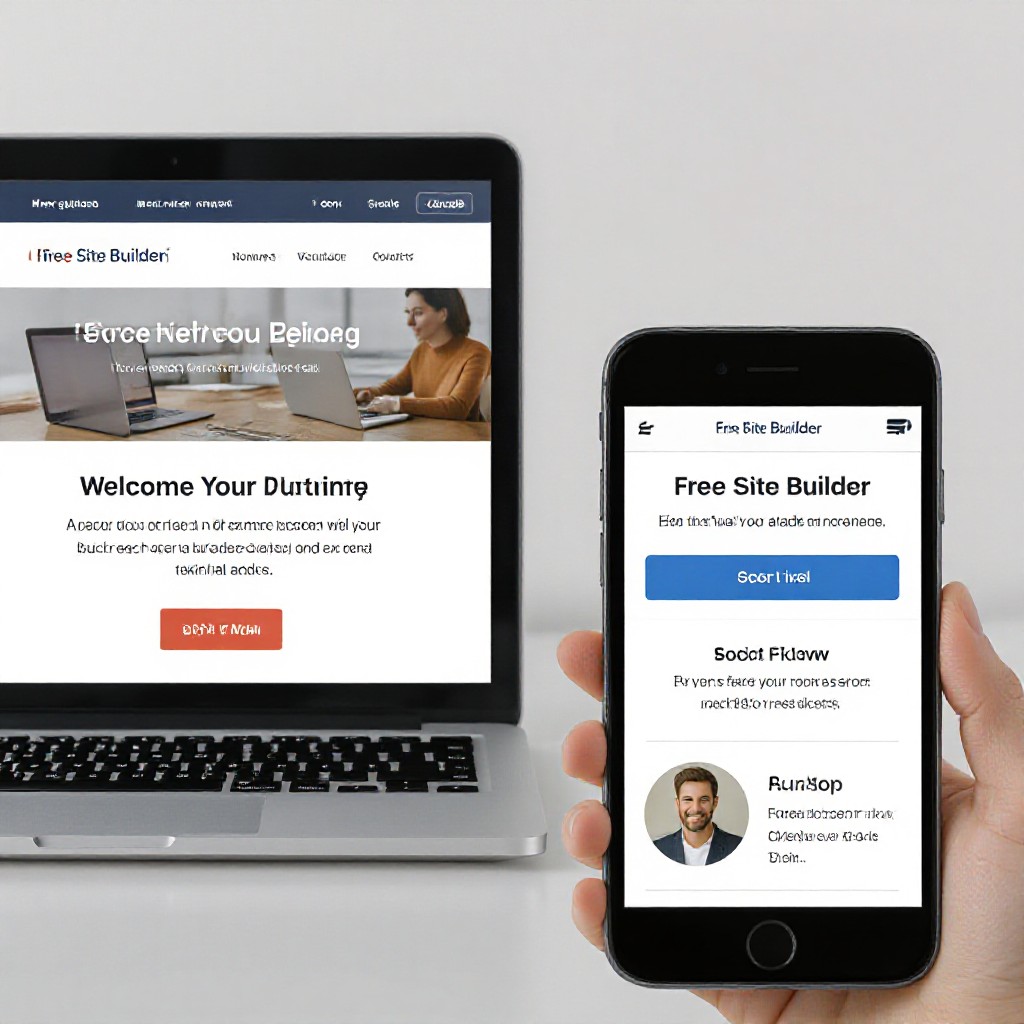
What is a "Free Internet Site Builder"?
A free internet site builder lets you create a live website without upfront development costs. Many providers offer free plans or demos that generate pages, templates, hosting or previews so you can evaluate the tool before committing to paid features. Free builders vary widely in design quality, SEO, domain options and update flexibility — this guide helps you choose the right route.
Free vs Paid: What to Expect
- Free preview or demo: Many platforms—including Congero—offer a free demo so you can see a full website in seconds.
- Limitations: Free plans often use subdomains, show ads, limit SEO or restrict custom domains and integrations.
- Hidden costs: Exporting, ongoing hosting or custom features may require paid plans.
How Congero uses "free"
Congero offers a free, no-credit-card demo that creates a working, SEO-optimised website preview in under 60 seconds. You can evaluate the real site layout, copy and images before choosing to subscribe. This approach gives the advantages of a true preview (not just a mockup) while protecting you from surprise costs.
Why try a free internet site builder first?
Testing a free demo helps you validate design, messaging and lead flow before investing time or money.
Instant Preview
See a usable website in under 60 seconds so you can test copy, offers and lead capture immediately.
Low Risk
Try functionality before you pay. Free demos reduce the risk of choosing a solution that doesn't fit your business.
Test Customisation
Check how easy it is to update text, images and services — a key factor for busy trades and local businesses.
Evaluate SEO
Verify meta tags, local schema and page structure to see if the builder produces search-friendly pages out of the box.
Support Check
Use the demo to test response times for support and how easily changes are implemented.
Security & Hosting Preview
Confirm the hosting environment, SSL and performance before committing to ongoing costs.
Free demo • No signup fees • Mobile-optimised
How to get a working website from a free builder (example workflow)
Quick steps to go from demo to live site using Congero's free preview and managed option.
1. Request a Free Demo
Text "GO" or click the demo link to get an instant site preview via WhatsApp or web.
2. Answer a Few Questions
Provide business name, services, location and preferred images or colours.
3. Review Your Live Preview
Open the preview, check copy, images and contact details. Ask for edits via text.
4. Go Live or Subscribe
Connect your domain (or use a free subdomain) and choose a plan if you want custom domain, analytics and full hosting.
Choosing the best free internet site builder
Not all free builders are equal — focus on features that matter to small businesses and trades.
Design Quality
Look for professional templates and mobile-first layouts rather than toy templates that look dated.
Tip: Preview on phone and desktop.
SEO & Schema
Check whether the builder generates meta tags, local business schema and readable URLs automatically.
Tip: Try searching for a demo page in Google to test indexing.
Updates & Support
Free is useful only if you can easily update content and get help quickly when things break.
Tip: Test support response during the demo.
Domain & Hosting
Find out if you can use a custom domain or if the free version forces a branded subdomain.
Tip: Confirm SSL is included on free or trial sites.
Lead Capture
Can the builder accept contact forms, click-to-call and booking links? These features often matter most for trades.
Tip: Simulate a lead to test notifications.
Export & Ownership
Make sure you can export your content or move it if you outgrow the platform — avoid vendor lock-in.
Tip: Review terms for content ownership.
SEO tips when using a free site builder
Even free sites can rank well if you follow basic SEO best practices — many builders automate these, but it's good to know what to check.
Meta Titles & Descriptions
Keep titles under 60 characters and descriptions under 155. Include your main service and location (e.g., "Plumber Sydney").
Local SEO
Use consistent NAP (name, address, phone) across your website and Google Business Profile. Add service-area pages for each suburb you serve.
Images & Speed
Compress images and use descriptive ALT text. Fast page speed improves rankings on mobile and desktop.
Header Structure
Use a single H1 (your page title), clear H2s and H3s to organise services and benefits for readability and crawlers.
Schema Markup
Implement LocalBusiness schema so search engines correctly display contact info, opening hours and reviews. Many managed builders add this automatically.
Internal Linking
Link between related services and blog content to distribute authority, keep users engaged and lower bounce rate.
Want an SEO-optimised free preview?
Congero's demo includes auto-generated meta tags, schema and local SEO optimisations so your preview is search-ready from day one.
GET FREE SEO PREVIEWCommon issues with free builders — and quick fixes
Free previews are great, but you'll likely encounter trade-offs. Here’s how to handle the most common ones.
Branded Subdomains
Many free plans host your site at providername.example.com. This looks less professional and can hurt trust.
Limited SEO Controls
Some free builders don't allow custom meta tags or structured data.
Slow Support & Updates
Free account support can be slow or limited.
Frequently Asked Questions
Answers to common questions about free site builders and Congero's demo experience.
Yes — Congero's demo is free and requires no credit card. You receive a live website preview to review before deciding to subscribe.
Free plans often restrict custom domains. With Congero, you can preview on a free subdomain and connect your custom domain when you subscribe to the managed plan.
Yes — provided the builder creates proper meta tags, readable URLs, and follows local SEO practices. Congero's demo includes SEO-ready meta tags and schema to help you rank locally.
Congero offers a flat $49/month managed plan that includes hosting, domain registration options, unlimited updates via text and monthly analytics. There's no lock-in and you can cancel anytime.
Yes — if you choose to leave, you can export your content and static files. Congero lets you take your content with you to avoid vendor lock-in.