develop website
Step-by-step process to plan, design, build, and launch your website successfully.
START YOUR FREE DEMO
What Does It Mean to Develop a Website?
Developing a website involves the complete process of transforming ideas into a functional, user-friendly online presence. From planning the structure to coding, testing, and deployment, each step ensures your site meets your business goals.
- Planning site structure and content strategy
- Designing layouts and user interfaces
- Implementing code with HTML, CSS, and JavaScript
- Testing across devices and browsers
- Deploying to production and optimising performance
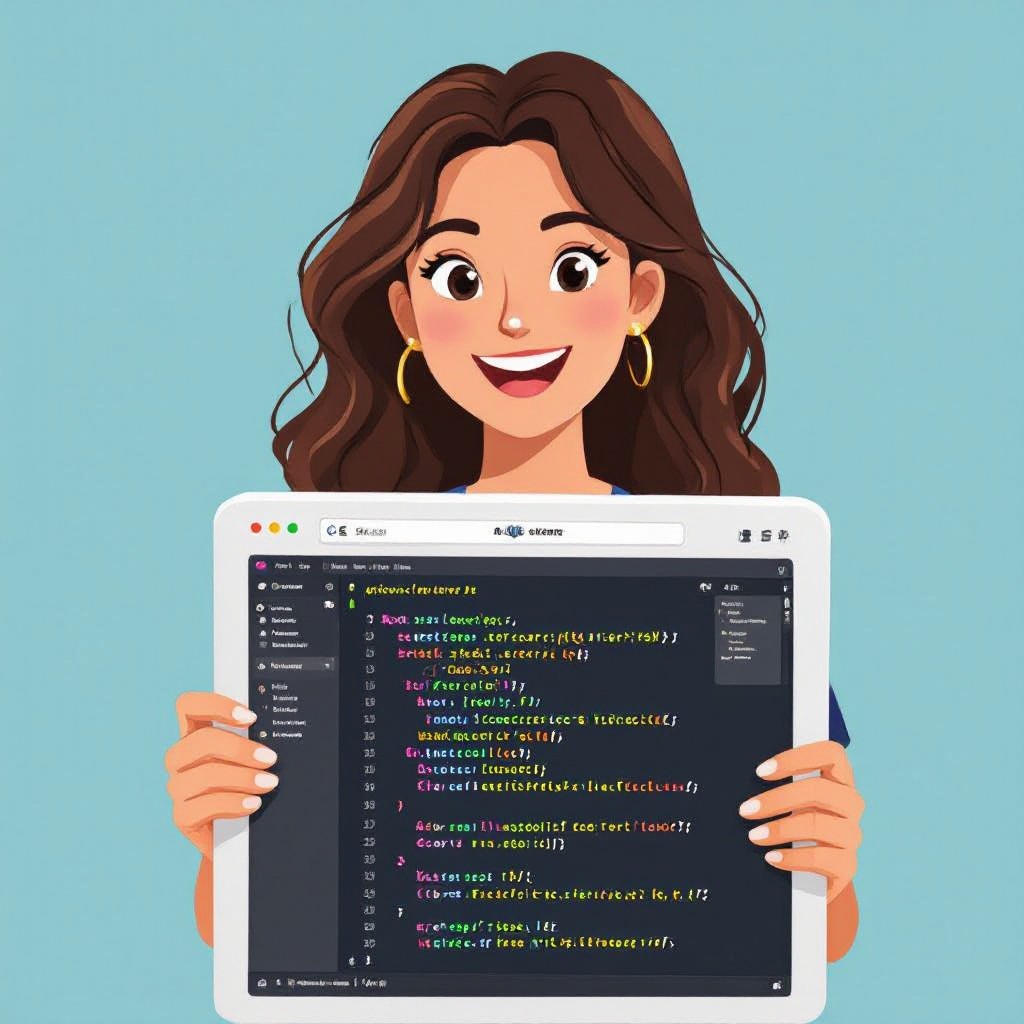
Why Develop Your Own Website?
Building your own website allows you full control over design, content, and functionality to align with your business goals.
Full Control
You decide every aspect of your site’s design and functionality without limitations.
Strong Branding
Customize visuals and messaging to reinforce your unique brand identity.
Better SEO
Implement best SEO practices directly for improved search visibility.
High Performance
Optimize loading speeds and user experience for higher engagement.
Scalability
Easily add new features and pages as your business grows.
Cost-Effective
Avoid ongoing agency fees by managing and updating your site directly.
Develop Your Website in 5 Easy Steps
Follow this clear process to build your professional website quickly and efficiently.
Plan Your Site
Define goals, target audience, and sitemap structure to guide development.
Design & Mockups
Create wireframes and visual designs to establish look and feel.
Develop Code
Implement HTML, CSS, and JavaScript to bring designs to life.
Test & Iterate
Conduct cross-browser and device tests, refine based on feedback.
Deploy & Launch
Publish to your hosting provider, connect domain, and go live.
No credit card required • Free to start
Web Development Best Practices
Adopt these standards to ensure your website is fast, responsive, and secure.
Mobile-First Design
Optimize layouts and experiences for mobile devices before scaling up to desktops.
Accessibility
Use semantic HTML, alt attributes, and ARIA roles to make your site accessible to all users.
SEO Optimization
Implement meta tags, structured data, and optimized content for search engines.
Performance Tuning
Minify resources, enable caching, and optimize images to reduce load times.
Security Best Practices
Use HTTPS, sanitize inputs, and follow secure coding guidelines to protect your site.
Version Control
Use Git or other systems to track changes and collaborate effectively.
Essential Tools for Website Development
Discover the frameworks, platforms, and services that streamline website creation and deployment.
Development Tools
- HTML5, CSS3, and JavaScript
- CSS framework: Tailwind CSS
- JS libraries: React, Vue.js
- Code editors: VS Code, Sublime Text
- Version control: Git & GitHub
Hosting & CMS
- WordPress and other CMS platforms
- Static site generators: Gatsby, Hugo
- Hosting: Netlify, Vercel, AWS
- Domain registrars: GoDaddy, Namecheap
- SSL certificates: Let's Encrypt
Frequently Asked Questions
Everything you need to know about developing a website.
A basic site can go live in a few hours; more complex projects take days or weeks depending on features and revisions.
Basic coding helps with customization, but you can use visual builders and templates to simplify the process.
Costs include domain registration, hosting fees, and any premium themes or plugins you choose to use.
Regularly update content, plugins, and themes. Monitor performance analytics and apply security patches promptly.
Absolutely—use your CMS or code editor to make changes anytime. Back up before major updates for safety.
