creative website design
Practical strategies and a proven process to design a memorable, mobile-first website that converts visitors into customers.
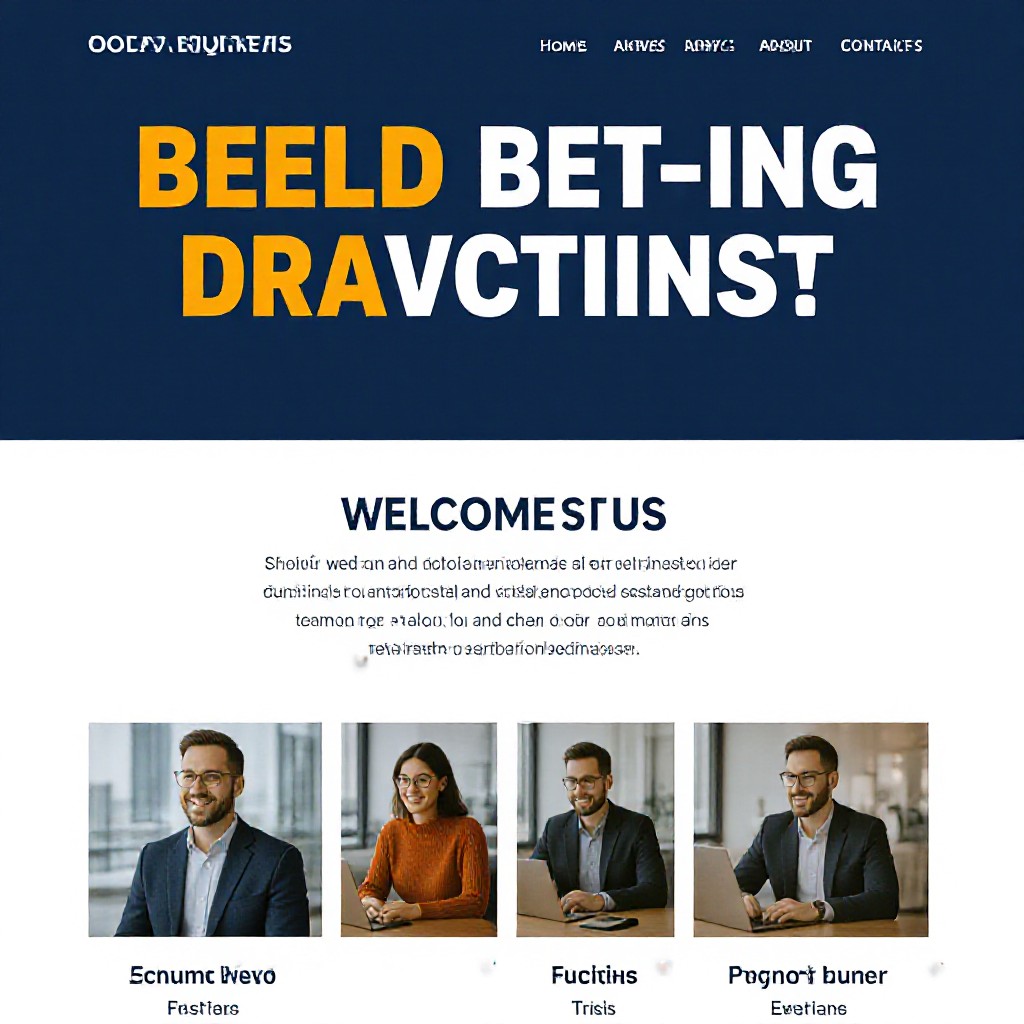
What is creative website design — and why it matters
Creative website design combines strategy, visual storytelling and user-focused layout to showcase your business personality while driving enquiries. It's not just about pretty pages — it's about clear messaging, fast performance, and seamless mobile-first experiences that convert.
For small businesses and trades, creative design helps you stand out in local search results and builds trust with prospective customers. Good creative design answers the visitor's key questions instantly: Who are you? What do you do? How do I contact you?
Design Goals for Small Businesses
- Clear brand message that converts visitors into leads
- Fast, mobile-first layout for on-the-go customers
- Optimised local SEO and contact pathways
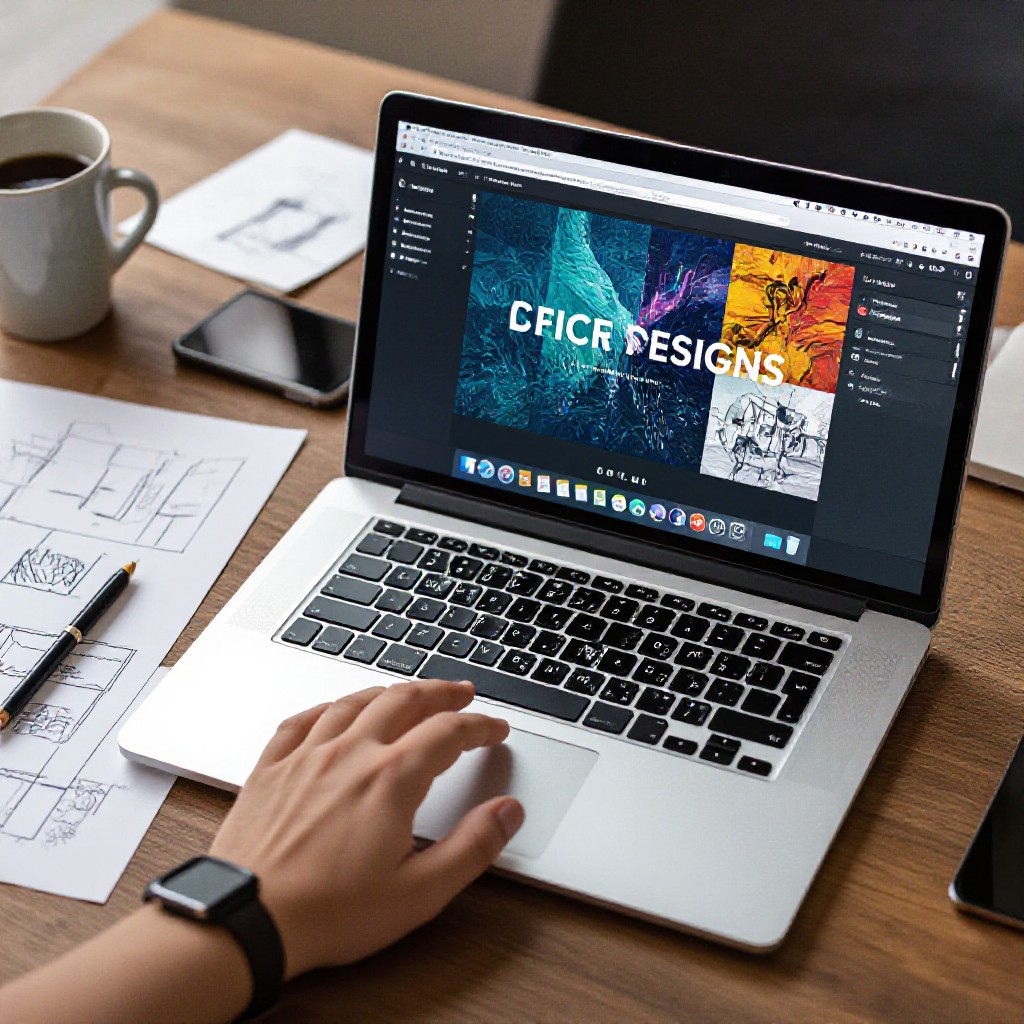
7 Principles of Effective Creative Website Design
Follow these design fundamentals to create a memorable site that performs — even on a budget.
Mobile-First Layout
Design for small screens first — most customers search and call from phones. Prioritise large tap targets and fast load times.
Consistent Brand Palette
Choose 2–3 colours and a type scale that reflect your business. Consistency builds recognition and trust.
Clear Value Proposition
Your hero section should answer visitor questions in one glance — who you are, what you do, and how to take action.
Authentic Imagery
Use real photos of your team and work where possible. They increase conversions compared to generic stock images.
Fast Performance
Compress images, limit scripts, and use efficient layouts. Speed is critical for both SEO and conversions.
Accessible & Clear CTAs
Make contact options obvious — click-to-call, request-a-quote, and WhatsApp buttons drive immediate enquiries.
Our 5-Step Creative Website Design Process
A repeatable workflow so you get a great-looking, high-performing site quickly.
Discovery
We learn your brand, customers and top services via a quick text or chat — takes minutes.
Design Direction
Choose a creative direction (bold, minimal, premium) and provide any logos or photos.
AI Build
Our AI generates a fully responsive site preview in under 60 seconds based on your inputs.
Refine
Request unlimited edits via text — colours, layout, copy and photos updated in minutes.
Go Live & Optimise
Connect your domain, track results with monthly analytics and let the AI optimise local SEO.
Free demo • No credit card required
Quick Design Tips & Pre‑Launch Checklist
Practical items to prepare before you launch your creative site.
Design Tips
- Lead with a strong headline and a single, clear call-to-action (click-to-call or quote request).
- Use one hero image that reflects your best work — authenticity beats perfect stock photos.
- Keep navigation focused: Services, About, Reviews, Contact — nothing unnecessary.
- Limit typefaces to two (heading + body) for consistency and speed.
- Always preview on mobile and test actual tap targets.
Pre-Launch Checklist
- Business name, contact phone and service area listed prominently (for local SEO).
- At least 3 photos of completed jobs or your team.
- Short, benefit-led service descriptions (50–120 words each).
- Customer reviews or testimonials on the homepage.
- Google Business Profile connected and accurate NAP details.
SEO Tips Specifically for Creative Sites
Design and content should work together to attract local customers and rank in search engines.
Local Keywords
Include geo-targeted phrases — e.g., "creative website design Sydney" — in page titles, headings and service descriptions.
Optimised Images
Use descriptive filenames and ALT text, compress images under 300 KB where possible, and use responsive srcset.
Structured Data
Add schema for Organization, LocalBusiness and FAQ to improve search appearance and CTR.
Fast Load Times
Minimise custom fonts, lazy-load below-the-fold images and use CDN hosting to speed up delivery.
Internal Linking
Link related services and case studies to keep users exploring and to distribute page authority.
Measure & Iterate
Use monthly analytics to see which pages drive enquiries and refine messaging and CTAs accordingly.
Why use Congero for your creative website?
We combine AI speed with human design principles so your site looks custom while being affordable and easy to manage.
Live in 60 Seconds
Get a full website preview instantly after a short text chat — then refine until it's perfect.
Unlimited Edits
Text us changes anytime and the AI publishes them within minutes at no extra cost.
All-Inclusive $49/month
Domain, hosting, SSL, local SEO and monthly analytics — no hidden fees, cancel anytime.
Portfolio: Creative Sites We've Built
Examples that balance aesthetics with conversions for small businesses and trades.
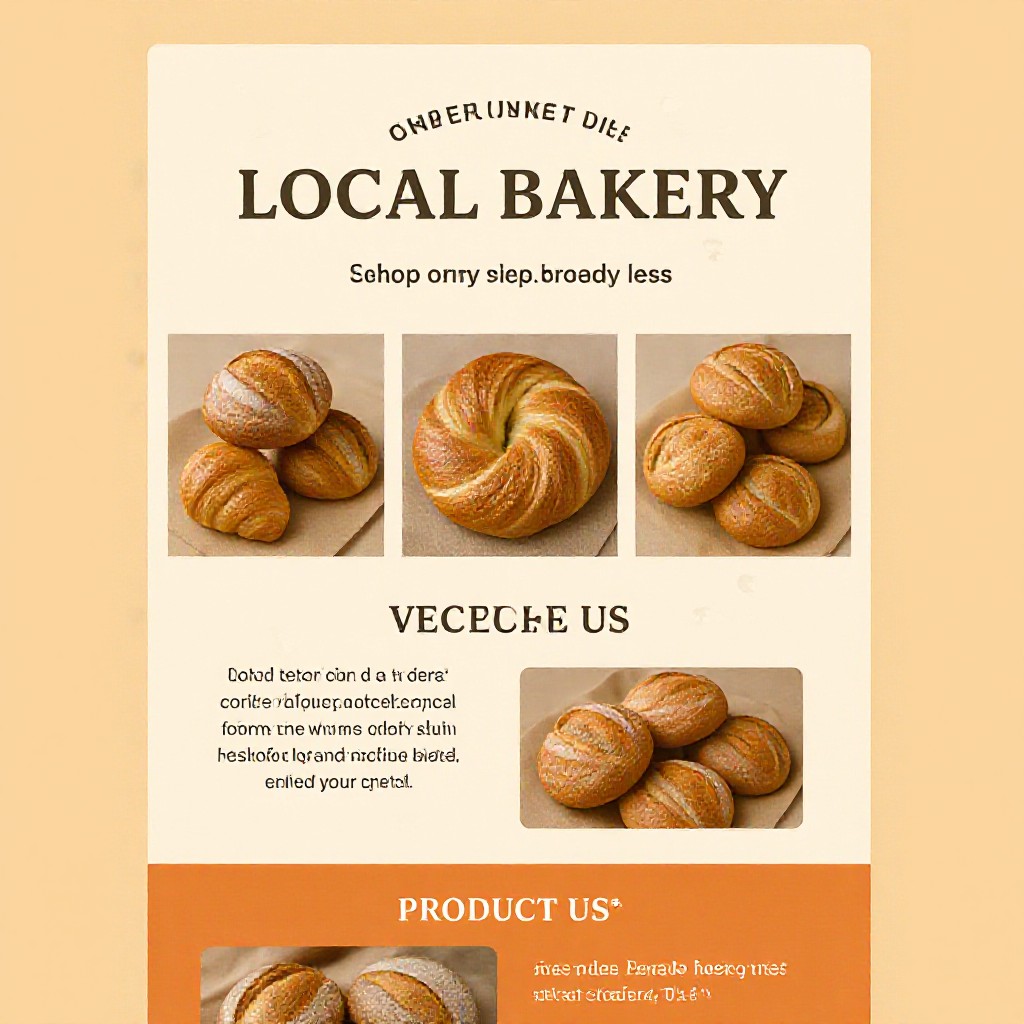
Local Bakery
Hero photography and clear order CTA increased online orders by 38%.
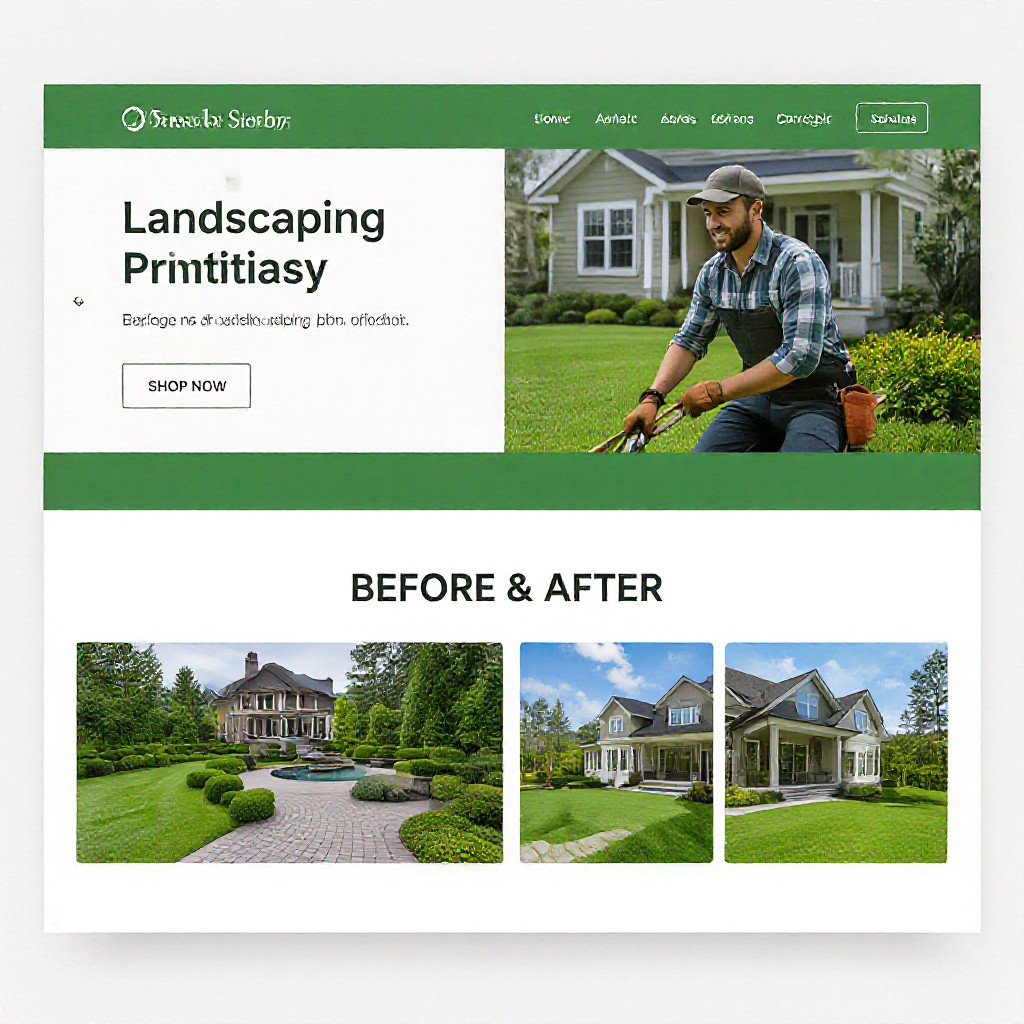
Landscaping Service
Strong portfolio layout and click-to-call boosted enquiries from mobile users.
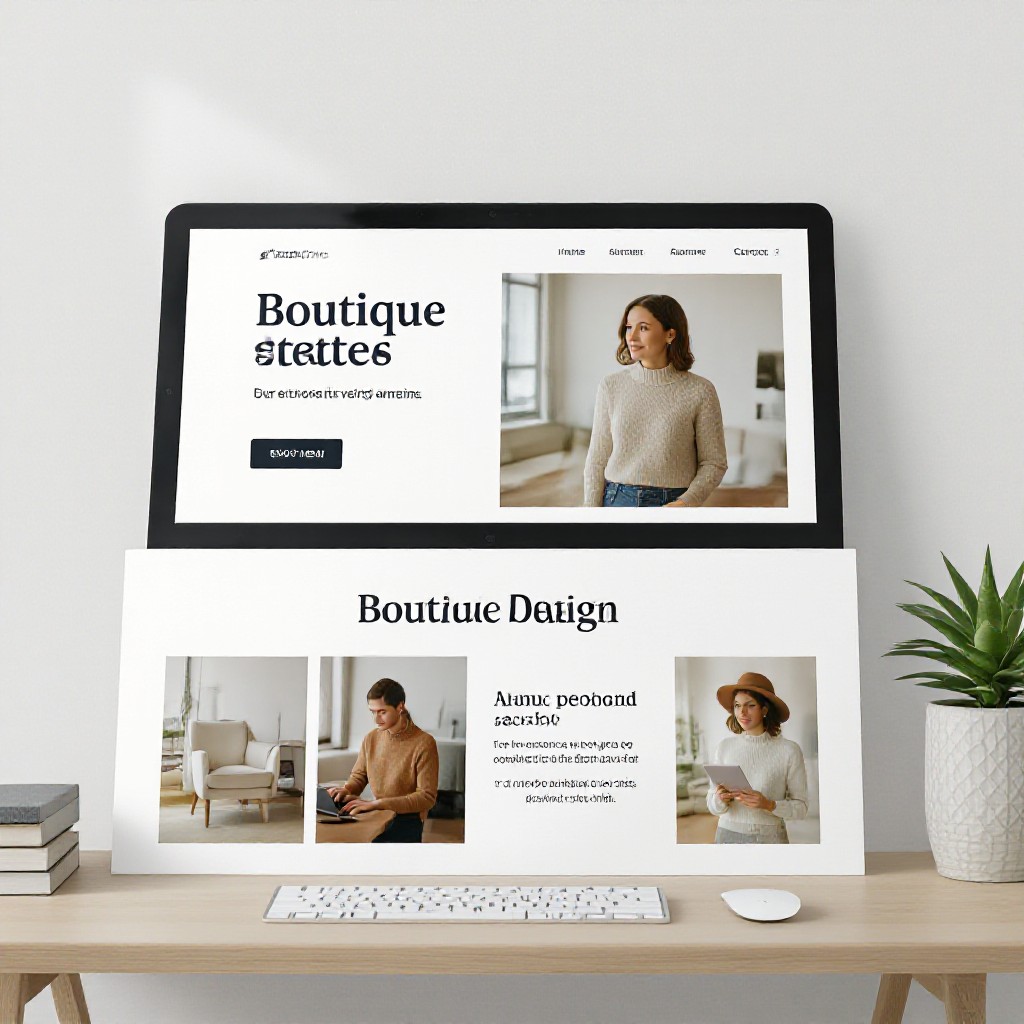
Design Studio
Bold typography and curated case studies improved time-on-site and lead quality.
Frequently Asked Questions
Answers to common questions about creative website design with Congero.
You can see a full site preview in under 60 seconds after answering a few quick questions. Connecting your custom domain and finalising settings typically takes a few minutes more.
Yes — unlimited edits are included. Text us any change (colour, copy, photos, layout) and our team applies it quickly at no extra cost.
Absolutely. Our AI combines design rules with your brand inputs — logo, colours and images — to produce tailored creative layouts you can refine until they match your vision.
Everything: domain (or bring your own), premium hosting, SSL, unlimited updates, local SEO optimisation and monthly analytics. No lock-in contracts.
