creative web design
Actionable, creative design strategies that improve website appeal, user experience and SEO — built for small businesses in 2025.
This guide gives step-by-step techniques you can use right away: from layout and typography to SEO-friendly structure, performance tweaks and conversion-focused creative elements. No jargon — just practical moves that make your site look better and rank higher.
Why creative web design matters for small businesses
Design is more than decoration. It guides attention, builds trust, and communicates what your business does in seconds. For small businesses, good creative design:
- Increases credibility: Professional visuals make prospects trust you faster.
- Improves clarity: Good hierarchy helps users find services and call-to-action quickly.
- Supports SEO: design choices that improve page speed, structure and accessibility help rankings.
- Boosts conversions: focused layouts with clear CTAs turn visitors into customers.
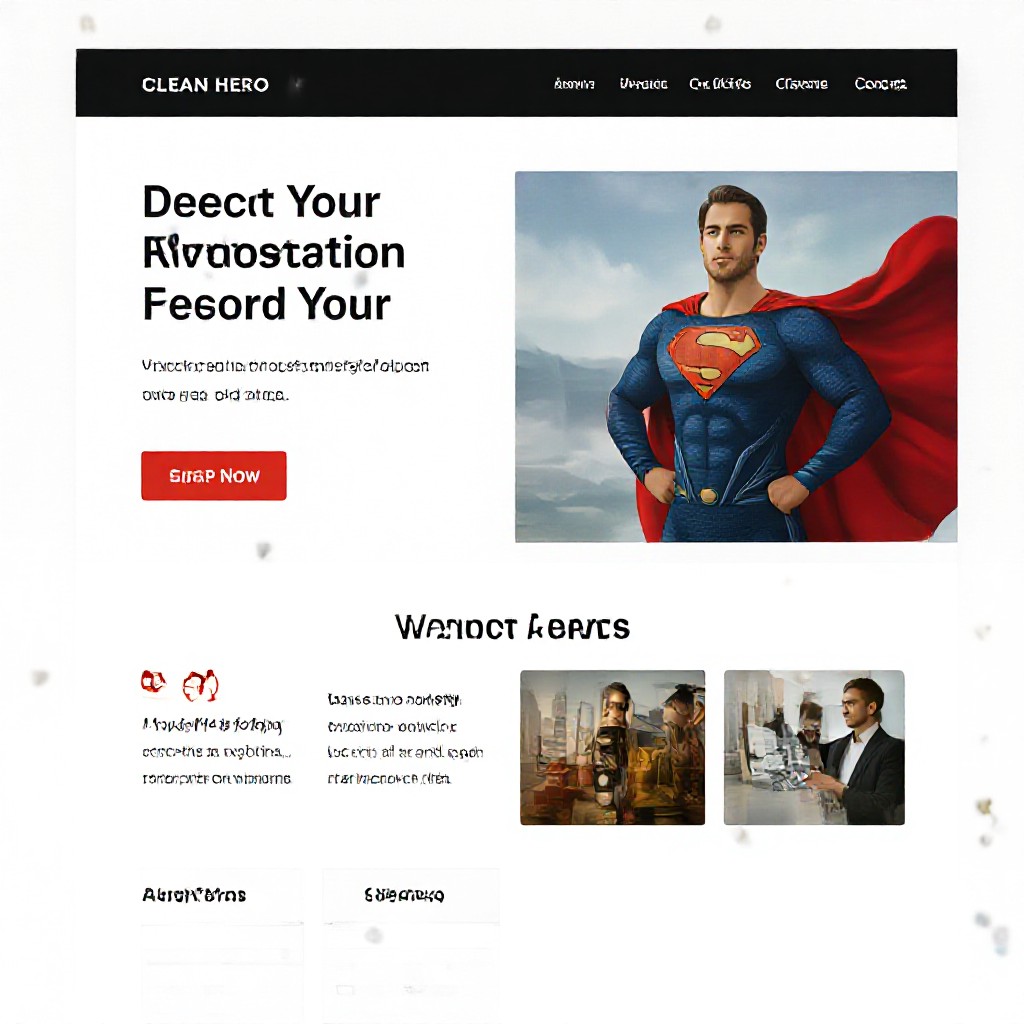
First impression = conversion
You have about 3–7 seconds to convey value. Make your headline, hero image and primary CTA instantly clear. Everything else is secondary.
Core design principles — apply these first
Visual Hierarchy
Use size, contrast and spacing so the eye naturally moves from headline → value statement → CTA.
Typography
Choose two complimentary fonts (headline + body). Prioritise legibility on mobile: 16px body minimum.
Colour & Contrast
Pick a primary brand colour, 1–2 accent colours and a neutral palette. Ensure CTA contrast meets accessibility (WCAG AA).
Spacing & Layout
Whitespace improves focus and perceived quality. Group related items and keep consistent margins.
Imagery & Media
Use authentic photos or high-quality stock. Avoid overused generic shots—customers respond to real people and real jobs.
Speed-first design
Design choices impact load time. Limit heavy animations, compress images and lazy-load below-the-fold media.
A simple, repeatable design strategy (4 weeks, small team)
Follow this roadmap for a focused, creative design process that improves both aesthetics and search visibility.
-
1. Quick audit (1–2 days)
Evaluate current site: top pages, mobile issues, load times, and most-used calls to action.
Tools: Google Analytics, Search Console, PageSpeed Insights. -
2. Define goals & audience (1–2 days)
List primary business goals (leads, calls, bookings) and create 1–2 customer personas.
Action: write a 1-sentence value proposition for your homepage hero. -
3. Content strategy & sitemap (2–3 days)
Prioritise pages: homepage, services, contact, about, local landing pages. Map keywords to each page.
Action: create short, SEO-friendly page titles and meta descriptions for each page. -
4. Wireframe & visual direction (3–5 days)
Sketch layouts for desktop and mobile. Decide hero, sections order and CTA placement before visual design.
Tip: use grayscale wireframes to focus on hierarchy, not colour. -
5. High-fidelity design & assets (4–7 days)
Create final visuals, pick fonts, prepare images and icons. Export optimized assets for web.
Action: export hero at multiple widths and WebP format, create SVG icons. -
6. Build & SEO setup (2–5 days)
Develop pages focusing on semantic HTML, headings, fast loading and correct meta tags.
Action: add JSON-LD localBusiness schema to homepage and ensure sitemap.xml exists. -
7. Test, launch & iterate (ongoing)
Test on multiple devices, check forms, monitor traffic and tweak content based on analytics.
Tools: Hotjar for session feedback, Google Analytics for behavioural data.
Fast-track option
If you need speed, Congero can produce a professional, SEO-ready site in 60 seconds from a short brief and deliver updates via simple text messages. Learn more at the Get Started link below.
Get a Quick DesignDesign choices that directly improve SEO
Semantic structure
Use H1 for page title only, then H2/H3 for sections. Clear headings help search engines and users scan content.
Performance & Core Web Vitals
Design lightweight hero sections (avoid auto-play videos), defer non-essential scripts, and prioritise LCP optimisations.
Image SEO
Always set descriptive alt text, captions where appropriate, and use responsive srcset with WebP fallbacks.
Local & structured data
Add LocalBusiness schema, address markup and correct opening hours. Local signals boost "near me" rankings.
Internal linking
Use contextual links between services and the homepage to pass authority and improve crawlability.
Accessibility (a11y)
Accessible sites often rank better. Use ARIA labels where needed, ensure contrast, and make navigation keyboard-friendly.
Creative visual techniques that work for small businesses
Story-driven hero
Tell one short story in the hero: problem → solution → CTA. Use image or short looping motion to reinforce the narrative.
Micro-interactions
Small hover, focus and scroll animations increase perceived polish. Keep them subtle and fast (<150ms).
Layered depth
Use overlapping cards, subtle shadows and glassmorphism to add depth without heavy media.
Practical examples (apply today)
- Replace a static testimonial list with a single highlighted case study showing before/after results.
- Swap hero background video for an optimized animated SVG to cut load time and keep motion.
- Use a contrasting sticky CTA on mobile to increase calls-to-action visibility.
Design experiment idea
Run an A/B test: current hero vs streamlined hero with single sentence value prop and one bold CTA. Measure clicks & session duration for 2 weeks.
Design moves that increase conversions
Design for trust and clarity. Here are concrete patterns that reliably lift leads and bookings.
Prominent contact options
Make phone, booking and contact visible at all times (sticky header/footer or floating action button on mobile).
Trust signals
Show reviews, certifications and recent jobs near CTAs. Even a short 2-line testimonial beats an empty page.
Quick wins
Add an FAQ near service CTAs, reduce form fields to the minimum, and add a “call now” button that dials on mobile.
Clear pricing cues
Use price ranges or starting prices on service pages to reduce friction and filter qualified leads.
Microcopy matters
The words on buttons and forms affect behaviour. Replace “Submit” with “Get my free quote” or “Book a call — 5 min”. Test one copy change per week.
Tools & resources — what to use today
Design & prototyping
- Figma — wireframes & prototypes
- Canva — fast marketing visuals
- Unsplash / Pexels — authentic images
Performance & SEO
- PageSpeed Insights / Lighthouse
- Google Search Console & Analytics
- GTmetrix / WebPageTest
Accessibility & testing
- axe DevTools
- BrowserStack for device testing
Quick code & optimisation
- SVGO for SVG optimisation
- imgproxy or Squoosh for image compression
Pre-launch checklist (do these before you go live)
- Single H1 per page and descriptive H2s
- Meta titles & descriptions for each page (unique)
- Compress images & verify responsive srcset
- Validate structured data (LocalBusiness, BreadcrumbList)
- Test forms and contact links on mobile
- Check PageSpeed Insights and address top 3 suggestions
- Publish sitemap.xml and submit to Google Search Console
<title>Emergency Plumber in Sydney — Fast 24/7 Service | YourBusinessName</title>
Frequently asked questions
Do creative design choices hurt SEO?
How do I measure design impact?
What’s the easiest design win?
Should I use video on the homepage?
Make your website creative, fast and findable
If you want fast results without the technical hassle, Congero designs and launches SEO-optimised, mobile-first websites for small businesses — and handles unlimited updates via text.
All websites include domain, hosting, SSL and local SEO as standard — no lock-in contracts. Click Get Started to try our demo.
