creative homepage design
How to design a creative, user-first homepage that increases engagement and ranks on Google — templates, copy formulas and an SEO checklist you can implement today.
This step-by-step guide breaks homepage design into simple, actionable blocks: hero, value proposition, social proof, service highlights, CTAs and technical SEO. Use the wireframes and copy examples tailored for trades and local services to launch a high-performing homepage fast.
Why your homepage is your most valuable page
Your homepage is often the first interaction customers have with your brand. It sets expectations, establishes trust, and either guides visitors toward contact or loses them in seconds. A clear, creative homepage increases engagement, reduces bounce rate and improves ranking signals to Google (time on page, CTR from search, and backlinks).
What a high-performing homepage does
- Communicates your core value in 3 seconds
- Directs visitors to next steps with clear CTAs
- Builds trust with social proof and local signals
- Is optimised for mobile and search
Throughout this guide you’ll get wireframes, copy formulas and an SEO checklist so you can redesign your homepage — or brief a designer — with clarity and confidence.
Hero, headline & primary CTA
The hero section is the single most important real estate on the page. It must answer: "What do you do?", "Who is it for?" and "What should I do next?"
Headline formula (use one)
- Outcome + Audience: "Fast, reliable plumbing for homeowners in Brisbane"
- Problem + Solution: "Leaky tap? Same‑day repairs—call now"
- Benefit + Credibility: "Get clear drains today — 10,000+ satisfied customers"
Primary CTA examples
Tip: Keep the hero simple. One short headline (6–10 words), one supporting sentence, and one prominent CTA. Use contrast and whitespace to make the CTA unmistakable.
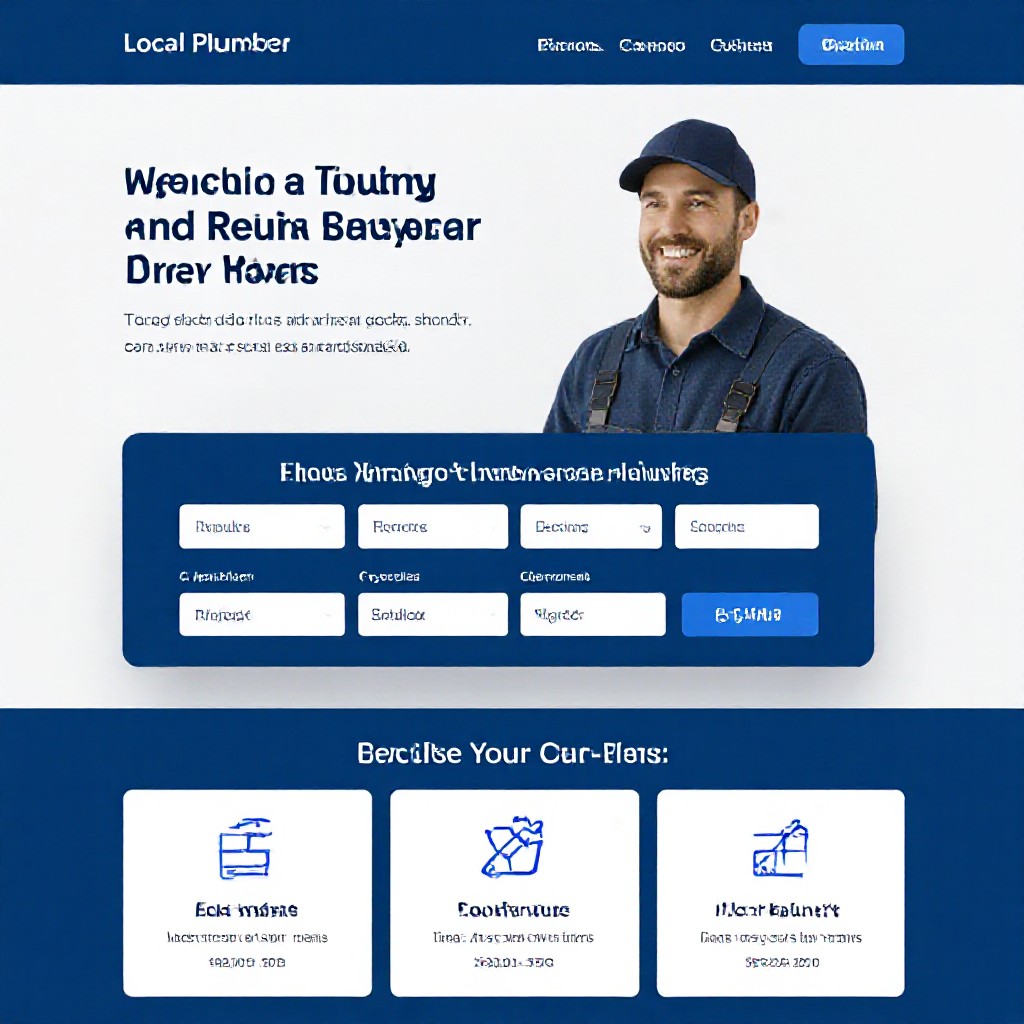
Example hero for a trades business: clear headline, contact CTA and trust badge.
Layout patterns that convert
F-Pattern (Content-led)
Great for service pages and content-rich homes; places headline and CTA top-left with supporting points down the left column.
Z-Pattern (Visual-led)
Alternates visuals and CTAs across the page — perfect for showcasing portfolio and offers.
Single column (Mobile-first)
Prioritise mobile experience: big CTA, concise sections stacked vertically, large tappable buttons.
Pick one dominant pattern and keep the page flow consistent. Mixing too many patterns confuses users and dilutes conversion focus.
Copy templates: headlines, subheads and microcopy
Headlines (fill in)
- [Benefit] for [Audience]: "Reliable same-day roofing for Melbourne homeowners"
- [Problem]? [Solution]: "Storm damage? We’ll repair your roof today"
- Quick proof + offer: "Trusted by 2,500+ locals — Free inspection"
Subheads & microcopy
- One-line subhead: "Fast quotes, friendly service, licensed and insured."
- CTA microcopy: "Call now — no callout fee"
- Trust microcopy: "5-star reviews on Google • $20M public liability insurance"
Short-form hero copy (3 variants)
- Variant A (Trust): Headline: "Local plumbers you can trust" — Subhead: "Same‑day service, upfront pricing. Call now."
- Variant B (Speed): Headline: "Booked and fixed in under 3 hours" — Subhead: "Emergency response, fixed-price repairs."
- Variant C (Savings): Headline: "Free inspections & transparent pricing" — Subhead: "No surprises, guaranteed workmanship."
Images, icons and visual hierarchy
Good visuals clarify your message — they don’t distract. Use authentic photos, consistent iconography, and clear focal points.
- Hero image: Use a contextual photo (team van, workshop, a finished job) — avoid generic stock people smiling at the camera.
- Icons: Use simple icons for quick scanning (services, guarantees, contact).
- Contrast & whitespace: Keep CTAs high-contrast and give elements breathing room.
- Performance: Compress images (WebP where possible) and lazy-load below-the-fold visuals.
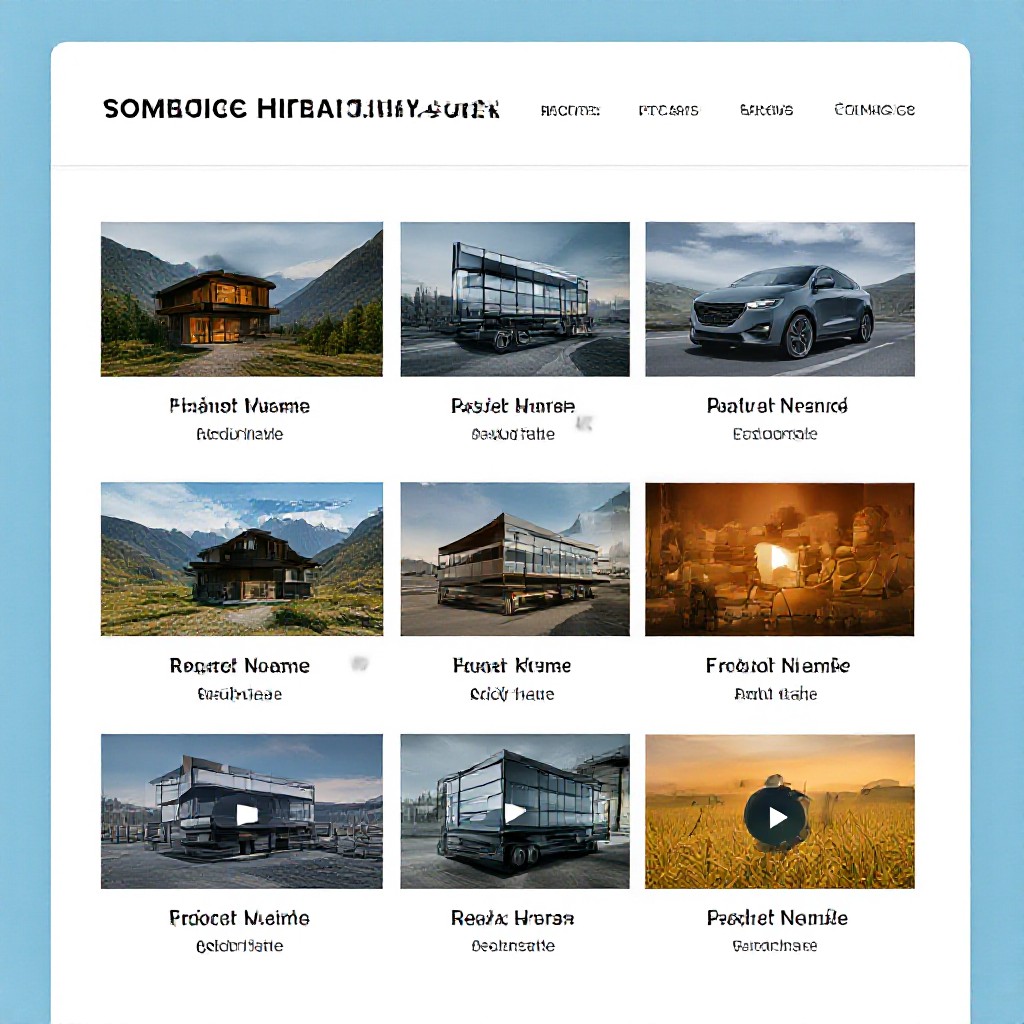
Example: combine a single strong hero photo with three small service images beneath for social proof and clarity.
12‑point SEO & technical checklist for homepages
- Page title: Primary keyword + location (<= 60 chars)
- Meta description: Compelling CTA and keyword (120–160 chars)
- H1: Clear headline (matches intent, 6–12 words)
- H2s: Use descriptive subheads for scannability
- Image alt text: Describe image + keyword where natural
- Structured data: LocalBusiness schema for trades & services
- Internal links: Link to Services, About, Contact, and FAQ
- Mobile speed: Under 3s target — lazy-load non-critical assets
- Canonical tags: Prevent duplicate content issues
- CTAs with tracking: Use UTM or event tracking to measure clicks
- Local signals: NAP (name, address, phone) visible and consistent
- Reviews: Display 3–5 latest Google reviews and markup them with Review schema
Congero automates many of these tasks (meta tags, schema, sitemap) so your homepage is discoverable without manual setup.
Practical homepage examples (copy + wireframe)
Local plumber — homepage wireframe
Headline: "Emergency Plumbing — Same‑Day Service in Sydney"
Subhead: "No callout fee. Fixed prices. Call now."
3x review stars, Google review snippet, insurer badge
Blocked drains, hot water, leaks — each links to service page
Cafe — homepage wireframe
Headline: "Modern cafe — breakfast & specialty coffee"
Button: View menu • Reserve table
Opening hours, address, Google review count
Landscaper — homepage wireframe
Headline: "Stunning gardens, built on budget — Free site visit"
Before/after gallery with lightbox
Short form (or text-in updates) + phone CTA
Measure and iterate: what to test
Design decisions should be data-driven. Start with these experiments:
- Headline A/B: Benefit-led vs problem-solution — measure CTA click-through (CTR)
- CTA colour & wording: "Call now" vs "Get a quote" — measure conversion rate
- Hero image vs illustration: Real photo vs stylised image — measure time-on-page
- Number of CTAs: Single primary CTA vs multiple — measure distraction and conversions
Key metrics: CTR on primary CTA, form submissions or calls, bounce rate, time on page and new vs returning users. Congero includes analytics and conversion tracking so you can see which homepage version performs best.
Common homepage mistakes (and fixes)
1. Vague headline
Fix: Use a headline that states the benefit and audience.
2. Too many CTAs
Fix: Prioritise one primary CTA, add a single secondary action.
3. No local signals
Fix: Show NAP, service area and Google reviews on the homepage.
4. Slow loading hero
Fix: Compress hero image, use responsive srcset and lazy-load below-the-fold assets.
12‑point launch checklist
- Headline clearly states value within 3 seconds
- Primary CTA visible and mobile-friendly
- Contact phone and NAP visible in header/footer
- 3 trust elements: reviews, accreditation, insurance
- Images optimised and sized for mobile
- Title tag and meta description optimised for primary keyword
- H1, H2 structure logical and accessible
- Schema markup for LocalBusiness added
- Analytics tracking installed (Google Analytics / GA4)
- Event tracking for CTA clicks and form submits
- Accessible contrast and readable font sizes
- Test on real mobile devices and fix tap targets
Use this checklist before you publish. If you use Congero, many items here are handled automatically: meta tags, schema, hosting, SSL and analytics setup.
How Congero helps you ship a great homepage — fast
- Live in 60 seconds: Start with a WhatsApp demo and get a working homepage instantly.
- Design that converts: Professional, mobile-first layouts tailored for trades and local services.
- Unlimited updates: Text-in changes and have your homepage updated quickly — no extra cost.
- Built-in SEO & analytics: We optimise meta tags, schema and provide monthly performance reports.
Frequently asked questions
How long should the homepage headline be?
Should I use images of my team or stock photos?
How many CTAs are too many?
Can you help me test different headlines?
Make your homepage work harder
Launch a creative, conversion-focused homepage with Congero — professional design, local SEO, hosting and unlimited updates for one flat monthly price.
All sites include domain, SSL, hosting and unlimited updates for $49/month. No lock-in contracts.
