
create website for business free
A simple, no‑fluff plan to build a free website that looks professional, ranks in Google, and grows your business.
This guide walks you through platform choices, content you must have, SEO basics you can do in 30 minutes, and low-cost growth steps when you’re ready to scale.
Upfront cost (possible)
Minimum setup time
Design priority for every modern site
What you'll learn
- Which free platform fits your business
- Exact content and layout that convert visitors into customers
- SEO basics you can do today to get found on Google
- Easy growth ideas that don’t need a budget
Quick 7-step plan (do this now)
Follow these steps in order. You can finish a simple, usable site in an hour.
1. Define one clear goal
Pick exactly what you want the website to do: get phone calls, capture email, show services, or take bookings. Everything on the page supports that goal.
2. Choose a free platform (see options below)
Pick one platform and stick with it. For most small businesses the easiest choices are Google Business Profile site, WordPress.com free plan, Wix free, or Carrd for single‑page sites.
3. Gather short, useful content
Write a short headline, 3–5 service bullet points, prices or starting rates, 1–2 testimonial snippets, contact phone and email, and 3 photos (team, job, or shop).
4. Build a focused home/landing page
Hero with headline + single call-to-action (call now, message, or booking). Add services, a short about, reviews, contact block with map or service area.
5. Do the SEO basics (15–30 minutes)
- Pick a primary keyword (example: "plumber Sydney north" or "dog groomer near me")
- Include that keyword in your page title, H1, first paragraph, and meta description
- Add clear contact info in text (not only an image)
- Use descriptive alt text on every image
- Set your page URL to include the service or location (if platform allows)
6. Test on your phone and fix anything tiny
Check load time, tap targets, font sizes, and the call button. If the page looks cluttered, remove one section — simplicity converts better.
7. Publish and promote
Share the link on your Google Business Profile, Facebook, Instagram, and WhatsApp groups. Ask 3 customers to leave reviews. Monitor visits with free analytics (see growth section).
Best free platforms for small businesses
Quick pros and cons so you can choose fast.
Google Business Profile Website
Easiest option if you already have (or will create) a Google Business Profile. It auto-fills NAP, photos, services, and is great for local search.
- Pros: Fast, free, shows in Google results, mobile-friendly
- Cons: Very limited design control and features
- Best for: Local trades, cafés, shops wanting immediate presence
WordPress.com (Free)
Good for a small blog or multi-page site. Provides basic SEO controls and themes—ads are shown on the free plan.
- Pros: Lots of themes, basic SEO, scalable
- Cons: WordPress branding/ads on free plan; limited plugins
- Best for: Businesses that may expand to a blog/portfolio
Wix Free
Drag-and-drop simplicity. Free tier adds Wix branding and uses a wixsite.com URL.
- Pros: Visual editor, templates, easy for non-technical users
- Cons: Ads, non-custom domain on free plan
- Best for: Visual businesses (photographers, salons) who need a quick site
Carrd
Perfect for a single-page business landing site. Very fast and clean; free plan supports simple pages.
- Pros: Lightweight, fast, very cheap to upgrade
- Cons: Limited to one page on free plan
- Best for: Freelancers, single-offer promotions, service pages
Simple design that converts (what matters)
Above the fold
Headline — one sentence that tells visitors exactly what you do and who you help. Add a primary CTA (Call now / Message / Book) and your phone number.
- Keep the headline clear, not clever
- CTA should be visible on mobile without scrolling
- Use a single accent color for CTAs
Trust & proof
Add 2–3 short testimonials or a simple star rating. Show a photo of you or your team and at least one job photo.
Clear service list
Bullet your main services with 2–5 words each. People scan—clear bullets convert better than long paragraphs.
Contact & area
Write your full address (or service areas) in text, add a clickable phone link, and show opening hours if relevant.
SEO basics for free websites (do these well)
1 — Page title
Write a concise title including your main service and location (if local). Example: Plumber Sydney North | Emergency & Repairs
2 — Meta description
Keep it friendly and actionable (120–155 chars). Include your phone number or call-to-action.
3 — Headings
Use one H1 per page (your main headline). Use H2s for sections (Services, About, Contact).
4 — Local signals
- Claim or create your Google Business Profile and link to your site
- Include consistent business name, address, phone (NAP) across web listings
- Add service area text on the site (suburbs you serve)
5 — Images & alt text
Name images descriptively and add alt text that includes your service (e.g., "electrician repairing switch Sydney north"). This helps Google and accessibility.
6 — Analytics & Search Console (free and essential)
Create a free Google Analytics GA4 account and verify your site in Google Search Console. These tools tell you which keywords bring visitors and which pages need work.
Growth ideas that cost little or nothing
Collect emails
Use a simple signup (many free platforms let you embed Mailchimp or similar). Send one useful email a month — specials, tips, or photos of recent jobs.
Ask for reviews
After a positive job, ask the customer to leave a Google review. Reviews massively improve local visibility and conversion rates.
Share updates
Post the site link to Facebook groups, community boards, and Nextdoor. Local posts often produce the best leads for small businesses.
Promote your best page
If one service brings you the most business, make a targeted page for it and share that page link in ads or posts.
60‑minute launch checklist
- Headline that explains your service in one line
- Clickable call button and visible phone number
- 3 service bullets and starting price or "from" price
- At least one photo of your work and one team/shop photo
- Google Business Profile linked
- Page title and meta description set with your keyword
- Google Analytics or simple tracking added
Frequently asked questions
Can I really rank on Google with a free website?
What’s the downside of free plans?
When should I move to a paid plan?
Do I need to learn SEO to do this?
Ready to get a pro website without the hassle?
Start free to validate demand and upgrade later if you want more features, a custom domain, and unlimited updates. If you prefer done-for-you, Congero can launch a professional site for you quickly.
No credit card needed for demos. Start free, upgrade when you grow.
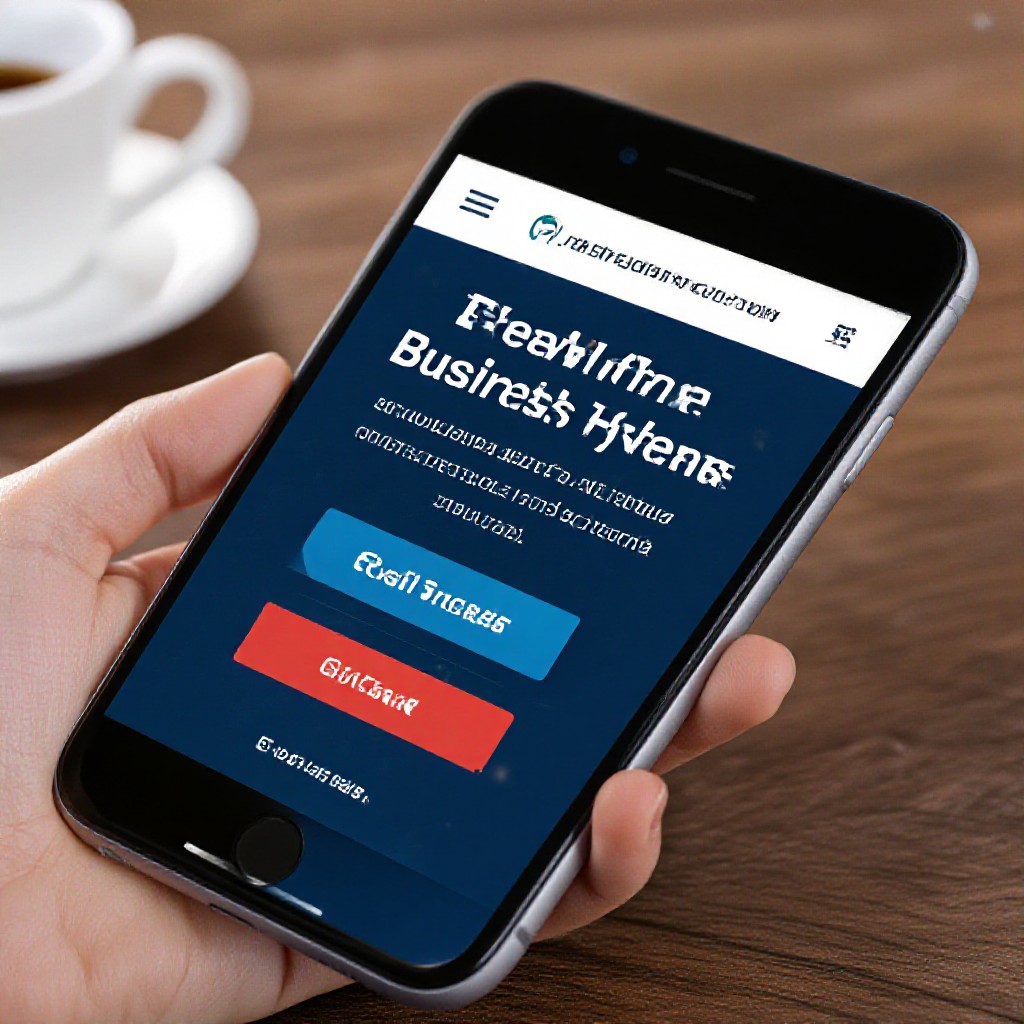
Example single-page layout: headline, services, reviews, contact — everything focused on one goal.
