
create professional website
A practical, step-by-step guide to building a professional, high-converting website with the SEO and features that attract and keep customers.
Follow this guide to choose the right structure, load fast, rank in local searches, and convert visitors into paying customers — without unnecessary complexity or costs.
Why a Professional Website Matters
Your website is often the first interaction a potential customer has with your business. A professional site builds trust, helps you rank on Google, and converts visitors into calls, bookings or sales. Below are the measurable benefits:
Findability
Good SEO and structured content means local customers find you first.
Credibility
Professional design reduces friction and increases conversions.
Measurable growth
Trackable analytics let you optimise ROI from your website investments.
SEO Fundamentals — What to do first
SEO is a mix of technical foundations, on-page signals, and useful content. Focus on areas that give the biggest impact for local businesses.
Technical SEO (must-haves)
- HTTPS (SSL certificate) — required for trust and ranking
- Mobile-first responsive design — Google indexes mobile-first
- Fast hosting & image optimisation — target <= 2.5s mobile load
- Structured data (schema.org) for local business, FAQs and products
- Sitemap.xml & robots.txt — submit to Google Search Console
On-page & content SEO
- Unique title tags & meta descriptions for every page
- Use H1 for page topic, H2/H3 for structure — keep headings semantic
- Include local keywords: suburb + service (eg. "Melbourne plumber near me")
- Optimize images (descriptive filenames + alt text + lazy-loading)
- Internal linking between services, FAQs and blog posts
Local SEO — quick wins
Essential Website Features That Convert
Every professional website should include these features to turn visitors into customers.
Mobile-first design
Ensure tap targets, readable text and fast load on phones.
Speed optimisation
Compress images, use CDN, minimise scripts — aim for 90+ mobile PSI score.
SSL & security
SSL is non-negotiable. Automatic renewals and regular backups protect your business.
Prominent contact options
Click-to-call buttons, a clear service area and a contact page that’s easy to find.
Social proof
Reviews, case studies and before/after photos increase trust.
Analytics & conversions
Track goals: calls, form submits, clicks. Use data to improve pages that underperform.
Conversion elements to add immediately
- Clear above-the-fold CTA (phone number or booking)
- Short service pages with pricing ranges or quote estimates
- FAQ section answering common customer objections
- Strong trust signals (license numbers, insurances, guarantees)
Design & UX Best Practices
Good design is less about decoration and more about clarity. Follow these rules:
- One primary action per page: Make it obvious what the visitor should do next (call, book, enquire).
- Readable copy: 16px base font, generous line-height and clear contrast for accessibility.
- Visual hierarchy: Use headings, white space and buttons to guide users’ attention.
- Accessible colours and contrasts: Avoid tiny text on dark backgrounds; test with contrast checkers.
- Mobile navigation: Use sticky headers with quick call/quote buttons on phones.
Content Strategy — Write to Sell and Rank
Content is what gets visitors to stay and act. Use a simple framework for each page: Problem → Solution → Proof → Call to action.
Service page template
- Strong H1 with primary keyword (eg. "Emergency Plumber [Suburb]")
- Short intro: the problem you solve in 2–3 lines
- List of services or features with short paragraphs
- Pricing guidance or "starting from" estimates
- Testimonials and gallery
- FAQ answering common barriers to contact
- Clear CTA (Call or Book)
Blog & FAQ strategy
- Write helpful posts that answer common customer questions — aim for actionable local content.
- Use FAQ schema on pages to increase chances of rich results.
- Internal-link blog posts to service pages to pass topical authority.
Copywriting tips
- Use short sentences and active verbs.
- Lead with benefits: what the customer gets, not what you do.
- Use numbers: "5-star reviews", "10+ years experience".
Visuals & Image Best Practices
Good images reinforce trust. Here’s how to handle visuals without slowing your site.
Image optimisation
- Use modern formats (WebP) where possible.
- Compress to the smallest acceptable file size and set width/height attributes.
- Add descriptive alt text with keywords naturally (eg. "electrician installing power point in Fitzroy").
- Lazy-load off-screen images.
Photography tips
- Show real people — tradespeople, finished jobs, the team.
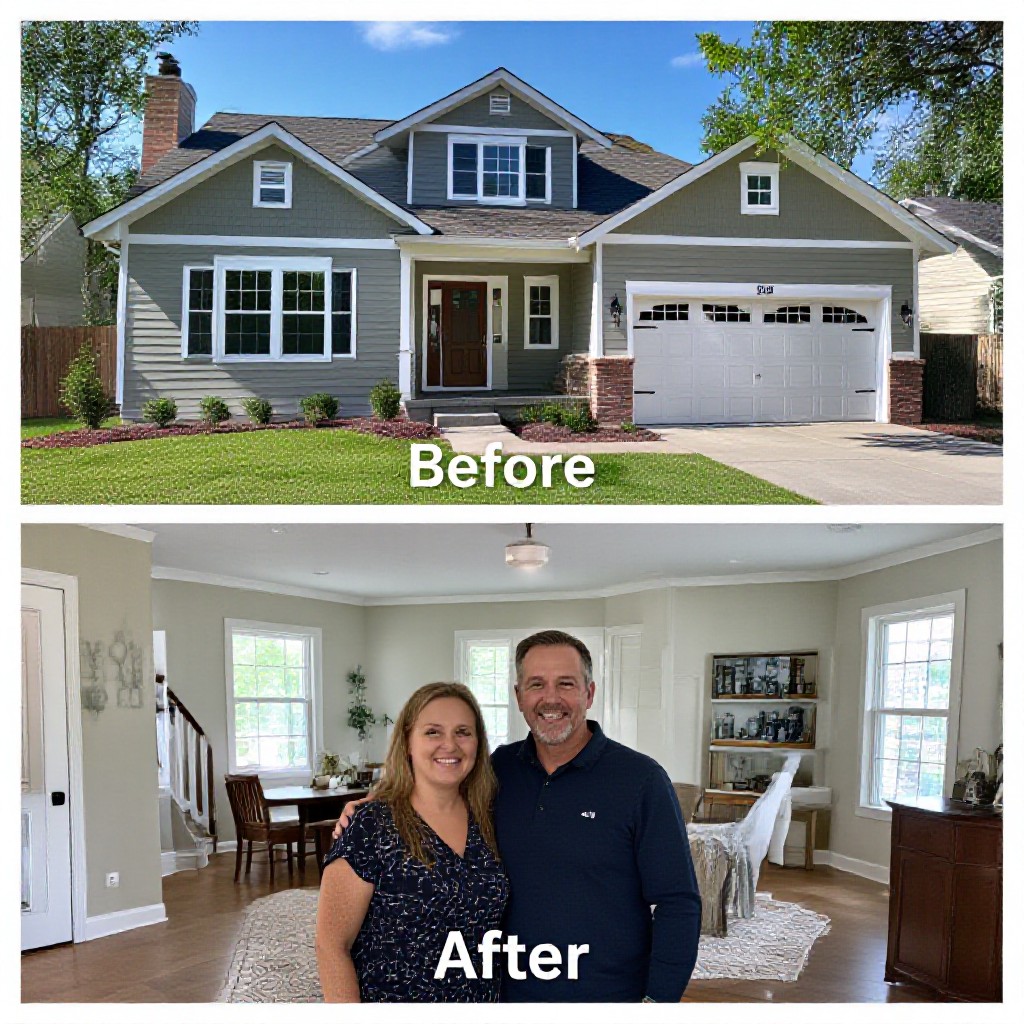
- Use before/after galleries with short captions.
- Keep hero images simple — do not clutter above-the-fold with too much text.
Technical Setup: Hosting, Domain & Email
Choose simple, reliable options so your site is fast and always available.
Hosting
Choose managed hosting with built-in CDN and automatic security updates. Avoid cheap shared hosts that cut corners on speed.
Domain
Buy a short, memorable domain. Use a local TLD if you primarily serve a country (eg. .com.au for Australia).
Use professional email (you@yourdomain.com) via Google Workspace or Microsoft 365 for reliability and deliverability.
Analytics & Conversion Rate Optimisation (CRO)
Measure everything. Then iterate.
Analytics setup
- Install Google Analytics 4 & connect to Google Search Console.
- Set up conversion events: phone clicks, form submissions, booking completions.
- Use UTM tags for ad campaigns to track ROI by source.
CRO experiments
- Run A/B tests on headlines, CTA text and hero images.
- Use heatmaps to understand where users click and scroll.
- Apply changes to low-performing pages and re-measure.
Launch Checklist — Make sure everything works
- All pages have unique title tags and meta descriptions
- Mobile & desktop tested (visuals and navigation)
- Forms submit correctly; emails deliver
- Google Analytics and Search Console connected
- Sitemap submitted and indexed in Search Console
- Performance tested (PageSpeed Insights) and improved
- Backup schedule configured and tested
Frequently Asked Questions
How long does it take to get a professional site live?
Do I need to know SEO to rank?
Will I own my domain?
What if I need changes after launch?
Ready to create your professional website?
Follow this guide, or let us build and optimise your site — live in 24 hours, all-in hosting, SEO and unlimited updates for a flat monthly fee.
Demo available — no credit card required. See a working website in under a minute.
