create company website free
Practical ways to launch a no-cost company website today — plus safe, low-cost alternatives that get you a professional site without the headaches.

What "create company website free" actually looks like
"Create company website free" can mean different things: a permanent free plan with limitations, a free trial or demo, or a DIY route that costs you time instead of money. This guide walks through each path, explains trade-offs (branding, SEO, ownership), and shows how to get a professional preview instantly with Congero's free 60‑second demo.
Quick reality check
- Truly free options often add ads, subdomains (yourname.provider.com) and limited SEO controls.
- A free demo gives you a preview with no commitment — ideal to test content and design.
- Affordable managed options (like Congero's $49/month) remove technical friction and deliver reliable SEO and ownership.
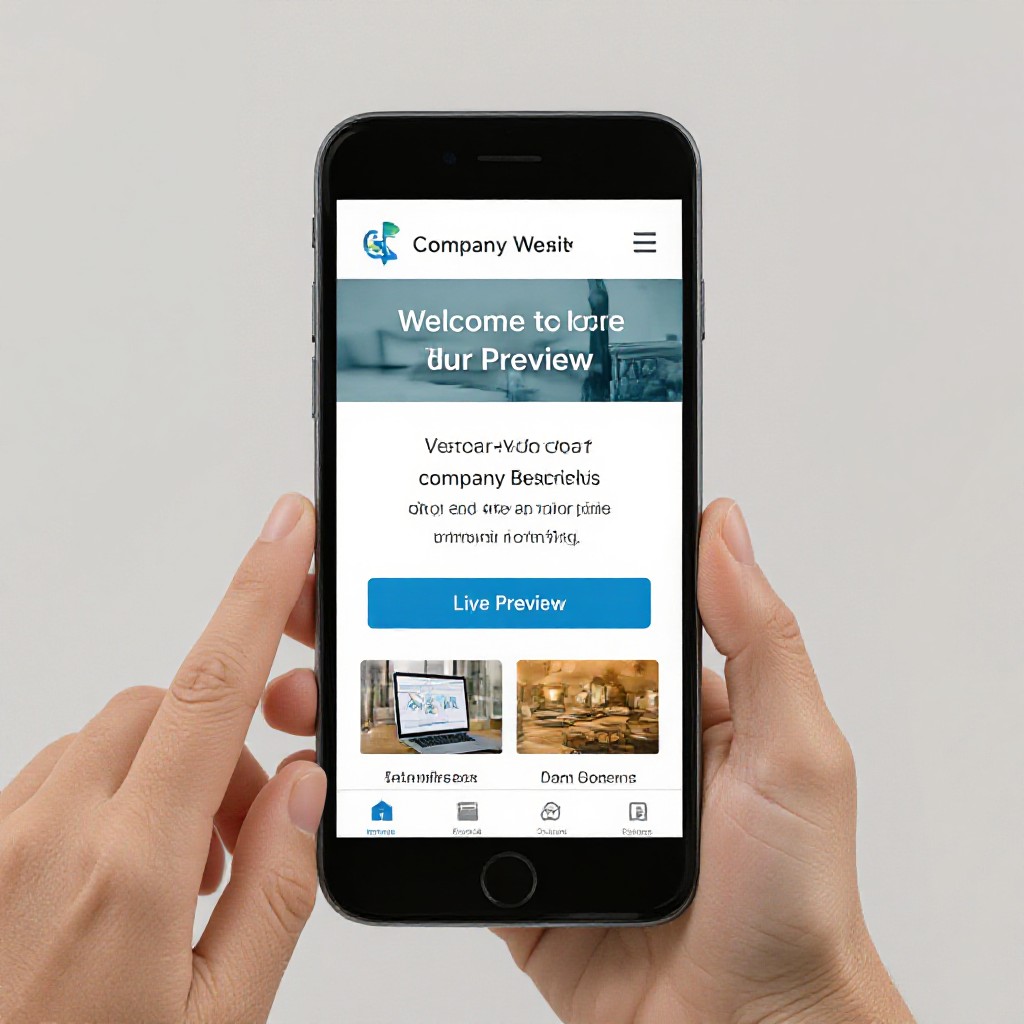
Free routes to create a company website — and when they make sense
Compare the common no-cost choices and see the recommended path for fast, local-business success.
Website Builders (Free Plan)
Wix, Weebly and similar let you build a site free on a subdomain with templates and drag-and-drop editors.
- Good for: testing copy or simple brochure pages
- Downside: ads, limited SEO, poor domain control
Technical DIY (GitHub Pages)
Free hosting with full control if you know Git, Jekyll or static site generators.
- Good for: developers and long-term free hosting
- Downside: time-consuming and not beginner-friendly
Free Demo / Preview
Instant preview of a real, SEO-optimised site with your content — no credit card required.
- Good for: testing how your business appears in search and on mobile
- Downside: preview only — full managed features usually require a small fee
How to create a company website free (60-second preview method)
Follow these steps to get a working preview of your company website instantly, then choose whether to keep it free (with limits) or upgrade to a managed plan for full ownership and SEO.
1. Request the free preview
Click TRY A FREE SITE PREVIEW or text the demo code to the Congero bot — no payment needed.
2. Provide basic details
Share business name, one-line service summary, location and contact number via text — 3–5 quick answers.
3. Watch AI build a preview
Within seconds you get a mobile-responsive preview complete with meta tags and local SEO suggestions.
4. Choose next steps
Keep it as a preview, publish on a free subdomain, or upgrade to Congero's full managed plan for $49/month (domain, hosting, unlimited updates).
Instant preview — then decide. No credit card required.
Before you create a free company website — quick checklist
Having these ready makes your free preview more accurate and speeds up launch.
- Business name, short tagline and primary phone number
- One-sentence description of core services or product
- Service suburbs or delivery area for local SEO
- Logo (if available) and 3 images of your work or team
Pro tip
You don't need perfect photos or a logo to start. The preview helps you visualise the finished site — you can send updated images later via simple text messages.
Rank your free company website — essential local SEO tips
Even free sites can rank well with the right basics. Focus on clear location signals and useful content.
Consistent NAP
Make sure your business Name, Address and Phone number are identical across the site and Google Business Profile.
Localized Content
Create a short service-area section listing suburbs you serve — helps with “near me” searches.
Meta Titles & Descriptions
Keep titles under 60 characters and descriptions under 155; include the service and location when possible.
Fast Images
Compress images and add descriptive ALT text (e.g., plumber fixing tap in Brisbane) to help search engines and accessibility.
Schema & Business Profile
Structured data and an optimised Google Business Profile are critical for local visibility — these are included with Congero sites.
Internal Linking
Link between service pages and blog posts to help users find more info and to distribute SEO value across your site.
When to move from free to a managed site
Free options are great to start. Consider upgrading if you want professional SEO, custom domain, ownership and unlimited updates.
Signs it's time to upgrade
- You're losing customers because your site doesn't show in local search
- You need a custom domain (no subdomain or provider branding)
- You want unlimited edits handled for you via text
Congero managed plan — $49/month
Domain registration or transfer, hosting, SSL, built-in local SEO, unlimited updates by text and monthly analytics — all included at a flat monthly price with no lock‑in.
TRY FREE PREVIEWFrequently asked questions
Answers to common concerns about free sites, ownership and next steps.
